
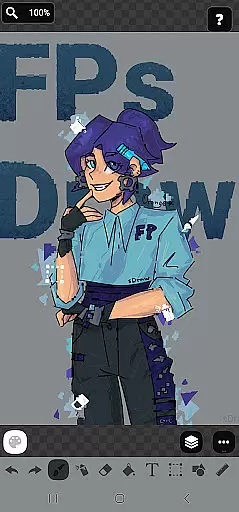
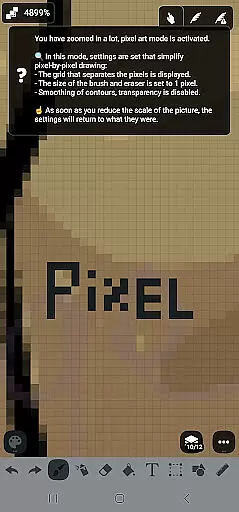
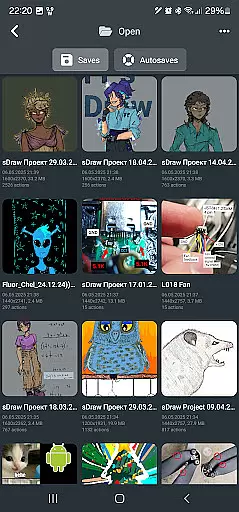
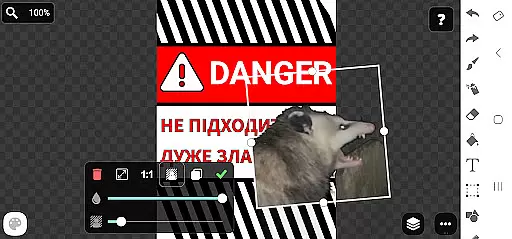
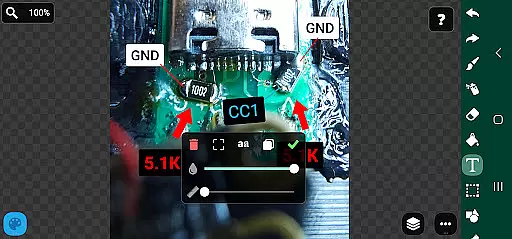
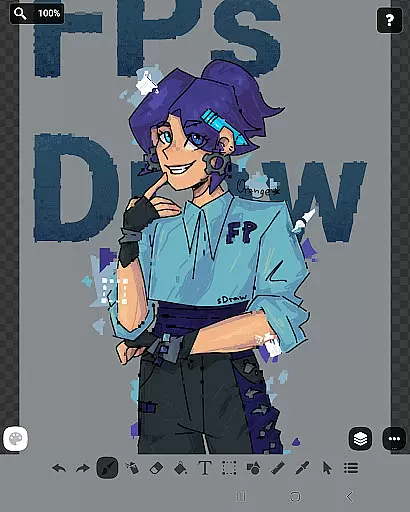
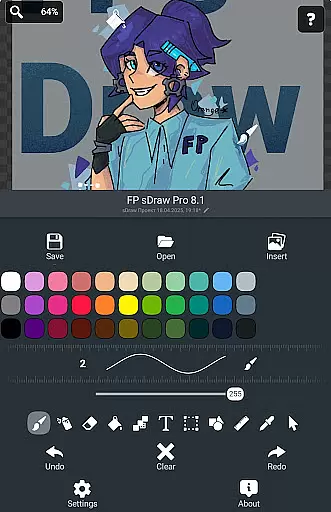
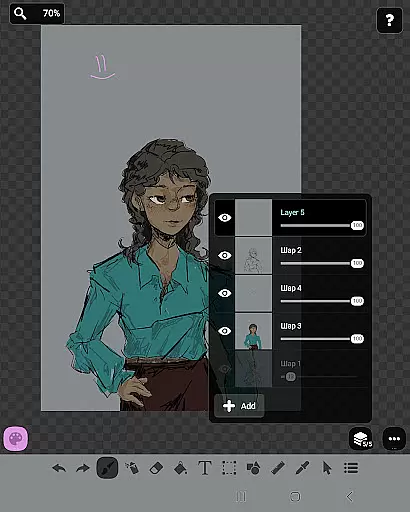
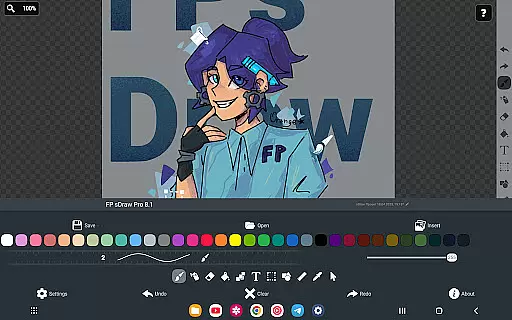
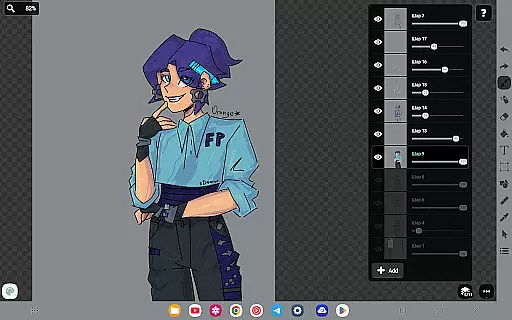
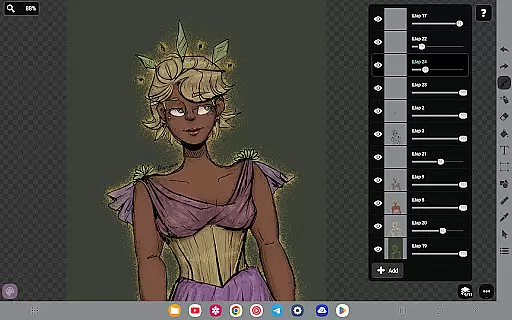
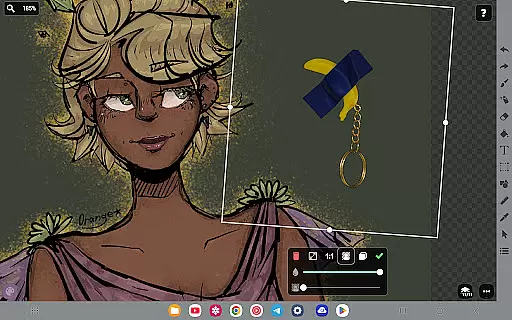
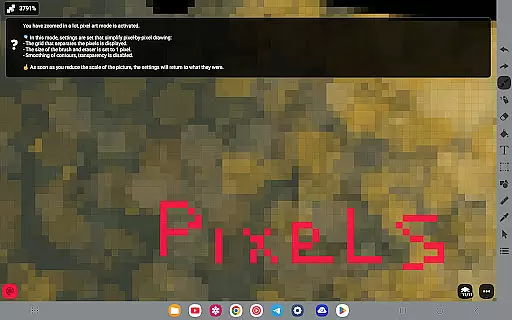
FP sDraw Pro is a streamlined drawing application designed for users who need a simple yet powerful tool for creative tasks. This app allows you to quickly sketch diagrams, create memes, or add text to photos with ease. With support for layers, airbrushing, and various shapes, it provides a complete set of features without any clutter.
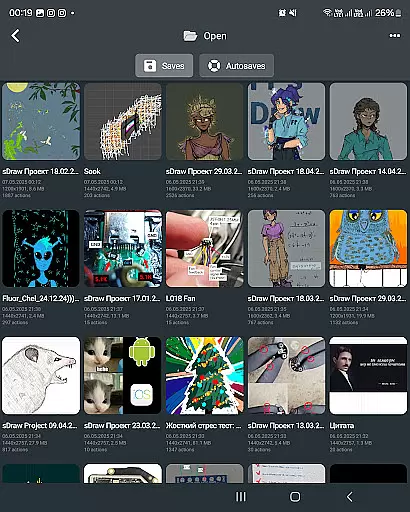
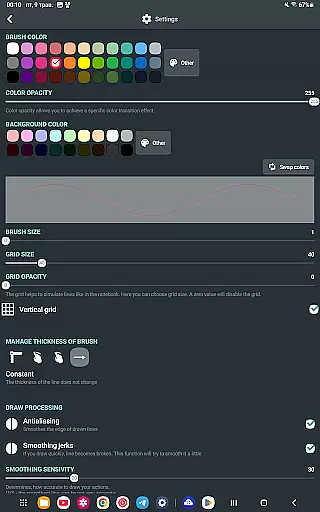
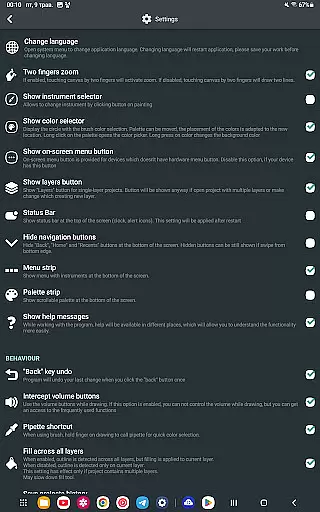
One of the standout aspects of FP sDraw Pro is its lightweight nature. The app occupies less than 1MB of space, installs in seconds, and works seamlessly even on older devices. Its user interface is fully customizable, ensuring that every artist can tailor the workspace to their liking. Additionally, automatic backups keep your work safe while helpful tips appear only when necessary, maintaining an uninterrupted workflow.
Whether you're marking up images, experimenting with styles, or creating detailed sketches, FP sDraw Pro offers a reliable solution without consuming device resources. It's perfect for both quick edits and more intricate projects, making it a versatile choice for all your drawing needs.
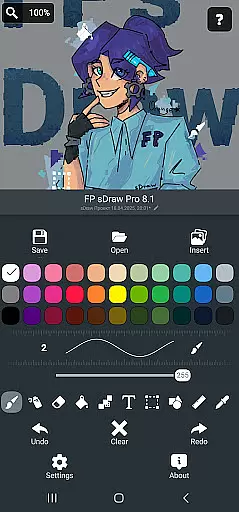
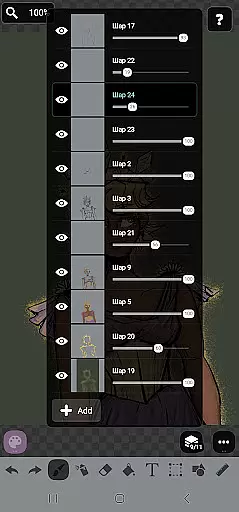
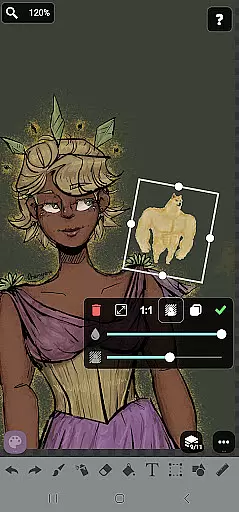
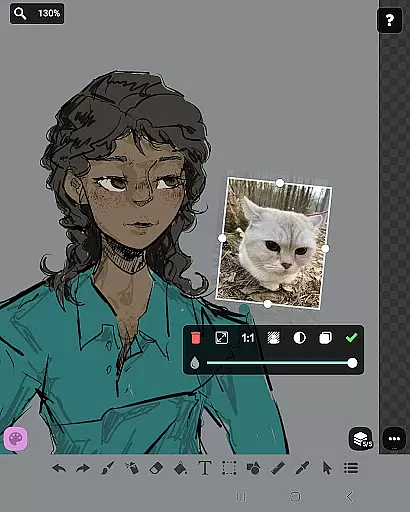
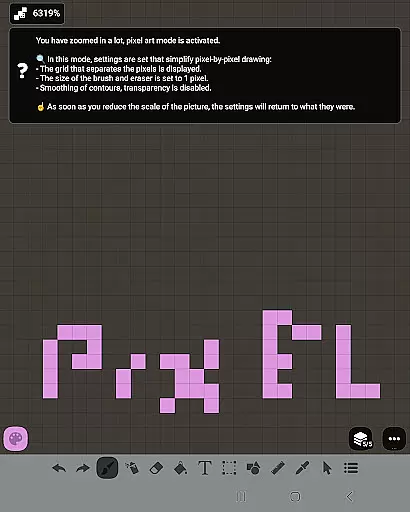
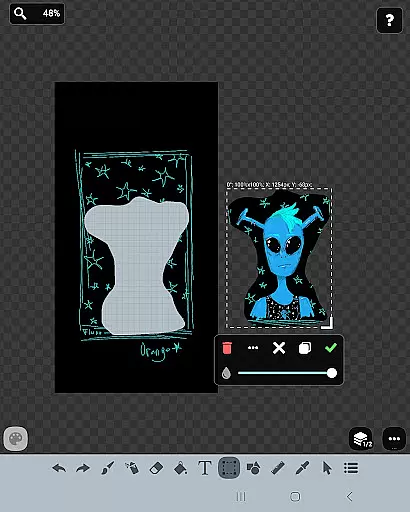
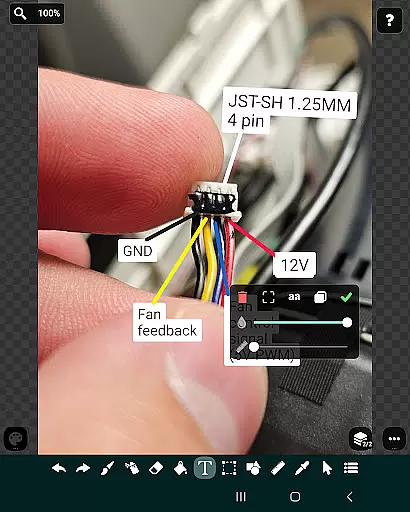
FP sDraw Pro boasts a rich array of features tailored to enhance your drawing experience. The app supports multiple layers, allowing you to organize complex sketches efficiently. You can insert images from your gallery, use brushes and erasers, apply airbrush effects, fill colors, add text, and utilize selection tools with precision.
In addition to these core functionalities, FP sDraw Pro includes advanced options like rulers, eyedroppers, mosaics, and precision brushes. These tools enable detailed work and experimentation with different artistic styles. The app also supports styluses such as sPen and Active Pen, providing a natural drawing feel.
The free version of FP sDraw Pro is fully functional, ensuring that essential features are accessible to everyone. For those seeking additional perks, the Pro version offers benefits like removing the 'sDraw' label from saved images and eliminating promotional messages. Importantly, projects created in the free version are fully compatible with the Pro version, ensuring a seamless transition.
In the realm of digital art, having a comprehensive set of creative tools is essential for artists to fully express their visions. FP sDraw Pro stands out by offering an extensive array of features that cater to both amateur doodlers and professional designers alike.
With functionalities ranging from basic brush and eraser options to more sophisticated features like layers, airbrush effects, text insertion, and shape tools, this application ensures that all your artistic needs are covered. The inclusion of a precision brush and mosaic effect further extends its utility, allowing for intricate detailing and unique stylistic choices.
Users will appreciate the flexibility provided by FP sDraw Pro's customizable UI, which even allows for altering button shapes to suit personal preferences or workflow requirements. This level of customization empowers creators to tailor their workspace efficiently, enhancing productivity without compromising on creativity.
The ability to work with various canvas sizes and formats is a critical aspect of any art and design software, enabling artists to adapt their work for different mediums and platforms seamlessly. FP sDraw Pro excels in this area by providing users with unparalleled freedom when it comes to project setup.
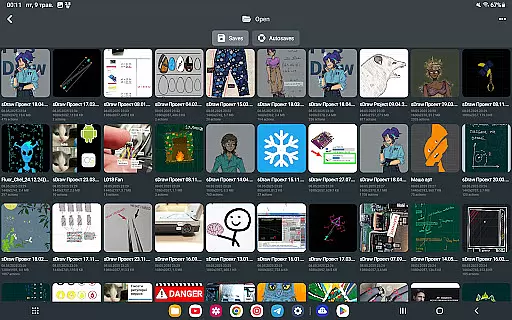
Artists can start new projects with custom dimensions tailored specifically for their intended output, whether it be web graphics, print materials, or social media content. Additionally, the support for importing images directly from the gallery means you're never limited by pre-existing assets; incorporate external visuals effortlessly into your creations.
Furthermore, compatibility across devicesu2014including stylus support such as sPen and Active Penu2014ensures that no matter where inspiration strikes, FP sDraw Pro is ready to capture those moments accurately. This cross-device functionality not only broadens accessibility but also maintains consistency throughout an artistu2019s portfolio.
User-friendly interface
No ads or distractions
Lightweight and fast
Fully customizable UI
Automatic backup feature
Limited advanced features
No cloud sync option
Basic UI design
Small user community
Minimal tutorials available

Premium version of Shimeji-ee app with no ads & no limit active shimeji
 4.3
4.3
The ultimate tool for creating animations
4.60
Art of Combination Wear OS Watch faces (for Wear OS 5+ devices)
3.00
Design your dream room with AI. Get decor ideas & plan home interiors
3.90
Draw anime & manga drawing, art with templates to create stunning picture!
4.50
Create color palette from Image, RGB & RYB Color wheel harmonies, Color Scheme
4.50
Art of Combination Wear OS Watch Faces
3.30
Bring One UI 8.5 Icons to life -elegant dark icons with a modern, premium touch.
4.30
Just trace a projected picture on paper and color! Draw & Paint with AR drawing
4.40
Passport size photo maker, create ID photo and visa photo in seconds
4.80
Create stunning art with AI.
4.80
Novices can also easily complete diamond painting masters
4.70
Draw glowing spinners, relax, and spin your creative art
4.60
Digital illustration drawing & painting pad app to paint Anime and Manga art
4.50
Draw Trace image sketch by, AR art projector app, Easy to trace any image.
4.50
AI Tattoo Generator: Create Tattoo Designs & Get Ideas! Ink & Stencil Maker
4.50
AI generated images & photos, turn your words into drawing, painting & pictures.
4.30
Digital Drawing: Draw & Paint
4.10
Turning simple sketches into captivating tales filled with life and motion
3.90


User Reviews