
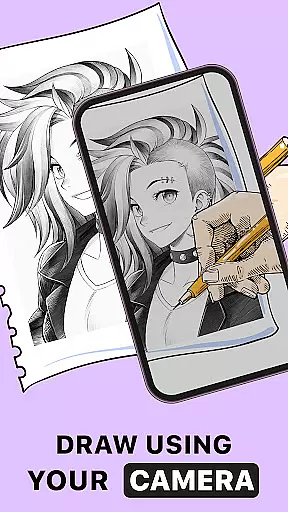
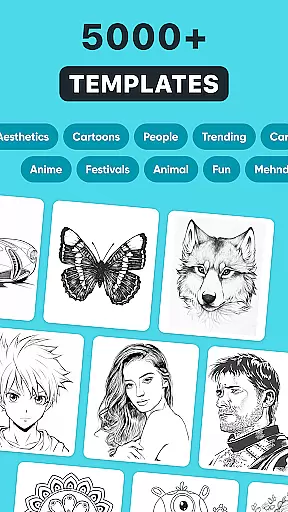
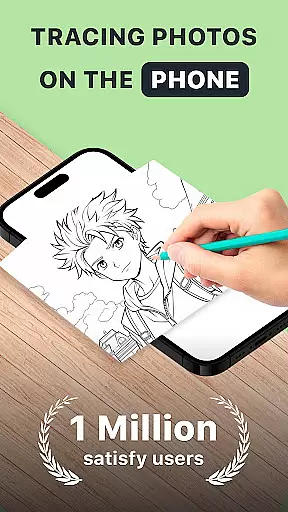
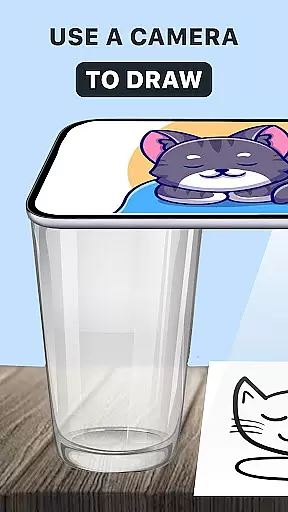
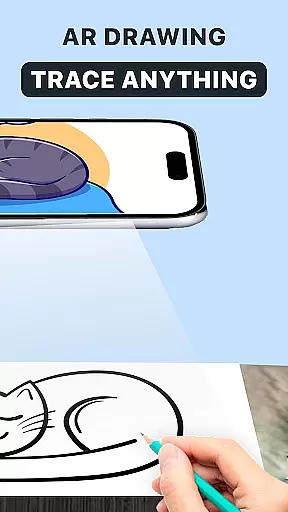
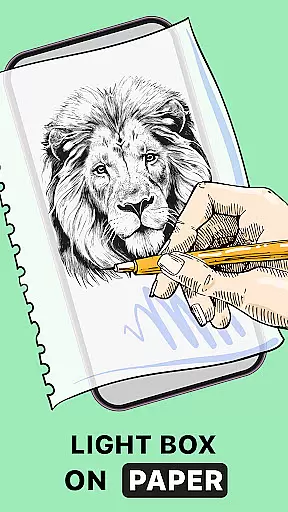
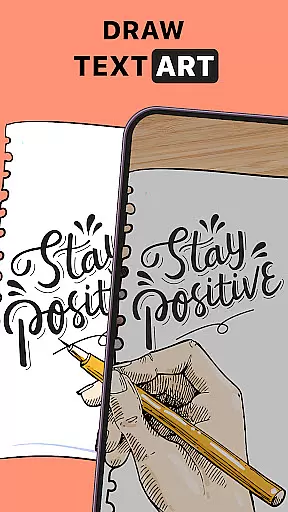
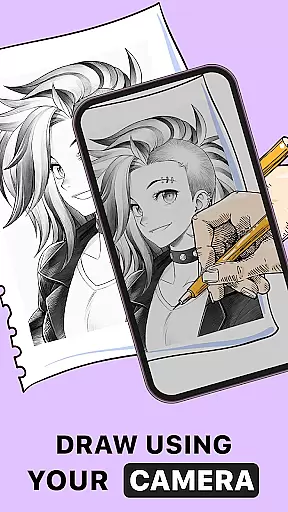
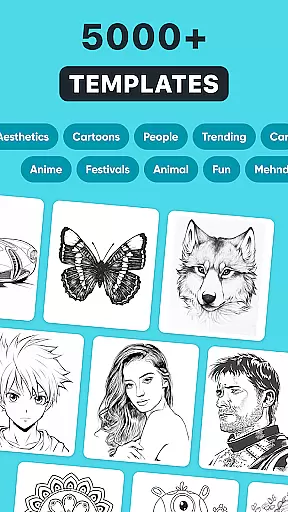
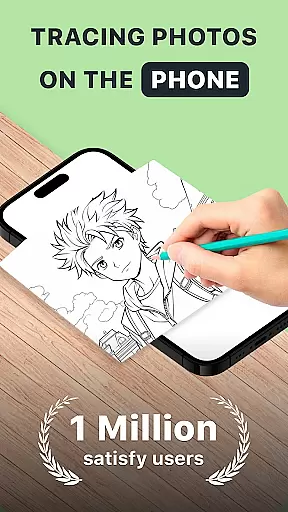
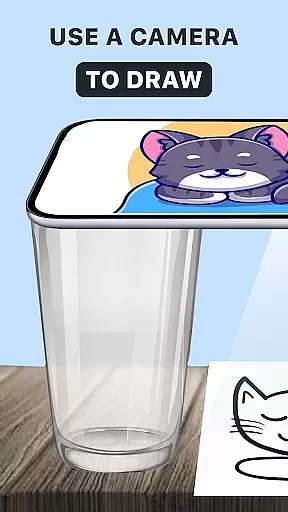
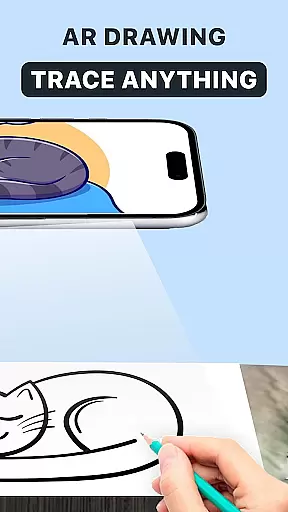
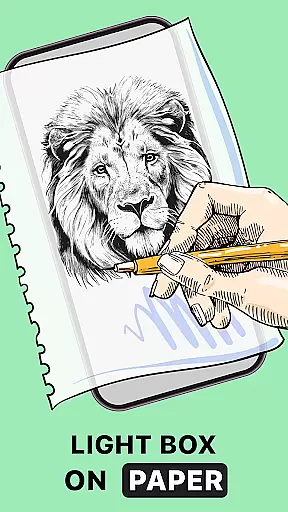
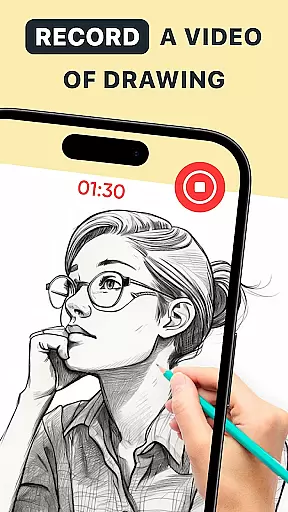
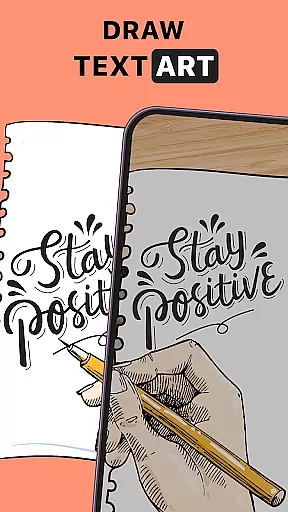
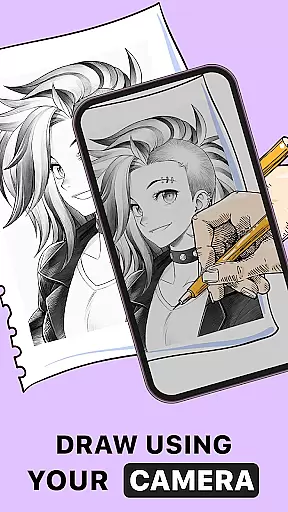
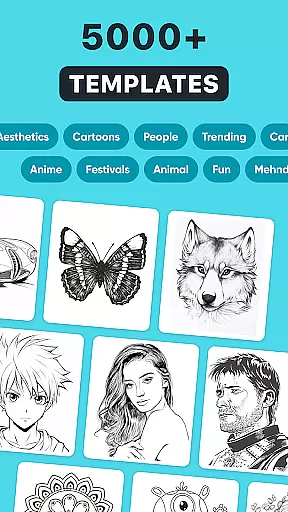
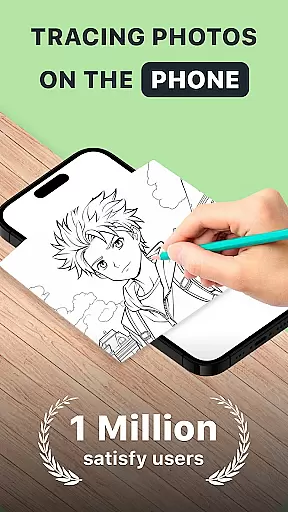
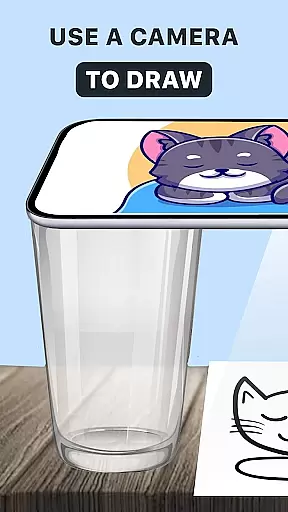
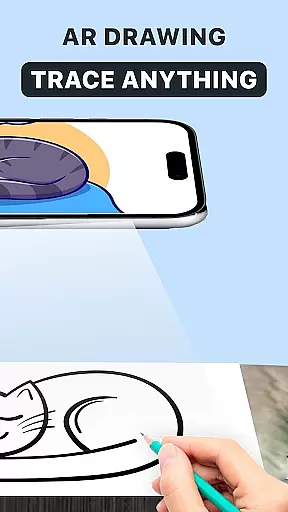
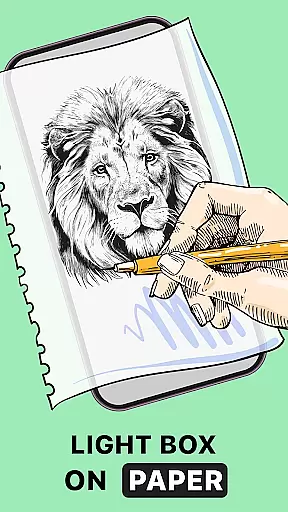
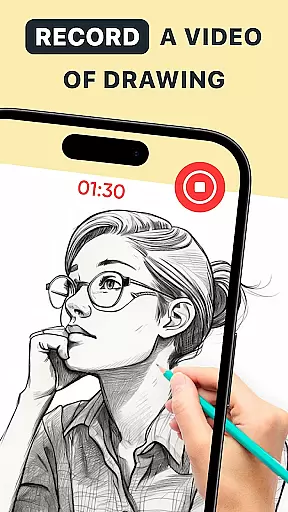
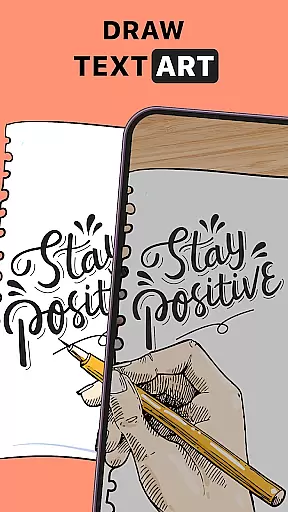
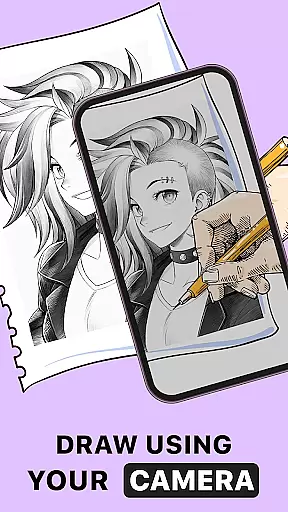
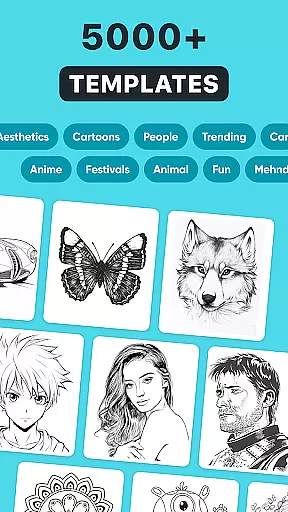
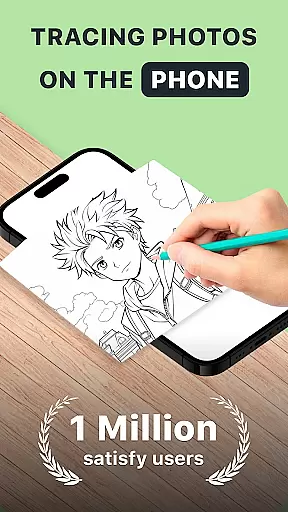
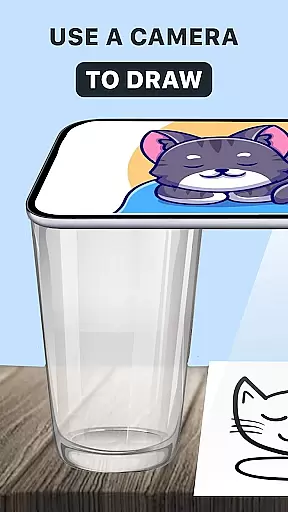
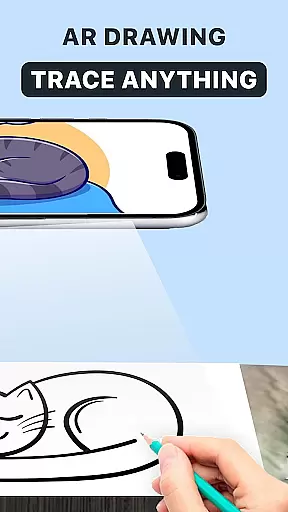
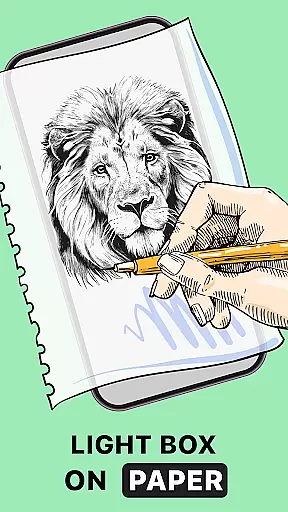
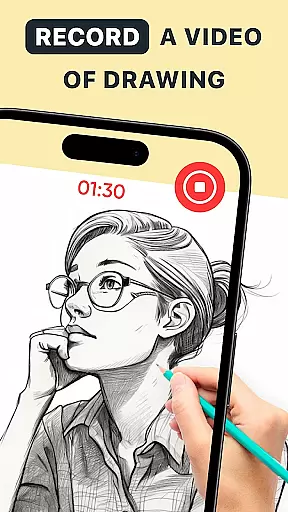
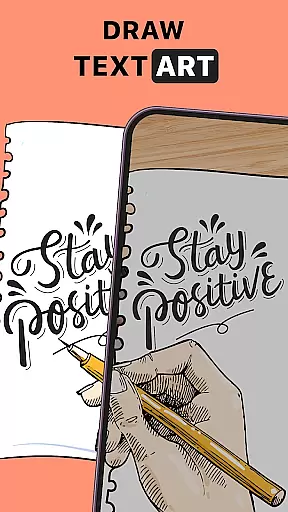
AR Drawing: Trace Anything is an innovative art application designed for both amateur and professional artists. This app revolutionizes the drawing experience by incorporating augmented reality (AR) technology, allowing users to trace and create artwork with ease. The core functionality includes AR tracing, where users can select images from their gallery or the app's library and project them onto their sketchbook for precise tracing.
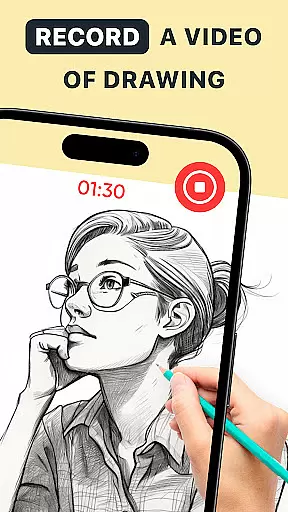
In addition to its primary tracing feature, the app offers a comprehensive suite of tools that cater to various artistic needs. Users can enhance their skills through guided drawing, create detailed sketches from photos, and even record time-lapse videos of their creative process. Whether you're working on simple drawings or complex designs, this app provides the flexibility and precision needed to bring your artistic visions to life.
The app is particularly useful for family-oriented activities, making it an excellent choice for parents who want to engage their children in creative play. With its user-friendly interface and versatile features, AR Drawing: Trace Anything transforms any environment into a personal art studio, empowering users to create impressive artwork anytime, anywhere.
One of the standout features of AR Drawing: Trace Anything is its advanced AR tracing capability. This function projects selected images directly onto the user's sketchbook, providing a perfect outline to trace. The app's rich library offers a wide selection of images, while also allowing users to import their own photos for tracing. This makes it an invaluable tool for improving drawing accuracy and developing artistic skills.
Beyond basic tracing, the app includes several features that enhance the overall drawing experience. Users can personalize their artwork with various effects, such as transparent lines and color overlays. The time-lapse recording feature enables artists to capture their creative process, making it ideal for creating tutorials or sharing their work on social media. Additionally, the app supports different artistic styles, from simple drawings to complex anime illustrations.
The versatility of AR Drawing: Trace Anything extends to its accessibility across different skill levels. Beginners can benefit from the guided drawing features, while experienced artists can utilize the app's precision tools to create detailed masterpieces. The application's intuitive interface ensures that users of all ages and abilities can easily navigate and utilize its full range of features, making it a comprehensive solution for digital art creation.
In the realm of digital art, having access to comprehensive creative tools is essential for artists looking to express their visions fully. AR Drawing: Trace Anything offers a robust suite of features that cater to both budding and experienced artists. The app includes functionalities such as AR drawing, trace drawing, and an extensive sketchbook, which collectively ensure that creators have everything they need at their disposal.
One of the standout aspects of this application is its ability to transform any picture into a traceable outline, allowing users to create detailed artwork with ease. This feature not only simplifies the process of drawing but also enhances the quality of the output, making it a valuable asset for those looking to refine their skills or produce professional-grade content.
Furthermore, the app provides various customization options, including transparent and line effects on images, empowering artists to personalize their work extensively. Whether you're interested in creating complex designs or simple sketches, AR Drawing: Trace Anything equips you with the necessary tools to bring your artistic visions to life effortlessly.
Flexibility in canvas and format options is crucial for artists who wish to explore different styles and dimensions in their work. AR Drawing: Trace Anything excels in providing users with versatile solutions that accommodate a wide range of artistic needs. With the ability to adjust canvas sizes and formats, artists can experiment freely without being constrained by traditional limitations.
The app supports diverse artistic endeavors, from drawing anime characters to crafting intricate designs. Its compatibility with various image formats ensures that users can import and export their creations seamlessly, maintaining the integrity and quality of their artwork throughout the process.
Additionally, the convenience of using just a smartphone and a sheet of paper opens up new possibilities for creativity, regardless of location. Whether you're traveling, at home, or in a park, AR Drawing: Trace Anything allows you to capture your ideas instantly and share them with others, fostering a dynamic and interactive artistic community.
User-friendly interface
Advanced AR tracing
Rich image library
Time-lapse recording
Versatile artistic tools
Limited free features
Requires stable internet
Occasional glitches
Premium subscription cost
Device compatibility issues

Easy 3D drawing design maker & creator. Model designing, Sculpting. Create&paint
 4.00
4.00
Text to Image, Image to Video & AI Chat
4.20
Logo Generator powered by AI: Create stunning logos effortlessly!
4.70
See Color, Paint Color
4.90
Draw anime easily with AR guidance, sketch templates & trace tools!
3.10
Powerful home decoration & house design that allows you to design dream home.
3.80
Get creative and make art with your Sesame Friends!
4.00
Art of Combination Wear OS Watch Faces
3.30
Resize photos and print photos in exact size with our powerful photo printer!
3.80
2D animation studio for Android tablets - unlimited layers, infinite timeline
4.70
Castle is social media for creating and playing games!
4.60
The perfect place to start sketching! Use Sketchbook to draw and paint sketches.
4.50
Painting, drawing, & sketching
4.50
Video AI: Revolutionize Your Content Creation with Advanced Video Generation
4.50
OneUI 8.5 icons ✨ Smooth, modern & based on the latest Play Store design ??
4.10
Floor Plan Creator lets you create, edit and share floor plans.
4.00
Paint with oils and sketch with natural tools on a realistic virtual canvas.
3.80
Transform photos into amazing monochrome dither art with professional algorithms
4.2
Art of Combination Wear OS Watch Faces
4.4


User Reviews