
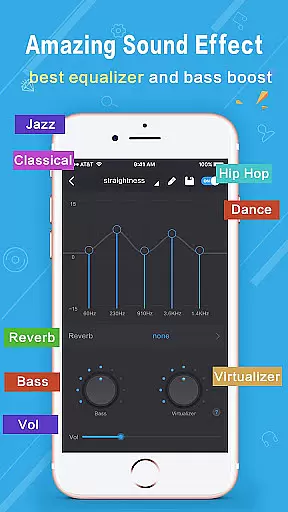
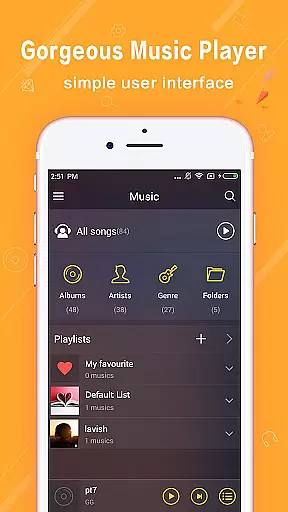
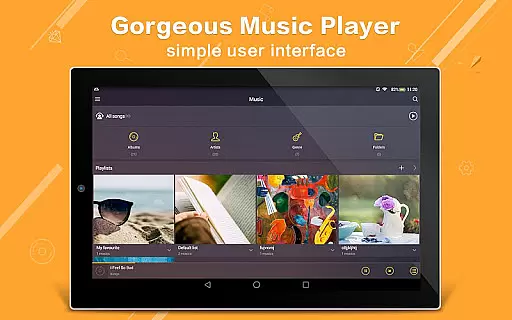
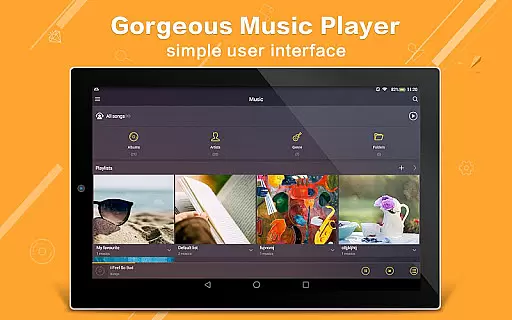
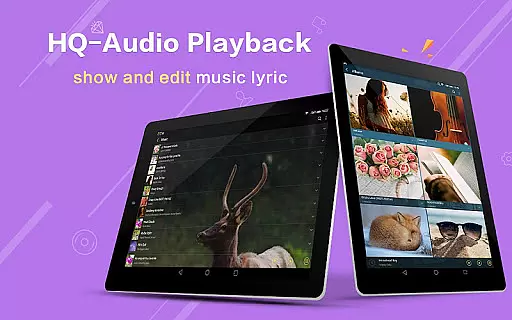
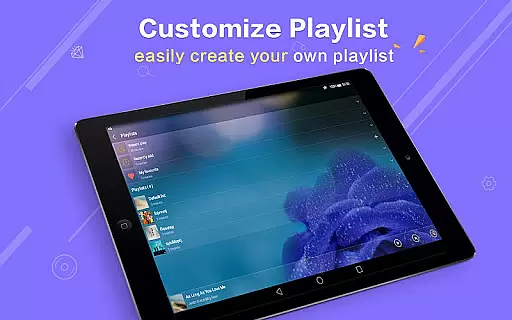
Music Player Plus is a feature-rich audio player designed for music enthusiasts who demand both functionality and customization. This powerful app supports all popular music file formats, allowing users to browse and play their music by albums, artists, songs, playlists, or folders. The app's standout feature is its advanced equalizer with over 22 preset tone styles, including Classic, Jazz, Pop, and Rock, enabling users to fine-tune their listening experience.
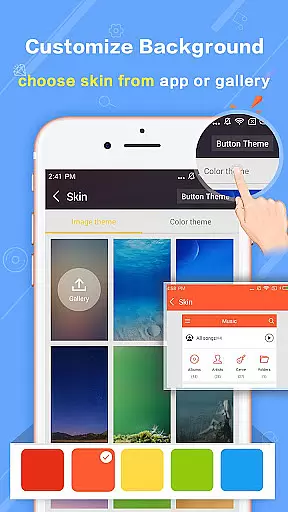
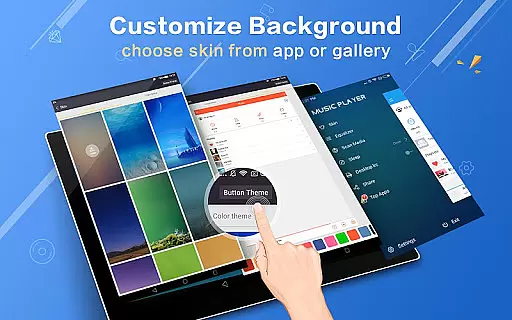
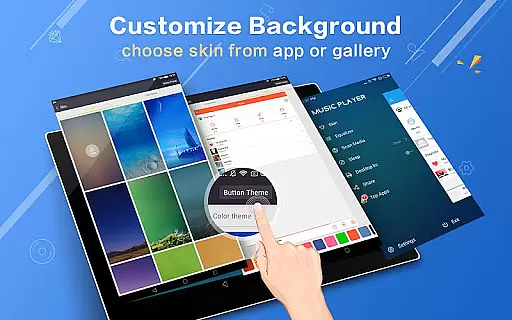
In addition to its core playback capabilities, Music Player Plus offers a visually appealing interface with replaceable background skins. Users can choose from 22 built-in designs or set personal photos as the background. The app also includes practical widgets, lyric support, and innovative features like shake-to-change-song. These comprehensive features make it an ideal choice for those seeking a versatile music player that combines professional-grade sound control with aesthetic customization options.
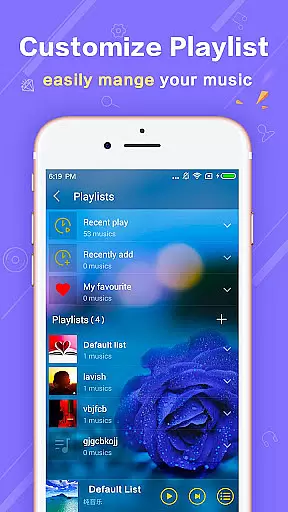
Music Player Plus distinguishes itself through its extensive feature set tailored for both casual listeners and audio professionals. The app's powerful equalizer allows precise control over sound profiles, with customizable tone settings that let users create their perfect audio experience. Its unique folder-based organization system enables quick searching and easy management of music libraries, regardless of how files are stored on the device.
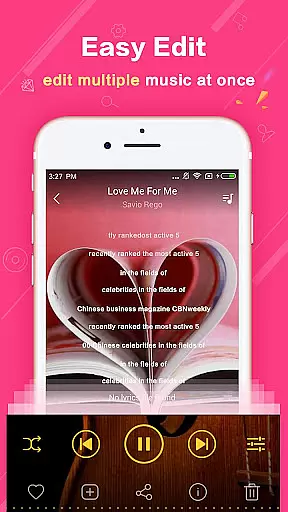
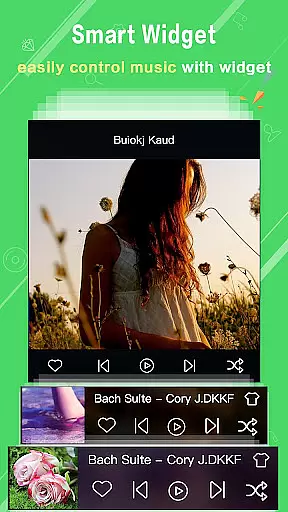
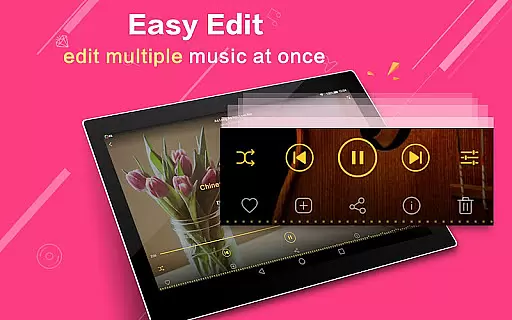
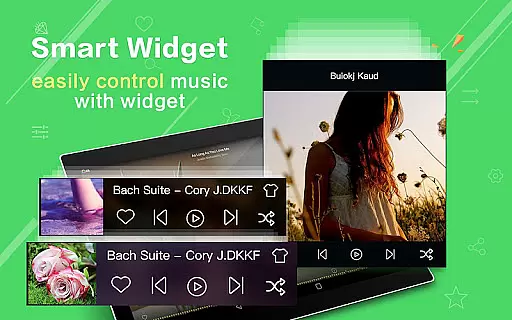
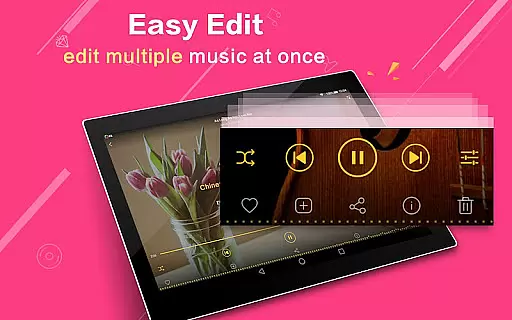
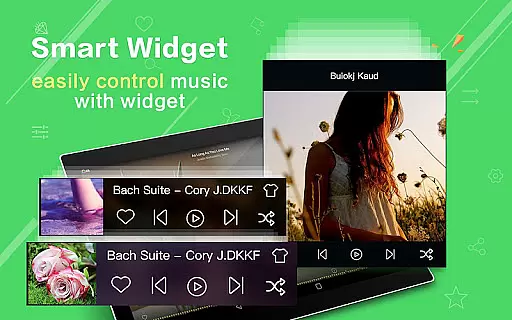
The application provides three different home screen widgets (4x1, 2x2, 4x1) for convenient playback control and supports automatic lyric matching for an enhanced listening experience. Notably, the app offers innovative gesture controls - shaking the phone changes tracks - and comprehensive notification support showing album artwork and playback controls. With additional features like genre sorting, multi-select file operations, and Bluetooth/headset controls, Music Player Plus delivers a complete package for managing and enjoying digital music collections.
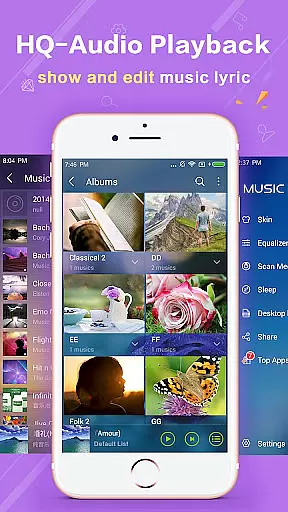
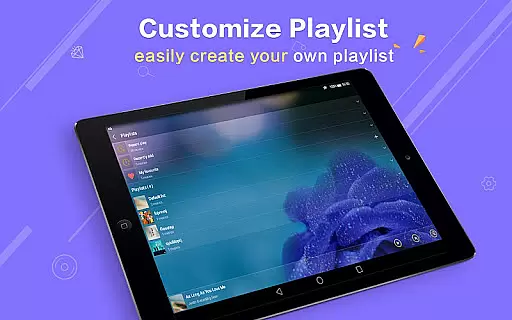
Music Player Plus offers an extensive music library that supports all the most popular music file formats, ensuring users have access to a wide variety of audio content. The application's capability to quickly search and locate music files across albums, artists, songs, playlists, and folders significantly enhances user experience.
The app stands out by not only categorizing music based on artists or albums but also through folder structure navigation, which simplifies music management. This meticulous organization and presentation of music files affirm the app's commitment to copyright authenticity, providing users with peace of mind regarding the legality of their audio collection.
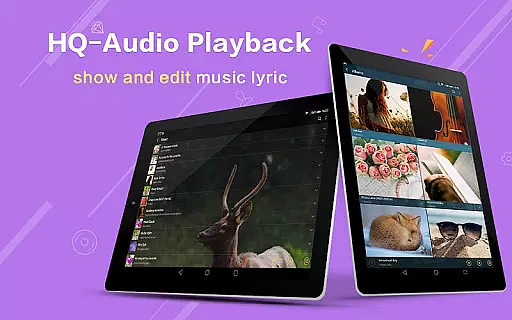
Furthermore, Music Player Plus enriches its music library with genre lists and supports lyric files, automatically scanning and matching them with corresponding tracks. This feature not only adds value in terms of usability but also reinforces the legitimacy and depth of its music repository.
At the heart of Music Player Plus lies its powerful equalizer, offering more than 22 preset music tone styles ranging from Normal to Rock. This diversity allows users to customize their listening experience according to personal preferences or specific audio requirements, enhancing overall sound quality.
Beyond presets, the app empowers users with the ability to manually adjust the equalizer for a tailored music style. Such granular control over audio settings ensures optimal playback fidelity, making each listening session a personalized auditory journey.
In addition to customizable audio settings, the player supports high-quality background skins and displays album artwork in notification status. These features contribute to both aesthetic appeal and functional clarity, underlining the app's dedication to superior audio and visual quality.
User-friendly interface
Powerful equalizer
Customizable skins
Comprehensive file support
Innovative features
No cloud integration
Limited sharing options
Heavy on resources
Complex for beginners
Occasional bugs

Equalizer, Bass Booster and Volume Booster (Eq & Bass) improve sound quality
 4.30
4.30
The Music Journey in Your Hands
4.30
Most Advanced AI Song Generator and Music Creator. Rap, Pop, Rock, Gospel & more
4.70
Permanently backup Now Playing. Maps, filters & listening stats.
4.00
Super Sound Editor, Song Maker & Mixer, Vocal Remover, Voice Recorder & Changer!
4.60
Voice recorder - Audio recorder. Best recorder for recording
4.90
A complete sound package for the sound engineer or enthusiast
4.60
The Minimalistic Premium Music Player. Handmade with passion for music
2.20
Be a true music maker: create beats, mix and make music like a real DJ!
4.30
JBL PartyBox APP works with 110/310/710/120/320/520/Encore/Encore 2/Encore Ess 2
4.80
Your song collections with lyrics and chords on Android smartphones and tablets.
4.80
Performance-Synthesizer & Multi-Track-Sequencer, polyphonic + multi timbral!
4.70
Over 100 million tracks available for high quality streaming and download
4.60
Ringtone Maker is free app create ringtone from music files or your recording.
4.40
PowerAudio is a powerful offline music player.
4.20
Sheet music reader, piano & music note player. Play music score & learn to read.
3.90
Slow music down without changing pitch.
3.70
The Cubase remote control app
3.60
Make music anywhere. Turn your device into an instrument.
4.0


User Reviews