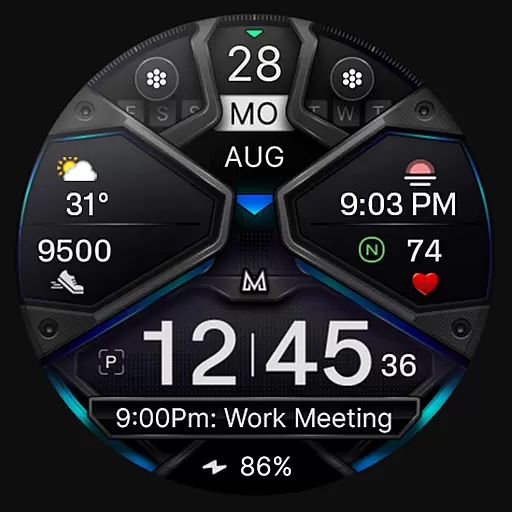
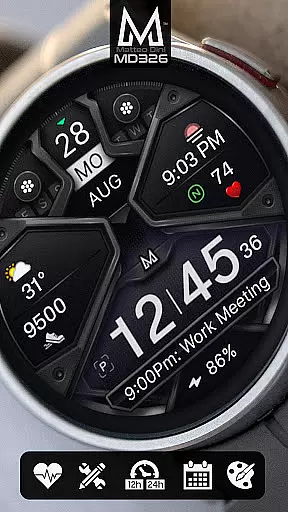
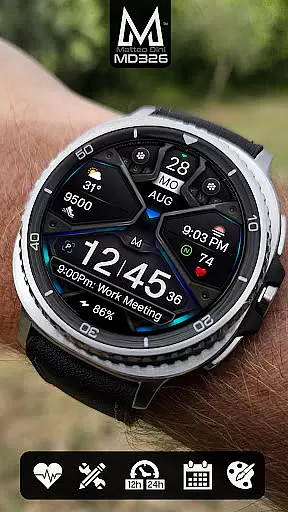
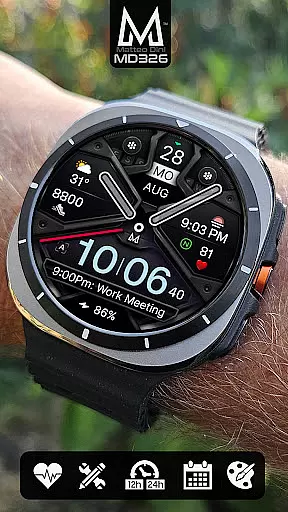
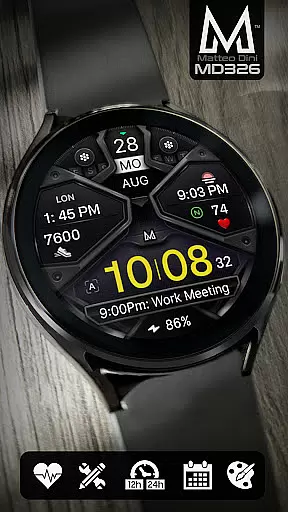
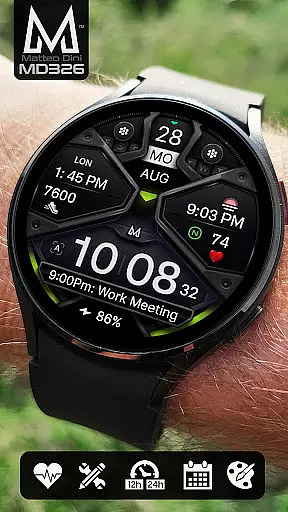
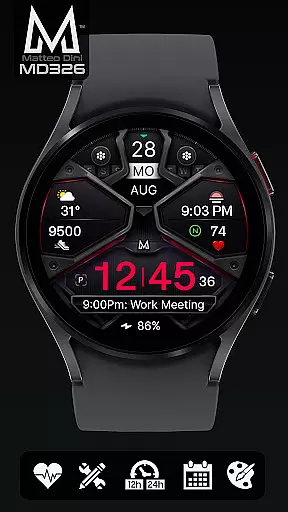
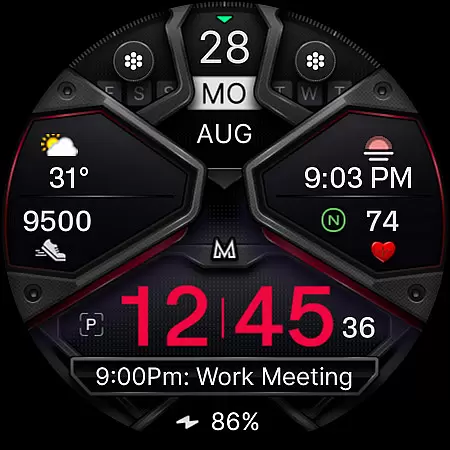
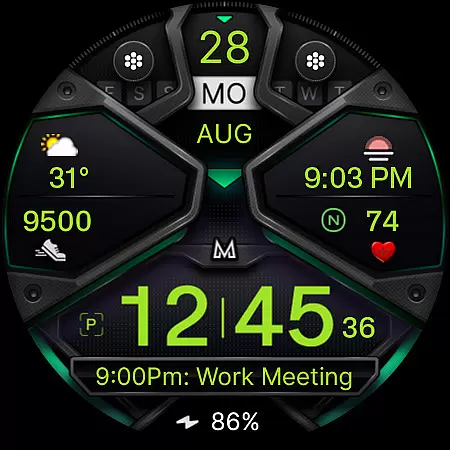
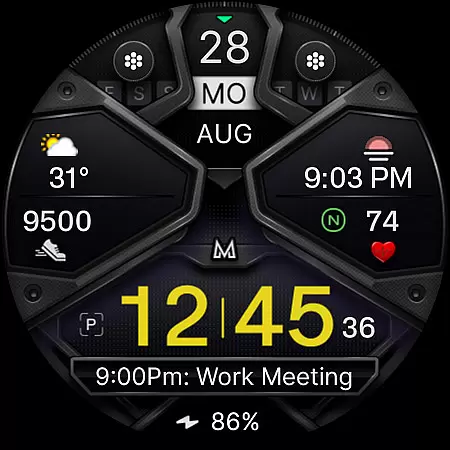
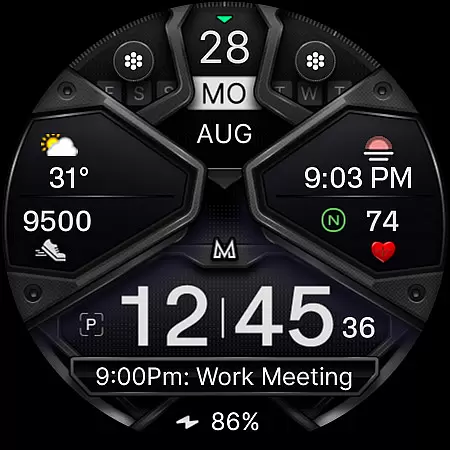
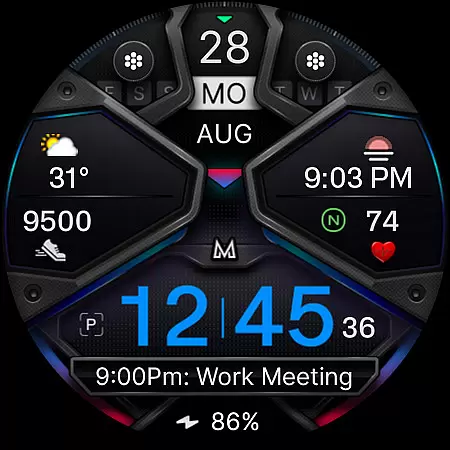
MD326 3D Modern Watch Face offers a customizable and feature-rich experience for Wear OS users. This advanced watch face supports devices with API Level 33+ including Samsung Galaxy Watch series and Pixel Watch models.
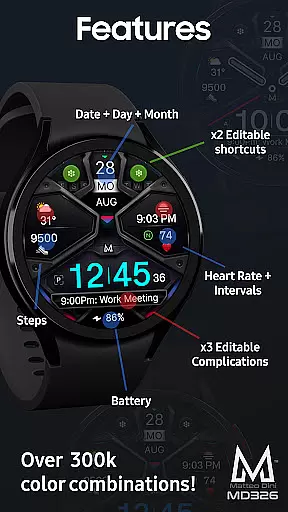
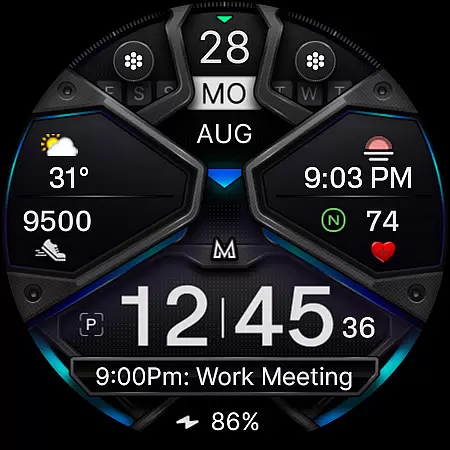
The design includes 3 preset app shortcuts, 2 customizable shortcuts, and 3 complications that can display various data points like weather and heart rate. Users can adjust colors, hide hands, and enjoy an Always ON Display option. The interface automatically adapts to 12/24-hour formats based on phone settings.
Ideal for those seeking both functionality and personalization in their smartwatch display, this watch face provides comprehensive timekeeping features along with health tracking elements such as step count and heart rate monitoring.
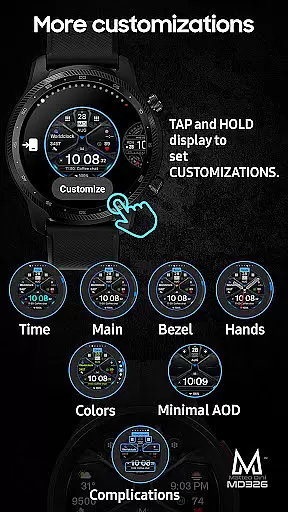
This sophisticated watch face stands out with its extensive customization options. Users can modify time, bezel, background colors, and more through an intuitive interface directly on their watch.
Key features include five shortcut slots - three preset for Calendar, Battery, and Heart Rate measurement, plus two fully customizable options. Three complication areas allow personalized data displays from weather forecasts to barometric pressure readings.
Practical functions encompass date, day, month indicators alongside battery level and step counter. The Always ON Display mode offers optional minimal styling while maintaining visibility. These capabilities make the MD326 both versatile and user-friendly.
Companion app integration is essential for a seamless smartwatch experience. The MD326 3D Modern Watch Face offers robust connectivity with its companion app, ensuring that all customizations and settings are effortlessly synchronized between the phone and the watch.
This watch face allows users to customize various aspects directly from their smartphone, including time format based on phone settings, app shortcuts, and complications like weather or heart rate data. These customizations ensure that users have access to their most important information at a glance.
The synchronization process is straightforward and reliable, thanks to the intuitive interface provided by the companion app. Users can easily navigate through different customization options such as changing colors of time, bezel, background, and more, providing a personalized touch to their wearable device.
By leveraging the Samsung Wearable app's editor, users can tap and hold the screen on their watch to select customization options. This ensures that even if there are temporary issues with the editor, users can still enjoy a high level of personalization directly on their device.
Ensuring broad compatibility across various devices is crucial for any Wear OS application. The MD326 3D Modern Watch Face supports all Wear OS devices with API Level 33+ (Wear OS 4 and later versions), making it accessible to a wide range of users, including those with Samsung Galaxy Watch 4-8, Ultra, and Pixel Watch models.
This extensive compatibility means that regardless of the specific Wear OS device, users can enjoy the advanced features of this watch face. It includes functionalities such as 12/24hr time display, date, day, month, battery status, step count, heart rate monitoring, and much more.
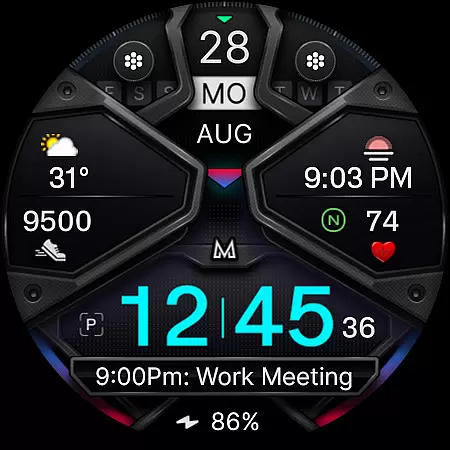
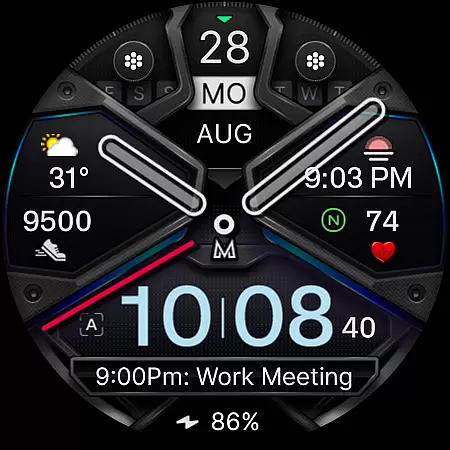
Moreover, the watch face offers an Always ON Display feature with optional minimal style, hideable hands, and changeable colors for time, bezel, background, and general elements. Such versatility ensures that every user can tailor the watch face to their preferences and needs.
For installation and troubleshooting, users are encouraged to refer to the comprehensive guide available on the official website. This resource helps address common issues and ensures smooth operation across supported devices, enhancing the overall user experience.
Highly customizable
Feature-rich interface
Modern 3D design
Comprehensive health tracking
Wide device compatibility
Complex setup process
Limited customer support
Premium price point
Occasional loading issues
Advanced features may overwhelm beginners

Watch the sharpness of the sky on your wrist..
 3.70
3.70
Wear Os Watch Face - Animated Snow - Sesonal for Christmas & Winter
4.5
Analog watch face with 8 complications and expedition styling
4.2
Easy Voice Recorder is your everyday companion to record important moments.
4.70
Simple Analog-Digital Watchface For Wear OS 3.0 and Up Smartwatches
4.0
Stay in touch with your friends and family using LINE!
3.40
Hybrid watch face for Wear OS with customizable complications by Matteo Dini MD
4.70
Want to take charge of your health? Let Google Fit help you reach your goals.
3.50
Toyota app currently supports 2010 or newer vehicles (2018 or newer for Hawaii).
4.50
The most customizable hybrid watch face. For Wear OS 5.0, API 34+ and later
4.70
Walking app for weight loss: walk & step tracker, pedometer, indoor treadmill
4.60
Kia Access makes getting your vehicle information easier than ever
4.60
A realistic hybrid watch face with many customization options.
4.60
Simple, helpful messaging by Google
4.60
Embrace the holiday spirit with this magical animated watch face!
4.40
Elegant animated Christmas tree with multiple customization options
4.20
Watch face for Wear OS.
4.20
Structured watch face with seven complications and modular UI elements
3.90
Hybrid Vibrant Health Watch Face for Wear OS
4.1


User Reviews