

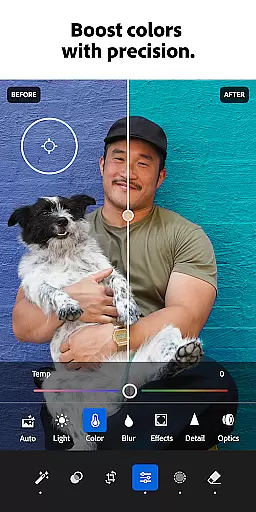





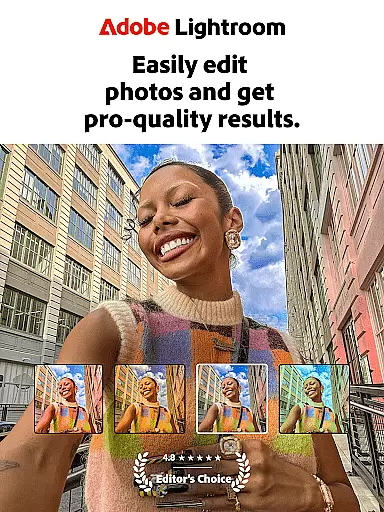
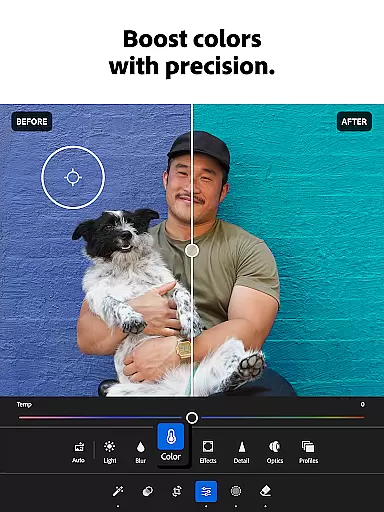
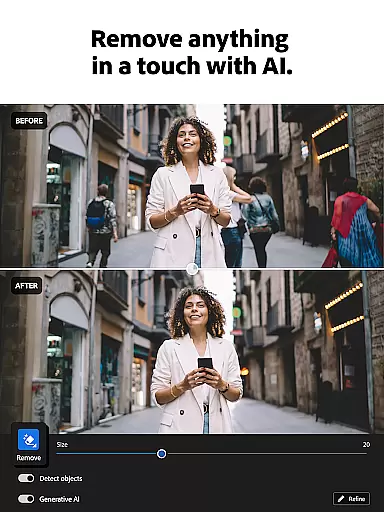
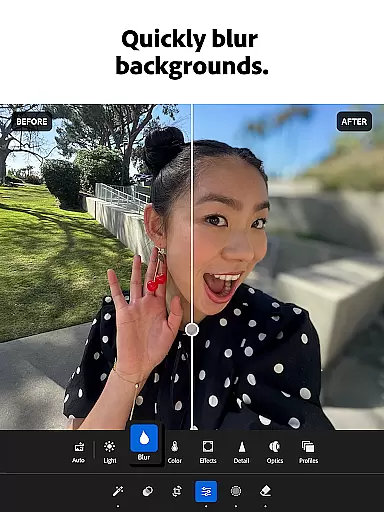
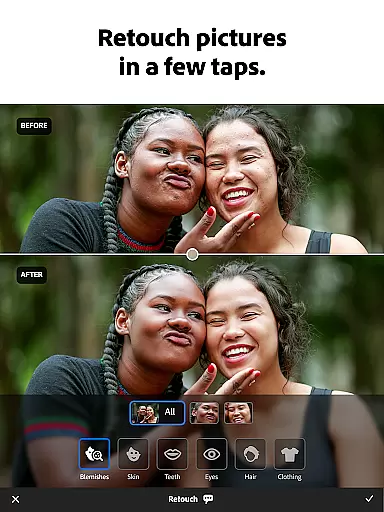
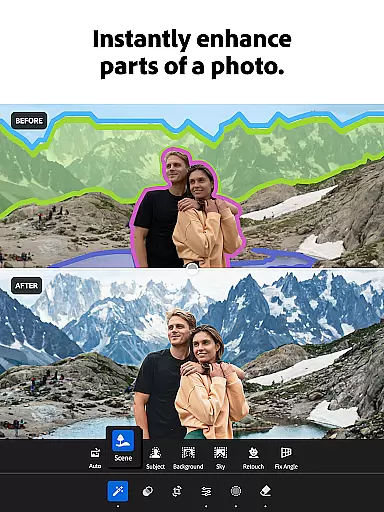

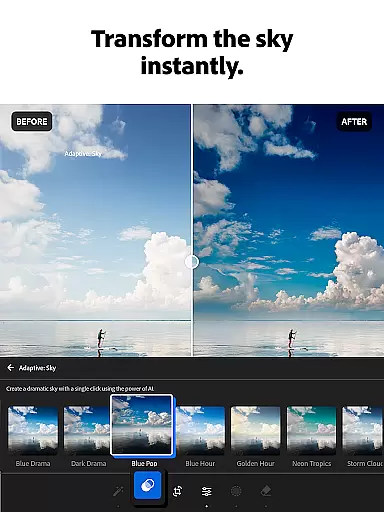
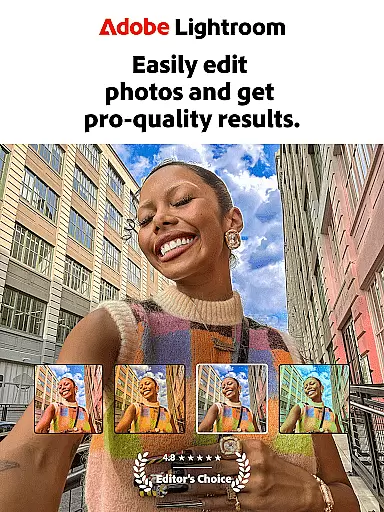
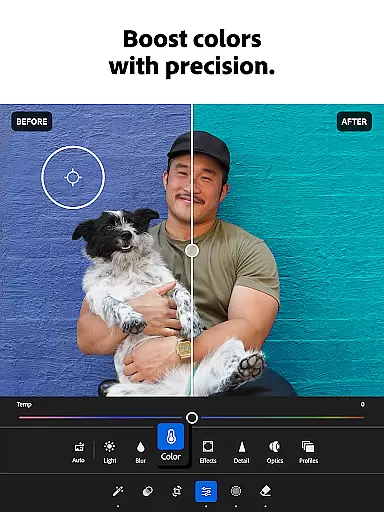

Adobe Lightroom is a comprehensive photo and video editing application designed to help users create professional-quality edits with ease. This powerful photo editor offers intuitive tools for retouching images, enhancing photo quality, and even editing videos. Whether you're adjusting lighting, applying presets, or removing unwanted objects, Lightroom provides the necessary features to produce shareworthy photos in seconds.
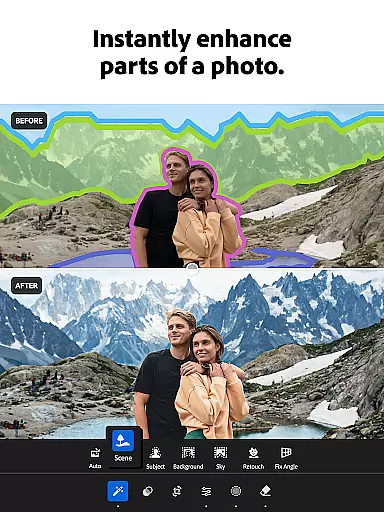
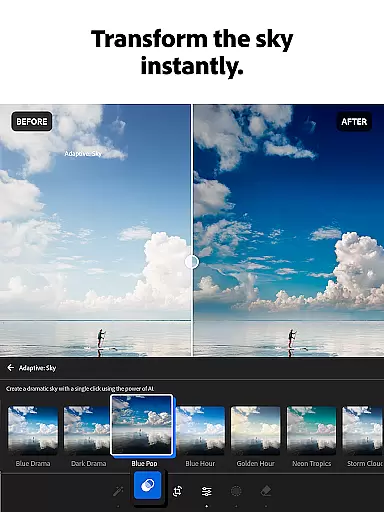
The app stands out with its AI-powered editing capabilities, one-tap enhancement options, and advanced retouching tools. Users can experiment with filters, color grading, and bokeh effects to achieve their desired aesthetic. Additionally, Lightroom supports batch editing, allowing users to apply consistent edits across multiple photos efficiently. With its robust feature set, this app is perfect for photographers who want to curate an impressive social media feed or simply enhance personal memories.
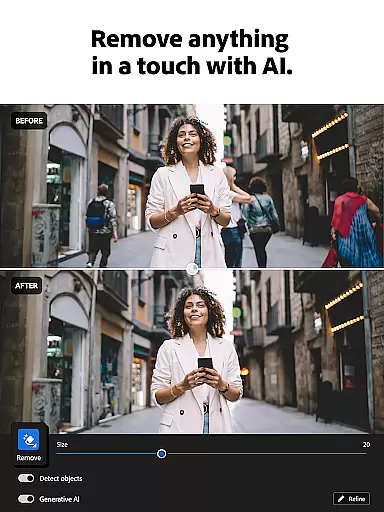
Lightroom offers an extensive range of features that cater to both amateur and professional photographers. The app includes Quick Actions and Adaptive Presets, enabling users to enhance photo quality with just one tap. Its state-of-the-art retouching tools allow for detailed adjustments such as exposure correction, highlight tweaking, and shadow management. Furthermore, the Generative Remove feature lets users erase unwanted objects or people from photos seamlessly.
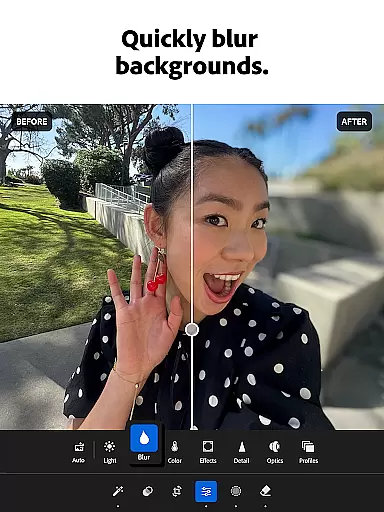
Video editing is another strong suit of Lightroom, providing tools for adjusting light, color, and applying presets to videos. The app also supports HD photo effects, hue and saturation adjustments, and background blurring for a polished look. With AI-driven suggestions, users can quickly touch up photos without needing prior experience. Additionally, community-shared presets offer endless inspiration, helping users match their aesthetic preferences effortlessly.
Real-time capture and preview functionality is essential for photographers who need to ensure their images are correctly composed and exposed before taking the final shot. With Lightroom Photo & Video Editor, users can leverage this feature to make immediate adjustments to their photos and videos.
The app provides live feedback on changes made to lighting, exposure, and other critical parameters, allowing users to see the effects instantly. This ensures that every photo taken meets professional standards without requiring extensive post-processing.
Photographers benefit from the ability to visualize edits in real time, which enhances their creative control and efficiency. Whether capturing sunsets or family moments, the real-time preview helps achieve the desired outcome faster and with greater precision.
AI beauty and enhancement features have become increasingly popular in photo editing applications. Lightroom Photo & Video Editor stands out by offering natural-looking enhancements that preserve the authenticity of the original image while improving its overall quality.
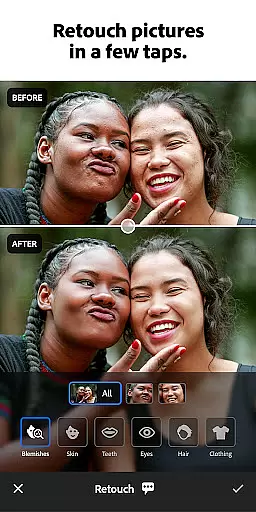
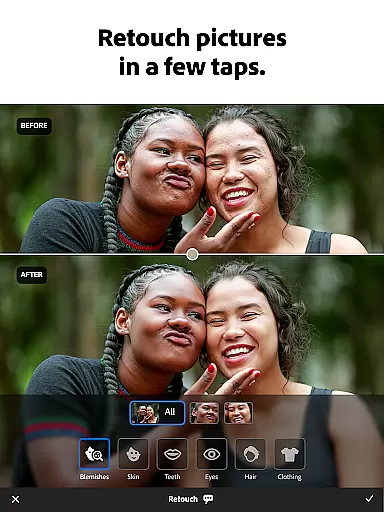
Using advanced AI algorithms, the app intelligently applies retouches such as skin smoothing, blemish removal, and background blurring. These enhancements are subtle yet effective, ensuring that edited photos maintain a realistic appearance.
Users appreciate the balance between enhanced aesthetics and genuine representation, making their photos shareworthy without appearing overly processed. The AI-driven tools provide professional-grade results accessible even to those new to photo editing.
User-friendly interface
Powerful AI editing tools
Extensive preset library
Batch editing capabilities
Professional-grade features
Subscription fees required
Steep learning curve
Advanced tools may overwhelm beginners
Limited free version functionality
High system requirements

How would you look like with a differently shaped nose, chin or lips?
 3.90
3.90
Edit like a pro with Hypic. Apply filters, AI effects, & magic touch.
4.40
Transform photos into videos! Create realistic or anime-style images easily!
4.50
The #1 app for B&W film developing featuring an advanced darkroom timer.
4.10
Amazing Photo Effects - The most fun you can have with your photos!
4.70
Movie camera, supports pro recording settings for filming. Try it and be amazed!
4.50
Create amazing frames with up to five photos. Rounded corners, effects and more!
3.60
Professional photography on your mobile phone
4.20
PhotoSync Bundle Add-On License. Enables all features and services in PhotoSync.
4.60
Photo editor: AI filters, photo enhancer, pic collage maker, AI art generator.
4.80
Enhance, upscale, and transform your images — on your device, without limits
4.70
Add Watermark - Sign your pictures with a text or logo. Effective, quick, easy!
4.50
Future baby face generator: AI kids generator, kid face! What my baby look like?
4.40
Smart, light, and fast photo and video gallery
4.30
All-in-One Editor & AI Photo Enhancer, Collage, Cartoonify, Funny Stickers & BGS
4.10
Transform Photos: Edit, Beautify and Craft Memories & Make Collages!
4.10
Photo editor: face & body editor, beauty cam, filters and quality enhancer.
4.00
Photobooth mini FULL app will allow you to add more fun to your parties
4.00
HD Photo gallery and photo manager to edit, hide private photos, videos & albums
4.5


User Reviews