
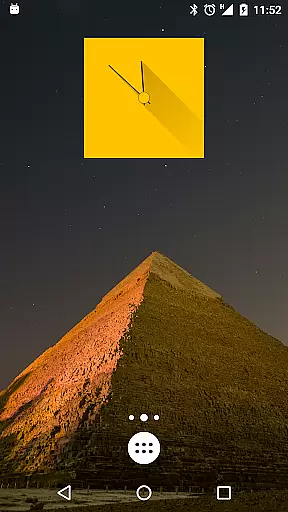
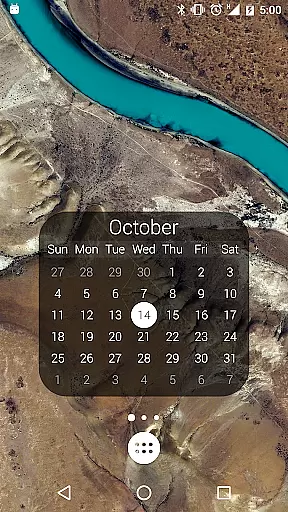
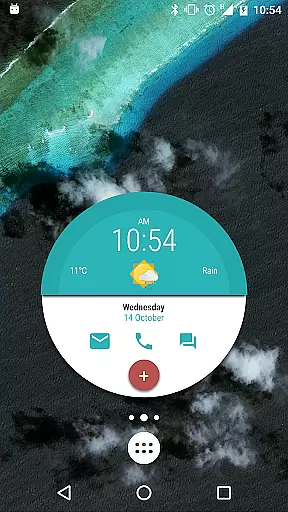
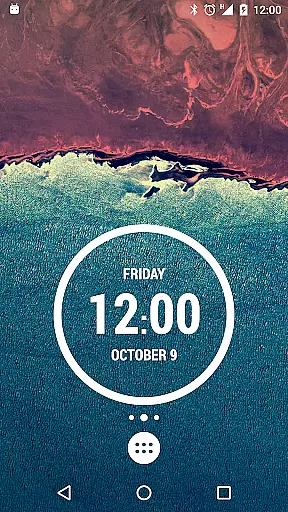
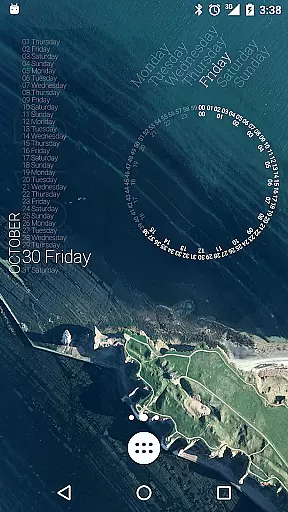
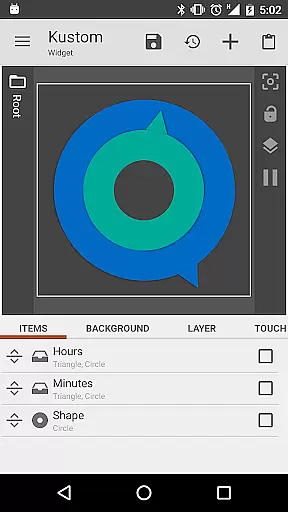
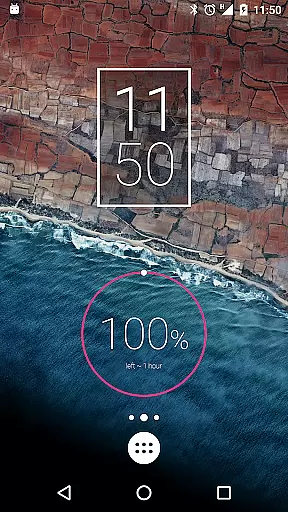
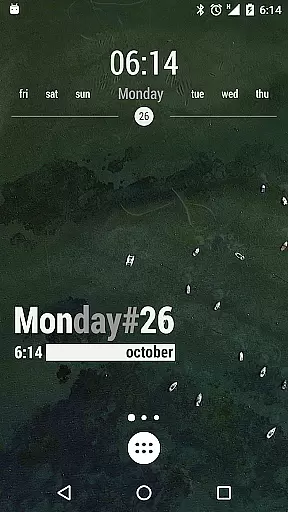
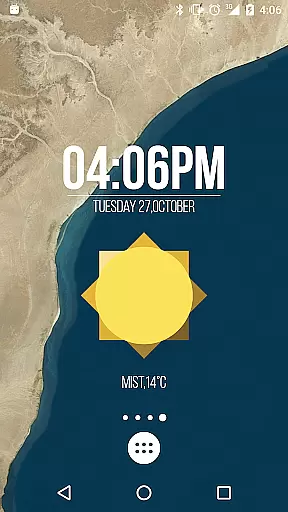
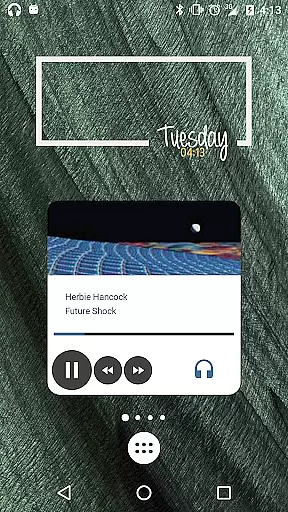
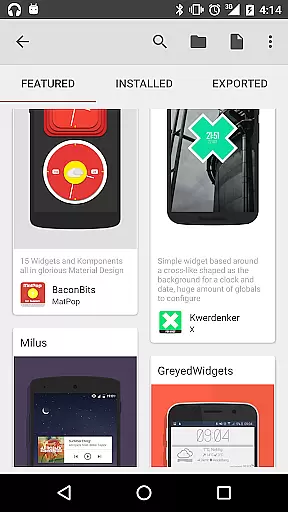
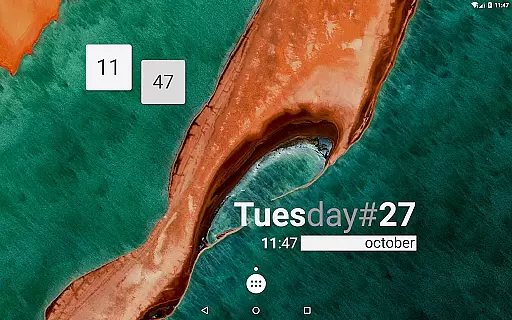
KWGT Kustom Widget Maker is the ultimate tool for personalizing your Android home screen. This powerful widget maker allows users to design custom widgets with complete creative freedom, displaying any data they need in a unique format. Whether you're looking to create aesthetic photo widgets or sophisticated system monitors, KWGT provides the tools to make it happen.
The app features an advanced WYSIWYG editor that gives users total control over their widget designs. From custom fonts and colors to interactive elements, the possibilities are endless. Users can build widgets that display weather information, digital and analog clocks, battery meters, music controls, fitness stats, and more.
For power users, KWGT offers complex logic programming, dynamic data downloads, and Tasker integration, enabling the creation of highly functional and automated widgets. KWGT Pro removes ads, supports the developer, unlocks additional features, and enhances the overall experience.
KWGT stands out with its comprehensive set of features designed for both beginners and advanced users. The app includes a full suite of text controls, allowing users to choose custom fonts, colors, sizes, and apply effects like 3D transformations and shadows. Shapes and images can be added using various formats including PNG, JPG, WEBP, and SVG, providing flexibility in design.
One of the key highlights is the pro-level layering system, similar to professional photo editors. Users can layer objects, apply gradients, color filters, and overlay effects such as blur and saturation. Interactive widgets can be created by adding touch actions and hotspots to any element, making widgets not just visually appealing but also functional.
KWGT also excels in data display capabilities. It can show detailed weather information, world clocks, sunrise and sunset times, battery estimates, Wi-Fi status, traffic info, next alarms, location, moving speed, and much more. Advanced users can utilize complex logic, dynamic data downloads via HTTP, RSS, XML/XPATH/Text parsing, and Tasker integration for automation.
Customization is at the heart of KWGT Kustom Widget Maker, allowing users to break free from the monotony of preset widgets. With an extensive suite of design tools, this powerful widget maker offers unparalleled flexibility in personalizing your Android home screen.
The app provides a full-fledged WYSIWYG editor where imagination leads the way. You can control every aspect of text design with custom fonts, colors, sizes, and effects such as 3D transformations and shadows. The ability to layer objects, apply gradients, and overlay effects like blur gives you the power to create professional-looking designs.
KWGT supports various shapes and images including PNG, JPG, WEBP formats, and SVGs, granting the user the freedom to incorporate any imagery into their widgets. Interactive elements are also at your disposal; touch actions and hotspots can be assigned to launch apps or toggle settings.
This level of customization ensures that each widget is not only a functional tool but also an expression of personal style, making KWGT an indispensable app for those looking to craft a unique and personalized smartphone experience.
Theme compatibility in KWGT Kustom Widget Maker means that the widgets you create will be harmoniously integrated into your device's existing aesthetic. Whether you have a default theme or a custom one, KWGT ensures that your widgets will match the look and feel you desire.
The app allows for the creation of widgets that display any data you need, from weather information to system stats, all while maintaining visual consistency with your chosen theme. This includes sophisticated color matching and the ability to apply global styles across different widget types.
With support for complex logic and dynamic data, KWGT enables the construction of widgets that are both visually compatible and functionally rich. Users can access a vast array of data points and present them through customized digital or analog clocks, fitness trackers, music players, and more.
By upgrading to KWGT Pro, users further enhance theme compatibility with features like importing presets from SD cards and external skins, ensuring that their home screen remains a true reflection of their personal taste without compromise.
User-friendly interface
Highly customizable
Versatile widget options
Advanced logic capabilities
Active community support
Steeper learning curve
Paid pro version
Requires technical knowledge
Occasional bugs
Ads in free version

Fingerprint Lock Screen & Live Animations with 4K Wallpapers as Live Wallpaper
 4.40
4.40
Art & Emoji Keyboard with Cool Fonts, Cute Themes and Custom Designs.
4.40
Interactive Miniature Painting Catalogue
3.30
Want to make your phone more special than ever?
4.60 4.50
4.50
Color phone with cool effects for call screen, flash alert & ringtones music
4.50
Organize and manage your photos and videos effortlessly with Photo Gallery
4.20
Vibrant Adaptive Icons with Material You and Enhanced Monet Colors.
4.50
Install amazing sticker packs: endless styles, always cool.
4.70
100+ Stylish Fonts, Emojis, Symbols keyboard for Instagram & TikTok!
4.80
A minimalist productivity launcher. One-hand-friendly. Zero ads.
4.70
Ultimate Gallery Lock App - Hide Pictures, Videos and Lock Apps Instantly!
4.60
Choose your keyboard with RGB colors effect, themes, fonts, emojis.
4.60
Stylish Pink Cute Hippo keyboard with 10000+ customized keyboard themes!
4.60
Customizable screen pets that play, climb, and keep you company.
4.50
Turn text & photos into stunning AI videos, art, and creative visual stories.
4.50
Transform your device in a game console
4.40
Your home screen, just the way you like it.
4.30
Customize glowing edges, wallpapers, and caller screen with EdgeAura.
3.50


User Reviews