
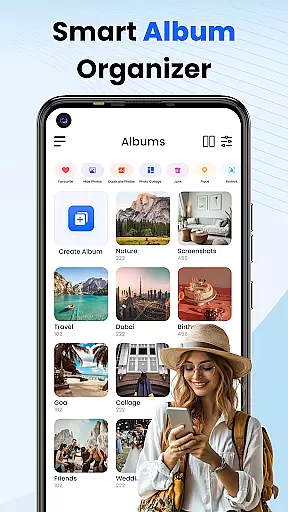
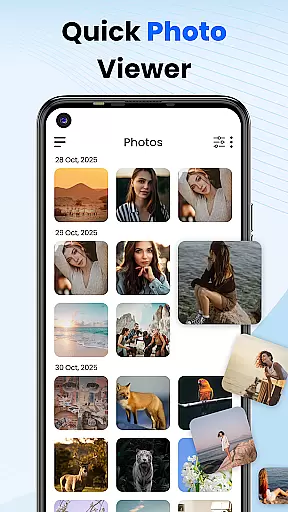
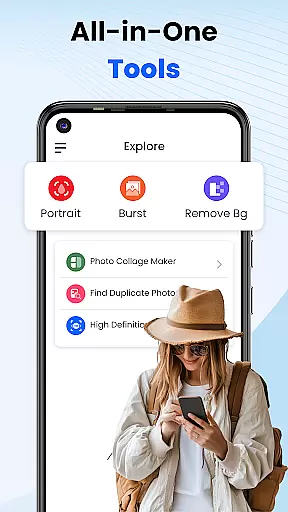
Gallery 2025 is a feature-rich photo management app designed to streamline the organization and enhancement of your photos and videos. With its intuitive interface, users can easily categorize media by timeline, location, or path, ensuring quick access and effortless search. The app also includes powerful editing tools that allow you to enhance your images to perfection directly within the app.
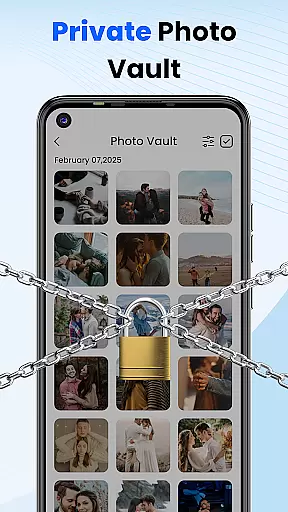
A standout feature of Gallery 2025 is its secure Vault functionality, which safeguards private photos and videos through PIN protection, encryption, and recovery options. Whether managing personal memories or confidential files, this app ensures your media remains safe and accessible only to you. Its lightweight design offers full functionality without compromising device performance, making it an essential tool for anyone looking to efficiently manage their digital library.
Gallery 2025 boasts an impressive array of features tailored to meet all your photo management needs. One of its key strengths is Smart Organization, which automatically sorts photos and videos by timeline, location, and directory path. This allows users to easily navigate through their collections and transfer files to and from SD cards with minimal effort.
In addition to organizational capabilities, Gallery 2025 provides robust privacy protections. The Private Vault feature lets you move sensitive media into a secure area protected by a numeric PIN, pattern lock, or security question. For added peace of mind, the app's Recovery Options ensure that accidentally deleted items can be restored from the recycle bin. Furthermore, the built-in photo editor enables users to make adjustments and enhancements directly within the app, eliminating the need for separate editing software.
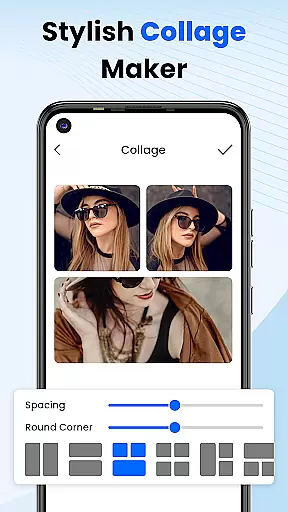
Customization is at the heart of Photo Gallery, allowing users to tailor their photo management experience to their personal preferences. This app offers a wide array of customization options that cater to different user needs, from organizing media by timeline, location, and path, to creating collages that reflect individual creativity.
The Smart Organization feature automatically sorts photos and videos, making it easy for users to find and manage their media files without hassle. Additionally, the Effortless Search functionality empowers users to quickly locate specific items using powerful sorting capabilities based on places or dates.
With private vaults secured by numeric PINs, patterns, or security questions, users can customize their privacy settings to ensure sensitive content remains confidential. These comprehensive customization features not only enhance usability but also provide peace of mind when managing personal memories.
Photo Gallery ensures seamless theme compatibility, providing an aesthetically pleasing and consistent user interface across various devices. The app supports multiple themes, allowing users to choose visual styles that best suit their tastes or device configurations.
Whether you prefer a light theme for daytime use or a dark theme to reduce eye strain at night, Photo Gallery adapts effortlessly to your preferences. This flexibility enhances the overall user experience by maintaining visual harmony and comfort during extended use.
In addition to aesthetic customization, the app's lightweight design guarantees smooth performance regardless of the chosen theme. Users can enjoy a full suite of functionalities, including album locking, photo editing, and video playback, without compromising speed or efficiency.
User-friendly interface
Secure vault protection
Powerful search functionality
Lightweight design
Comprehensive editing tools
Limited cloud integration
Occasional bugs reported
No facial recognition
Premium features require subscription
Ads in free version

Stunningly Different look with Line Icons and Neon Colors
 4.60
4.60
Ultra realistic high quality analog watch face for Wear OS.
4.60
Add cute Shimeji pets to screen, interact with them and relax with cute motions
4.60
Custom edge gestures for volume control, brightness, apps, and shortcuts.
4.0
400+ Beautifully crafted widgets inspired by NOTHING.
4.70
Your home screen, just the way you like it.
4.30
set a new experience for the Android mobile phone
4.20
Amazing letter fonts in your messages and social statuses
4.70
Custom ringtones songs, music ringtones for Android phones
4.60
Enjoy a variety of amazing live wallpapers and colorful EDGE lighting borders!
4.80
Nothing Icon pack with more than 3750+ highly crafted icons.
4.70
Personalize your phone with stunning HD and 4K wallpapers!
4.70
Classic analogue watch face. For wear os devices.
4.60
300+ Beautifully crafted widgets inspired by OneUI.
4.60
Customizable screen pets that play, climb, and keep you company.
4.50
Transform your device in a game console
4.40
Wear Os Watch Face - Seasonal - Animated Snow Effect - 9 Animals
4.20 3.50
3.50
Interactive Miniature Painting Catalogue
3.30


User Reviews