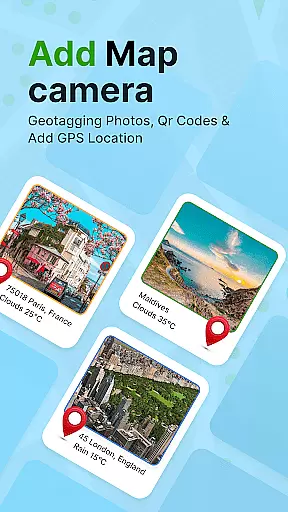
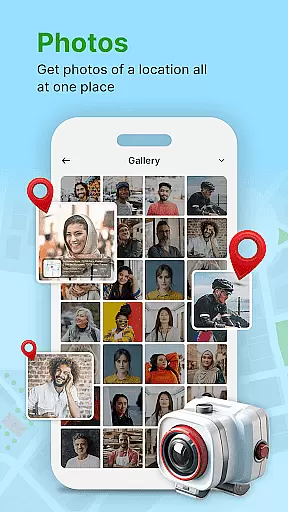
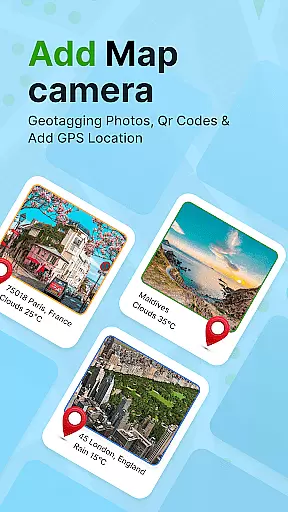
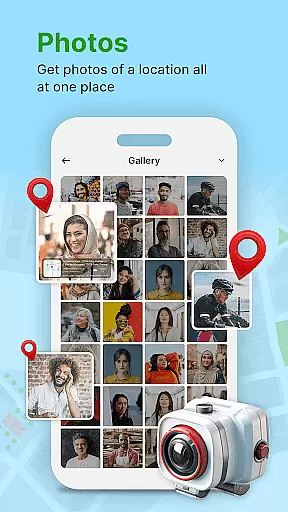
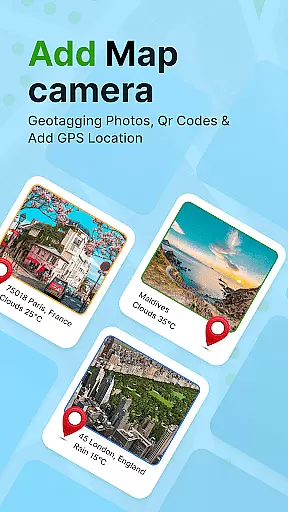
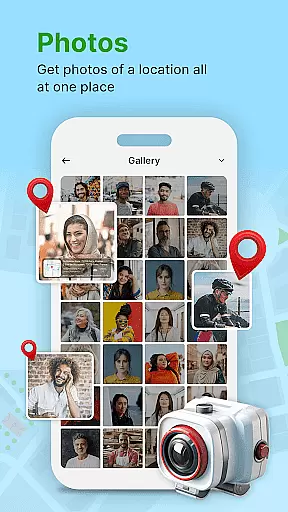
GPS Geotag Photos & Camera Map is a powerful photography app designed to enhance your photo-taking experience by embedding precise location data into your images. The app automatically adds GPS coordinates, altitude, and address information directly into the photo's metadata, making it easy to track where and when each photo was taken.
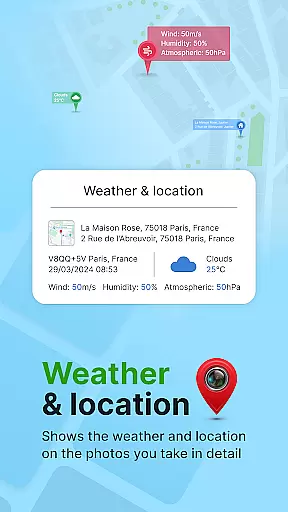
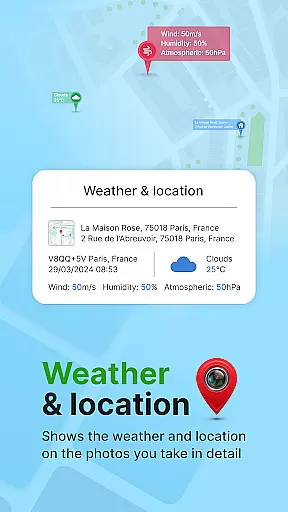
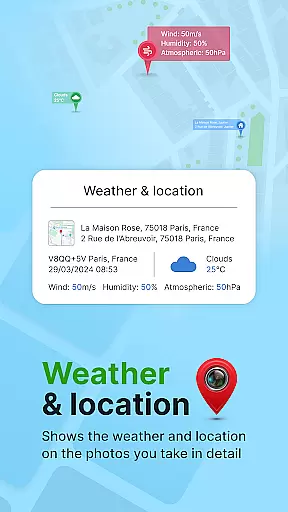
In addition to geotagging, the app offers advanced customization options. Users can add timestamps, weather details, and even short location descriptions to their photos. With support for manual adjustments of latitude and longitude, this app ensures accurate location tagging for every shot. Whether you're a traveler wanting to document your journeys or a professional needing reliable geotagging, this app provides the tools you need.
The app also features a live map view, QR code scanner, and customizable watermark options, giving users complete control over how their photos are tagged and presented. This makes it an ideal solution for photographers who want to maintain detailed records of their photo locations while enjoying creative freedom in presenting their work.
One of the standout features of GPS Geotag Photos & Camera Map is its ability to automatically embed rich metadata into every photo. This includes not only GPS coordinates but also altitude, address, weather conditions, and timestamps. The app achieves this through an intuitive interface that allows users to customize how and where these details appear on their photos.
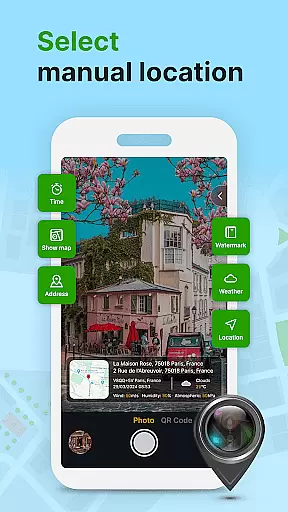
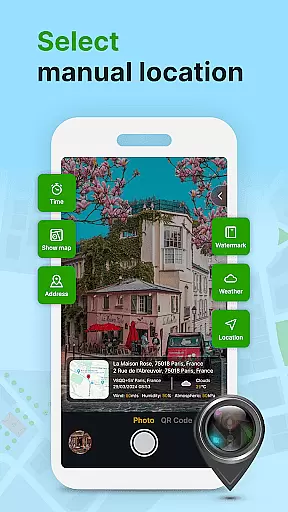
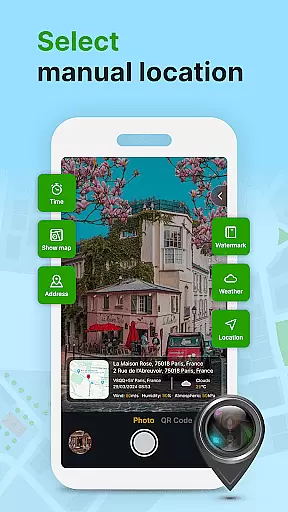
The app also supports manual location adjustments, which is particularly useful in areas with weak GPS signals. Users can fine-tune latitude and longitude settings to ensure pinpoint accuracy. Additionally, the built-in QR code scanner enables quick access to location-based information, while the customizable font, size, color, and position options for timestamps provide unparalleled flexibility in personalizing photo metadata.
Another notable feature is the live map functionality, which displays geotagged photos in real-time. This interactive map view helps users visualize their photo locations and easily share them with others. Overall, these features combine to create a comprehensive toolset for anyone looking to enrich their photos with detailed location data.
Real-time capture and preview functionality is essential for ensuring that each photo taken with GPS Geotag Photos & Camera Map app accurately reflects the desired composition. This feature allows users to see exactly what the camera sees, making it easier to frame shots perfectly.
The app supports capturing stunning photos while automatically embedding GPS coordinates, altitude, and even the address into the image metadata. This real-time data integration ensures that every photo contains comprehensive location details, enhancing its value for personal memory keeping or professional use.
Users can also customize various aspects of their images directly within the preview window. Options include adjusting the font, size, color, and position of timestamps, which provides a personalized touch to each photograph. Such customization capabilities ensure that photos not only carry vital information but also match individual aesthetic preferences.
While primarily focused on geotagging, GPS Geotag Photos & Camera Map app also offers features aimed at enhancing photo quality naturally. The AI beauty and enhancement tools work subtly to improve image aesthetics without making them look overly processed or artificial.
One notable feature is the automatic addition of short location names on photos, which is done in a way that complements the overall composition. This ensures that important contextual information is available without detracting from the visual appeal of the image.
Furthermore, the app allows manual fine-tuning of locations by setting latitude and longitude. This level of control, combined with natural enhancement techniques, ensures that each photo maintains its authenticity while benefiting from subtle improvements that enhance its overall quality.
Accurate geotagging
Customizable metadata
User-friendly interface
Live map functionality
Manual location adjustment
Requires constant GPS
Drains battery quickly
Limited offline use
Premium features locked
Occasional bugs

Create funny photos and videos with the popular Time Warp Scan filter.
 4.90
4.90
AI photo editor with hair editor, retouch tools, hair color changer & filters!
4.50
Gallery Slideshow is slideshow maker app for slideshow from your gallery photos.
3.90
Add a dreamy vibe to your selfies and videos with soft style filters
4.3
Pro version: AR sun/moon tracker for any date. Tool for photographers & planners
4.90
Your personal guide to the sun and moon. Plan ahead, visualize and predict!
4.70
Effortlessly make high-quality GIFs from images & videos without any watermarks.
4.70
Solocator stamps photos you take with GPS location, Compass Direction, Date/Time
3.80
Try an anime version, cartoon yourself, and generate AI hug or aging videos!
3.70
Enhance, upscale, and transform your images — on your device, without limits
4.70
Viewfinder, Light meter, Reciprocity failure time, DOF & Bellows Extension
4.60
A must-have app for landscape photographers
4.60
Unblur, enhance & restore photos with powerful AI photo enhancer tools.
4.60
Use AI Video Generator to turn your words to ai generated videos.
4.50
A reflected light meter with spot metering and incident light metering.
4.40
AI portrait generator and polaroid AI selfie, fun AI generated AI photo creator!
4.30
Shooting photos and records video easily and efficient with professional Camera
4.30
Create amazing frames with up to five photos. Rounded corners, effects and more!
3.60
Snap photos remotely using your Garmin watch as the camera trigger
4.0


User Reviews