
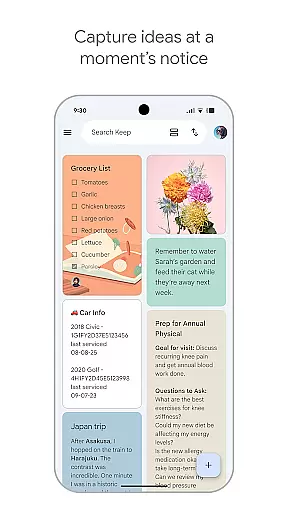
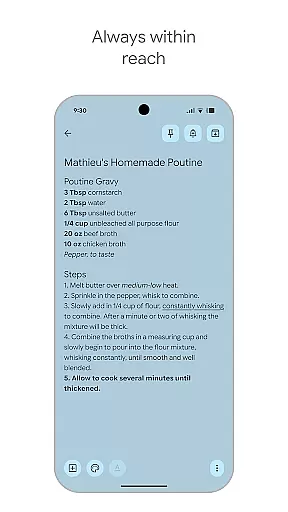
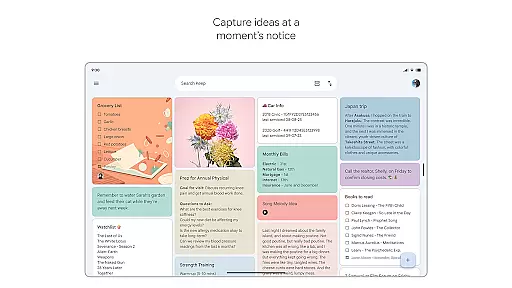
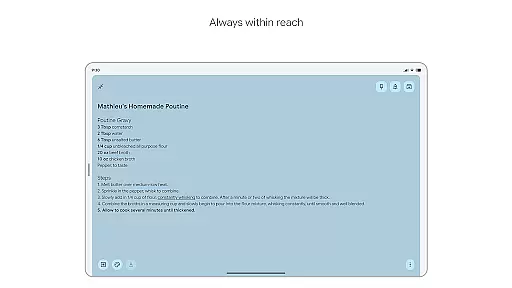
Google Keep is a versatile note-taking application designed specifically for Android Wear and other Android devices. This app allows users to quickly capture thoughts, manage to-do lists, and stay organized through various means such as text notes, voice memos, and images. With seamless integration across all devices including phones, tablets, computers, and Wear OS devices, Google Keep ensures that your information is always synchronized and accessible wherever you go.
One of the standout features of Google Keep is its ability to enhance productivity by providing advanced security and privacy measures, ensuring that your notes remain confidential and secure. Whether you need to jot down a quick note on the go or collaborate with friends and family on a shared grocery list, Google Keep offers a comprehensive solution that caters to both personal and collaborative needs.
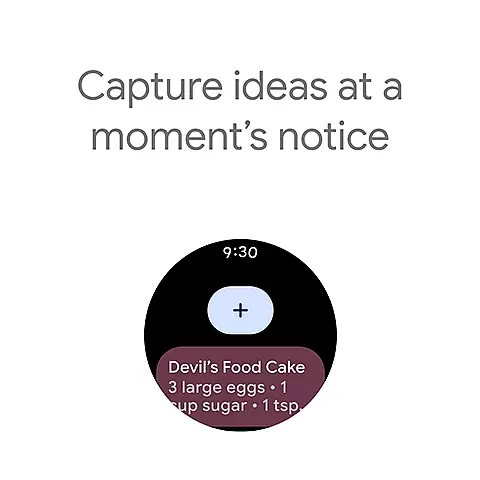
Google Keep stands out due to its rich feature set tailored for efficient note-taking and task management. The app supports multiple formats of note entries including text, voice memos, and photos, allowing users to capture their thoughts in the most convenient way possible. Additionally, it provides widgets for phones and tablets, enabling quick access and easy capturing of ideas without having to open the app fully.
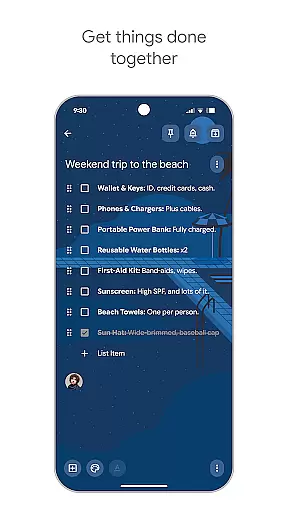
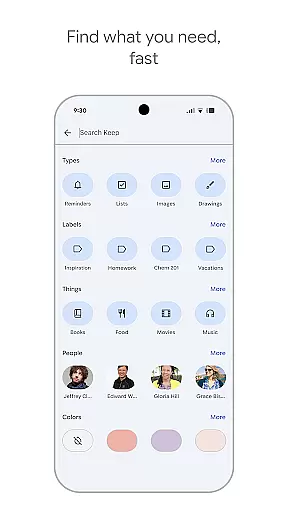
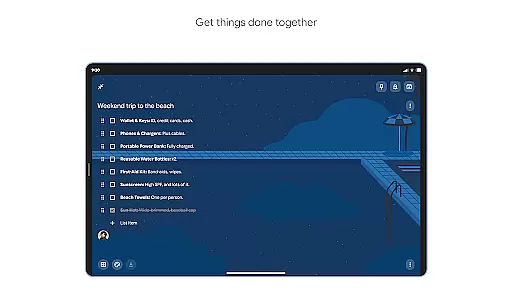
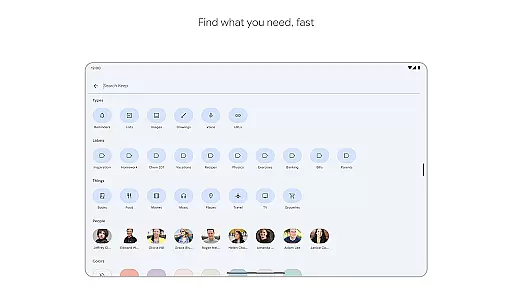
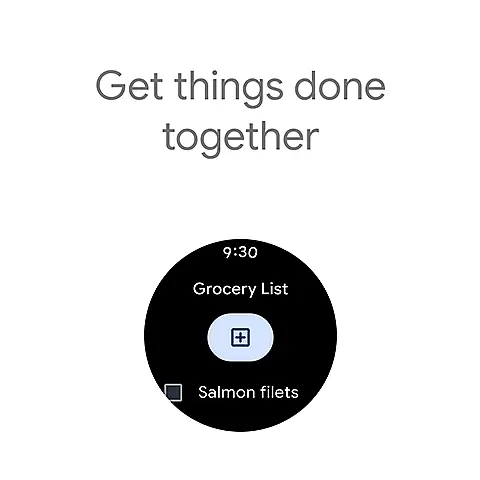
Collaboration is made simple with Google Keep, as users can share their notes with others, making it ideal for managing group tasks like grocery shopping or planning trips. The app also offers organizational tools such as color-coding and labeling, which help users categorize their notes effectively. Furthermore, reminders can be set for specific times or locations, ensuring that important tasks are never forgotten. These features collectively make Google Keep an indispensable tool for staying organized and productive.
Google Keep offers seamless companion app integration, ensuring that your notes and tasks are always in sync across all your devices. This means you can start a note on your phone and continue editing it on your tablet or computer without any interruptions.
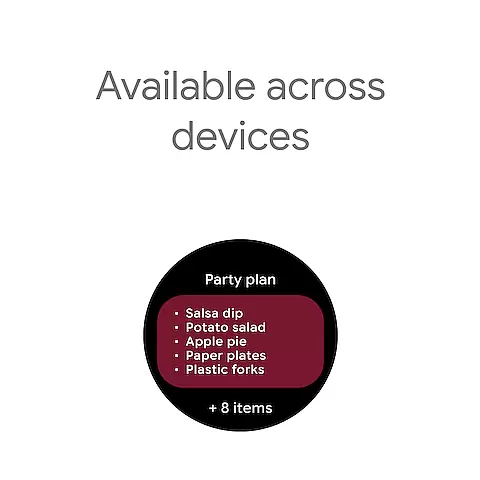
The app's synchronization capabilities extend to Wear OS devices as well, allowing users to access their most important notes directly from their smartwatch. This cross-device functionality is made possible through Google's robust cloud infrastructure, which ensures real-time updates and minimal latency.
With its unified ecosystem approach, Google Keep provides users with the convenience of having their information readily available regardless of the device they're using. This level of integration significantly enhances productivity, as users can seamlessly transition between devices while maintaining consistent access to their notes.
As a dedicated Android Wear application, Google Keep demonstrates excellent compatibility with Wear OS devices. The app takes full advantage of the wearable platform by offering tailored features that make note-taking and task management more efficient on smaller screens.
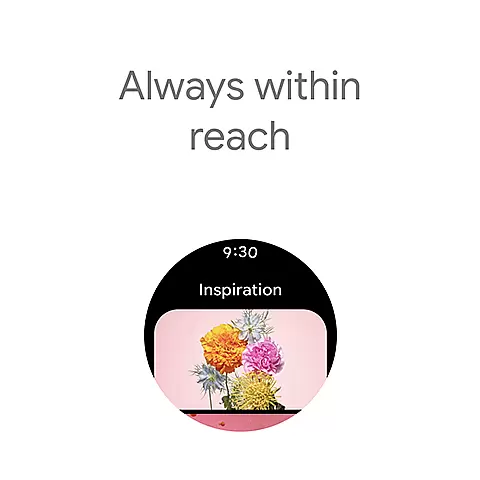
Users can add tiles and complications to their Wear OS interface, providing quick access to their most frequently used Keep functions. This includes the ability to capture voice memos, view pinned notes, and receive timely reminders directly on their smartwatch.
The app's thoughtful adaptation to the wearable form factor makes it an invaluable tool for busy individuals who need to capture information or manage their tasks while on the move. By extending its functionality to Wear OS devices, Google Keep ensures that users never miss an important thought or deadline, regardless of where they are or what device they have at hand.
User-friendly interface
Seamless cross-device syncing
Voice and image note capabilities
Advanced security features
Collaborative sharing options
Limited formatting options
No native desktop app
Basic drawing tools
Occasional sync issues
Fewer integrations with third-party apps

Calming & relaxing sounds for sleeping and stress relief. Stay focused all day!
 4.20
4.20
Christmas Theme Watch Face for Wear Os
5.00
Christmas - Festive - Christmas Village - Winter - Christmas lights
5.00
an Analog Watch Face for winter season with freeze winter background for Wear OS
4.5
Embrace the festive spirit with our Christmas Countdown watchface for Wear OS
4.10
Locate your family members by GPS phone location tracker everywhere and anytime
4.30
A modern hybrid informative watch face for Wear OS designed by BALLOZI
4.80
A white realistic classic analog watch face with many customization options.
4.40
Track your active life in one place and share the journey with friends.
4.40
Beautiful, colorful and practical watch face. For Wear OS devices.
5.00
Easy Voice Recorder is your everyday companion to record important moments.
4.70
Your second brain for organizing your life: to-do, calendar, reminder.
4.70
Walking app for weight loss: walk & step tracker, pedometer, indoor treadmill
4.60
Reliable phone calls with spam protection, caller ID and more helpful features
4.40
Christmas watch face. For Wear OS devices.
4.30
Stay in touch with your friends and family using LINE!
3.40
Your local weather forecast, storm tracker, radar maps & live weather news
3.40
Artistic Digital Watchface
4.3
Funny animated watch face for Thanksgiving
4.3


User Reviews