
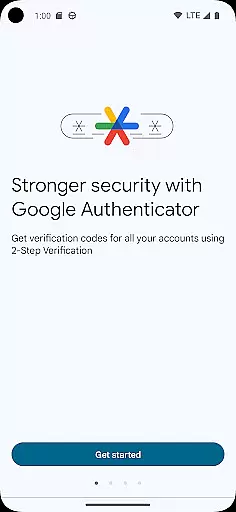
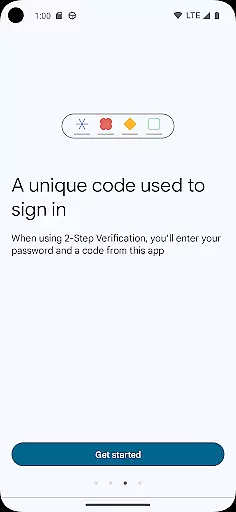
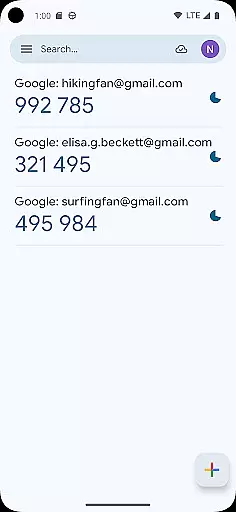
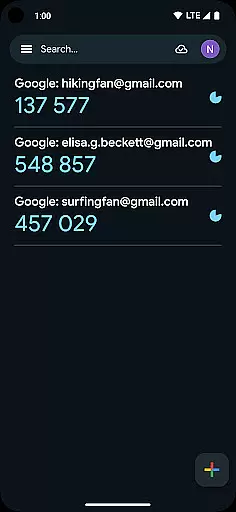
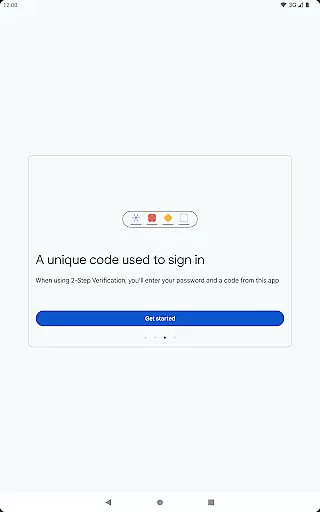
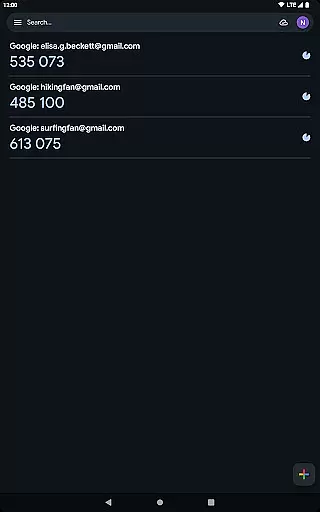
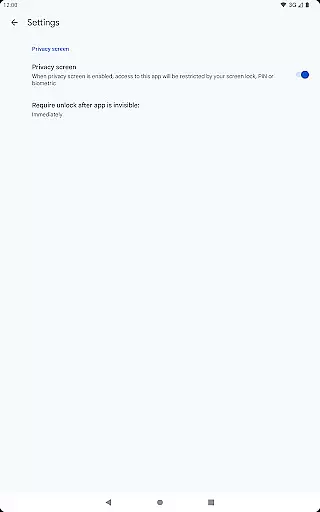
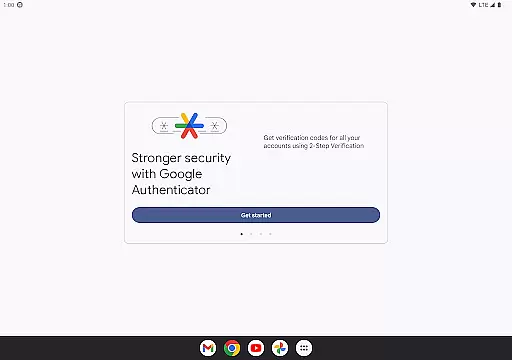
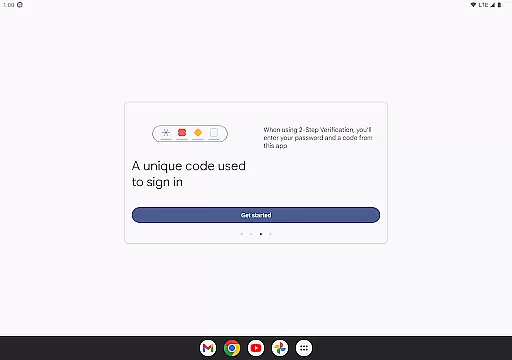
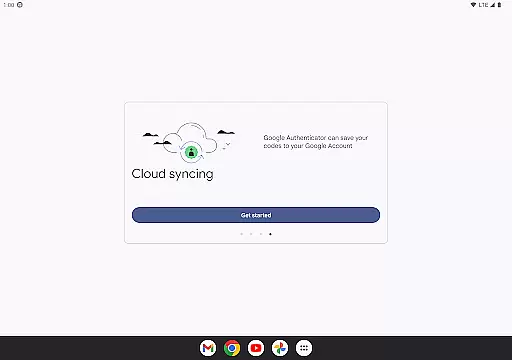
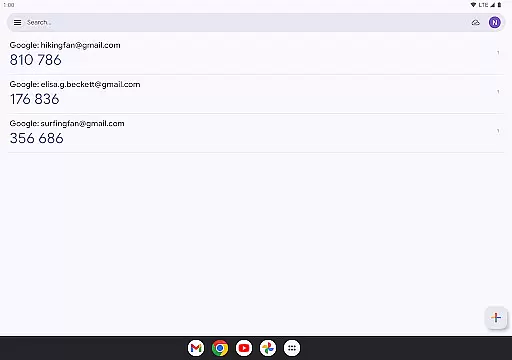
Google Authenticator is a security tool that provides an additional layer of protection for your online accounts through two-factor authentication. When signing in, users must enter both their password and a unique code generated by the app on their mobile device. This ensures enhanced account security even if passwords are compromised.
The app operates without requiring network or cellular connectivity, making it reliable in various situations. It supports syncing of Authenticator codes to your Google Account, enabling access across multiple devices. Additionally, users can set up accounts quickly using QR codes and manage multiple profiles within a single interface.
This application is particularly useful for individuals seeking to safeguard sensitive information such as email, banking, and other critical online services. By integrating seamlessly with Google's 2-Step Verification process, it offers peace of mind for those who prioritize digital security.
Google Authenticator stands out due to its robust feature set tailored for secure authentication. One key feature is its ability to generate time-based or counter-based codes, allowing flexibility based on user preferences. These codes refresh periodically, ensuring continuous protection against unauthorized access.
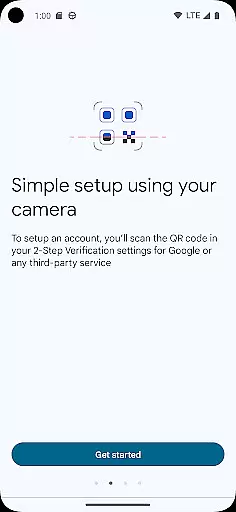
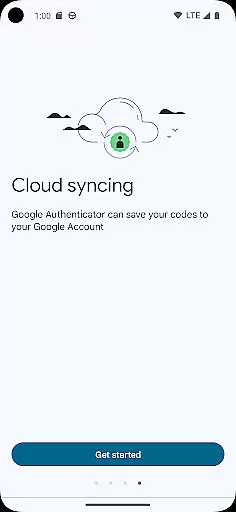
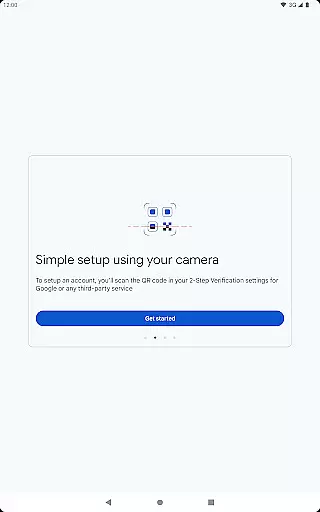
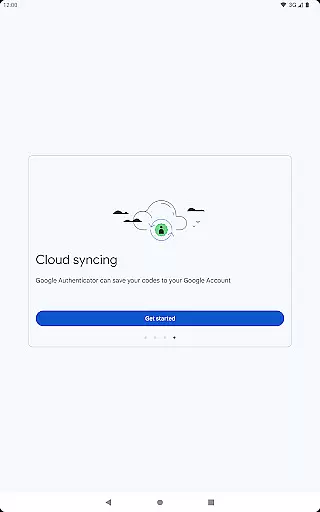
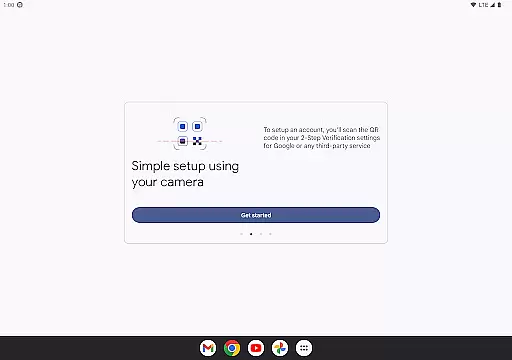
Another notable aspect is the support for syncing Authenticator data with your Google Account. This functionality allows users to back up their credentials securely and retrieve them on new devices if needed. Furthermore, setting up new accounts is streamlined through QR code scanning, which minimizes manual input errors.
For power users managing several online identities, the app facilitates handling multiple accounts efficiently. With options like transferring accounts between devices via QR codes, it simplifies transitions when upgrading hardware. Overall, these features collectively enhance usability while maintaining top-tier security standards.
Google Authenticator excels in providing precise and effective two-factor authentication, ensuring that users' online accounts are safeguarded with an additional layer of security. The app generates time-based or counter-based codes that serve as the second verification step after password entry.
The functionality is designed to work seamlessly even without an internet connection, making it reliable in various scenarios. This means you can authenticate your accounts anywhere, anytime, enhancing both security and convenience.
By supporting multiple account management and automatic setup via QR codes, the app streamlines the process of adding and managing different services. This ensures that users can maintain high security across all their platforms without unnecessary complexity.
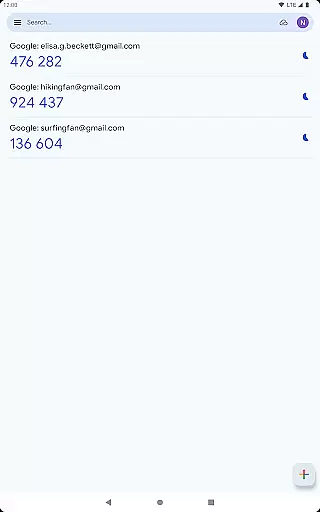
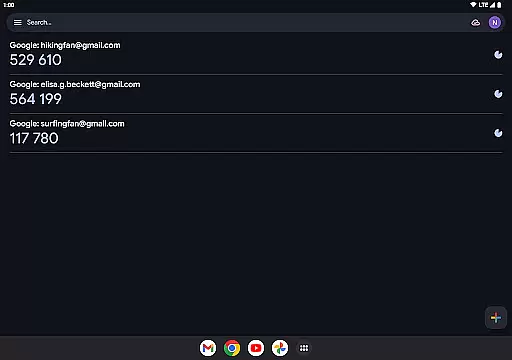
The interface of Google Authenticator is crafted to offer a straightforward and intuitive user experience. With a clean design, it allows users to easily view and manage their authentication codes without any learning curve.
Setting up new accounts is simplified through QR code scanning, which minimizes manual input errors and speeds up the onboarding process. This ease of use encourages more people to adopt two-factor authentication without feeling overwhelmed.
Additionally, features like account syncing and transferring between devices via QR codes further enhance the user-friendly nature of the app. These functionalities ensure that even if you switch devices, your authentication setup remains intact and accessible.
Enhanced Security
Offline Code Generation
Easy Account Setup
Multiple Account Support
Code Sync Across Devices
No Biometric Login
Limited Customization
No Desktop Version
QR Code Dependency
Occasional Sync Issues

Unlock your Essential Key. Create custom shortcuts to your favorite apps!
 4.5
4.5
App that Recover your pictures, videos or files after you delete them.
4.20
Small and simple app to Verify Root Access and BusyBox Install!
4.70
Best leveling tool for your Android device. Hang paintings like a pro.
4.90
Smart and comfortable browsing experience.
3.80
Signal Strength, Mobile, Wifi, Speed Test, Bad Signals, Cellular, 5G, LTE, 4G
4.20
Remote Play with FSR upscaling, low latency & full controller support
4.80
Pro Emulator is an easy to use game console emulator for a range of consoles.
4.40
fast and easy mp3 music downloader
4.80
Unit and currency converter with easy and simple UI.
4.80
Creation, Learning, Entertainment & More — The All-in-One AI Search Engine
4.70
Connect instantly to a fast, encrypted VPN with one tap
4.60
Forza Tuning Calculator App for Forza Horizon 5, Motorsport and Earlier Titles
4.40
PC precision for mobile gaming: dominate with keyboard and mouse!
4.30
Remote for Roku, Fire TV, Samsung TV, LG TV, Android TV, Chromecast and VIZIO TV
4.20
VESC Tool can monitor and configure VESC-compatible devices over BLE and Wifi
4.20
Screen Mirroring with sound for Samsung TV, LG TV, Sony TV, Smart TV and Browser
4.20
Unleash gamepad precision for ultimate mobile gaming dominance.
3.90
PDF Reader - Document Viewer: Read, Manage & Organize Your Documents
3.10


User Reviews