
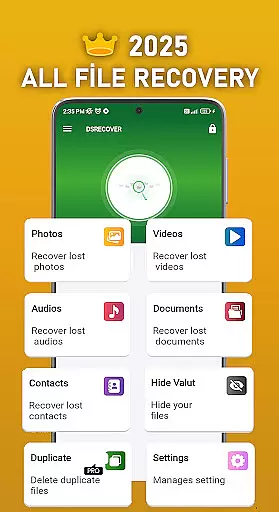
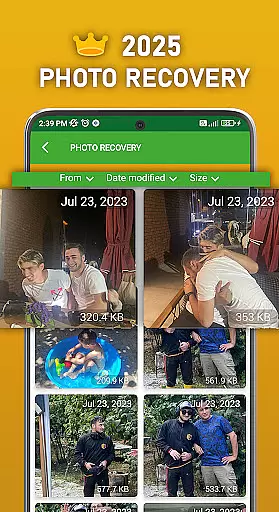
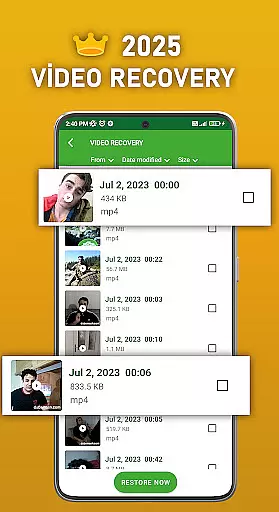
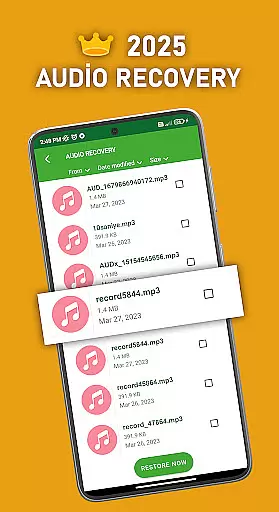
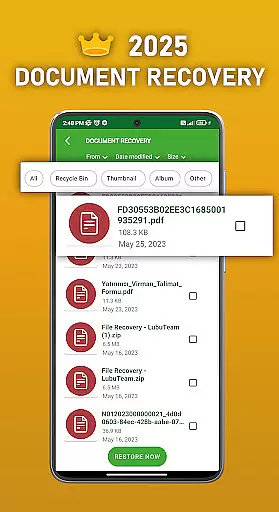
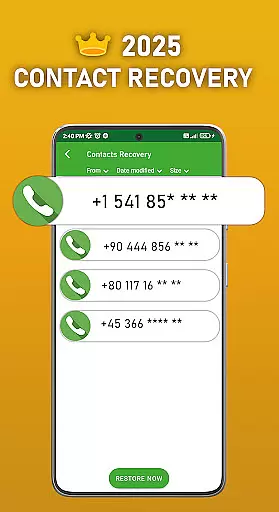
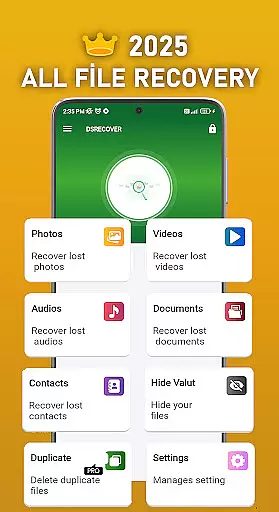
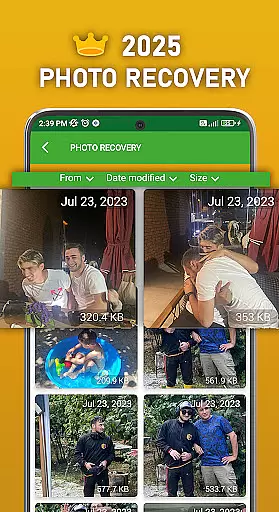
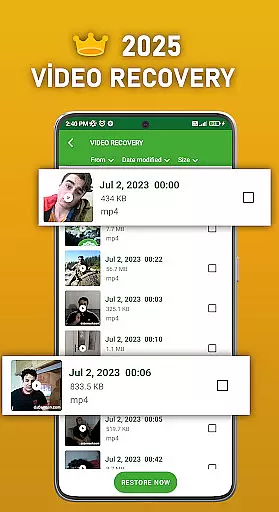
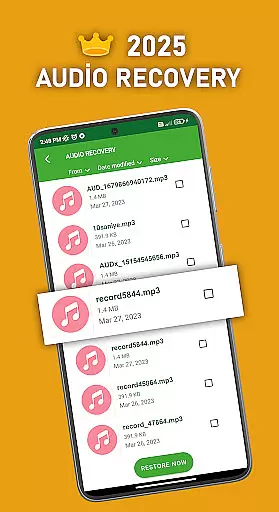
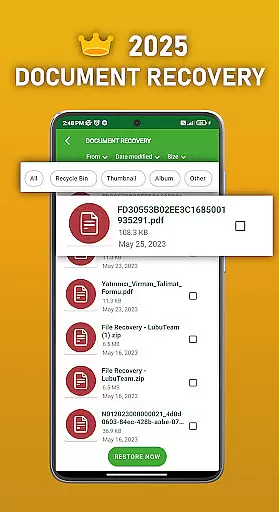
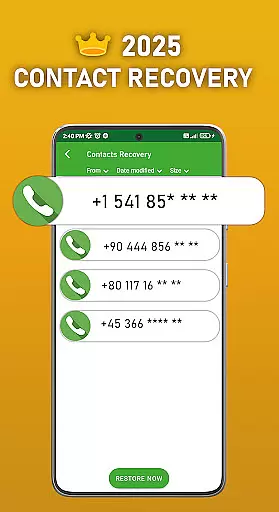
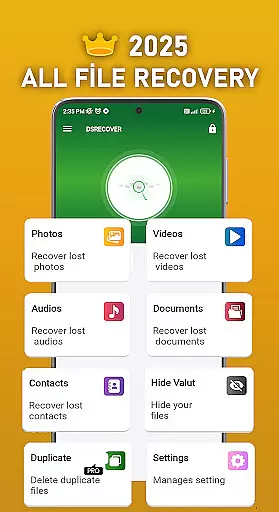
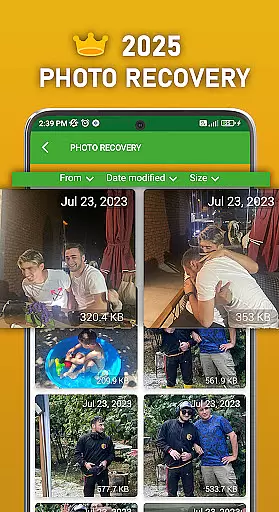
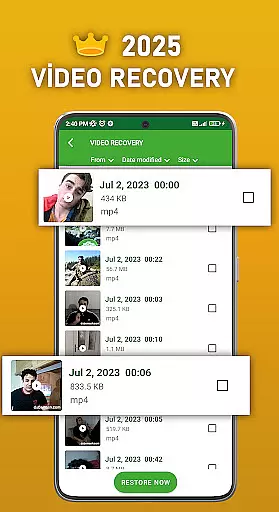
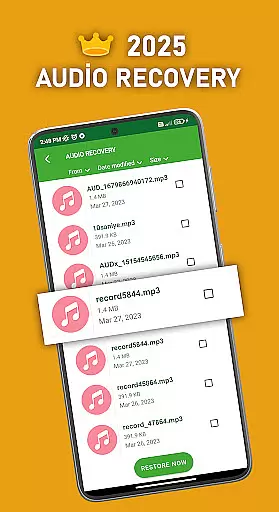
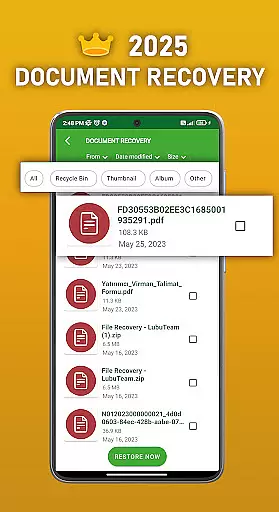
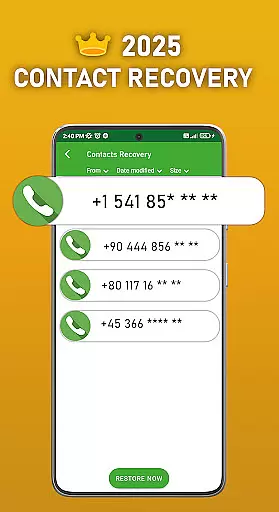
DS PRO is a comprehensive recovery tool designed to retrieve deleted files across various categories on Android devices. The app specializes in recovering accidentally deleted photos, videos, audio files, contacts, and documents without requiring root access. Its powerful scanning technology ensures deep searches within internal memory and SD cards, making it an essential utility for users who need to restore lost digital content.
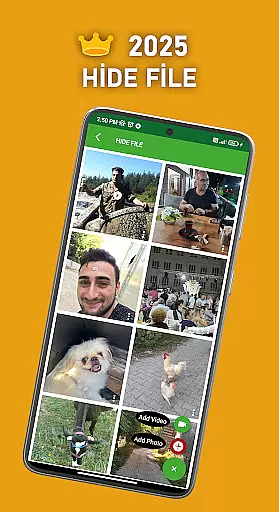
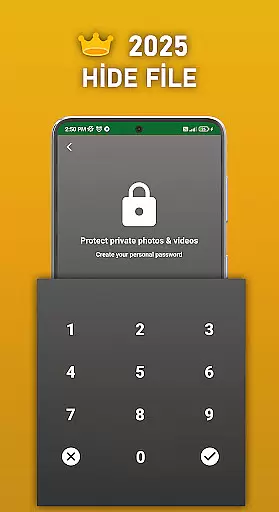
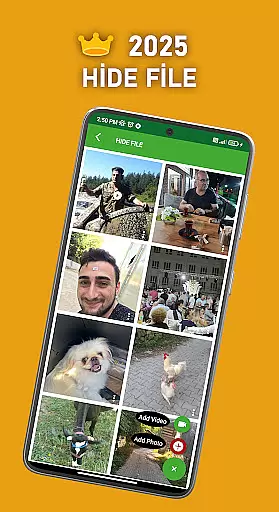
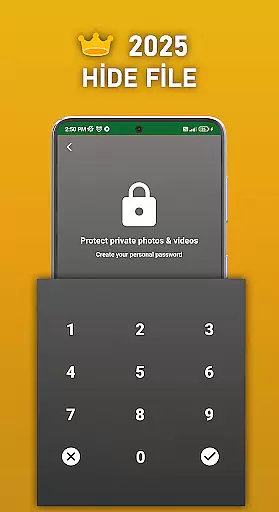
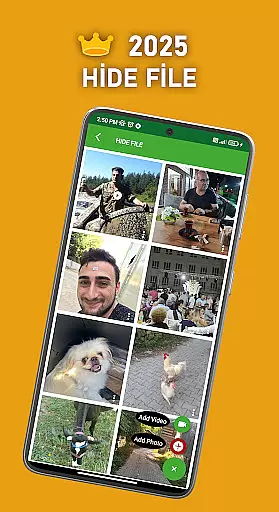
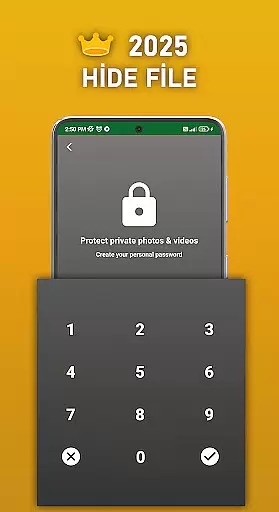
Apart from its core recovery functions, DS PRO offers additional features such as File Hide, which allows users to password-protect sensitive media files, ensuring privacy by hiding them from public galleries. With support for multiple file formats including images, videos (MP4), and audio (MP3), this application stands out as a versatile solution for both data recovery and personal security management.
The Pro version enhances efficiency by removing ads and providing seamless user experience while maintaining high performance standards. Whether you're looking to recover precious memories or secure confidential information, DS PRO delivers reliable solutions tailored to meet diverse needs effectively.
DS PRO boasts an array of advanced features that cater to different recovery requirements. One standout capability is its instant restoration function, allowing users to retrieve recently deleted items with just a few clicks directly from their device’s recycle bin. This feature simplifies the process significantly compared to traditional methods involving external programs or PCs.
In addition to basic recovery options, DS PRO supports comprehensive file type compatibility, including JPEG, PNG, MP4, MP3, and more. Users can expect not only swift recovery speeds but also consistent results regardless of the original format. Furthermore, the inclusion of Duplicate File Finder aids in decluttering storage spaces by identifying redundant copies, thus optimizing overall system performance.
Privacy-conscious individuals will appreciate the File Hide option, enabling discreet storage of private photos and videos behind password protection. Combined with robust permission settings like 'Access all files,' DS PRO ensures thorough scanning capabilities while respecting user consent protocols. These thoughtful integrations make DS PRO a top choice among productivity tools focused on safeguarding digital assets.
DS PRO positions itself as a comprehensive recovery tool, excelling in the accurate retrieval of deleted files across multiple categories. The app's core functionality revolves around recovering photos, videos, audio files, contacts, and documents with precision.
The effectiveness of DS PRO is evident through its ability to perform deep searches within the device's internal memory and SD card. It employs advanced scanning algorithms that ensure no file location is left unchecked, providing users with the highest chance of successful recovery. This process does not require root access, making it accessible for all Android users.
For those who accidentally delete important content, DS PRO offers an intuitive solution. With just a few taps, users can retrieve lost data almost instantaneously. The app also includes a unique feature to identify and remove duplicate files, streamlining storage management while enhancing recovery efficiency.
DS PRO ensures a user-friendly experience by maintaining a simple and intuitive interface. Upon launching the app, users are greeted with clear navigation paths that guide them through various recovery options without any prior technical knowledge required.
The design philosophy behind DS PRO emphasizes ease of use, allowing users to initiate recovery processes with minimal steps. Each function, whether it be photo recovery or contact restoration, is easily accessible from the main dashboard, ensuring that even novice users can operate the app confidently.
In addition to its straightforward layout, DS PRO provides helpful in-app recommendations and tips. These features assist users in optimizing their recovery attempts, such as suggesting specific formats for video (MP4) and audio (MP3) recovery, thereby enhancing overall usability and satisfaction.
User-friendly interface
Comprehensive file recovery
No root required
Efficient duplicate finder
Enhanced privacy controls
Premium version costly
Limited free features
Occasional scan errors
Requires extensive permissions
Ads in basic version

HD Camera captures every special moment.
 4.60
4.60
Remote for Roku, Fire TV, Samsung TV, LG TV, Android TV, Chromecast and VIZIO TV
4.20
Unlock your Essential Key. Create custom shortcuts to your favorite apps!
4.0
Clean the junk files on your device
3.40
MS-DOS in your pocket. Play old DOS games anywhere you are ;)
4.10
Navigate with Ease and Style
4.90
Screen Mirroring with sound for Samsung TV, LG TV, Sony TV, Smart TV and Browser
4.20
Protect your device with antivirus, storage cleanup, and system monitoring
4.70
Fast VPN USA for any country. Super secure VPN for calls, streaming, games, TV.
4.40
The ultimate tool for network analysis, wifi scanning and problem detection.
4.90
Easily install aab(Android App Bundle) files on your Android device with our app
4.80
Excellent scientific calculator with symbolic algebra, integrals, derivatives
4.80
Mirror your screen to Chromecast and Android TV - Super fast and simple
4.60 4.50
4.50
Universal TV remote control all TVs, Roku, LG, Samsung, Fire, Vizio, Sony, TCL.
4.40
PC precision for mobile gaming: dominate with keyboard and mouse!
4.30
An open-source APK explorer for Android!
4.10
Fun lie-detection pranks for friends and parties.
3.80
Save any video in HD - paste the link, download fast and watch offline.
4.5


User Reviews