
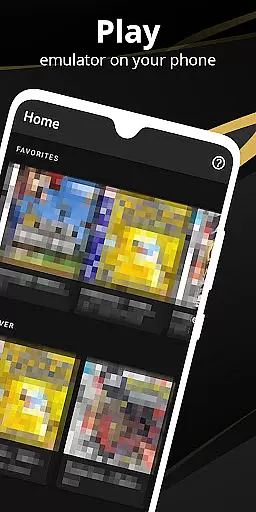

Pro Emulator for Game Consoles is a versatile emulator application designed to bring classic gaming experiences to modern Android devices. This powerful tool supports emulation of various game consoles, allowing users to play retro games with outstanding compatibility and performance. The app automatically saves and restores game states, provides quick save/load functionality, and offers advanced features like link cable emulation across devices using Bluetooth or Wi-Fi.
The emulator's optimized rendering engine works efficiently even on less powerful devices, while its touch control customization and screen layout editor enable precise gameplay adjustments. With support for external controllers, cloud save synchronization, and multiple video filters, this application delivers an authentic retro gaming experience that caters to both casual players and dedicated enthusiasts.
Ideal for gamers who own physical copies of classic games, the emulator ensures legal compliance while offering enhanced features such as fast-forward functionality, multiplayer support, and BIOS emulation without requiring original files. Whether you're reliving childhood memories or discovering retro games for the first time, this emulator provides a comprehensive solution for enjoying classic titles on contemporary hardware.
Pro Emulator for Game Consoles stands out through its comprehensive feature set tailored for optimal retro gaming experiences. The application's automatic state saving system allows users to seamlessly pause and resume gameplay across sessions, while its quick save/load slots provide convenient access points during extended gaming periods. Advanced emulation capabilities include gyroscope, tilt, solar sensor, and rumble feedback replication, creating an immersive environment that closely mirrors original console experiences.
A key distinguishing feature is its sophisticated rendering system that supports both OpenGL and standard rendering methods, ensuring compatibility across devices with varying GPU capabilities. The emulator's GLSL shader support enables impressive video effects that enhance classic games' visual presentation without compromising performance. Additionally, the software's BIOS emulation eliminates the need for original system files while maintaining accurate game behavior.
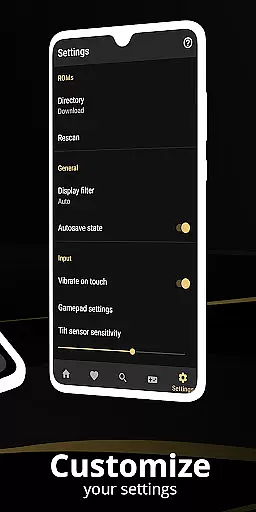
The application's extensive customization options allow users to create personalized control schemes through its powerful screen layout editor and key-mapping profiles. These features, combined with support for external controllers and multi-touch gestures, provide flexible control solutions for different gaming preferences. Furthermore, innovative functions like local multiplayer support, cloud save synchronization, and display simulation options make this emulator a complete solution for retro gaming enthusiasts seeking both authenticity and modern convenience.
At the heart of any emulator lies its ability to accurately replicate the original system's functionality. Pro Emulator for Game Consoles achieves this with remarkable precision, ensuring that each game runs as it was originally intended. The software meticulously emulates various console features including gyroscope, tilt, and solar sensors, providing an authentic experience.
The emulator supports a vast array of games with very high compatibility, allowing users to run nearly all titles without encountering issues. This is made possible through advanced BIOS emulation which eliminates the need for separate BIOS files, streamlining the user experience while maintaining legal integrity.
Performance optimization is another cornerstone of this tool's design. With lightning-fast emulation that conserves device battery life and options for fast-forwarding through lengthy story segments or slowing down challenging levels, users can tailor their gaming sessions according to personal preference and play style.
Furthermore, link cable emulation across devices via Bluetooth or Wi-Fi enhances multiplayer capabilities, making local co-op play more accessible than ever before. Such comprehensive feature replication ensures gamers enjoy a seamless blend of nostalgia and modern convenience in their retro gaming adventures.
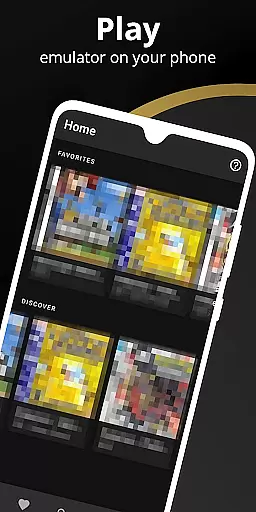
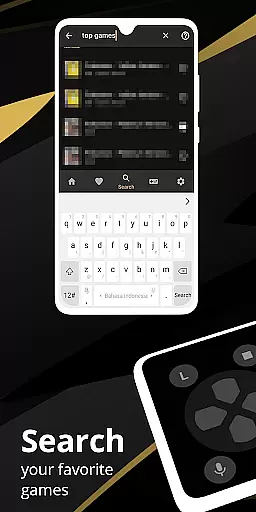
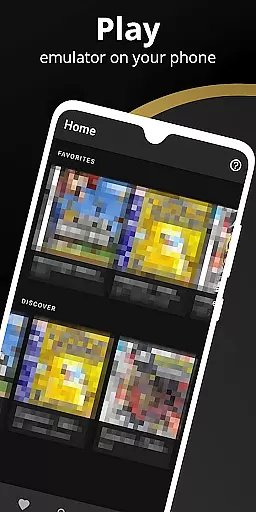
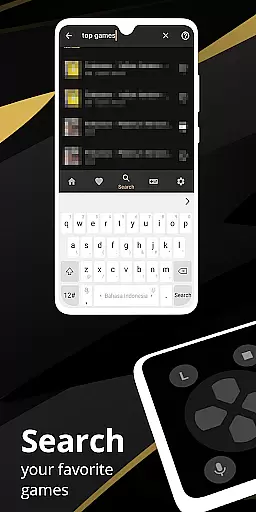
A well-designed interface is crucial for ensuring that users can easily navigate and utilize an applicationu2019s features. Pro Emulator for Game Consoles boasts a clean and simple yet well-designed user interface that integrates seamlessly with the latest Android systems. This intuitive layout allows both newcomers and seasoned players to quickly adapt to the environment without a steep learning curve.
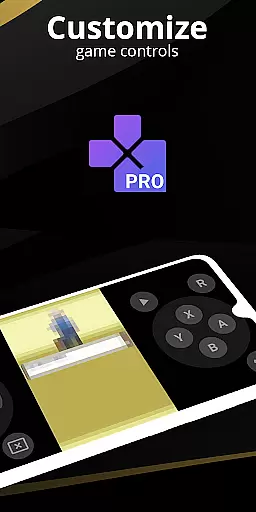
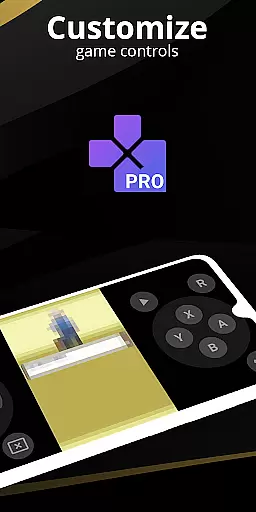
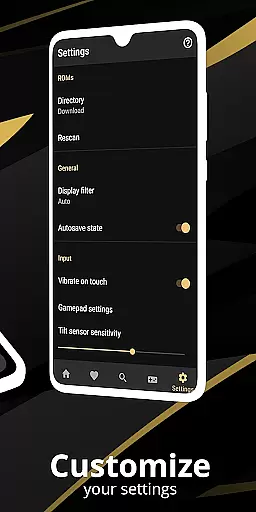
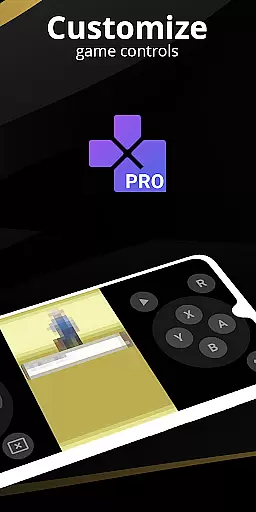
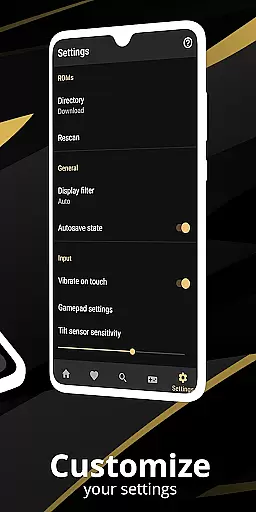
Customization options further enhance usability by enabling gamers to define on-screen control positions and sizes according to their preferences. The powerful screen layout editor empowers users to create personalized setups, optimizing touch controls for size and position, thus catering to individual comfort and gameplay needs.
Support for external controllers such as MOGA devices extends accessibility, offering traditional tactile feedback alongside customizable key-mapping profiles. Shortcut buttons like quick save/load slots provide additional layers of convenience, allowing players to manage their progress efficiently during intense gaming sessions.
Moreover, OpenGL rendering alongside normal rendering caters to different hardware capabilities, ensuring smooth visuals whether using a GPU-equipped device or not. These thoughtful design elements combine to deliver an engaging, efficient, and enjoyable retro gaming experience tailored specifically for mobile platforms.
High game compatibility
Advanced save features
Excellent customization
Cloud sync support
Multiplayer options
Powerful device needed
Complex setup
Battery intensive
Large storage use
Limited recent games

Change your GPS location instantly. Simulate routes anywhere in the world.
 4.90
4.90
HD Camera captures every special moment.
4.60
Just swipe the edge to do something!
4.40
Safely recover deleted photos, videos, and files with a single easy tap.
3.70
card-reader app
2.20
Amateur Radio app for APRS: Track friends, exchange messages, get tactical info.
3.90
ADB support Android 4.X-Android 13(Support wireless pair mode).No root required!
4.70
Create your own custom widget with endless possibilities
3.90
Fun lie-detection pranks for friends and parties.
3.80
Best leveling tool for your Android device. Hang paintings like a pro.
4.90
Monitor car performance in real time and troubleshoot malfunctions.
4.80
Mirror your screen to Chromecast and Android TV - Super fast and simple
4.60
The Ultimate Bluetooth Keyboard & Mouse. Securely control your PC, Mac, and more
4.50
Button mapper, mouse toggle, sleep timer and a lot of another features
4.50
Forza Tuning Calculator App for Forza Horizon 5, Motorsport and Earlier Titles
4.40
Screen Mirroring with sound for Samsung TV, LG TV, Sony TV, Smart TV and Browser
4.20
Unleash gamepad precision for ultimate mobile gaming dominance.
3.90
This app unlocks the Pro features of the Central for DayZ app
3.60
A recovery soft,it features photo recovery, video recovery, file recovery.
3.40


User Reviews