
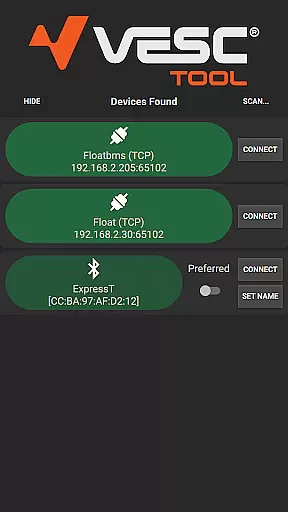
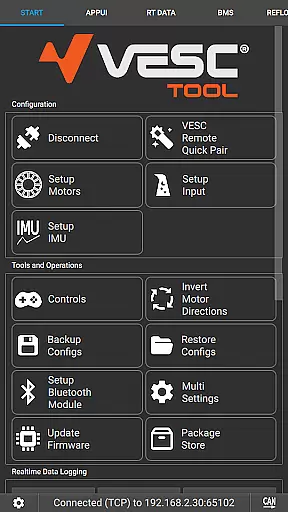
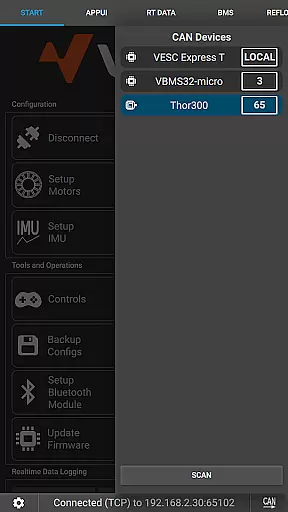
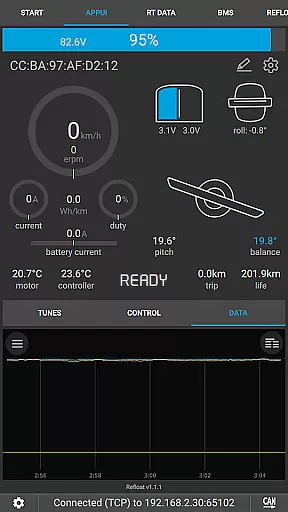
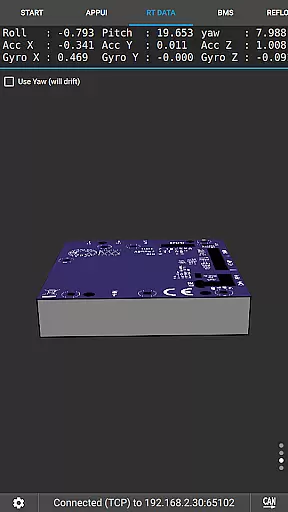
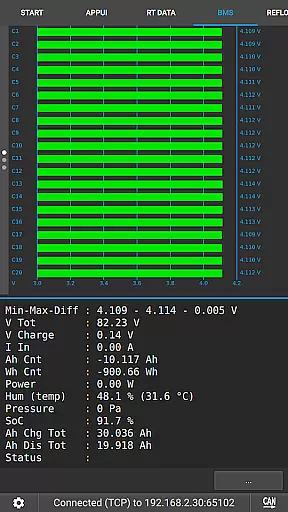
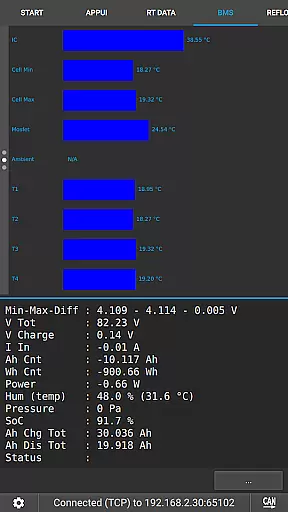
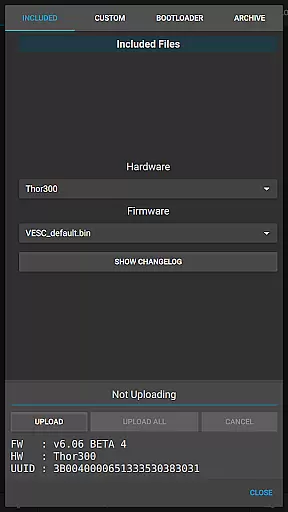
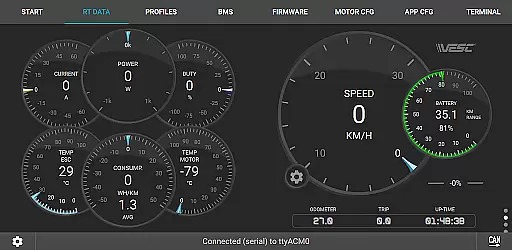
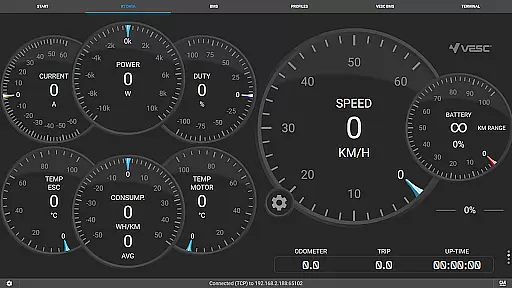
VESC Tool is a powerful mobile application designed for users who work with VESC-based hardware. This tool allows you to configure your hardware over BLE or WiFi, stream live data, update firmware, and log important information. Whether you are a hobbyist or a professional, the app provides an intuitive interface to manage all aspects of your VESC devices.
One of the standout features of VESC Tool is its ability to connect seamlessly with VESC Original hardware, which is designed and maintained by the VESC developer team. With this app, you can ensure that your hardware is always up-to-date and performing optimally. The app also supports custom modules based on ESP32C3 or NRF52 chipsets, giving tech-savvy users the flexibility to build their own solutions.
For anyone involved in electric skateboards, e-bikes, or other projects utilizing VESC technology, this app is an essential tool. It simplifies the process of maintaining and optimizing your hardware, making it accessible even for those new to the VESC ecosystem.
VESC Tool offers a comprehensive suite of features tailored for managing VESC-based hardware. One of the primary functionalities is the ability to configure hardware settings directly from your mobile device. This includes adjusting motor parameters, monitoring battery levels, and tweaking performance metrics to suit your specific needs.
In addition to configuration, the app excels in data management. Users can stream live data from their devices, allowing real-time monitoring of performance. Firmware updates are streamlined through the app, ensuring that your hardware remains current with the latest improvements and security patches. Data logging capabilities enable users to record sessions for later analysis, helping to fine-tune setups and improve efficiency.
The connectivity options are another highlight, supporting both BLE and WiFi connections. This versatility ensures that users can connect to their hardware in the most convenient way possible. Furthermore, the app's compatibility with custom-built modules based on ESP32C3 or NRF52 chipsets adds an extra layer of customization for advanced users.
VESC Tool is designed to provide precise control and configuration of VESC-based hardware, ensuring that users can effectively manage their devices. The app supports both BLE and WiFi connections, enabling seamless interaction with the hardware components.
With features like live data streaming, firmware updates, and data logging, the application ensures that all core functions are executed with maximum accuracy. This level of precision is crucial for users who rely on real-time feedback and adjustments to optimize performance.
The ability to configure hardware settings directly from a mobile device enhances the overall user experience by simplifying complex tasks. Whether it's adjusting parameters or monitoring system status, VESC Tool delivers reliable and responsive functionality.
A straightforward and intuitive interface is essential for any tool application, and VESC Tool excels in this area. The design prioritizes ease of use, allowing users to quickly navigate through various features without a steep learning curve.
Despite the technical nature of its functions, the app maintains a clean layout that makes it accessible even to those new to VESC technology. Key operations such as connecting to hardware, updating firmware, and viewing live data are easily accessible from the main screen.
This focus on simplicity does not compromise functionality; instead, it enhances user engagement by reducing the time needed to perform critical tasks. As a result, users can concentrate more on utilizing the hardware rather than figuring out how to operate the software.
User-friendly interface
Comprehensive configuration options
Real-time data streaming
Firmware update support
Custom module compatibility
Limited to VESC hardware
Requires compatible module
No offline mode
Advanced features may overwhelm beginners
Dependent on internet for updates

 4.50
4.50
Save any video in HD - paste the link, download fast and watch offline.
4.5
App that Recover your pictures, videos or files after you delete them.
4.20
Small and simple app to Verify Root Access and BusyBox Install!
4.70
The Ultimate Bluetooth Keyboard & Mouse. Securely control your PC, Mac, and more
4.50
Screen Mirroring with sound for Samsung TV, LG TV, Sony TV, Smart TV and Browser
4.20
A simple app to back up and restore SMS & MMS messages and call logs.
4.10
Creation, Learning, Entertainment & More — The All-in-One AI Search Engine
4.70
A clean app.
4.50
Change your GPS location instantly. Simulate routes anywhere in the world.
4.90
Easily install aab(Android App Bundle) files on your Android device with our app
4.80
ADB support Android 4.X-Android 13(Support wireless pair mode).No root required!
4.70
The one-and-only remote control for PC, Mac, and Linux
4.70
NFC Tools can read and write NFC tags.
4.70
App to pay for FUTO Keyboard
4.60
Just swipe the edge to do something!
4.40
MS-DOS in your pocket. Play old DOS games anywhere you are ;)
4.10
A convenient photo, video, and file recovery tool.
4.00
Detect hidden spy camera with advanced scanning {{ Premium version }}
4.00


User Reviews