
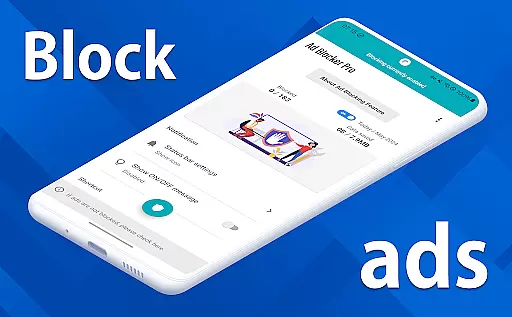
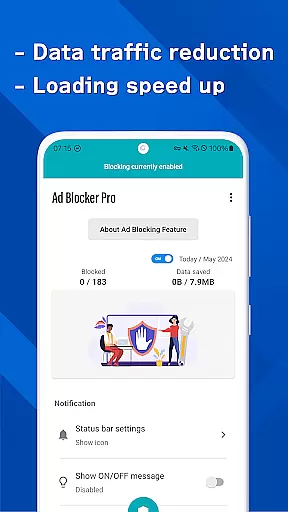
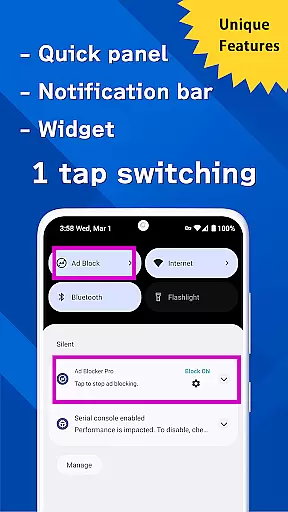
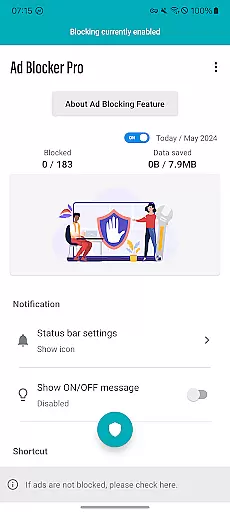
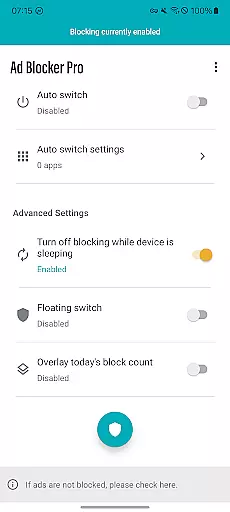
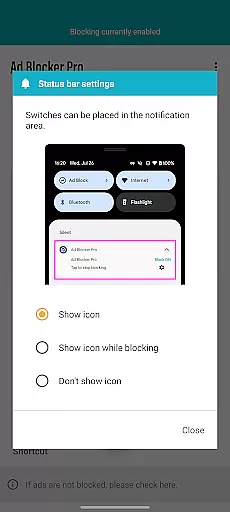
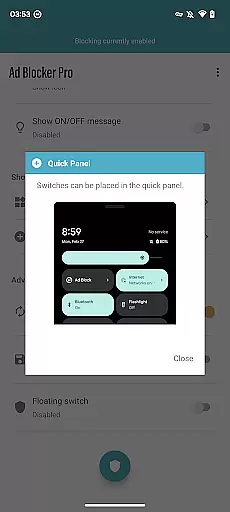
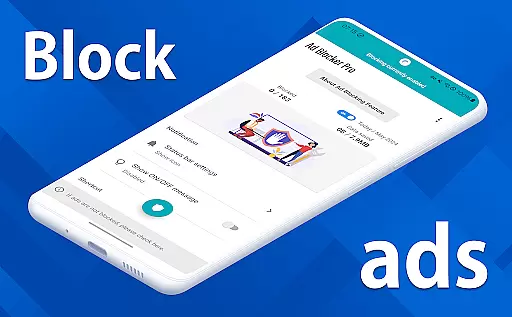
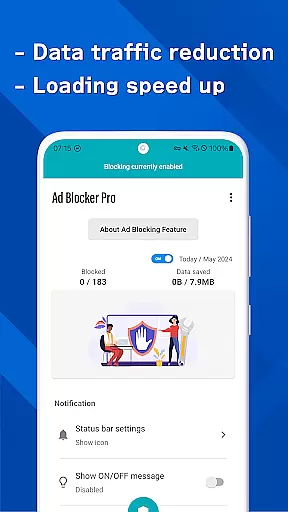
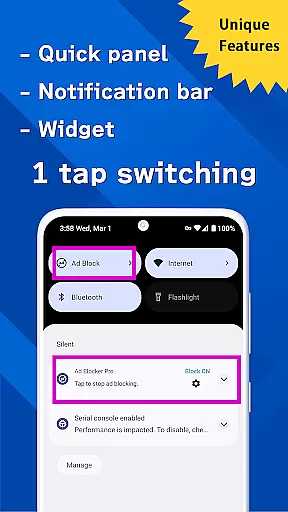
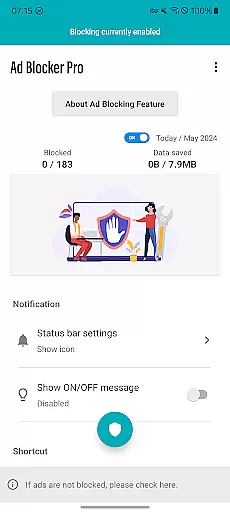
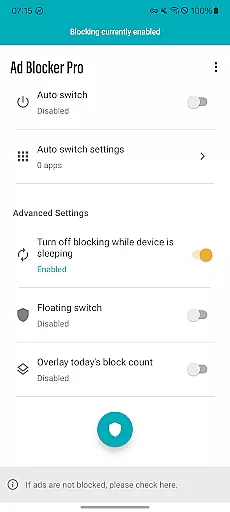
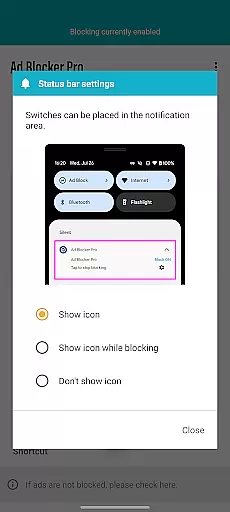
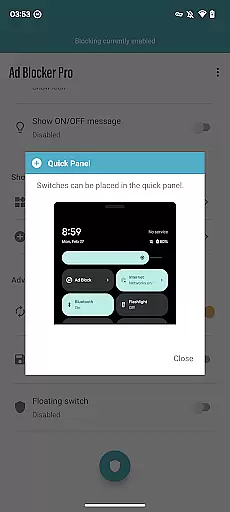
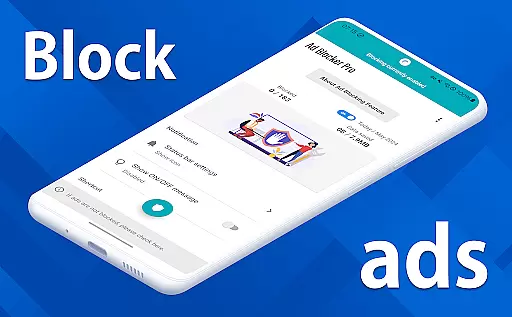
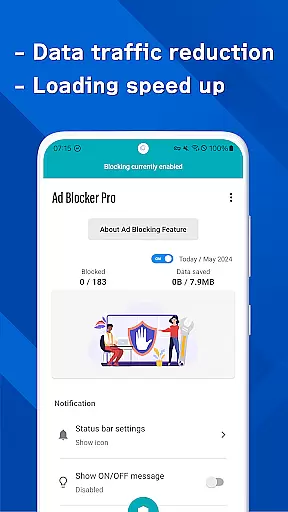

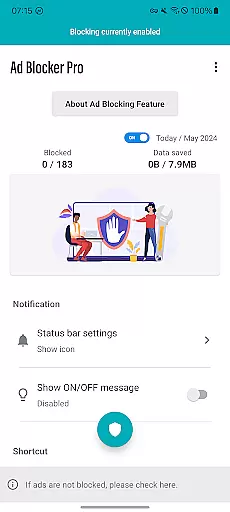
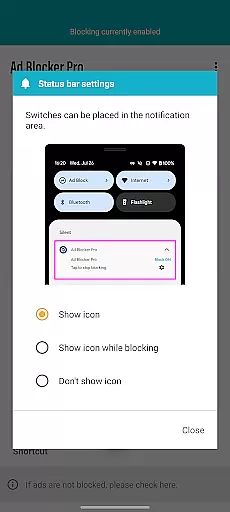
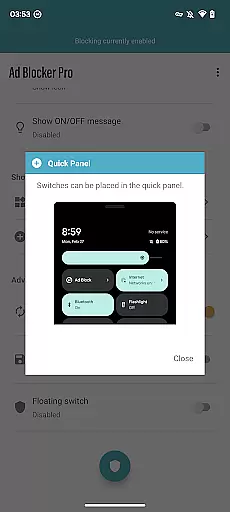
Ad Blocker Pro is a powerful ad-blocking tool designed to enhance your browsing experience on Android devices. The app's core functionality revolves around blocking unwanted ads, malware, and trackers across all browser apps, ensuring faster page loading and improved security. With its unique one-tap ON/OFF switch, users can easily toggle the ad-blocking feature from various access points such as the notification area, quick panel, or floating switch.
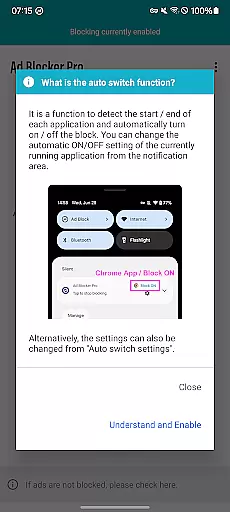
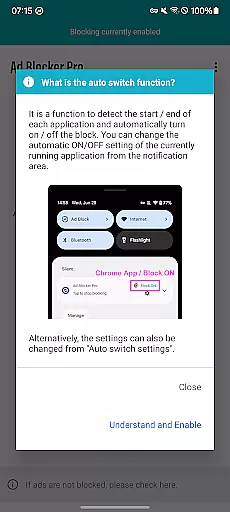
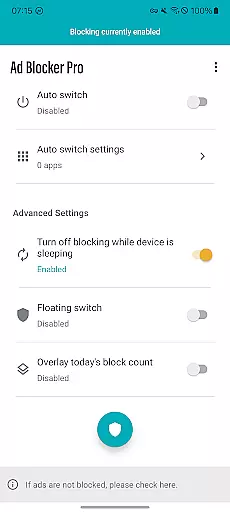
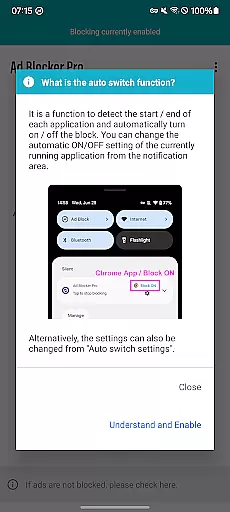
In addition to its primary ad-blocking capabilities, Ad Blocker Pro offers advanced features like automatic ad blocking during device sleep mode and an Auto Switch function that intelligently detects app usage to enable or disable blocking. This ensures seamless operation of other apps while maintaining optimal browsing comfort. The overlay display provides real-time statistics of blocked ads, giving users insight into their enhanced online safety and reduced data consumption.
Ad Blocker Pro stands out with its comprehensive set of features tailored for a smooth and secure browsing experience. One of its key strengths is compatibility with all browser apps, allowing users to enjoy uninterrupted web surfing regardless of their preferred browser. The app significantly speeds up webpage loading by eliminating ads, which also contributes to a cleaner and more intuitive website layout.
Security is another major focus of Ad Blocker Pro. By blocking malware and trackers, the app not only protects users' privacy but also reduces data usage by preventing unnecessary ad content from loading. The Auto Switch feature adds another layer of convenience by enabling ad blocking only in specific apps, automatically detecting app launch and termination to toggle the feature accordingly. These innovative functionalities make Ad Blocker Pro an essential tool for anyone seeking a faster, safer, and more comfortable browsing experience on their Android device.
Ad Blocker Pro exemplifies core function accuracy through its robust ad-blocking capabilities. The app ensures that ads are effectively blocked across all browser apps, which significantly enhances the browsing experience. This precision in blocking is achieved without affecting the normal functioning of websites, preserving the intended user experience while eliminating unwanted content.
The effectiveness of Ad Blocker Pro extends to its ability to block malware and trackers, contributing to a safer online environment. By preventing these harmful elements from loading, the app not only protects users from potential security threats but also reduces data usage. This dual benefit of increased security and efficiency underlines the app's commitment to delivering on its primary promise of comfortable and secure browsing.
Users can expect a seamless experience with features like the one-tap ON/OFF switch and auto-switch functionality, allowing for customized ad-blocking based on current app usage. These features ensure that the app's core functions are not only accurate but also adaptable to individual user needs, enhancing both convenience and effectiveness.
Ad Blocker Pro stands out for its interface simplicity and intuitiveness, making it accessible to users of all technical backgrounds. The app provides a straightforward control mechanism through its one-tap ON/OFF switch, available in multiple access points such as the notification area, quick panel, widget, or floating switch. This ease of access ensures that users can quickly toggle ad blocking without navigating through complex menus.
The design improvements extend to the overlay display of today's block count, offering real-time feedback on the app's performance. This feature not only informs users about the number of ads and trackers blocked but also reinforces the app's effectiveness visually. Such intuitive indicators contribute to a transparent user experience where the benefits of using Ad Blocker Pro are immediately apparent.
Furthermore, the app's compatibility with all browsers and its enhanced security features are presented in a clear, easy-to-understand manner. Users seeking fast and comfortable browsing will appreciate the simplified website and app layouts, which prioritize essential content over intrusive ads. Overall, Ad Blocker Pro combines functional depth with an intuitive interface, ensuring users can maximize their browsing comfort with minimal effort.
Fast ad blocking
Enhanced security
Reduced data usage
User-friendly interface
Real-time block count
Limited to browsers
No video ad blocking
Initial purchase cost
Occasional false positives
Device-specific issues

 4.50
4.50
Clean the junk files on your device
3.40
Canon PRINT is a companion app for your Canon printer.
4.60
Enjoy smooth gameplay with Game Booster
4.90
MS-DOS in your pocket. Play old DOS games anywhere you are ;)
4.10
Bedrock Together: Join any bedrock server on Xbox/PS
4.80
Planner and Tracker for Stardew Valley
4.60
Connect wirelessly to your computer to watch movies, browse the web, play games
5.00
The ideal app to be the digital eye of your family
3.40
Powerful collection of electronics tools and reference.A must for any enthusiast
4.90
The ultimate tool for network analysis, wifi scanning and problem detection.
4.90
Optimize your WiFi network, turn your phone into Wifi Analyzer
4.70
The one-and-only remote control for PC, Mac, and Linux
4.70
The Ultimate Flex Drivers Utility App - Convenient Tapping & Block Filters
4.70
An open-source APK explorer for Android!
4.10
A convenient photo, video, and file recovery tool.
4.00
Unleash gamepad precision for ultimate mobile gaming dominance.
3.90
Create your own custom widget with endless possibilities
3.90
This app unlocks the Pro features of the Central for DayZ app
3.60


User Reviews