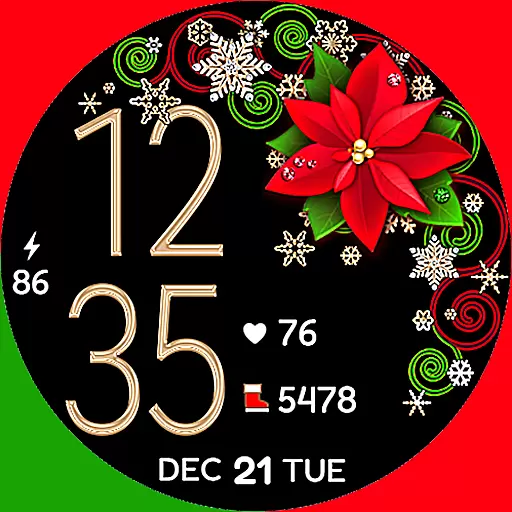
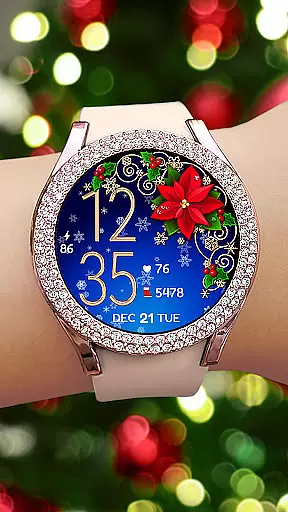
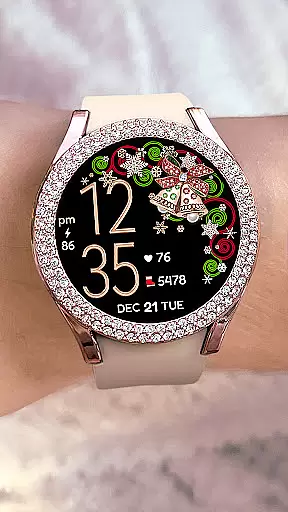
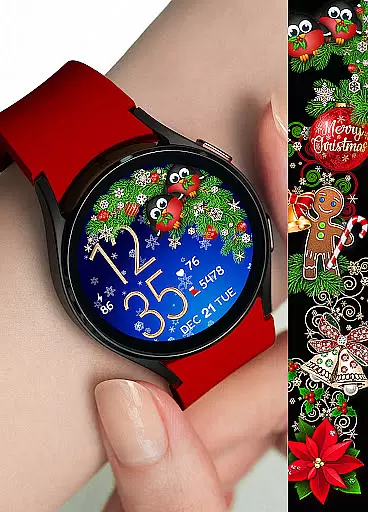
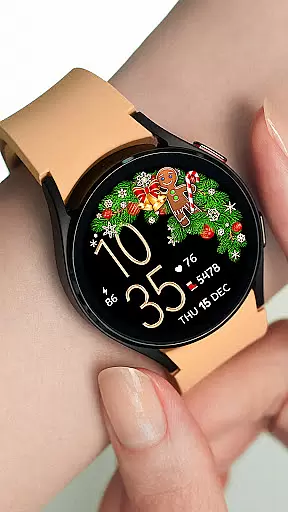

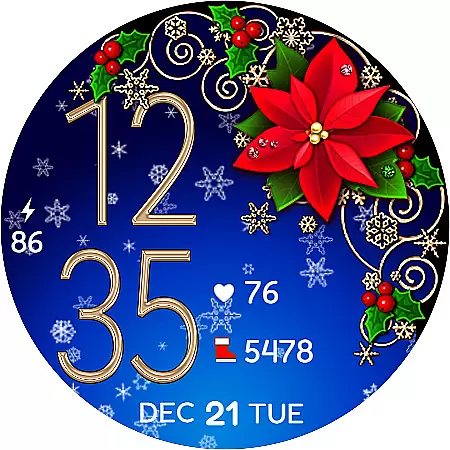
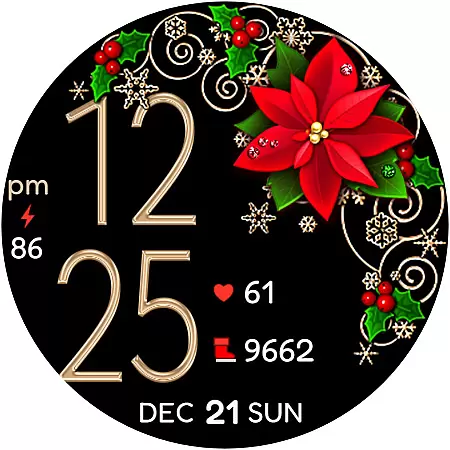
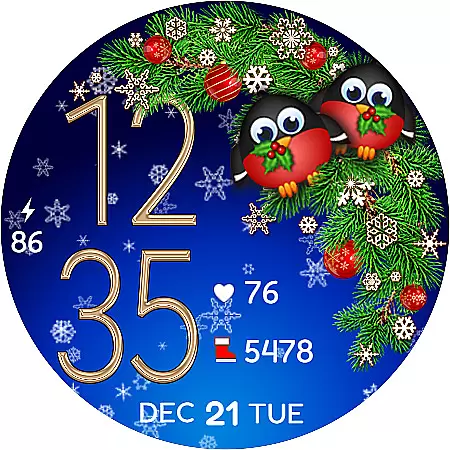
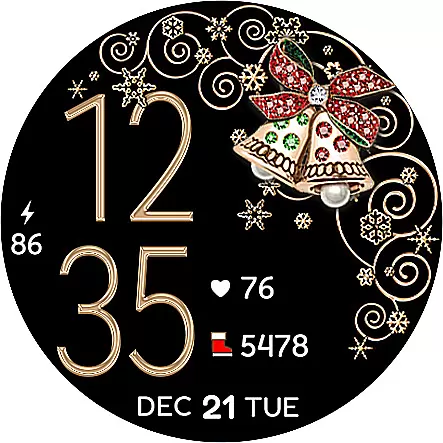
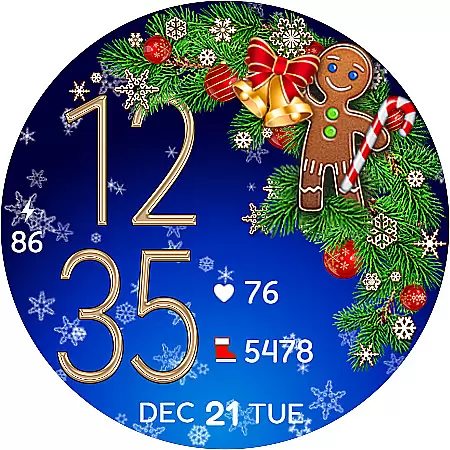
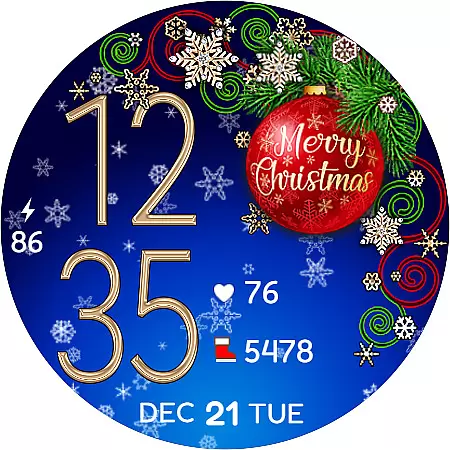
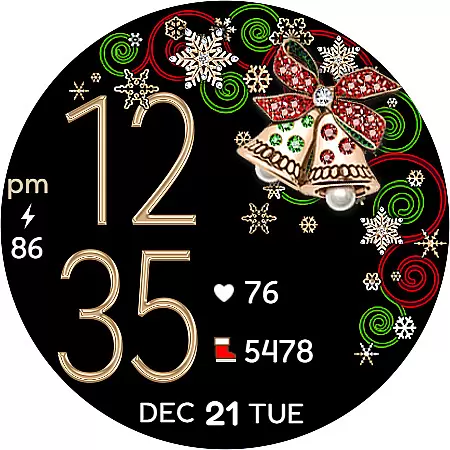
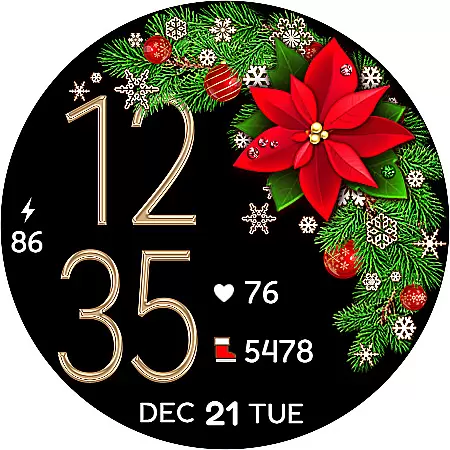
Christmas Snow On/Off Watch is a charming Wear OS watch face that brings festive cheer to your smartwatch. This digital timepiece features customizable 12/24-hour time display that automatically syncs with your phone's time settings, ensuring accurate timekeeping without unnecessary leading zeros in 12-hour mode.
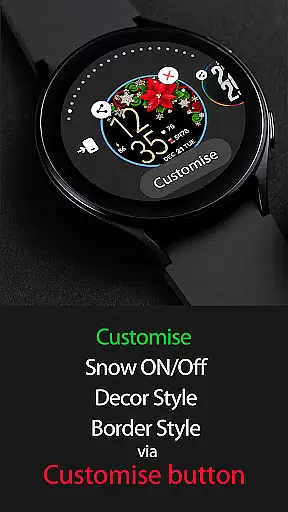
The watch face offers multiple customization options including background snow animation toggle for battery efficiency, five decor styles, four border styles, and a choice between black or snowing backgrounds - creating over 30 unique combinations. Users can personalize their experience through the 'Customize' feature, making it a versatile accessory during the holiday season.
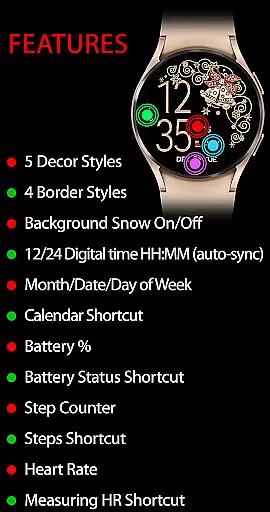
This Christmas-themed watch face stands out with its active mode features that include not only timekeeping but also practical functionalities. The background snow animation can be toggled on or off, offering five decor styles and four border styles while displaying essential information like day, date, month, battery percentage, and even health statistics such as step count and heart rate monitoring.
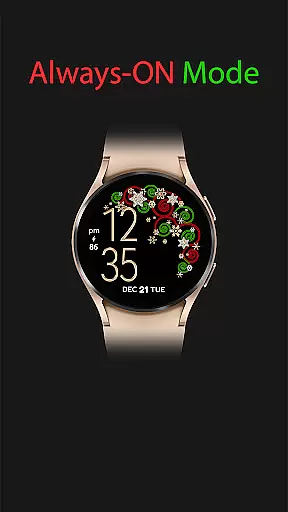
For convenience, users have access to various shortcuts including calendar, battery status, SHealth steps, and a heart rate measurement tool. In always-on mode, the watch maintains essential features like digital time and battery percentage, ensuring visibility even when inactive. These comprehensive features make it both a functional and festive addition to any Wear OS device.
Companion app integration is essential for a seamless wearable experience. Christmas Snow On/Off Watch ensures that your watch face stays in perfect sync with your smartphone.
This application automatically synchronizes the time from your phone, ensuring that your Wear OS device always displays the correct time without any manual adjustments. The 12/24-hour digital time format adapts to your phone's settings, providing convenience and accuracy.
Beyond time synchronization, the app offers additional functionalities such as calendar shortcuts, battery status, and health features like step counting and heart rate monitoring. These features are easily accessible through intuitive shortcuts on the watch face.
By maintaining strong companion app integration, Christmas Snow On/Off Watch enhances usability while delivering a delightful Christmas-themed experience tailored to your preferences.
Ensuring compatibility across various Wear OS devices is crucial for an optimal user experience. Christmas Snow On/Off Watch is designed to work seamlessly with multiple Wear OS smartwatches.
The application supports a wide range of features including background snow animation, customizable decor styles, and border options. With over 30 combinations available, users can personalize their watch faces to match their unique style.
In active mode, users benefit from advanced functionalities such as day/date display, battery percentage indicators, and health tracking tools like step counters and heart rate monitors. All these features are optimized for smooth performance on compatible devices.
Additionally, the always-on display provides essential information at a glance, ensuring that users remain informed even when their watch is not actively engaged. This comprehensive compatibility makes Christmas Snow On/Off Watch a versatile choice for Wear OS enthusiasts.
Highly Customizable
Festive Design
Battery Efficient
Health Features
Always-On Mode
Limited Sync Speed
Occasional Glitches
Premium Only
Complex Setup
Device Compatibility

Christmas - Festive - Christmas Village - Winter - Christmas lights
 5.00
5.00
Christmas is near, let's count together the days left until Santa comes
4.2
Authentic military-tactical design with ZULU time! Realistic and functional!
3.80
Your second brain for organizing your life: to-do, calendar, reminder.
4.70
Real-time results, stats, schedules and player profiles for all leagues
4.60
Animated video-game inspired “secret agent” simulation, right on your wrist!
4.20
Want to take charge of your health? Let Google Fit help you reach your goals.
3.50
Control your Samsung Smart TVs, appliances, and SmartThings-compatible devices
4.60
Back up your contacts & access them anywhere
4.30
The Chevron App allows you to pay for fuel from the comfort of your car!
4.80
The most customizable minimal watch face. For Wear OS 5.0, API 34+ and later
4.70
Nutrition, Macro tracker: Food, fitness & healthy diet tracking for weight loss
4.60
Retro digital watch face with customizable colors and a unique lighting effect
4.60
Bold weather Digital watchface with forecast & optional animated background
4.40
The #1 source of faces for your smartwatch!
4.00
Get helpful reminders, take progress photos and find answers to your questions.
3.90
Your local weather forecast, storm tracker, radar maps & live weather news
3.40
an Analog Watch Face for winter season with freeze winter background for Wear OS
4.1
A Wintery Snow Globe on Your Wrist; now celebrating Christmas!
4.3


User Reviews