
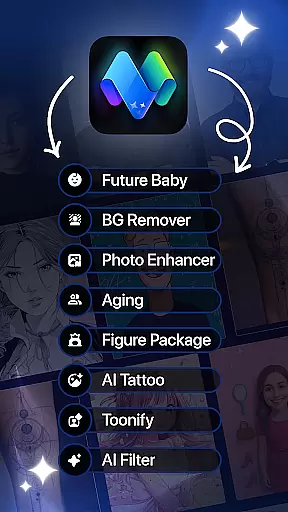
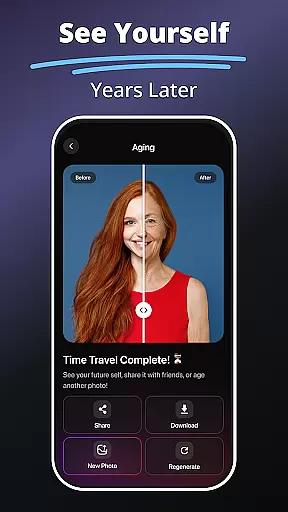
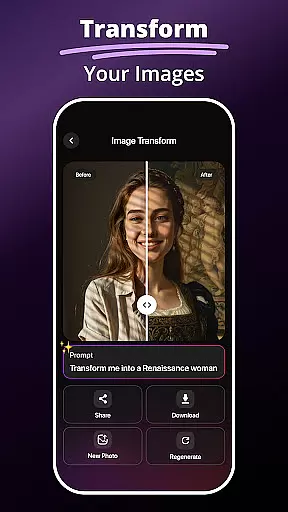
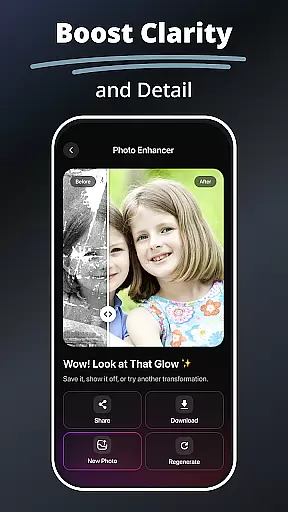
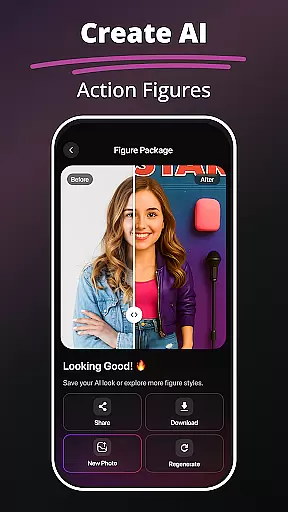
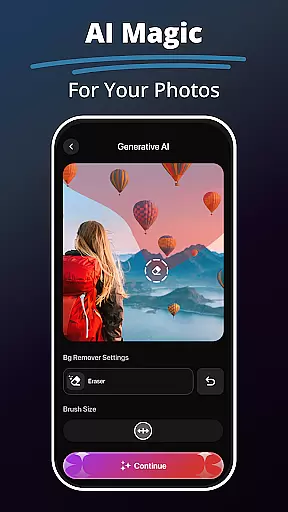
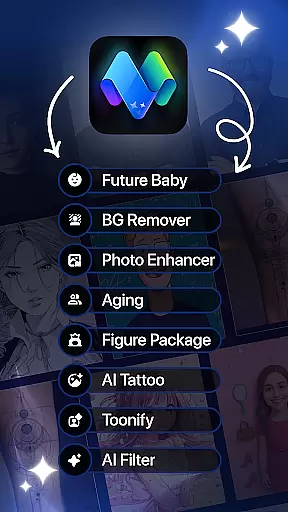
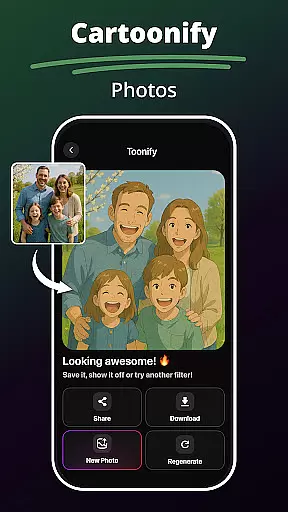
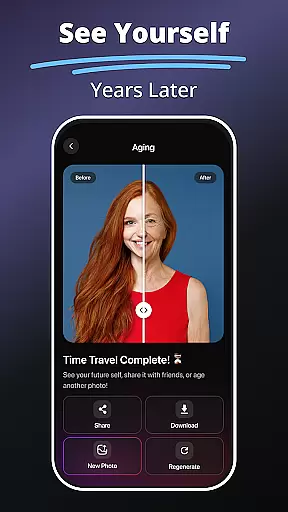
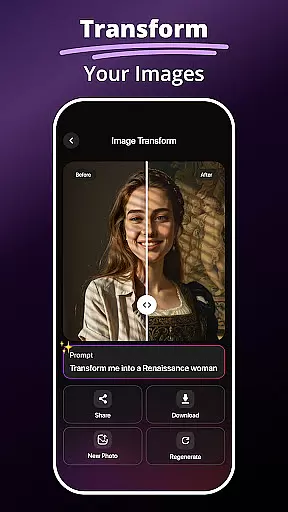
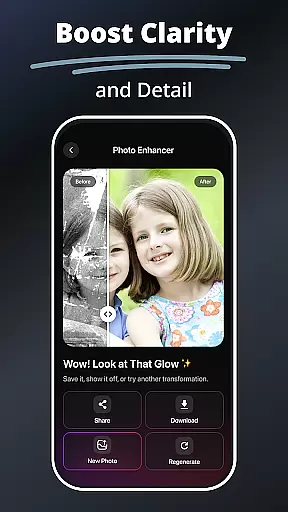
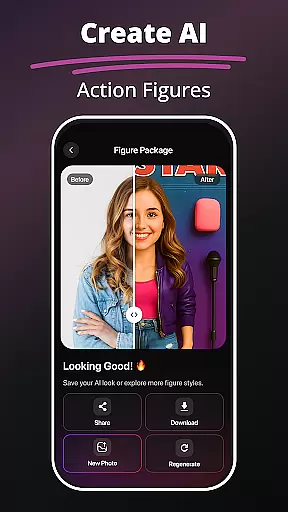
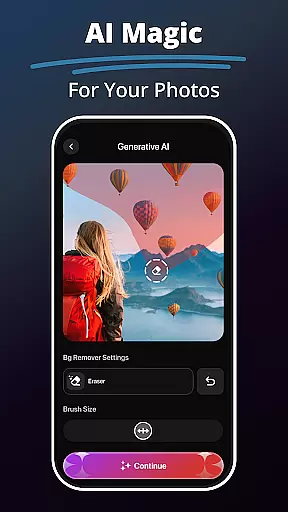
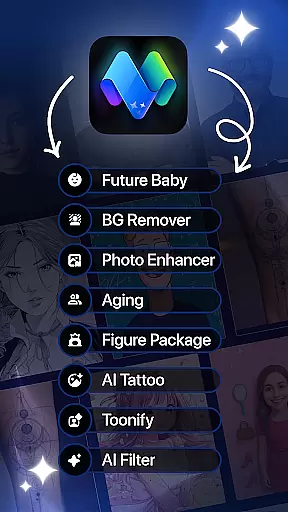
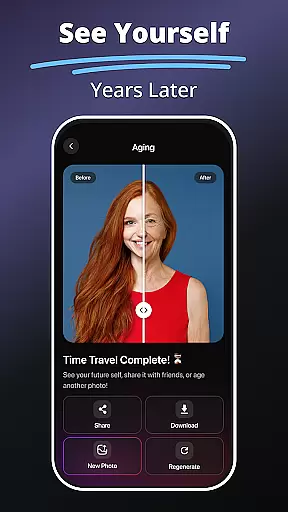
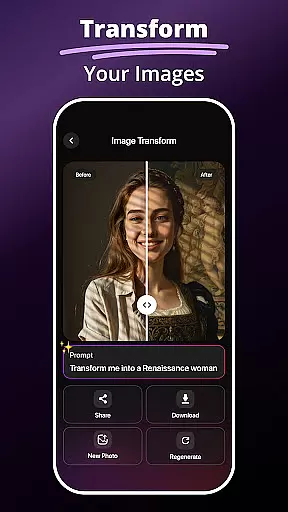
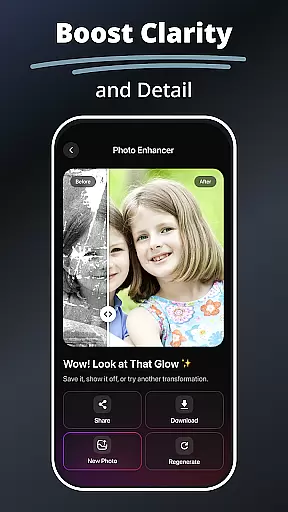
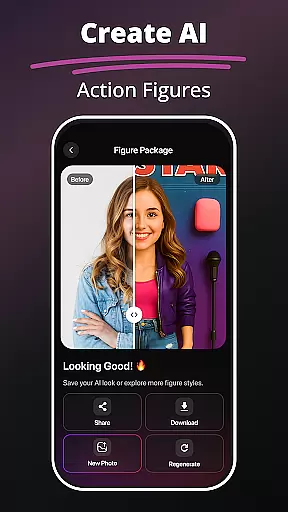
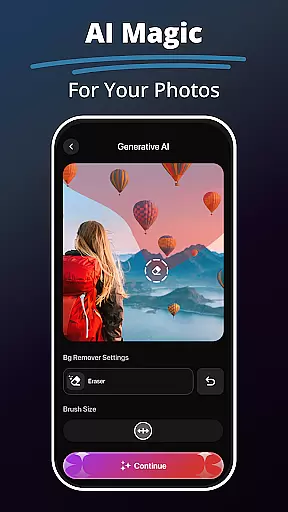
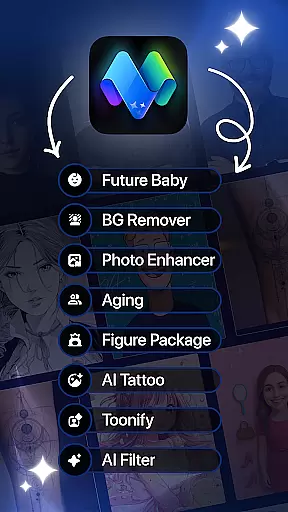
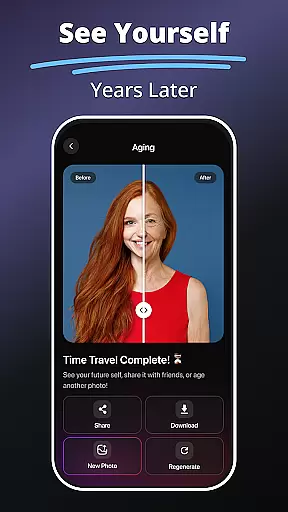
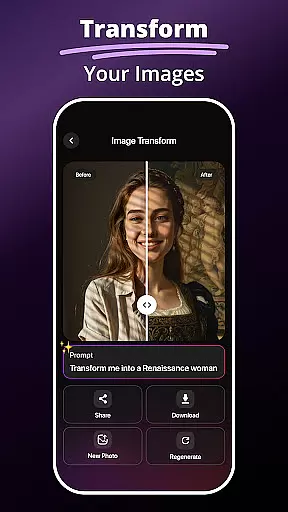
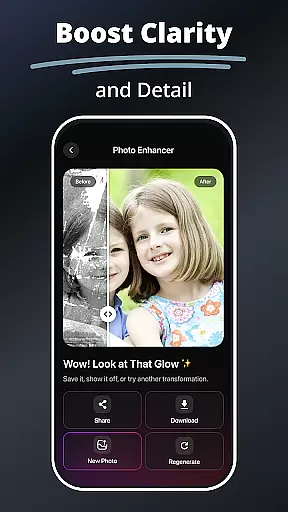
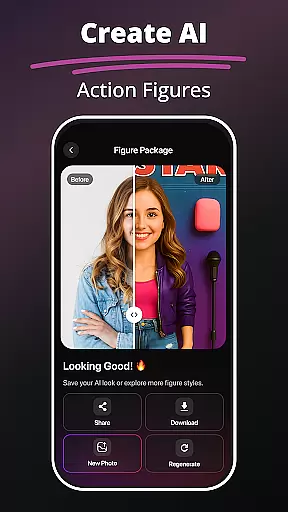
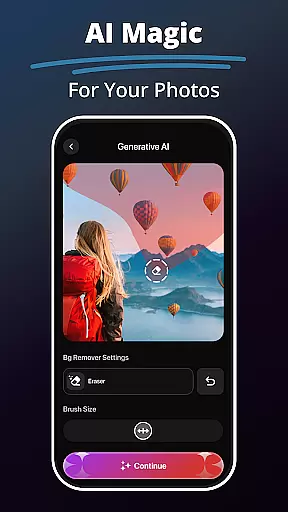
MePic is an innovative AI-powered photo editor designed for creative professionals and casual users alike. This all-in-one solution combines advanced editing tools with imaginative features, allowing you to transform ordinary photos into extraordinary digital art. The app's standout capabilities include text-to-image generation, future baby prediction, and professional-grade photo enhancement.
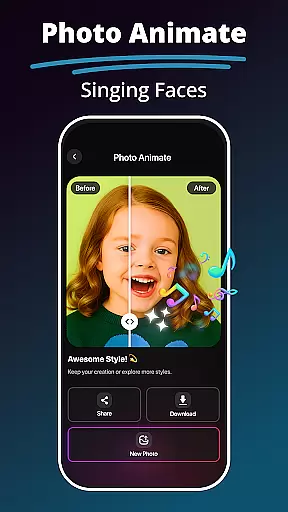
What sets MePic apart is its versatility across different creative needs. Users can experiment with avatar creation in various styles, test different hair and beard combinations, or remove unwanted objects from photos. The built-in animation feature brings static images to life through dynamic motion effects. These comprehensive tools make it perfect for social media enthusiasts, content creators, and anyone looking to explore their artistic potential.
The true value of MePic lies in its ability to democratize professional-quality photo editing. With intuitive controls and powerful AI assistance, even beginners can achieve impressive results. Whether you're enhancing portraits, designing unique avatars, or creating imaginative visuals, MePic streamlines the creative process while maintaining exceptional quality standards.
MePic distinguishes itself through a collection of specialized features that cater to diverse creative requirements. The Text to Image functionality utilizes sophisticated AI algorithms to interpret user descriptions and generate corresponding visual representations. This feature opens new possibilities for artists and designers seeking quick concept visualization.
The app's AI Photo Editor offers an extensive range of filters and enhancement tools that go beyond basic editing. From skin smoothing to object removal, each tool employs advanced processing techniques to ensure natural-looking results. The Avatar Creator stands out with its detailed customization options, allowing users to modify facial features, hairstyles, and makeup with precision.
Unique features like the Future Baby Generator showcase MePic's innovative approach to photo editing. By analyzing facial characteristics and applying complex prediction algorithms, the app creates realistic future baby portraits. Additionally, the Background Remover and Photo Animate tools demonstrate the app's commitment to providing both practical and creative solutions for modern digital artists.
In the realm of digital artistry, having a comprehensive suite of creative tools is essential for unleashing one's full potential. MePic stands out by offering an extensive array of features that cater to both amateur enthusiasts and professional designers alike.
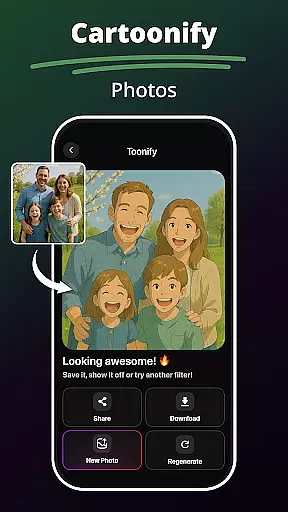
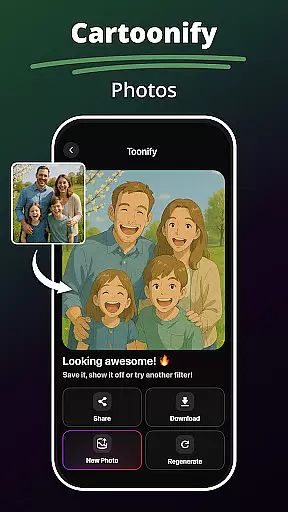
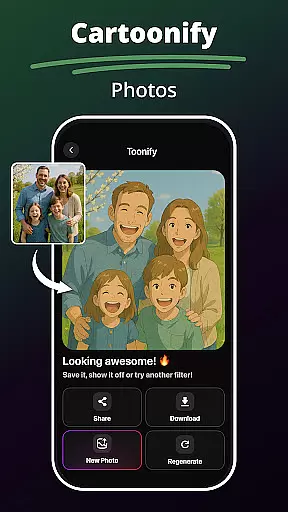
At its core, MePic provides powerful AI-driven functionalities such as Text to Image conversion, which transforms descriptive text into visually stunning graphics. This capability not only broadens the scope of creativity but also simplifies the process of visualizing ideas. Additionally, users can experiment with various artistic styles through the Avatar Creator & Styles feature, allowing them to craft personalized avatars in diverse aesthetics ranging from whimsical cartoons to sophisticated portraits.
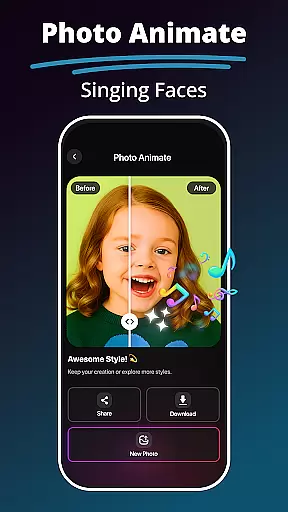
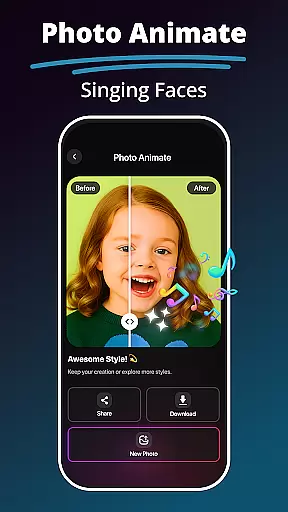
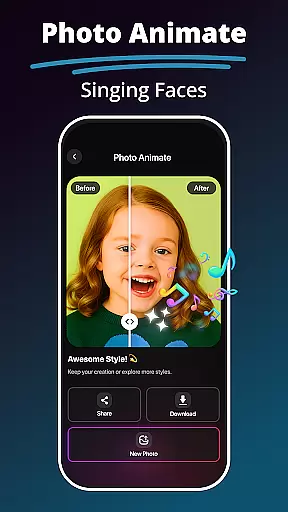
Moreover, MePic doesn't stop at static image creation; it extends into dynamic realms with Photo Animate effects. By animating faces and adding motion to still images, creators can produce captivating visuals that engage audiences on a deeper level. Such versatility ensures that whether you're enhancing portraits or designing imaginative artwork, MePic equips you with everything needed to bring your visions to life.
The ability to work across different canvas sizes and formats is crucial for artists who wish to express their creativity without limitations. MePic excels in providing unparalleled flexibility when it comes to project dimensions and output options, ensuring that every piece of art meets specific requirements and visions.
With MePicu2019s Background Remover & Object Editing tool, users gain precise control over their compositions. They can effortlessly remove or replace backgrounds, adjust colors, and erase unwanted elements, thus tailoring each artwork precisely as envisioned. Whether preparing images for social media, print, or digital displays, this adaptability allows creators to optimize their work for any platform or purpose seamlessly.
Furthermore, MePic supports a wide range of file formats, making it easy to import and export projects while maintaining high-quality standards throughout. From standard JPEGs to more specialized formats like PNG or SVG, artists have the freedom to choose the best option for their needs without compromising on resolution or detail. This commitment to format compatibility empowers users to explore new creative avenues confidently, knowing they can deliver polished results regardless of the intended use case.
User-friendly interface
Advanced AI capabilities
Versatile editing tools
Realistic avatar creation
Innovative features
Subscription required
High system demands
Limited free features
Occasional glitches
Steep learning curve

Create trending AI photos & videos with powerful effects and 3D styles.
 3.20
3.20
Art of Combination Wear OS Watch faces
4.4
Custom Character Creator & PFP Maker!
4.20
Draw on screen: FP sDraw is a simple and lightweight drawing app
4.70
AR Anime Drawing: How to draw anime with AR drawing & sketching apps!
4.00
Turn your drawings into flipbook-style animations with simple creative tools
4.60
Bring One UI 8.5 Icons to life -elegant dark icons with a modern, premium touch.
4.30
Inky runs Inkscape on Android devices and Chromebooks
2.90
Explore future self face age filter & remove background image for a unique look.
3.50
Learn how to draw with step-by-step tutorials, fun lessons & multiplayer drawing
4.70
Photo stitcher for automatically screenshot stitching into a long screenshot
4.70
Digital illustration drawing & painting pad app to paint Anime and Manga art
4.50
Everything you need to create hand drawn animation, anywhere you go!
4.40
Nano Banana AI Image Generator, Anime Filter, AI Portrait, AI Photo Generator
4.30
Digital Drawing: Draw & Paint
4.10
Floor Plan Creator lets you create, edit and share floor plans.
4.00
Resize photos and print photos in exact size with our powerful photo printer!
3.80
Create cute cat emojis & PFPs! Fun, custom avatars for cat lovers.
3.70
Meet the magic aı 3d photo generator and smart AI video generator app.
3.20


User Reviews