

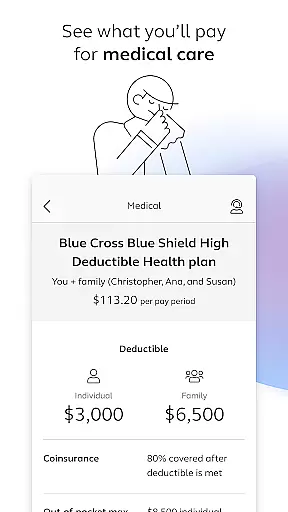
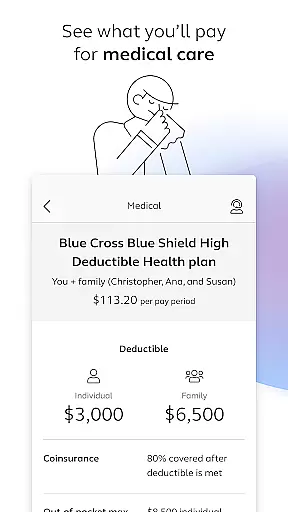
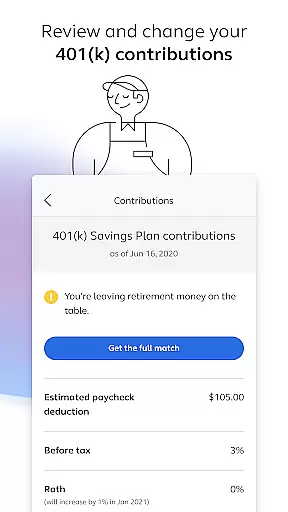
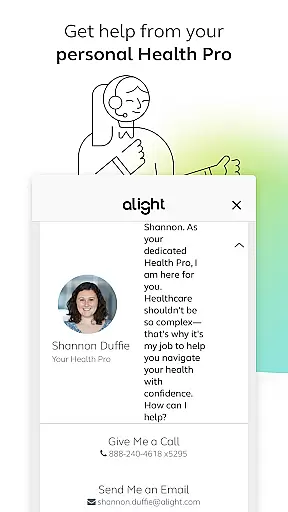
Alight Mobile is a comprehensive business application designed to provide employees with seamless access to their employer-sponsored benefits. The app enables users to manage health, retirement, and payroll information from their mobile devices, ensuring convenience and accessibility. With Alight Mobile, you can enroll in benefits, review medical plans, adjust 401(k) contributions, and even access important documents like insurance cards. This makes it an essential tool for employees looking to stay informed and in control of their benefits.
The app stands out by consolidating various HR resources into one platform, offering features such as finding healthcare providers, consulting with personal Health Pros, and tracking time-off balances. These capabilities ensure that users have a holistic view of their benefits landscape, empowering them to make informed decisions about their financial and personal well-being.
Whether you're at home or on the go, Alight Mobile provides timely access to critical employee data, making it particularly useful during open enrollment periods or when urgent benefit adjustments are needed. By delivering personalized, on-demand access to benefit details, the app enhances both user satisfaction and administrative efficiency.
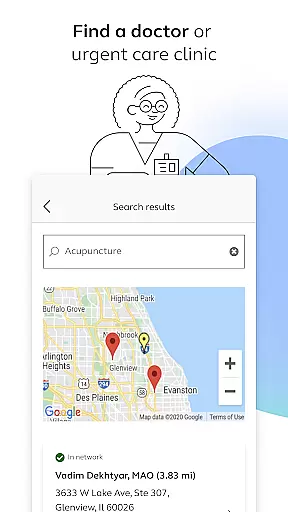
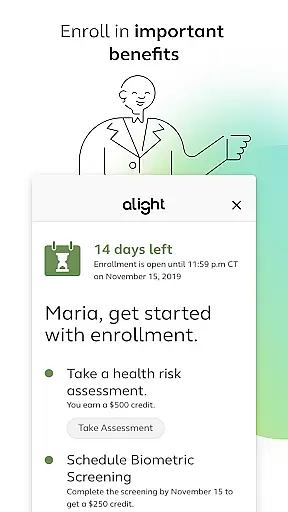
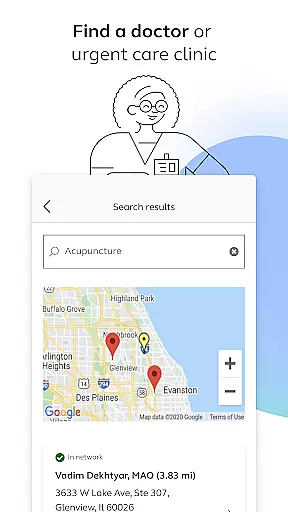
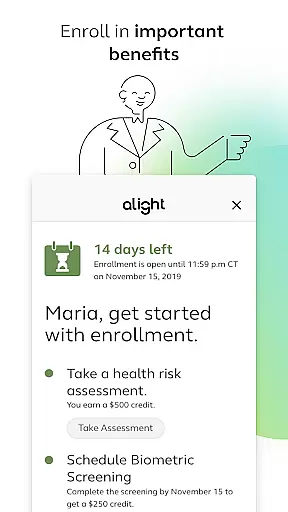
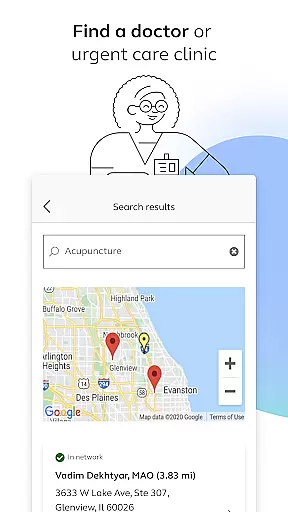
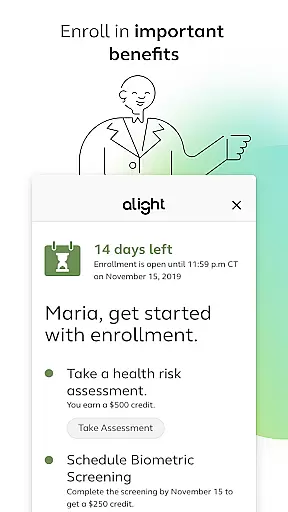
Alight Mobile offers a robust set of features tailored to meet the diverse needs of modern employees. One of its standout functionalities is the ability to locate healthcare providers, including doctors and urgent care clinics, directly through the app. This feature simplifies the process of accessing medical services and ensures that users can quickly find the care they need. Additionally, the app allows users to enroll in essential benefits programs, providing a streamlined approach to managing their health and financial security.
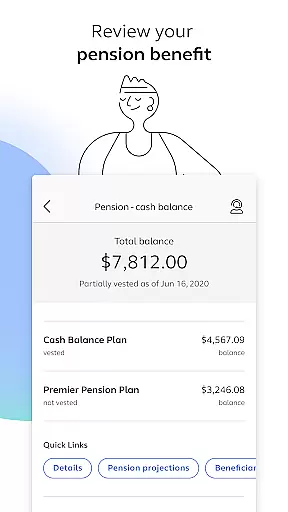
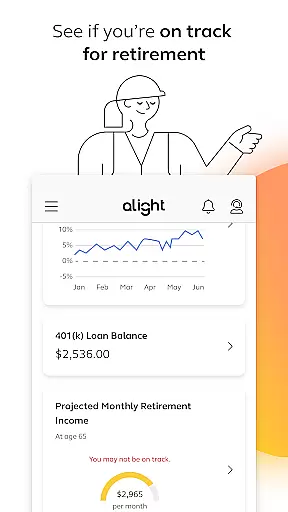
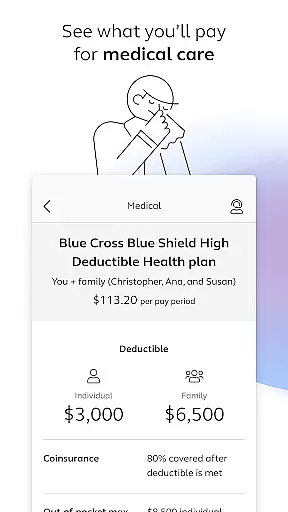
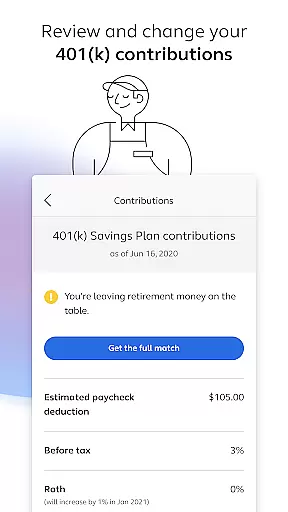
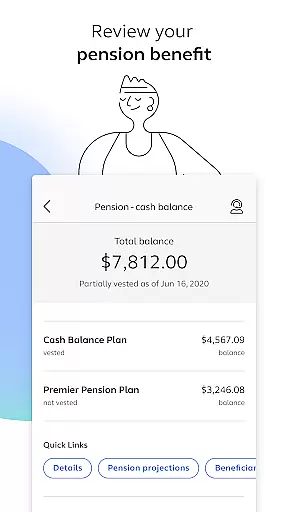
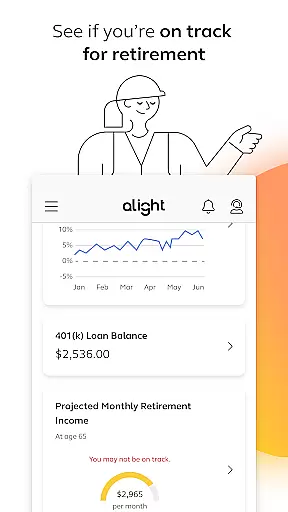
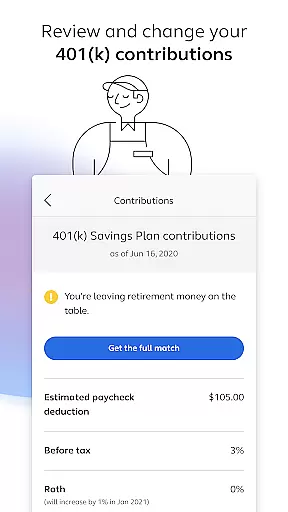
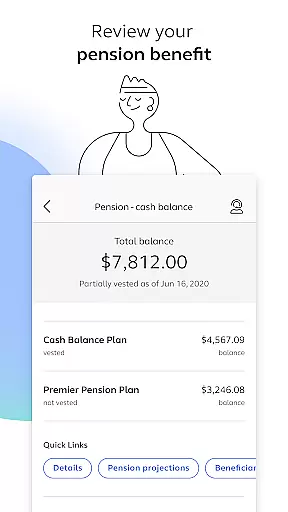
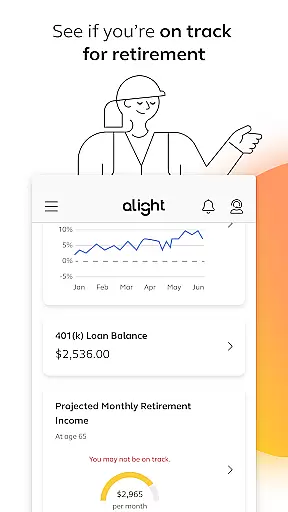
Another key aspect of Alight Mobile is its detailed retirement planning tools. Users can review their 401(k) contribution elections, assess pension benefits, and determine if they are on track for retirement. These insights help individuals make proactive decisions about their long-term financial goals. Furthermore, the app includes resources for reviewing medical plan expenditures and saving digital copies of insurance cards, enhancing overall convenience.
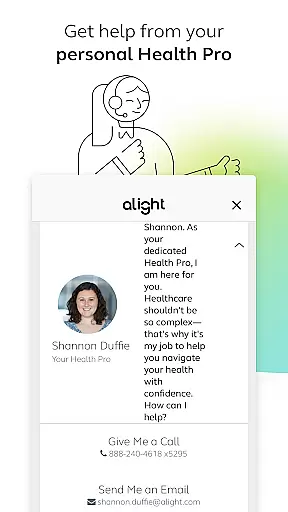
Finally, Alight Mobile distinguishes itself through personalized support options. Users can connect with dedicated Health Pros who offer guidance on navigating benefits and optimizing healthcare choices. All these features are unified within a single interface, creating a centralized hub for managing all aspects of employee benefits efficiently and effectively.
In today's interconnected workplace, collaborative work features are essential for seamless teamwork. Alight Mobile recognizes this need and offers functionalities that enable employees to engage with their benefits and HR programs collectively. Through the app, users can access shared resources and tools that facilitate group decision-making regarding health plans, retirement contributions, and other benefit programs.
The app provides a centralized platform where employees can review and discuss their 401(k) contribution elections, ensuring that everyone is aligned with the team's financial goals. Additionally, by offering easy access to personal benefits information, it empowers teams to make informed decisions about their compensation packages and retirement planning.
By integrating collaborative elements such as shared access to insurance cards and health provider directories, Alight Mobile enhances communication among team members. This ensures that all employees, regardless of location, can contribute to discussions about healthcare providers or urgent care clinics, leading to more cohesive and informed group choices.
Effective task management is crucial for staying on top of one's professional and personal responsibilities. Alight Mobile excels in this area by providing users with the tools needed to manage their benefits-related tasks efficiently. The app allows individuals to enroll in important benefits, review medical plans, and track spending with ease, which simplifies what can often be an overwhelming process.
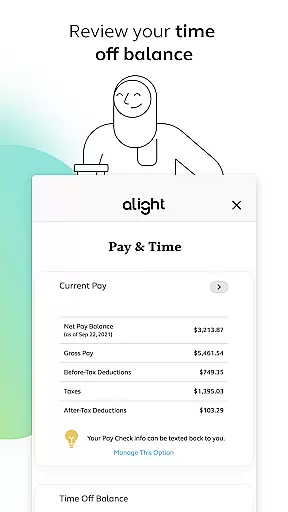
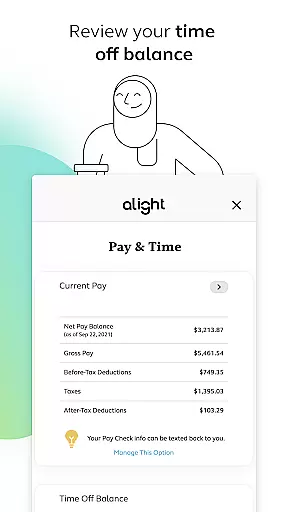
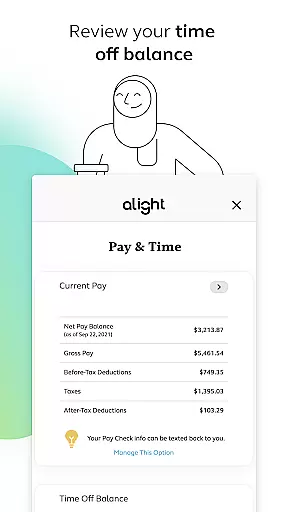
With features like the ability to review time off balances and make necessary adjustments to 401(k) contributions, the app serves as a personal assistant for managing key aspects of one's employment benefits. These capabilities ensure that users can maintain control over their financial health and plan effectively for the future.
Furthermore, Alight Mobile helps users stay organized by consolidating various HR-related tasks into one accessible location. Whether it's keeping track of retirement readiness or accessing benefit resources, the app streamlines these processes, allowing employees to focus on their primary job responsibilities while remaining confident that their personal administrative tasks are under control.
User-friendly interface
Comprehensive benefits management
Personalized support options
Convenient mobile access
Integrated HR resources
Limited to partner companies
Feature availability varies
Requires login credentials
Occasional update delays
Dependent on employer plans

 4.70
4.70
Formerly Facebook Ads Manager. Manage and create ads on the go.
4.20
Amazon A to Z is the place to manage your work-life at Amazon.
4.50
A secure, all-in-one team collaboration app
4.30
Grow your business and connect with more people with Meta Business Suite.
4.60
view, manage, and share every PDF file you have
3.60
Access to Paylocity, empowering employees with information they need 24/7.
4.70
Shop, deliver, and earn with the Spark Driver™ App
4.10
Chat, meet, and collaborate to achieve more together, all in one place on Teams
4.60
BuildCalc - the easiest AND the most advanced construction calculator app.
4.80
The MyWalmart App is available for all associates in stores.
4.70
USPS Mobile®Access USPS.com’s most popular tools on-the-go.
4.70
AI-powered document scanner with auto enhance for perfect PDFs.
4.60
No more passwords, easier sign-in, and greater protection for your accounts.
4.60
The app that lets you deliver with Amazon.
4.50
VSD Viewer - Visio Drawings Viewer for Android Preview VSD, VDX, VSDX drawings
4.10
Simple, Fast & Lightweight
3.90
viewing and sharing of PDFs
3.60
Delivery Track App - Tracking with Fedex, USPS, UPS, DHL. Monitor your Orders.
3.20


User Reviews