
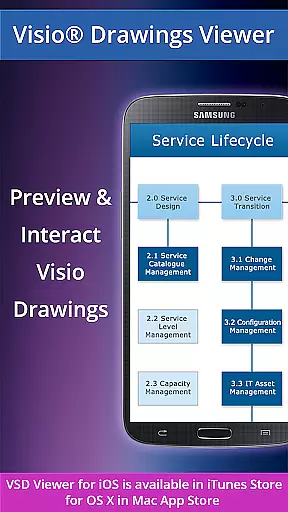
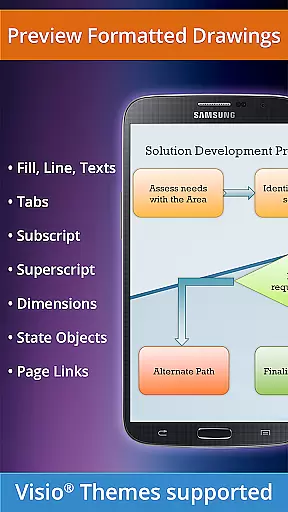
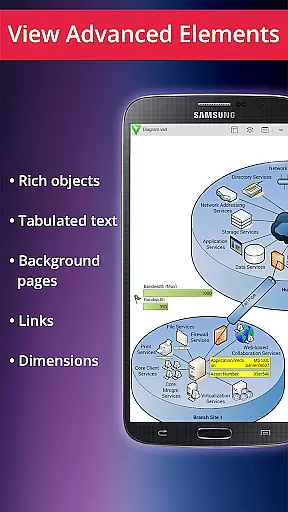
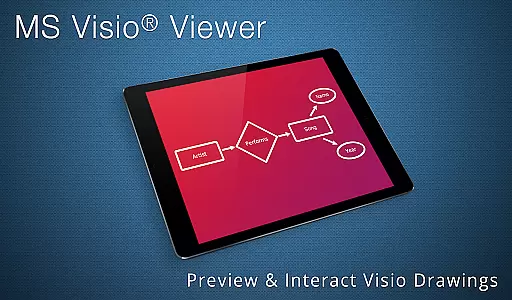
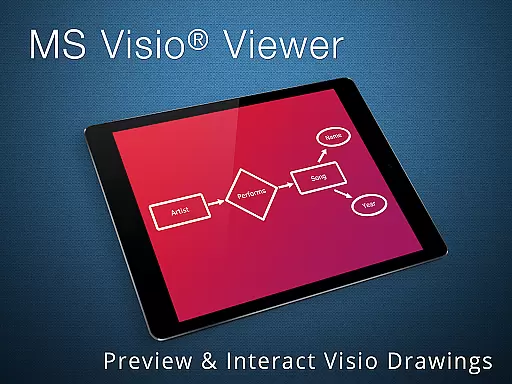
VSD Viewer is a professional Visio drawings viewer for Android devices, enabling users to open and render various MS Visio file formats. It supports VSD, VDX, and VSDX files, including those from Visio 2013. The app offers both basic and advanced viewing options, making it suitable for professionals who need to view complex formatted objects and technical diagrams on the go.
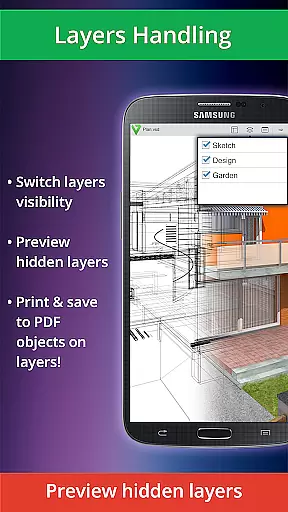
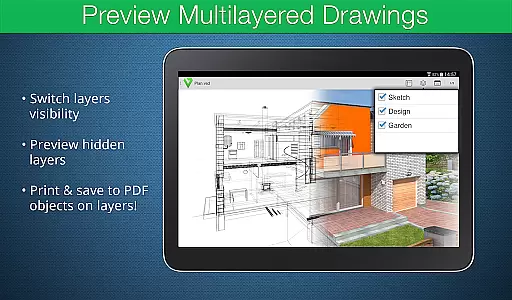
With features like scroll, zoom, and multipage navigation, users can easily interact with their documents. Additionally, the ability to preview hidden layers and switch layer visibility provides an enhanced level of detail control. This makes VSD Viewer a valuable tool for anyone working with detailed Visio drawings in a mobile environment.
VSD Viewer stands out with its comprehensive support for different Visio file formats, including VSD, VDX, and VSDX, catering to a wide range of users. Its basic options allow users to open, preview, and navigate through multipage documents with ease. Advanced functionalities such as previewing hidden layers and switching layer visibility offer deeper insights into complex drawings.
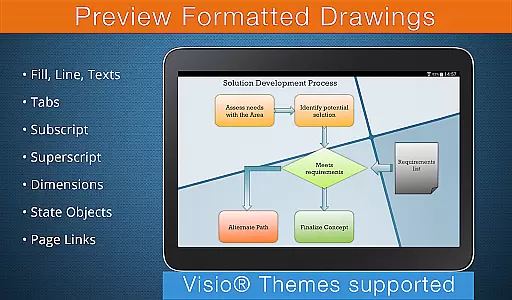
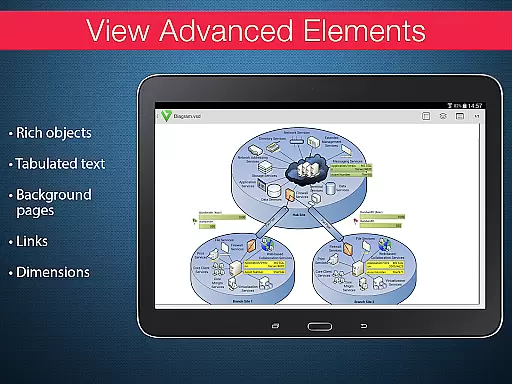
The app also supports viewing complex formatted objects, maintaining original dimension units, and handling built-in metafiles. These capabilities ensure that users can accurately view technical diagrams and multilayered drawings without losing any details. While processing large documents may take time and internet connection is required for rendering metafiles, these trade-offs are minor compared to the app's robust feature set.
In today's interconnected work environments, the ability to collaborate effectively is essential. VSD Viewer for Visio Drawings facilitates this by allowing teams to access and review MS Visio drawings on Android devices. This ensures that all team members, regardless of location, can stay informed and contribute to projects.
The application supports a variety of file formats including VSD, VDX, and VSDX, ensuring compatibility with different versions of Visio drawings from 2000-2013. With options to scroll, zoom, and navigate multipage documents, users can interact with complex diagrams as if they were using the desktop version. The ability to copy drawing texts further enhances the collaborative experience by facilitating information sharing.
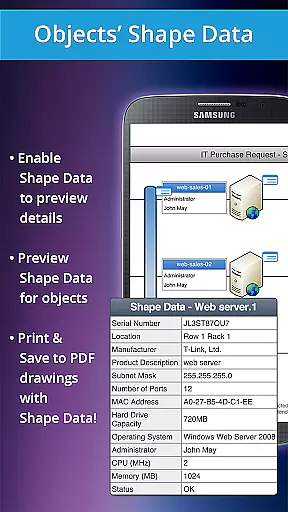
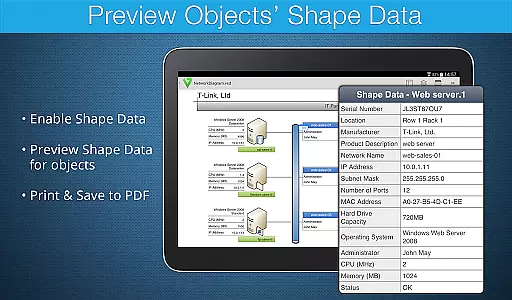
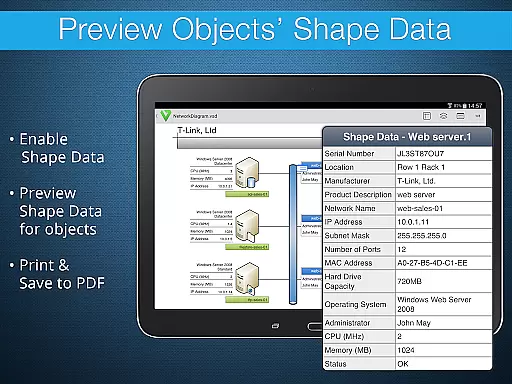
Advanced functionalities such as previewing hidden layers, switching layer visibility, and viewing object shape data make it an indispensable tool for project teams. These features allow users to dissect diagrams and understand the underlying structure and data, promoting more insightful discussions and decision-making processes.
While there are some restrictions like the need for an internet connection for rendering built-in metafiles, the overall package offers robust support for collaborative work. By providing comprehensive tools for reviewing technical diagrams, VSD Viewer empowers teams to work efficiently and cohesively, even when working remotely.
Effective task management is crucial for maintaining productivity in business environments. VSD Viewer for Visio Drawings contributes to this by offering powerful features tailored for managing tasks related to technical diagrams. Users can open and preview any MS Visio drawing, which serves as a visual guide for project tasks and milestones.
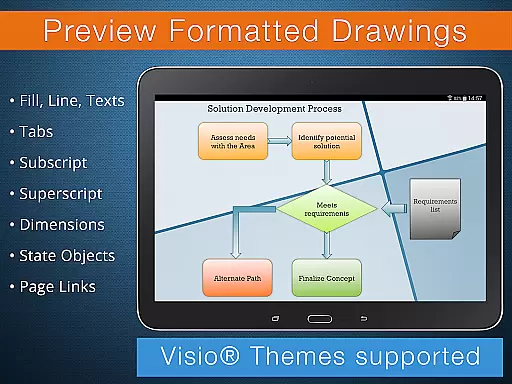
With capabilities such as viewing complex formatted objects, lines, fill, color gradients, and formatted text, users can extract detailed information from each drawing. This level of detail aids in understanding task requirements and progress, making it easier to manage responsibilities and deadlines. The option to switch document guides visibility also helps in focusing on specific parts of a diagram relevant to particular tasks.
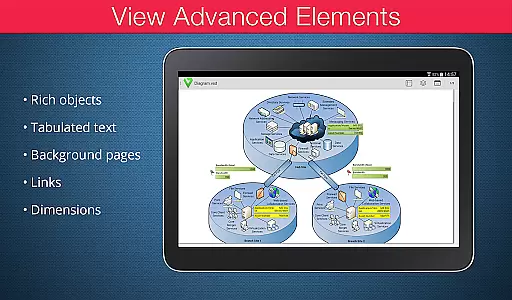
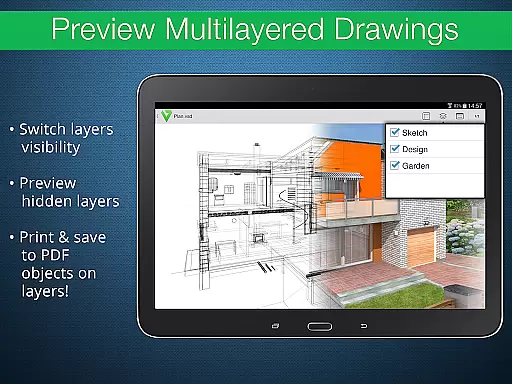
For projects involving multi-layered diagrams, the ability to preview hidden layers and toggle their visibility becomes particularly useful. It allows project managers and team members to focus on individual components of a task without losing sight of the bigger picture. Additionally, viewing objects placed outside page boundaries can provide insights into auxiliary information or notes critical for task completion.
Although processing huge documents may take time and certain features require an internet connection, VSD Viewer remains a valuable asset for task management. Its specialized tools enable users to dissect and understand complex diagrams, thus streamlining task tracking and enhancing overall project efficiency.
User-friendly interface
Wide format support
Advanced layer management
Accurate rendering
Technical diagram support
Rendering delays for large files
Internet needed for metafiles
Limited editing capabilities
No offline metafile support
Premium features locked behind paywall

Zoom built for Chrome OS
 3.90
3.90
Find jobs and make money fast with JobStack.
4.60
Convert Your Lovable.dev Website into a Mobile App Instantly!
4.1
TurboScan turns your phone into a full-featured PDF document scanner.
4.80
Manage Your Shop
4.70
All-in-one Mobile solutions for employees & managers to succeed at work
4.30
Permission Guard is a security app that helps you manage app permissions.
4.80
The app that lets you deliver with Amazon.
4.50
Chat, meet, and collaborate to achieve more together, all in one place on Teams
4.60
Create curriculum vitae, a professional cover letter creator and resume designer
4.80
Use Generative Summary to understand your rental or insurance docs in seconds.
4.70
ANDROID'S TOP MOBILE OFFICE - Word, Excel, PowerPoint and PDF at your fingertips
4.50
Drive and earn extra money
4.50
Master crypto trading with real-time simulations and exciting challenges!
4.50
ADP Mobile Solutions is an employee self service app
4.50
Find flexible, hourly jobs hiring near you in restaurant, retail & hospitality!
4.00
On the go? Take FedEx with you.
4.00
Simple, Fast & Lightweight
3.90
Get your benefits on-the-go.
3.80


User Reviews