
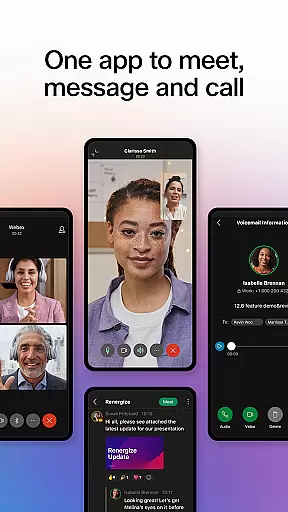
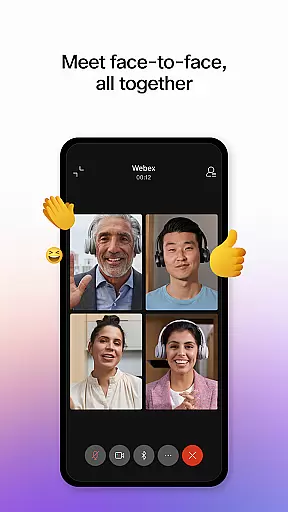

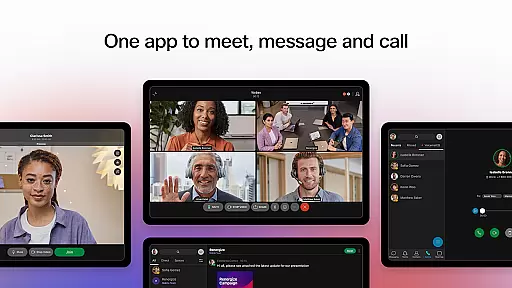


Webex is a comprehensive business communication app that unifies meetings, messaging, and calling into a single platform. Designed for seamless collaboration, it offers features like real-time language translation in over 100 languages, intelligent meeting layouts, and advanced noise cancellation. These capabilities ensure productive interactions regardless of participants' locations.
The app's secure environment makes it ideal for both internal team discussions and external client communications. With integrated file sharing, visual voicemail, and customizable meeting settings, Webex enhances workplace efficiency while maintaining enterprise-grade security standards.
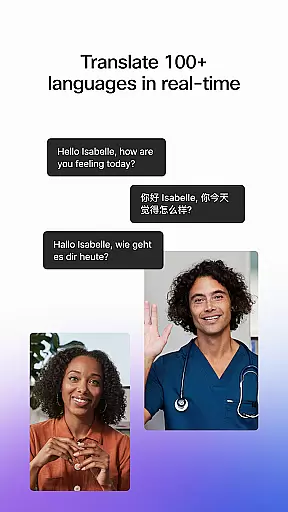
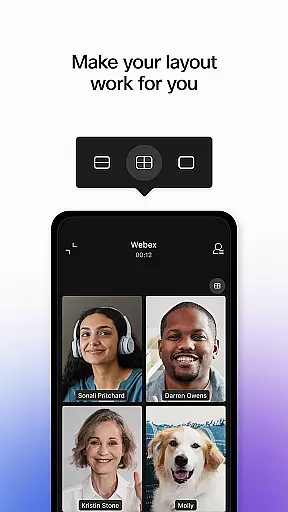
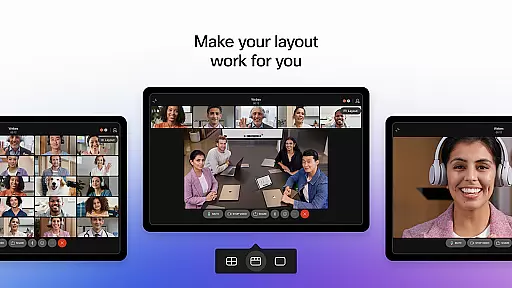
Webex distinguishes itself through innovative communication tools that cater to modern business needs. The real-time translation feature supports over 100 languages, breaking down international communication barriers. Advanced AI-powered meeting controls allow users to customize their video presence with various layout options.
Noise removal technology ensures crystal-clear audio during calls and meetings. The unified messaging system enables continuous collaboration across different time zones and devices. Additionally, the built-in business phone system provides essential calling features while maintaining context across different communication modes.
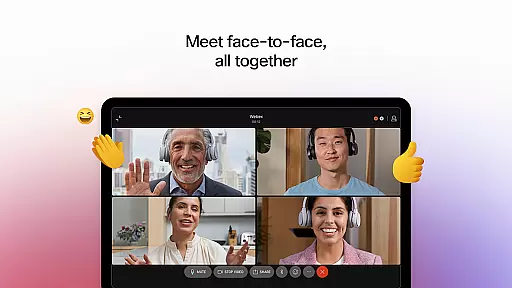
Webex offers a comprehensive suite of collaborative work features that bring teams together seamlessly. The platform enables real-time meetings with over 100 language translations, personalized meeting layouts, and background noise removal, ensuring every participant is clearly seen and heard regardless of location.
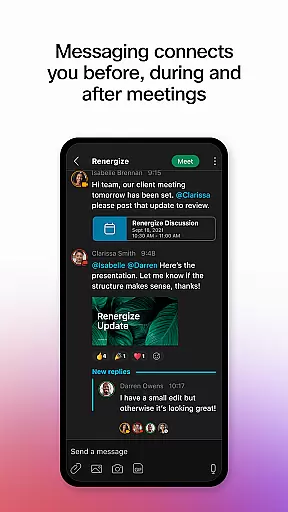
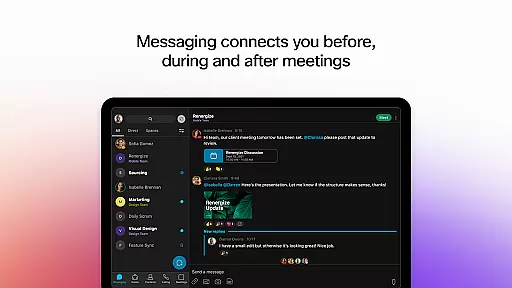
In addition to its robust meeting capabilities, Webex provides intelligent messaging tools that keep team members connected before, during, and after meetings. Users can engage in one-on-one or group chats, facilitating ongoing collaboration and communication across internal teams and with external partners using just an email address.
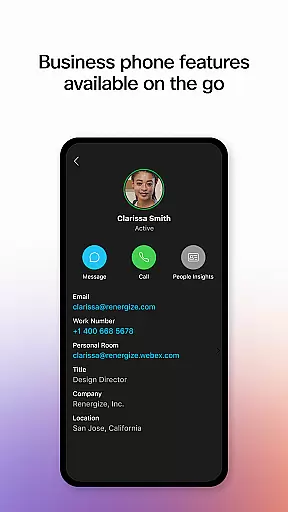
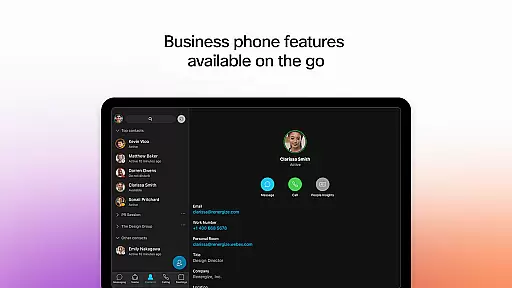
The app also integrates essential calling features, empowering users with the functionality of a business phone at their fingertips. This includes the ability to initiate spontaneous conversations, access visual voicemail, and utilize other favorite calling features anytime and anywhere, enhancing overall productivity.
Task management within Webex is designed to streamline workflows and enhance productivity. The app's real-time messaging system serves as a central hub for task-related communication, allowing users to create, assign, and track tasks efficiently through dedicated channels or direct messages.
With secure file sharing capabilities, Webex ensures that all necessary resources are readily accessible for task completion. Team members can easily share documents, images, and other files with colleagues both inside and outside their organization, promoting transparency and accountability in task management.
Furthermore, Webex's integrated calling features support instant communication and follow-ups on assigned tasks. Users can quickly initiate calls or messages to clarify details, provide updates, or discuss progress, ensuring that projects stay on track and deadlines are met without unnecessary delays.
User-friendly interface
Enterprise-level security
Multi-language support
Integrated communication tools
AI-powered features
Internet connection required
Premium features locked
Occasional bugs
Learning curve
Subscription costs

viewing and sharing of PDFs
 3.60
3.60
AI-powered document scanner with auto enhance for perfect PDFs.
4.60
Quickly open and manage PDF files on your device.
3.80
Measure distances, surfaces and draw plans in seconds with CamToPlan!
4.40
Your employer must have UKG Ready software configured for Mobile.
4.60
Manage work life on the go
4.50
Amazon A to Z is the place to manage your work-life at Amazon.
4.50
Use Generative Summary to understand your rental or insurance docs in seconds.
4.70
All your team communication in one place
4.70
Create curriculum vitae, a professional cover letter creator and resume designer
4.80 4.70
4.70
USPS Mobile®Access USPS.com’s most popular tools on-the-go.
4.70
Finance, Investing, Stocks, Trading and Stock news
4.60
ANDROID'S TOP MOBILE OFFICE - Word, Excel, PowerPoint and PDF at your fingertips
4.50
Find jobs near you and temp work in minutes, from your phone.
4.50
The revolutionary flexible staffing platform
4.40
All-in-one Mobile solutions for employees & managers to succeed at work
4.30
The Penny Puss app with DG penny finder
4.10
We are a dynamic team of creatives people of design, marketing, web & apps
3.00


User Reviews