
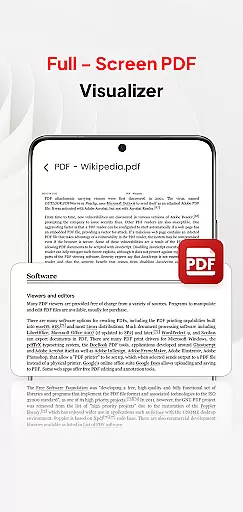
PDF Pro-View PDF is a comprehensive business application designed to streamline your document management processes. As a reliable PDF reader, it offers instant access to all your PDF files with just one click, eliminating waiting times and enhancing productivity. The app's sleek interface ensures an intuitive user experience while providing essential features for managing various document types.
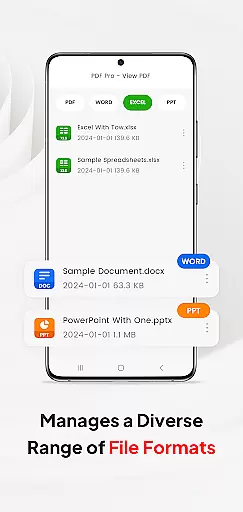
Beyond basic PDF viewing, the application supports multiple document formats including Doc, PPT, and Excel files. This versatility makes it an ideal solution for professionals who need to handle different file types within a single platform. Whether you're working on financial reports or project presentations, PDF Pro-View PDF keeps all your documents organized and accessible from any location.
PDF Pro-View PDF stands out with its robust feature set tailored for business users. The app provides complete file accessibility by organizing all your PDF documents in one centralized location, eliminating the need to search through multiple directories. Its instant loading capability ensures you can start reading your files immediately after opening them.
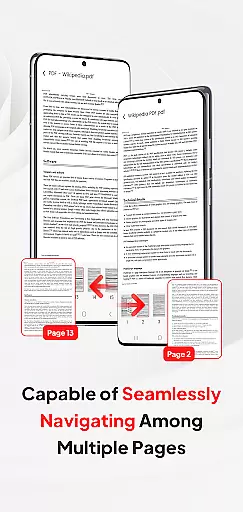
The application excels in document compatibility, supporting not only PDFs but also Word documents, PowerPoint presentations, and Excel spreadsheets. This multi-format support enables seamless sharing and management of various file types. Additionally, the app offers smooth page navigation, allowing users to quickly flip through pages for enhanced reading efficiency. For Android 11+ users, the app requires MANAGE_EXTERNAL_STORAGE permission to ensure reliable offline access and proper functioning of core features like PDF preview.
In today's interconnected work environments, the ability to collaborate efficiently is paramount. PDF Pro-View PDF addresses this need by offering a platform where PDF files and other document types can be managed and shared effortlessly among team members.
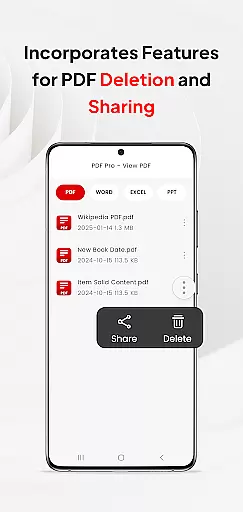
The app facilitates real-time document sharing, allowing users to distribute files with a single click, thus enhancing team productivity. This feature ensures that all collaborators have immediate access to the most recent document versions, eliminating the confusion of outdated files.
Moreover, its compatibility with multiple document formats including Doc, PPT, and Excel means that teams can consolidate their workflow within a single application. This not only streamlines communication but also simplifies project management by keeping all file types organized in one accessible location.
By providing these collaborative work features, PDF Pro-View PDF empowers businesses to maintain seamless communication channels, ensuring that every team member can contribute effectively regardless of their physical location.
Effective task management is crucial for maintaining productivity and meeting deadlines. PDF Pro-View PDF enhances task management capabilities by offering an intuitive interface that allows users to organize, access, and manage all their PDF files efficiently from one place.
With instant PDF access, users can immediately start reading their documents without any waiting time. This quick retrieval system is essential for professionals who need to review or reference documents swiftly as part of their task management process.
The app's smooth page navigation feature further supports task efficiency by enabling rapid page flipping, which is particularly beneficial when scanning through lengthy documents. Users can easily pinpoint the information they need without wasting time on cumbersome navigation processes.
Additionally, the complete file accessibility provided by PDF Pro-View PDF ensures that users can locate all necessary documents without searching through multiple directories. This consolidation significantly aids in streamlining workflows and improving overall task management effectiveness.
User-friendly interface
Multi-format support
Instant file access
Centralized organization
Seamless sharing options
Requires special permissions
Limited advanced editing
No cloud integration
Basic annotation tools
Occasional loading issues

The Penny Puss app with DG penny finder
 4.10
4.10
VSD Viewer - Visio Drawings Viewer for Android Preview VSD, VDX, VSDX drawings
4.10
TurboScan turns your phone into a full-featured PDF document scanner.
4.80
A secure, all-in-one team collaboration app
4.30
Grow your business and connect with more people with Meta Business Suite.
4.60
All-in-one Mobile solutions for employees & managers to succeed at work
4.30
Ship, Track, Find a Location or Get a Quote with UPS. Anytime. Anywhere.
4.60
ADP Mobile Solutions is an employee self service app
4.50
Chat, meet, and collaborate to achieve more together, all in one place on Teams
4.60
Employee Management Made Easy
4.80
Ask Accio anything about business. Alibaba-backed, built by experts, not just AI
4.60
Your employer must have UKG Ready software configured for Mobile.
4.60
Finance, Investing, Stocks, Trading and Stock news
4.60
Paychex Flex - Save Time and Stay Connected
4.60
Amazon A to Z is the place to manage your work-life at Amazon.
4.50
Smarter career moves start here. AI job alerts, insights & the right tools.
4.20
The All-in-One File Manager for Phone, TV, Watch, Cars, XR / VR, Chromebook
4.10
Work happy with AI Companion
4.10
Roadie connects people with stuff to send with drivers already going that way.
3.50


User Reviews