
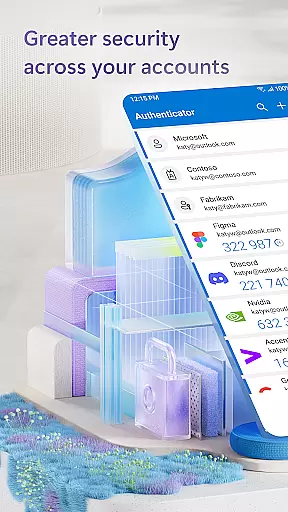
Microsoft Authenticator is a robust business application designed to provide secure, streamlined access to online accounts through multi-factor authentication (MFA), passwordless login, and traditional password methods. The app supports both personal Microsoft accounts and work or school accounts, offering users an additional layer of security when accessing sensitive files, emails, or applications.
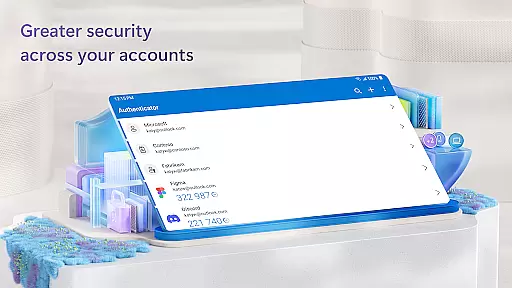
With features like time-based one-time passwords (TOTP) that refresh every 30 seconds, users can authenticate without needing network connectivity, ensuring minimal battery consumption. Additionally, the app allows for seamless integration with non-Microsoft services such as Facebook, Amazon, and Google, making it a versatile tool for managing multiple accounts across platforms.
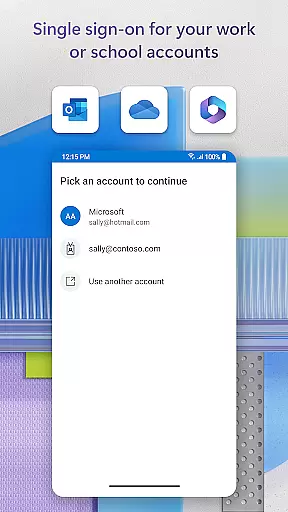
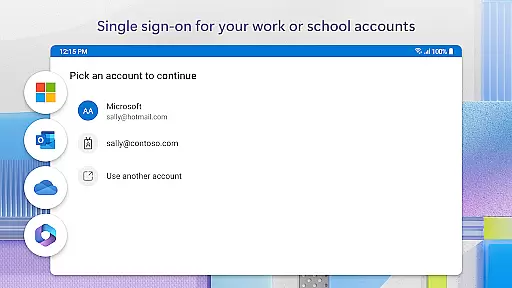
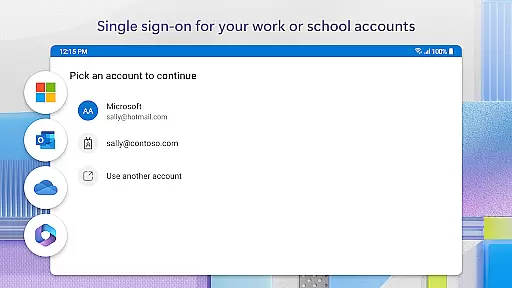
For businesses, Microsoft Authenticator provides cert-based authentication and single sign-on capabilities, enhancing organizational security while simplifying user access to various Microsoft services like Outlook, OneDrive, and Office. This makes it particularly useful in corporate environments where safeguarding data is paramount.
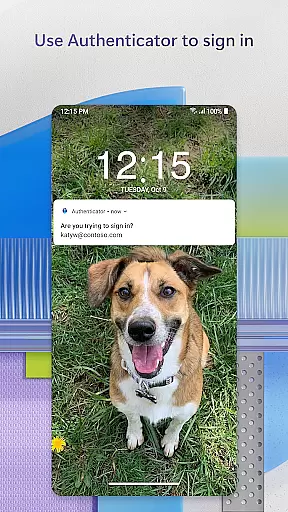
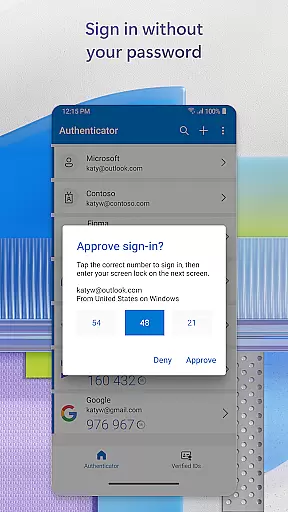
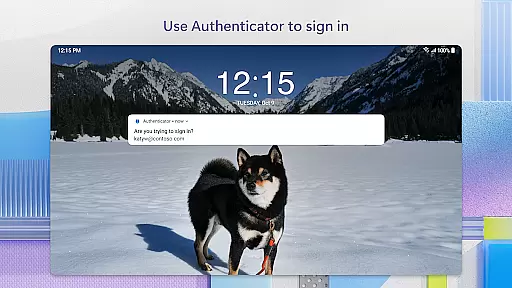
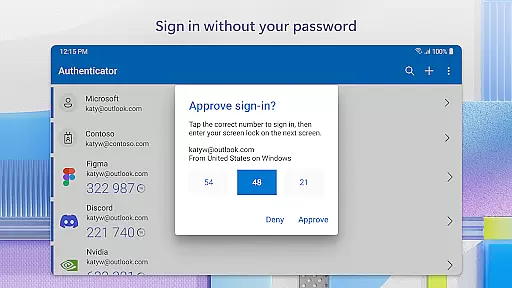
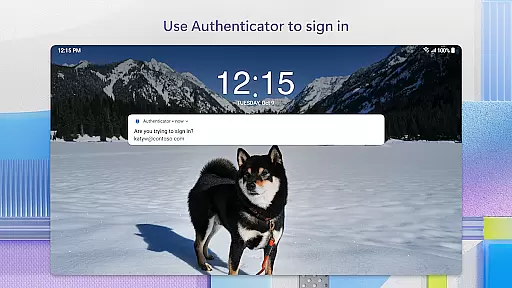
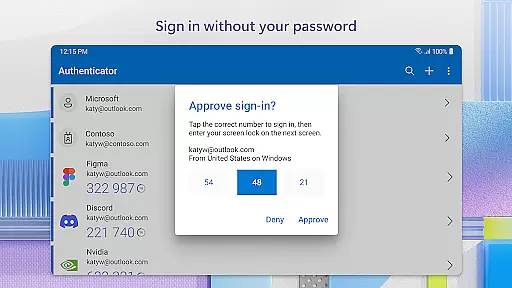
Microsoft Authenticator boasts several key features that set it apart in the realm of digital security. First and foremost is its support for multi-factor authentication (MFA), which requires users to verify their identity using more than just a password. This includes approving push notifications directly from the app or entering a time-sensitive OTP code generated within the app itself.
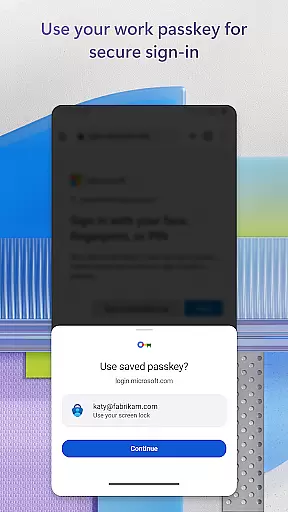
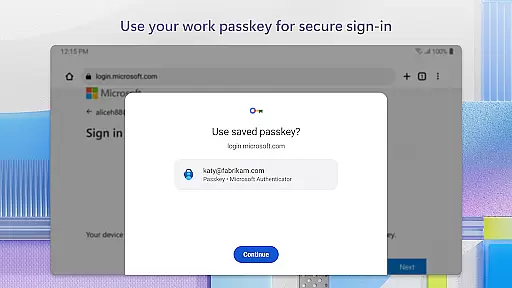
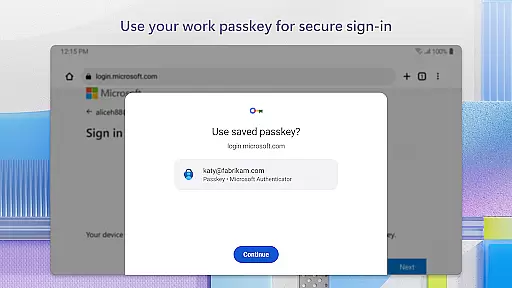
The app also facilitates passwordless logins, allowing users to authenticate via biometric verification such as fingerprint or facial recognition, adding another layer of convenience and security. Furthermore, organizations benefit from advanced functionalities like certificate-based authentication, enabling trusted devices to access resources without repeated logins thanks to single sign-on technology.
Additional notable features include optional permissions for location tracking, camera use for QR code scanning, and accessibility services that enhance compatibility with other apps and websites. These comprehensive tools make Microsoft Authenticator not only secure but highly adaptable to different user needs and organizational policies.
Microsoft Authenticator enhances collaborative work environments by providing secure access to essential resources. The app supports organizations in maintaining security while enabling employees to access emails, files, and apps seamlessly. By registering the device through the app, users can add their work or school accounts, ensuring that sign-in requests come from trusted devices.
The app's cert-based authentication issues a certificate on the user's device, allowing for seamless and secure access to multiple Microsoft apps and services without needing to log in each time. This feature is particularly beneficial in collaborative settings where efficiency and security are paramount. With single sign-on capabilities, once users have authenticated, they can access all Microsoft products without repeated login prompts.
Furthermore, Microsoft Authenticator's support for multi-factor authentication ensures that team members can verify their identity through multiple means, such as notifications, OTP codes, or biometric verification. This not only strengthens security but also streamlines the workflow by reducing the need for password memorization and manual entry. As a result, teams can focus more on collaboration and productivity without compromising on safety.
Task management within Microsoft Authenticator revolves around simplifying and securing the login process for various accounts. Users can manage tasks related to their Microsoft personal, work, or school accounts efficiently by leveraging the app's passwordless login feature. This functionality allows users to log in using their username and then approve a notification on their phone, employing fingerprint, face ID, or PIN as a second layer of security.
In addition to supporting Microsoft accounts, the app enables task management for non-Microsoft accounts like Facebook, Amazon, and Google. Users can add multiple accounts, generating one-time passwords (OTP) that refresh every 30 seconds. This timer ensures that OTPs are never reused and do not require memorization, thus enhancing both security and convenience in managing different account credentials.
Moreover, the app's optional access permissions allow users to tailor their experience based on specific needs, such as scanning QR codes for account setup or sharing location data if required by organizational policies. These features collectively contribute to an efficient task management system that prioritizes both usability and robust security measures.
Enhanced Security
Multi-Platform Support
Seamless Integration
User-Friendly Interface
Corporate Compliance
Requires Device Registration
Dependent on Network for Some Features
Limited Offline Functionality
Potential Privacy Concerns
Complex Setup for Novices

Zoom built for Chrome OS
 3.90
3.90
Ask Accio anything about business. Alibaba-backed, built by experts, not just AI
4.60
The MyWalmart App is available for all associates in stores.
4.70
Manage work life on the go
4.50
All document reader, pdf viewer app, read docs & excel files
3.80
Mobile POS for any business: sales, invoices, retail, restaurants & appointments
4.60
view, manage, and share every PDF file you have
3.60
Job search app that finds jobs for you! Takes the work out of looking for a job!
4.90
Smarter career moves start here. AI job alerts, insights & the right tools.
4.20
Earn free swag, G-Cards & food • Enter sweepstakes • Find stores • So much more.
4.70
Use Generative Summary to understand your rental or insurance docs in seconds.
4.70
AI-powered document scanner with auto enhance for perfect PDFs.
4.60
Finance, Investing, Stocks, Trading and Stock news
4.60
ANDROID'S TOP MOBILE OFFICE - Word, Excel, PowerPoint and PDF at your fingertips
4.50
ADP Mobile Solutions is an employee self service app
4.50
One marketplace. Hundreds of services. Unlimited possibilities. All on Fiverr.
4.40
Say hello to the mobile work experience built to help you thrive at work.
4.30
VSD Viewer - Visio Drawings Viewer for Android Preview VSD, VDX, VSDX drawings
4.10
Convert Your Lovable.dev Website into a Mobile App Instantly!
4.4


User Reviews