
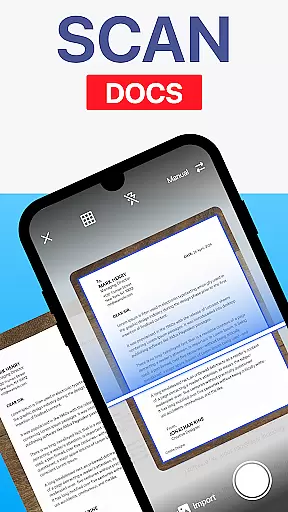
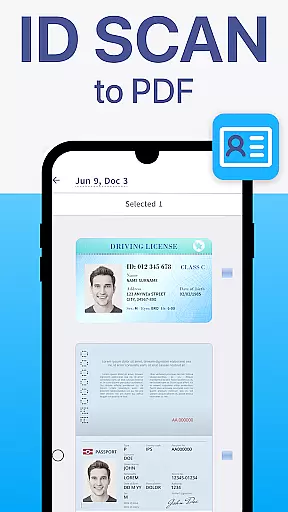
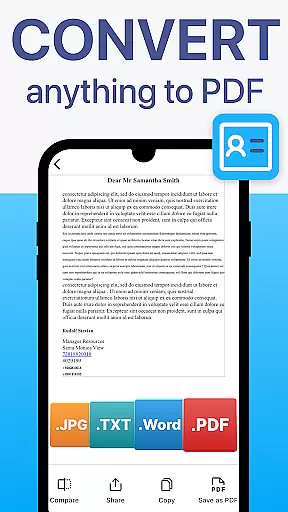
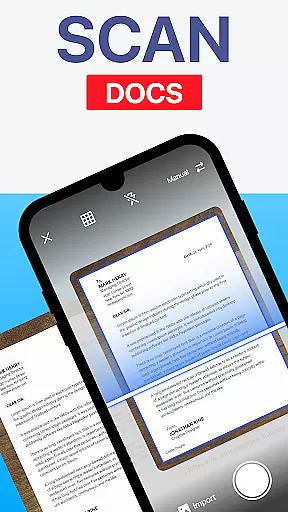
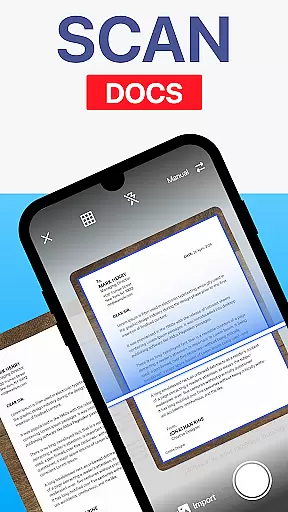
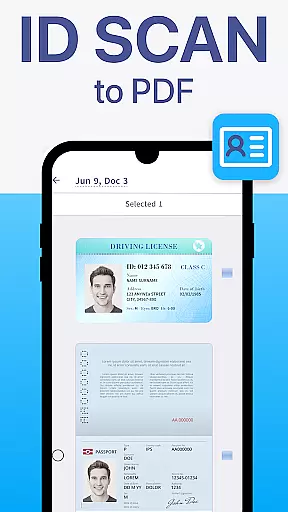
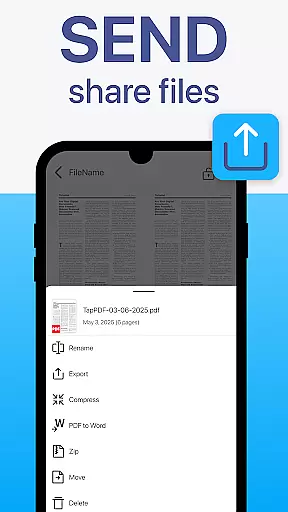
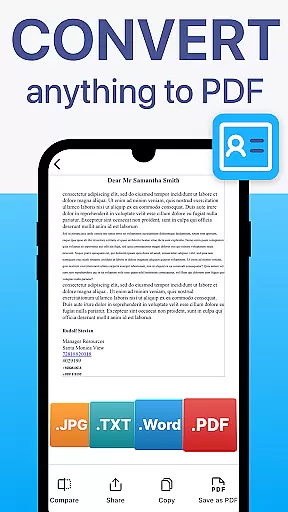
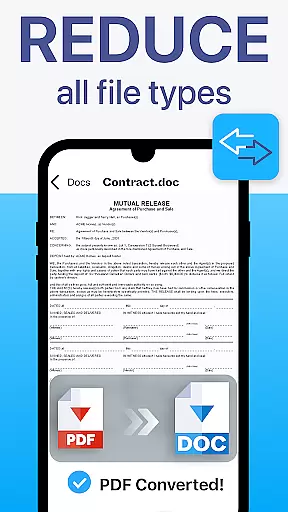
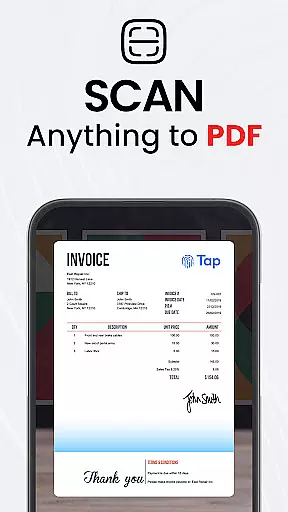
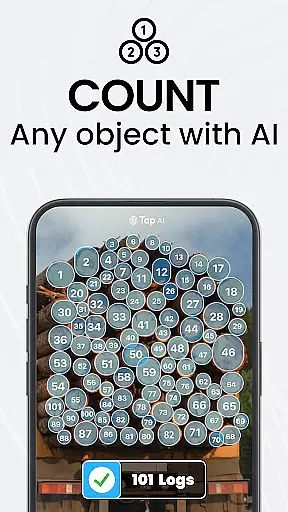
TapScanner is a powerful mobile application that transforms your device into a professional-grade document scanner and comprehensive PDF management tool. Trusted by millions globally, this app allows users to effortlessly capture, edit, organize, and share various types of documents.
The app's core functionality revolves around its high-quality scanning capabilities, complete PDF workspace tools, and advanced OCR text recognition in over 110 languages. Whether you need to scan receipts, contracts, or multi-page documents, TapScanner delivers professional results with automatic edge detection and smart image correction.
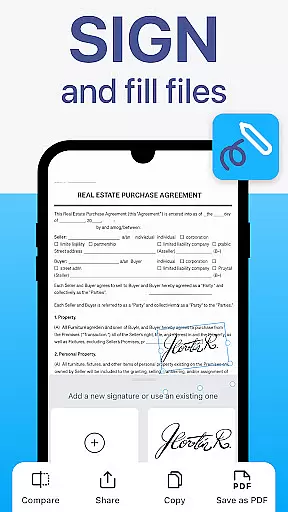
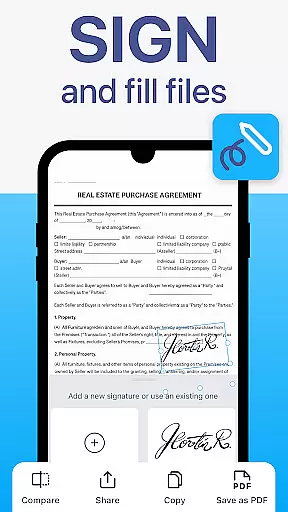
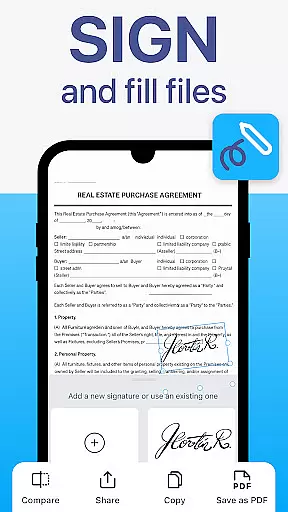
One notable use case is for remote workers who need to digitize important paperwork while maintaining professional quality. The app's ability to merge, split, reorder, sign, and annotate PDFs makes it an invaluable tool for anyone dealing with digital documents regularly.
TapScanner stands out through its diverse feature set designed to enhance productivity and streamline document management. The app offers batch scanning capabilities, allowing users to process multiple pages efficiently while maintaining perfect order.
A key differentiator is its sophisticated OCR technology that converts scanned images into fully searchable and editable text across numerous languages. This feature proves particularly valuable for international businesses or multilingual environments.
The app's security features are equally impressive, providing password protection for sensitive documents and seamless integration with major cloud storage services like Google Drive, Dropbox, and OneDrive. These capabilities ensure both convenience and peace of mind when handling confidential information.
TapScanner offers a comprehensive set of collaborative work features that are essential for modern business environments. The app allows multiple users to work on the same PDF document, making it ideal for team projects and remote work scenarios.
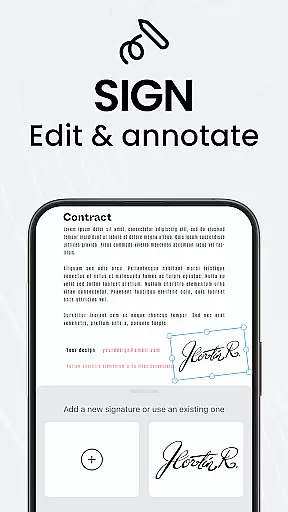
One of the standout functionalities is its ability to merge, split, reorder, sign, and annotate PDFs directly within the app. This means teams can efficiently manage document workflows without needing additional software, streamlining processes such as contract approvals or project documentation.
The inclusion of OCR Text Recognition in over 110 languages further enhances collaboration by enabling users to convert scanned images into searchable and editable text. This feature ensures that language barriers do not hinder international teamwork and that all team members can access and modify content as needed.
Moreover, TapScanner's secure cloud backup options, including integration with Google Drive, Dropbox, and OneDrive, ensure that documents are safely stored and easily accessible to authorized team members. This facilitates seamless sharing and real-time updates, which are crucial for maintaining productivity and ensuring everyone is on the same page.
Effective task management is pivotal for productivity, and TapScanner excels in this area by providing tools that help users organize and prioritize their work efficiently. With features like batch scanning and one-tap renaming, users can save considerable time when handling multiple documents.
The appu2019s multi-page support is another boon for task management. Users can scan dozens of pages and compile them into a single, neatly ordered PDF, simplifying the handling of extensive reports or multi-page contracts. This ensures that tasks involving large documents are managed smoothly and without confusion.
Additionally, TapScanneru2019s automated file organization helps maintain an orderly workspace. By systematically categorizing scans, users can quickly locate specific documents, thus reducing the time spent on searching and increasing overall efficiency.
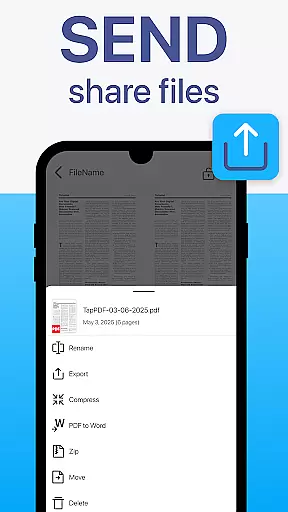
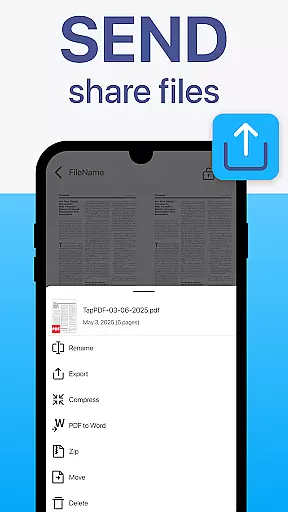
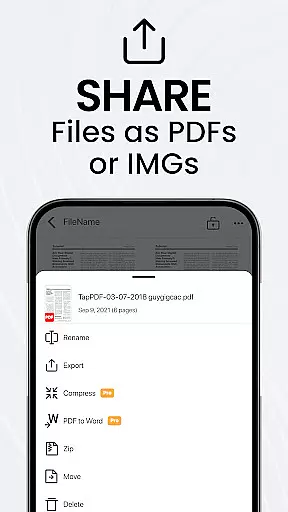
Furthermore, the instant sharing and printing capabilities allow users to distribute their work promptly, whether via email, messaging apps, or direct printing to any Wi-Fi printer. This immediacy in task completion and communication ensures that deadlines are met and collaborations proceed without unnecessary delays.
User-friendly interface
Advanced OCR support
Cloud integration
Batch processing
Professional quality scans
Premium features locked
Subscription required
Basic version limited
Ads in free version
Learning curve present

viewing and sharing of PDFs
 3.60
3.60
Completed Course Lectures on how to use IBM Maximo in Maintenance issues
4.2
viewing and sharing PDFs and other files—anytime, anywhere!
4.0
Paychex Flex - Save Time and Stay Connected
4.60
Recover what matters — quickly and easily.
4.70
All-in-one Mobile solutions for employees & managers to succeed at work
4.30
No more passwords, easier sign-in, and greater protection for your accounts.
4.60
We help people get jobs
4.70
Make money as a delivery driver with DoorDash and work when you want as a Dasher
4.30
Use Generative Summary to understand your rental or insurance docs in seconds.
4.70
Find jobs and make money fast with JobStack.
4.60
Grow your business and connect with more people with Meta Business Suite.
4.60
ANDROID'S TOP MOBILE OFFICE - Word, Excel, PowerPoint and PDF at your fingertips
4.50
From Gone to Back Again — In Just a Few Taps
4.50
Smarter career moves start here. AI job alerts, insights & the right tools.
4.20
Shop, deliver, and earn with the Spark Driver™ App
4.10
Quickly open and manage PDF files on your device.
3.80
Roadie connects people with stuff to send with drivers already going that way.
3.50
Access All PDF Files
3.40


User Reviews