
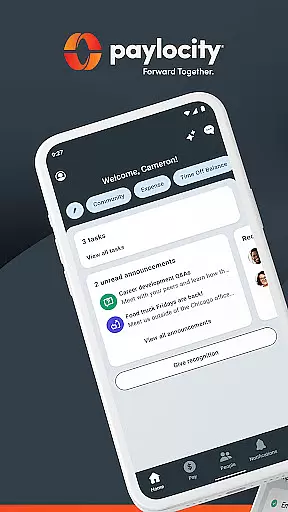
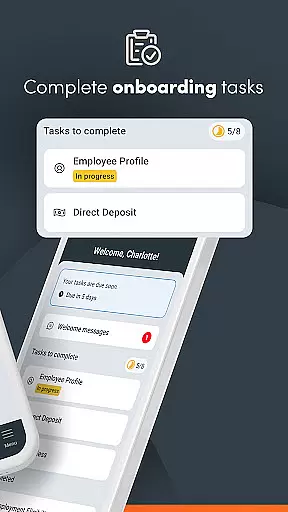
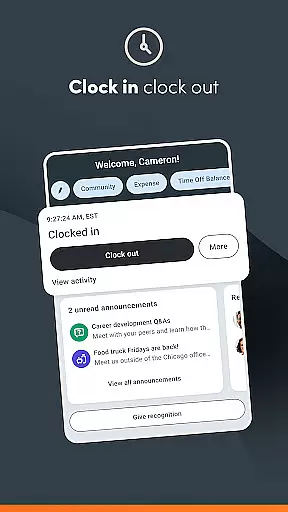
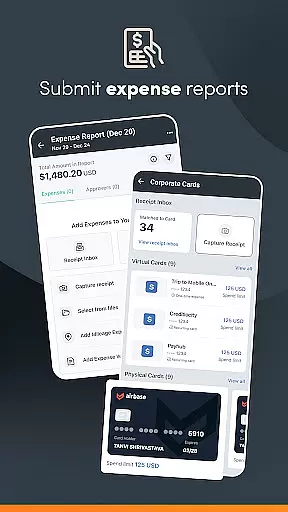
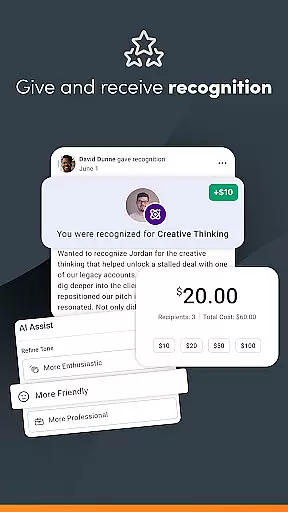
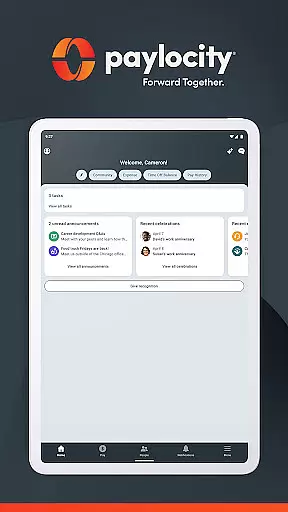
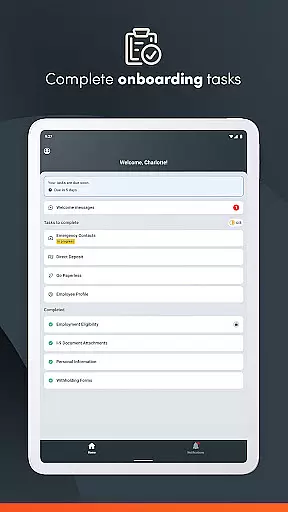
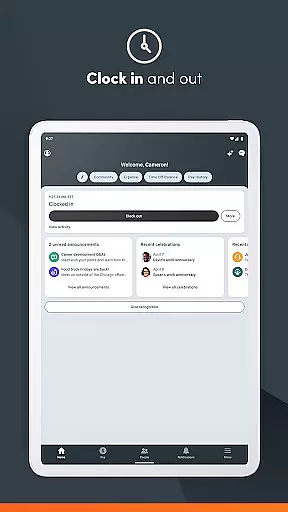
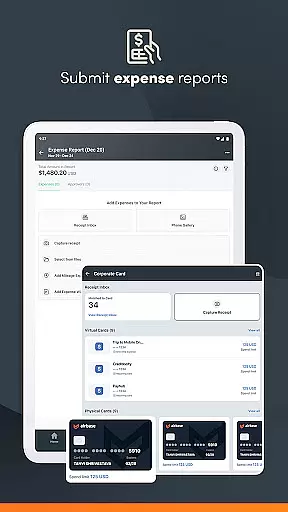
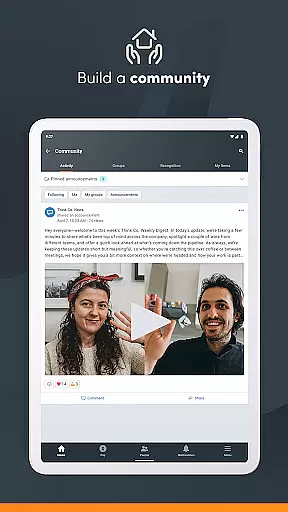
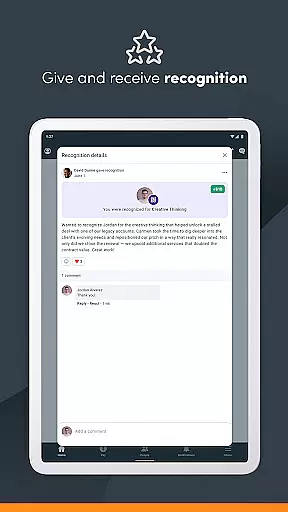
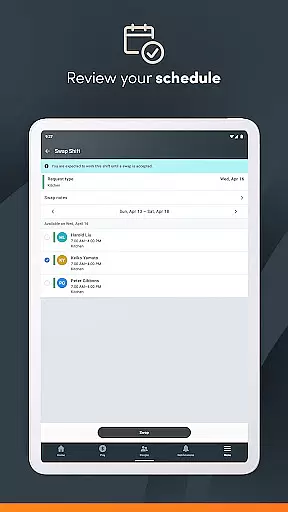
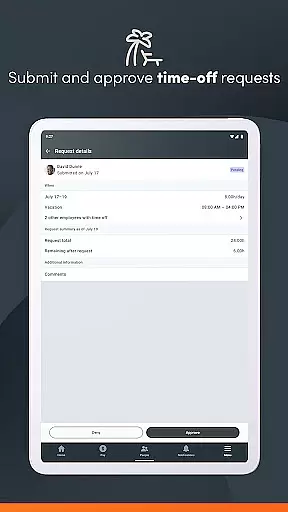
Paylocity is a comprehensive business application designed to streamline HR and payroll processes. The app provides users with secure access to essential employee information, enabling them to view paychecks, manage schedules, and update personal details from a personalized home screen. With features like built-in expense controls and company card management, Paylocity ensures efficient financial oversight.
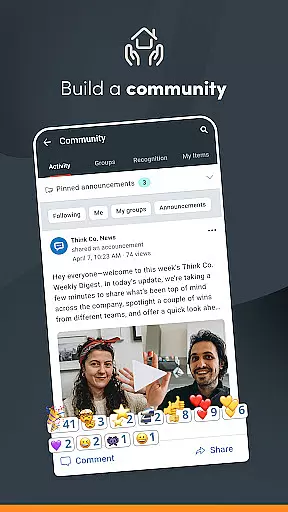
The app also supports real-time communication through push notifications for time-off approvals, paycheck availability, and internal chats. Additionally, it offers an interactive organizational chart and Community, a social collaboration hub that connects employees and leaders. Supervisors benefit from unified platform capabilities, including time-off request management, schedule editing, and journal entry tracking for direct reports.
Security is a top priority, with biometric login options, encrypted activities, session timeouts, and account lockouts after failed login attempts. To use Paylocity, your employer must be a client, and you need authorized user credentials. This robust solution empowers businesses to handle all HR and payroll tasks efficiently within one platform.
Paylocity stands out with its extensive feature set tailored for both employees and supervisors. For employees, the app provides easy access to personal information, historical pay data, and company directories. It also includes innovative tools such as Community, which fosters social collaboration by allowing users to receive important updates and connect with peers. Another standout feature is the ability to request early access to earned wages, enhancing financial flexibility.
For supervisors, Paylocity offers advanced functionalities like real-time push notifications for time-off requests and approvals, ensuring timely responses. The app allows supervisors to review and approve expense reports and timecards efficiently. Moreover, they can manage journal entries and create or edit schedules and shifts for their teams. These features are integrated into one intuitive platform, promoting seamless workflow management.
Security features further enhance the app's reliability. Biometric login options provide quick yet secure access, while encryption protocols protect all data transmissions. Automatic session timeouts and account lockout mechanisms prevent unauthorized access, safeguarding sensitive information. Overall, Paylocity's rich feature set makes it an indispensable tool for modern businesses seeking efficiency and security in HR and payroll management.
In today's fast-paced business environment, the ability to collaborate effectively is crucial. The Paylocity Mobile App excels in providing collaborative work features that are essential for both employees and supervisors. With this app, users can access a unified platform where teamwork and communication flourish, ensuring that everyone is on the same page.
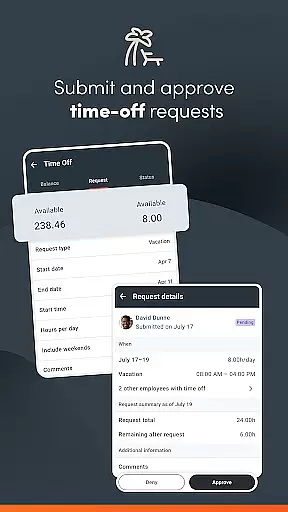
The app facilitates seamless interaction by allowing users to submit, view, and approve time-off requests with real-time push notifications. This immediacy helps in maintaining workflow and planning resource allocation efficiently. Supervisors can also review and approve expense reports and timecards, which streamlines the approval process and enhances productivity.
Moreover, the Paylocity Mobile App offers Community, a social collaboration hub, enabling users to receive important updates from leaders and connect with peers. This feature fosters a culture of transparency and open communication within the organization. By integrating these comprehensive collaborative tools, Paylocity empowers teams to handle their tasks more efficiently and with greater agility.
Effective task management is at the heart of the Paylocity Mobile App, designed to cater to the dynamic needs of modern businesses. It provides an intuitive experience by consolidating various HR and payroll tasks into a personalized home screen, making it simpler for users to manage their responsibilities. From viewing paychecks to updating personal information, the app centralizes these functions, offering a convenient way to stay on top of one's duties.
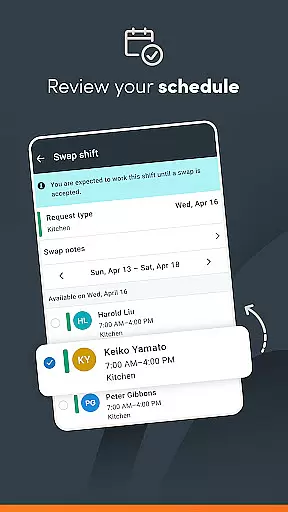
For supervisors, the app serves as a powerful tool to oversee and manage Journal entries for direct reports, ensuring accurate record-keeping and performance tracking. Additionally, the ability to create, view, and edit schedules and shifts directly through the app allows for flexible workforce management. These capabilities ensure that supervisors can maintain optimal staffing levels and respond swiftly to any changes in operational demands.
With secure access to everything needed in one platform, users benefit from enhanced efficiency and organization. The app's task management features not only save time but also reduce the complexity associated with juggling multiple HR-related responsibilities, ultimately contributing to a more streamlined and effective workplace.
User-friendly interface
Comprehensive HR tools
Secure access controls
Real-time notifications
Unified platform
Limited to Paylocity clients
Varied functionality
Requires credentials
No offline mode
Dependent on employer setup

AI-powered document scanner with auto enhance for perfect PDFs.
 4.60
4.60
Completed Course Lectures on how to use IBM Maximo in Maintenance issues
4.1
ANDROID'S TOP MOBILE OFFICE - Word, Excel, PowerPoint and PDF at your fingertips
4.50
FaxCover - Create fax cover pages. Works with any app or fax machine.
4.90
BuildCalc - the easiest AND the most advanced construction calculator app.
4.80
Windows App allows you to connect to remote PCs and virtual apps.
3.70
Find work, shifts and gigs near you. Jobs lasting a few hours to a few months.
4.30
Find part-time earning opportunities near you that pay within days.
3.20
Permission Guard is a security app that helps you manage app permissions.
4.80
Earn free swag, G-Cards & food • Enter sweepstakes • Find stores • So much more.
4.70
Ask Accio anything about business. Alibaba-backed, built by experts, not just AI
4.60
Grow your business and connect with more people with Meta Business Suite.
4.60
Ship, Track, Find a Location or Get a Quote with UPS. Anytime. Anywhere.
4.60
Find jobs near you and temp work in minutes, from your phone.
4.50
One marketplace. Hundreds of services. Unlimited possibilities. All on Fiverr.
4.40
Deliver and earn money
4.30
VSD Viewer - Visio Drawings Viewer for Android Preview VSD, VDX, VSDX drawings
4.10
Find flexible, hourly jobs hiring near you in restaurant, retail & hospitality!
4.00
viewing and sharing PDFs and other files—anytime, anywhere!
4.0


User Reviews