

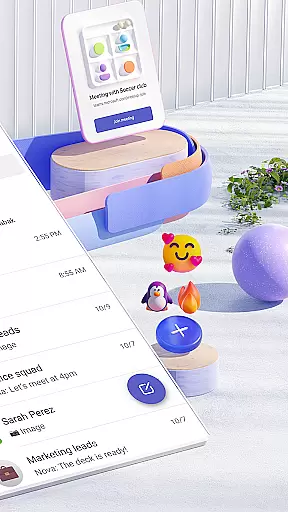
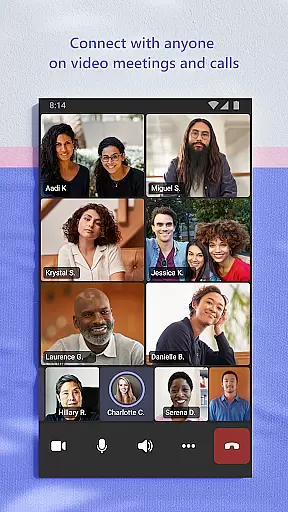
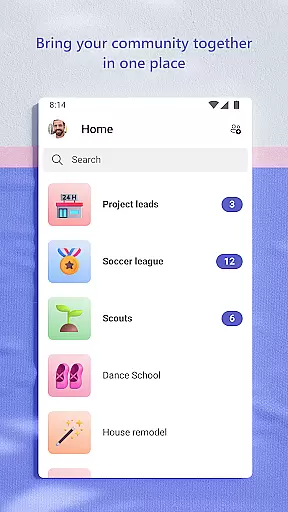
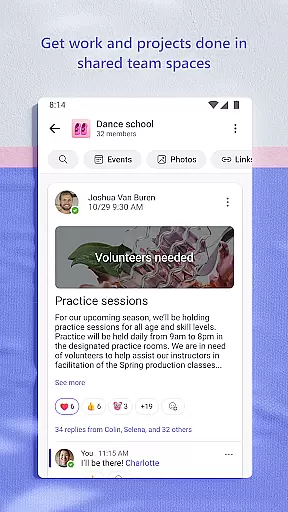
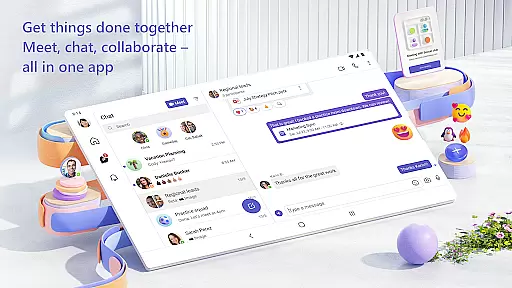
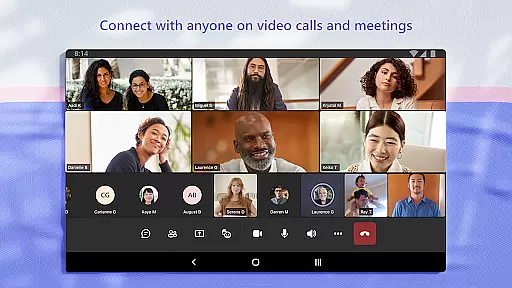
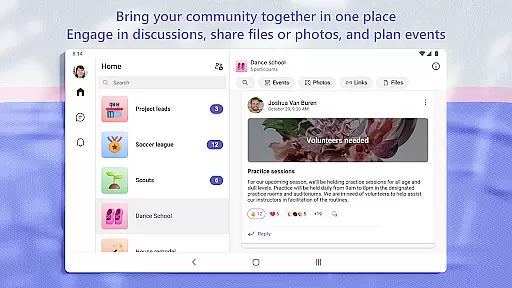
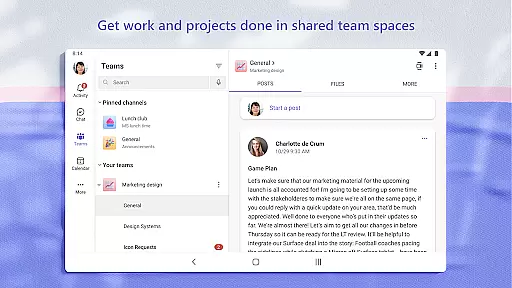
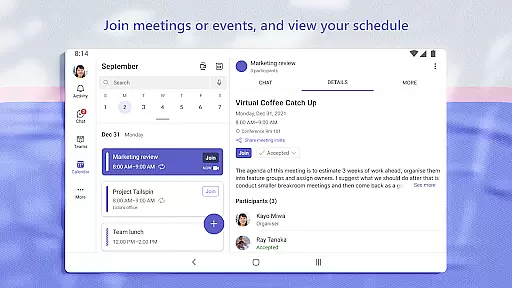
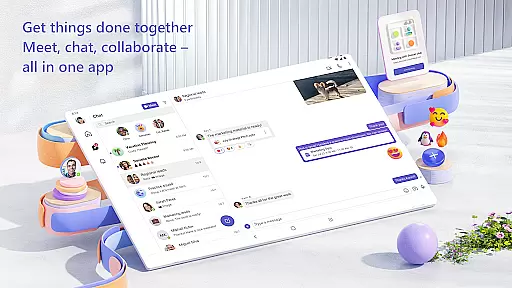
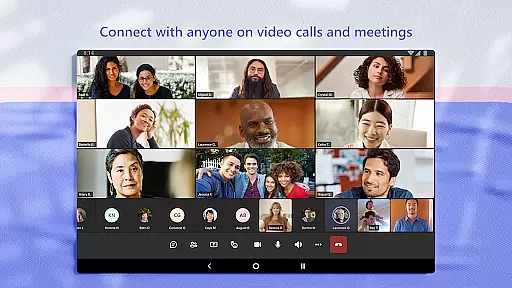
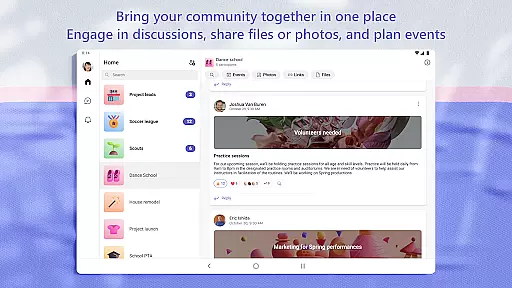
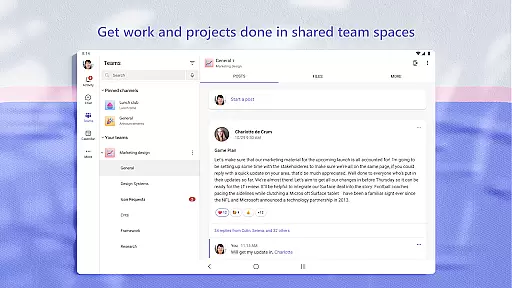
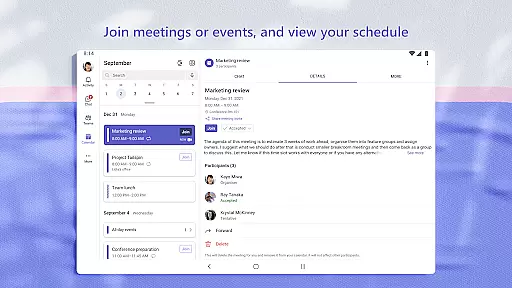
Microsoft Teams is a comprehensive business communication tool that unifies communities, events, chats, channels, meetings, storage, tasks, and calendars in one platform. It enables users to connect, collaborate, and manage access to information seamlessly. Whether for personal or professional use, Teams facilitates teamwork by offering secure audio and video calls, document collaboration, and built-in cloud storage.
The app supports creating dedicated communities for specific topics, organizing conversations by projects, and integrating with Skype for continued chats and calls. With features like task lists, screen sharing, and enterprise-level security, Microsoft Teams is designed to enhance productivity while maintaining data privacy and control.
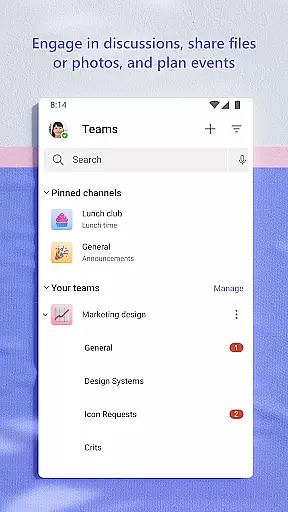
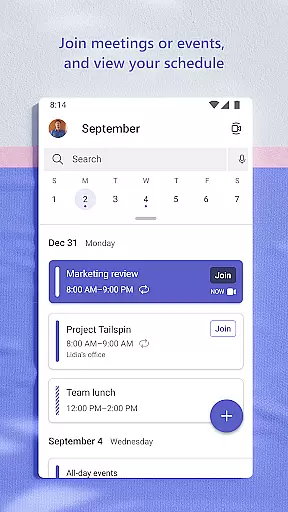
Microsoft Teams stands out with its unique combination of communication and project management tools. Users can join secure audio and video calls, collaborate on documents, and store files using integrated cloud storage. The app allows setting up meetings quickly by sharing links or calendar invites and supports organized discussions through teams and channels.
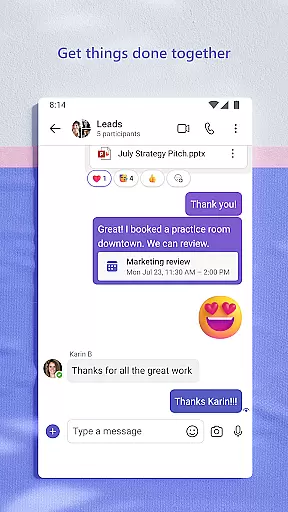
Additional features include the ability to convert group chats into calls instantly, use task lists to assign and track project progress, and maintain enterprise-level security standards. Owners can moderate content and membership within communities, ensuring safe and productive interactions. These capabilities make Microsoft Teams an essential tool for businesses seeking efficient collaboration solutions.
Microsoft Teams revolutionizes collaborative work by integrating multiple functionalities into a single platform. The app enables users to connect with their community, family, friends, or colleagues seamlessly. Through features like chats, channels, and meetings, it fosters an environment where ideas can be shared freely, and plans can be made efficiently.
The app's strength lies in its ability to organize conversations by specific topics and projects using teams and channels. This ensures that discussions remain focused and relevant, enhancing productivity. Additionally, the ability to video or audio call anyone directly within Teams or convert a group chat to a call instantly makes communication more dynamic and accessible.
Users benefit from integrated cloud storage, which allows them to access shared documents and files on the go. This feature not only streamlines collaboration but also ensures that all team members have the most up-to-date information at their fingertips. By maintaining control over data while securely collaborating with others, Microsoft Teams provides peace of mind for both personal and professional use.
Task management in Microsoft Teams is designed to keep everyone aligned and projects on track. With built-in task lists, users can assign tasks, set due dates, and monitor progress effortlessly. This functionality ensures that no detail is overlooked and helps teams stay organized and efficient.
The app goes beyond simple task assignment by integrating with other essential tools such as calendars and storage. Users can manage access to information effectively, ensuring that the right people have access to the necessary resources, even as team members join or leave projects. This level of integration simplifies complex workflows and enhances overall project visibility.
Moreover, Microsoft Teams offers enterprise-level security and compliance expected from Microsoft 365. This ensures that while teams work closely on tasks, the integrity and confidentiality of their data are maintained. Such robust security measures provide reassurance, making Microsoft Teams a reliable choice for managing tasks across various domains.
Unified communication platform
Secure meeting environment
Built-in cloud storage
Task management features
Enterprise-level security
Requires paid subscription
Complex setup process
Limited free features
High resource consumption
Steep learning curve

 4.70
4.70
FX Plus adds media, networking, and cloud capabilities to FX File Explorer.
4.10
Create curriculum vitae, a professional cover letter creator and resume designer
4.80
Earn crypto with secure cloud mining. Monitor, track & withdraw easily
4.40
Paychex Flex - Save Time and Stay Connected
4.60
Use Generative Summary to understand your rental or insurance docs in seconds.
4.70
We are a dynamic team of creatives people of design, marketing, web & apps
3.00
Master crypto trading with real-time simulations and exciting challenges!
4.50
On the go? Take FedEx with you.
4.00
Earn free swag, G-Cards & food • Enter sweepstakes • Find stores • So much more.
4.70
Your employer must have UKG Ready software configured for Mobile.
4.60
Manage work life on the go
4.50
The app that lets you deliver with Amazon.
4.50
ADP Mobile Solutions is an employee self service app
4.50
Smarter career moves start here. AI job alerts, insights & the right tools.
4.20
Work happy with AI Companion
4.10
Find flexible, hourly jobs hiring near you in restaurant, retail & hospitality!
4.00
Quickly open and manage PDF files on your device.
3.80
All document reader, pdf viewer app, read docs & excel files
3.80


User Reviews