
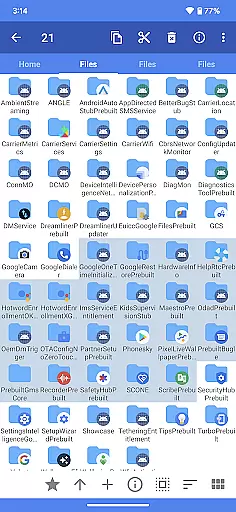
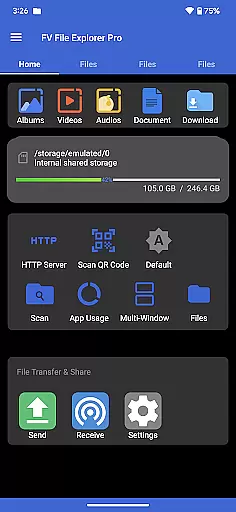
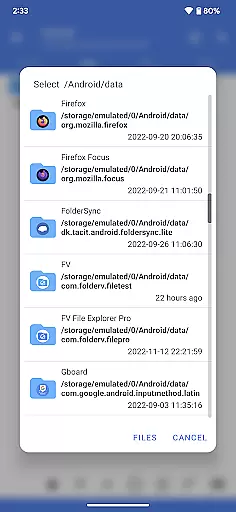
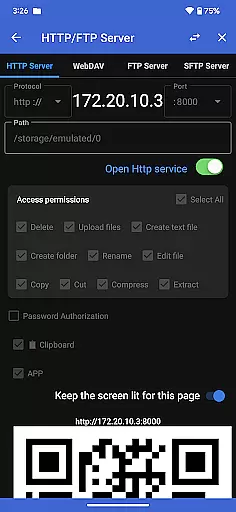
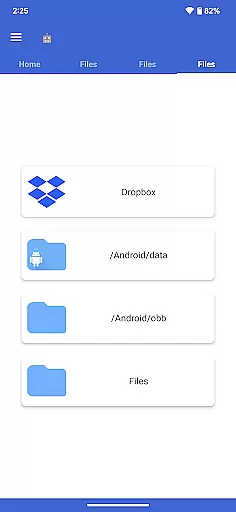
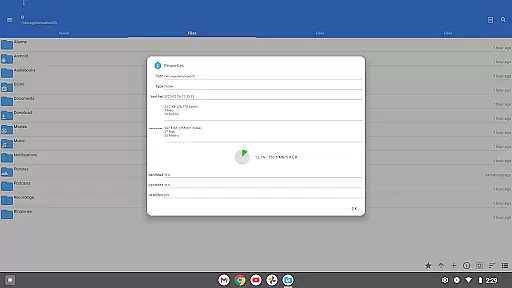
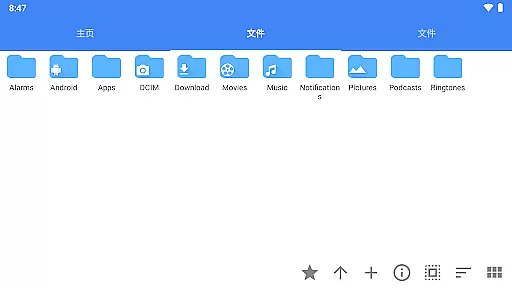
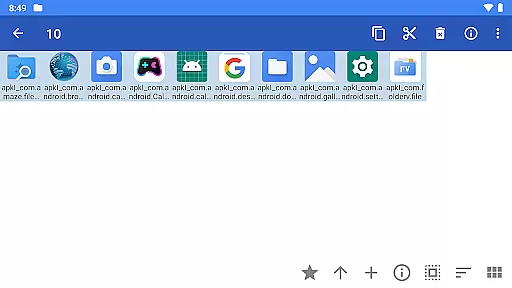
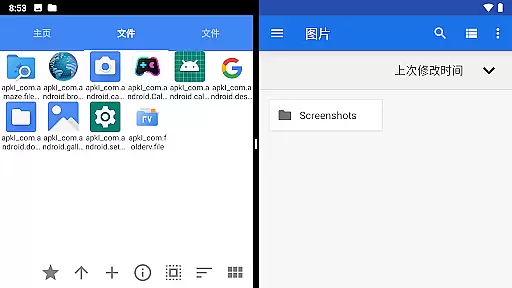
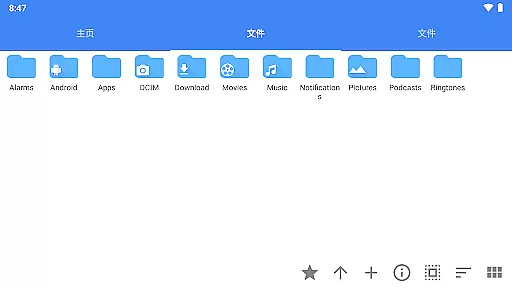
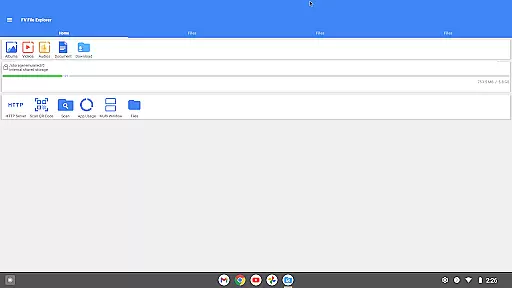
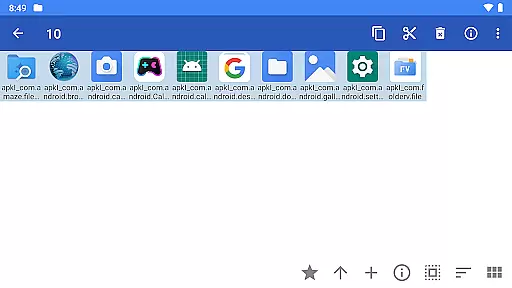
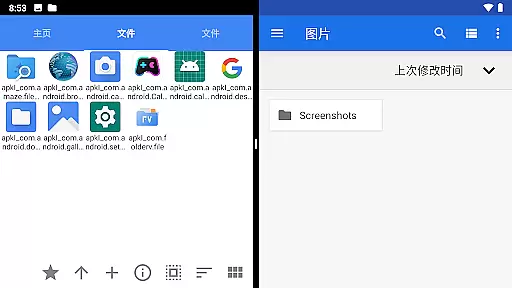
FV File Pro is a robust file management tool designed for Android users who need efficient and versatile ways to manage their files. This app allows you to access critical directories such as /Android/data and /Android/obb on Android 13 without requiring root permissions, ensuring your device remains secure while offering extensive functionality.
With a sleek Material Design UI, FV File Pro supports viewing multiple image formats including JPG, PNG, BMP, TIFF, and more. It also provides powerful features like managing files over wireless networks via HTTP, FTP, or SFTP, making it easy to transfer documents between your computer and mobile phone without data cables. Additionally, the app includes a WebDAV server feature and treemap visualizations for storage, enhancing your ability to understand and manage your device's storage effectively.
FV File Pro stands out with its comprehensive set of features tailored for advanced file management. The app supports decompression of various compressed file formats such as ZIP, RAR, 7Z, ISO, and DMG, allowing users to extract files effortlessly. Its wireless network management capabilities enable seamless file transfers within a LAN, eliminating the need for physical connections and saving on mobile data usage.
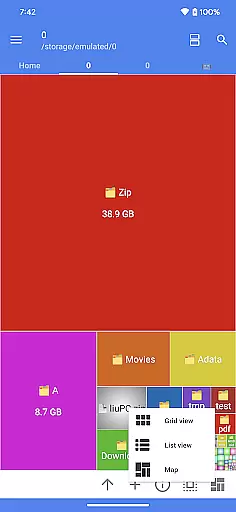
One of the innovative features is the treemap visualization for storage, which represents files as colored rectangles proportional to their size. This helps users quickly identify large files and manage their storage space efficiently. Furthermore, FV File Pro supports scanning QR codes and barcodes, markdown file previews, and HTTP file downloads, providing a multifunctional toolset that enhances productivity and convenience.
FV File Pro delivers exceptional accuracy and effectiveness in its core file management functions, making it a reliable tool for Android users. The app provides comprehensive access to system folders like /Android/data and /Android/obb on Android 13 without requiring root permissions, ensuring that users can manage their files securely and efficiently.
One of the standout features is its support for viewing multiple image formats, including JPG, PNG, BMP, TIFF, WebP, HEIF, AVIF, ICO, and APNG. This versatility ensures that users can open nearly any image file they encounter, without needing additional software. Additionally, the app supports decompression of various compressed file types such as ZIP, RAR, 7z, ISO, and DMG, allowing users to extract files quickly and easily.
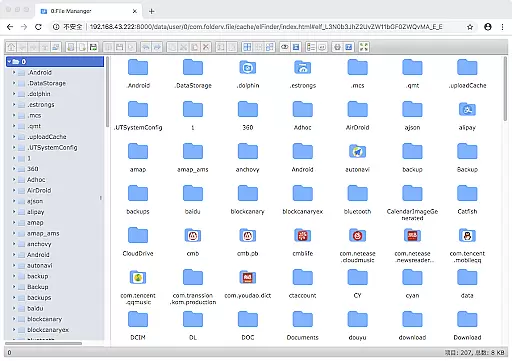
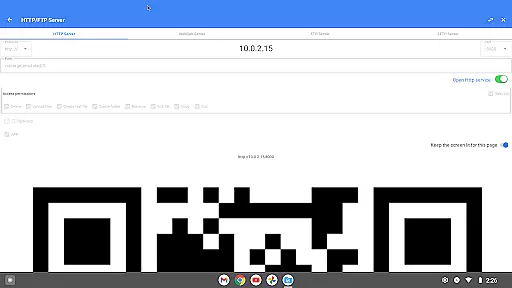
The app also excels in managing files over a wireless network via HTTP, FTP, or SFTP within a local area network (LAN). This feature eliminates the need for data cables, enabling seamless file transfers between computers and mobile devices. Users can conveniently share documents, pictures, and text files without consuming mobile data, enhancing productivity and convenience.
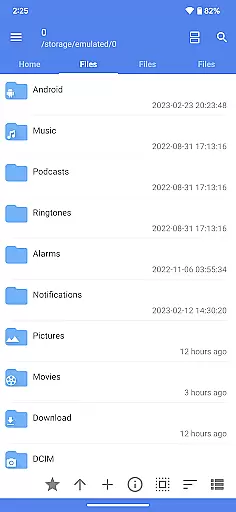
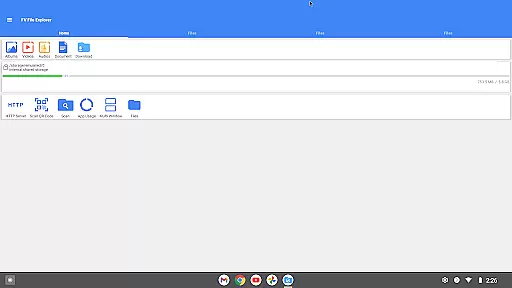
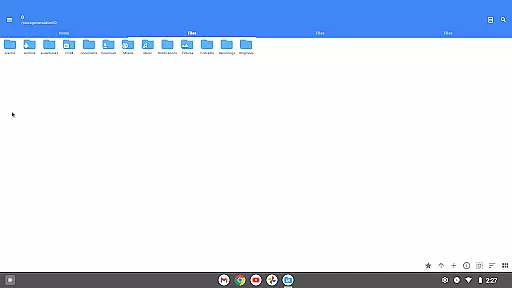
The interface of FV File Pro is designed with simplicity and intuitiveness in mind, offering a user-friendly experience even for those who may not be tech-savvy. The app employs a Material Design UI, which not only looks modern but also enhances usability through clear navigation and well-organized menus.
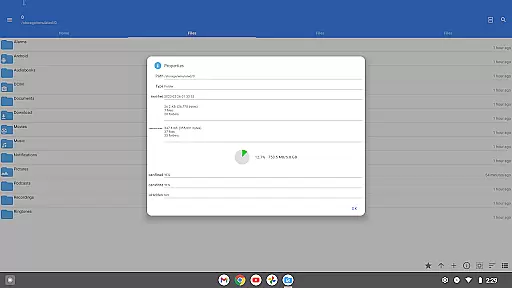
A key aspect of the app's intuitive design is its treemap visualization for storage management. This feature represents each file as a colored rectangle, with the rectangle's area proportional to the file's size. Directories are shown as larger rectangles that contain all their files and subdirectories, making it easy to understand the hierarchy and size distribution of stored data at a glance.
Moreover, FV File Pro includes advanced functionalities like WebDAV server support, QR code and barcode scanning, markdown file preview, and HTTP file download capabilities, all integrated into an easy-to-navigate interface. These features ensure that while the app is packed with powerful tools, it remains accessible and straightforward to use, providing a seamless experience for managing files on Android devices.
User-friendly interface
Wireless file management
Advanced image support
Efficient storage visualization
Versatile file handling
No cloud integration
Limited format customization
Occasional bugs reported
Ads in free version
Complex for beginners

A recovery soft,it features photo recovery, video recovery, file recovery.
 3.40
3.40
Universal TV remote control all TVs, Roku, LG, Samsung, Fire, Vizio, Sony, TCL.
4.40
Enjoy smooth gameplay with Game Booster
4.90
Optimize your WiFi network, turn your phone into Wifi Analyzer
4.70
Signal Strength, Mobile, Wifi, Speed Test, Bad Signals, Cellular, 5G, LTE, 4G
4.20
Bedrock Together: Join any bedrock server on Xbox/PS
4.80
Automate everything from settings to photos, SMS to speech. ADC2 prize winner.
4.10
Protect your device with antivirus, storage cleanup, and system monitoring
4.70
fast and easy mp3 music downloader
4.80
Extremely fast, secure, and protects your privacy
4.80
Learn the vast amount of system information about device and monitor it's state
4.70
Fast Video Downloader, Movie Downloader, Torrent Downloader & Adblock Browser
4.70
App to pay for FUTO Keyboard
4.60
Forza Tuning Calculator App for Forza Horizon 5, Motorsport and Earlier Titles
4.40
Just one-tap to easy translate in any language after calls within seconds.
4.20
Carry a FTP server in your pocket and avoid USB cables for file transfer
4.20
Unleash gamepad precision for ultimate mobile gaming dominance.
3.90
A powerful, easy-to-use flight computer on your phone or tablet!
3.80
Save any video in HD - paste the link, download fast and watch offline.
4.1


User Reviews