
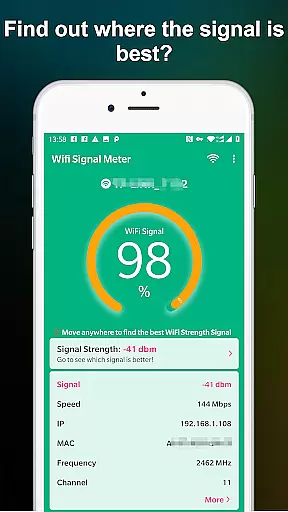
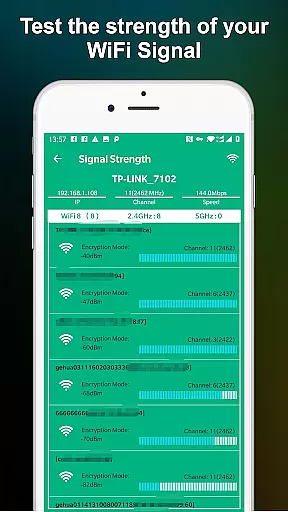
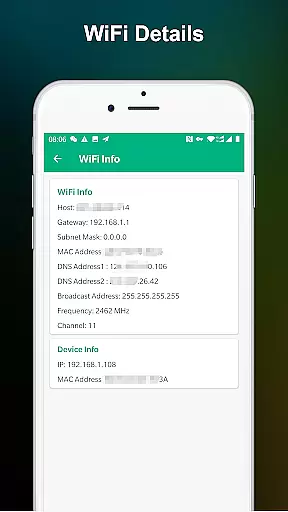
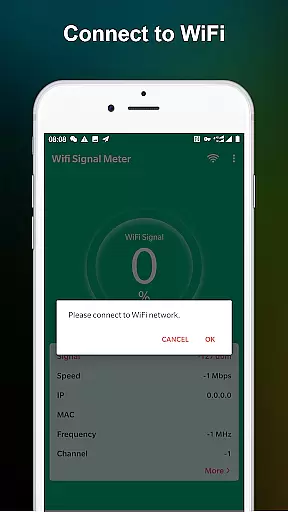
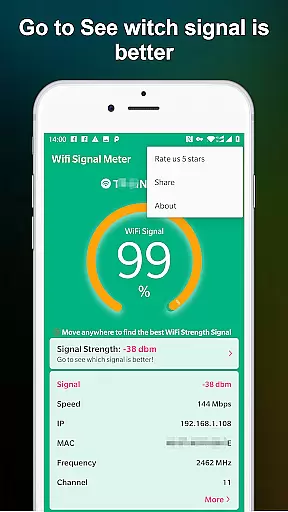
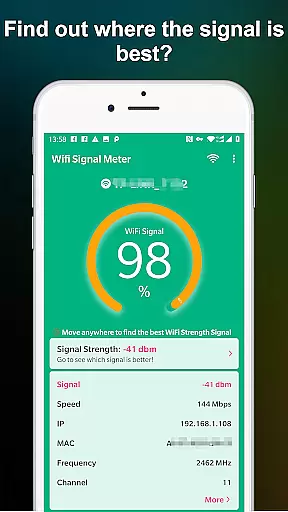
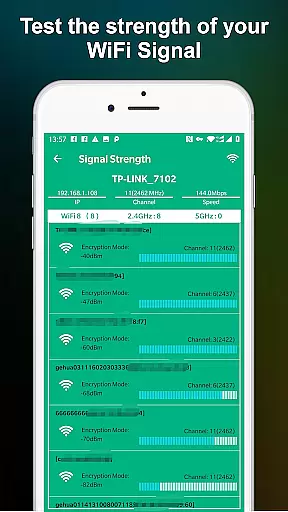
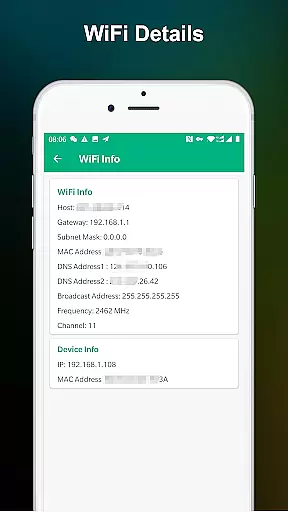
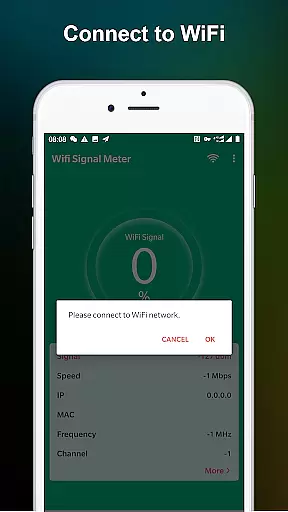
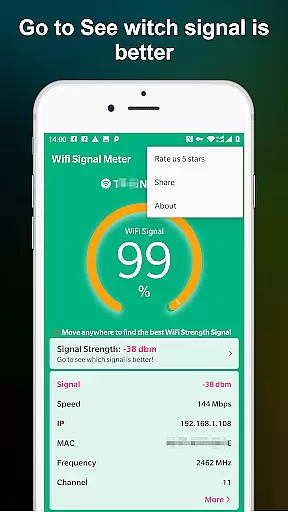
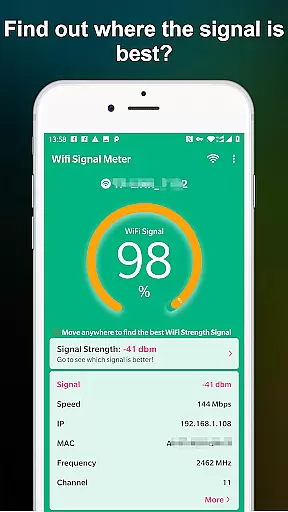
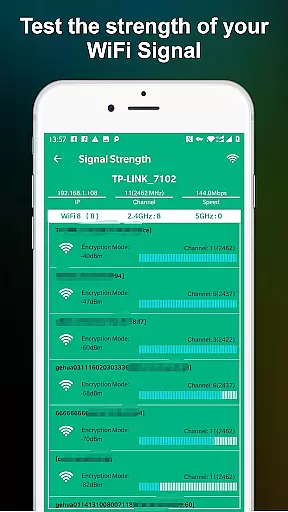
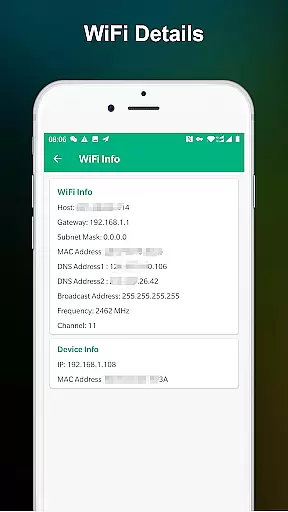
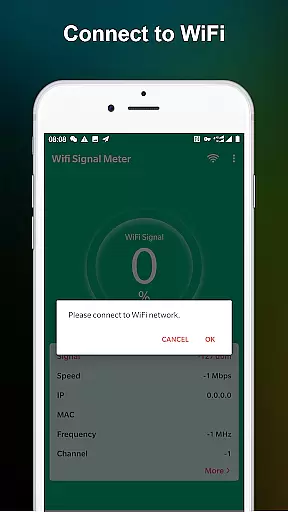
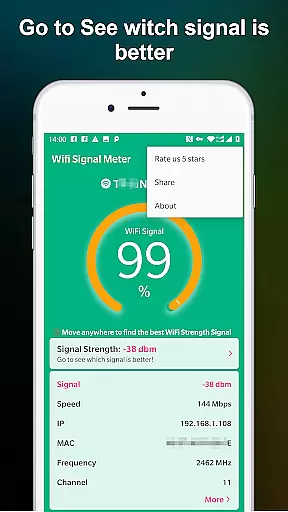
WiFi Signal Strength Meter Pro is a professional tool designed to help users optimize their WiFi network performance. The app's core functionality lies in its ability to identify optimal signal locations, commonly known as 'sweet spots', within your network coverage area.
This application provides real-time monitoring capabilities, allowing users to view current WiFi signal strength and detect surrounding signals. Its continuous signal strength updates enable users to move around their space and pinpoint areas with the best connectivity, recommending signal strength above 60% for optimal performance.
Whether you're working from home or managing a small office network, this tool helps maintain stable connections by identifying areas that need attention, making it particularly valuable for remote workers and IT professionals who require consistent network reliability.
The app offers several distinctive features that set it apart in network monitoring. First, its real-time signal strength detection system continuously scans and updates WiFi information, providing immediate feedback as you move through your environment.
A key innovation is the sweet spot detection mechanism, which helps users identify optimal placement for routers or workstations. The app also includes detailed signal strength percentage indicators, warning users when their connection falls below the recommended 50% threshold.
Unlike basic signal checkers, WiFi Signal Strength Meter Pro maintains constant background monitoring, ensuring users always have access to current network status. This comprehensive approach to WiFi analysis makes it an essential tool for anyone seeking to improve their wireless network performance.
WiFi Signal Strength Meter Pro is designed to provide accurate and real-time monitoring of your WiFi signal strength. This tool ensures that users can rely on the data it presents to make informed decisions about their network connectivity.
The app constantly updates the signal strength, allowing you to walk around and identify the best locations for optimal WiFi performance. By detecting fluctuations in signal strength, it helps users troubleshoot connectivity issues effectively.
With its precise readings, the app aids in finding 'sweet spots' where the WiFi signal is strongest. This functionality is crucial for maintaining a stable connection, especially in large spaces like homes or offices.
The interface of WiFi Signal Strength Meter Pro is crafted to be user-friendly and straightforward. It avoids unnecessary complexities, making it accessible even to those who may not be tech-savvy.
Upon opening the app, users are greeted with a clear display of their current WiFi signal strength. The design focuses on delivering essential information without overwhelming the user, ensuring ease of use.
Navigation within the app is intuitive, allowing users to quickly check WiFi strength and monitor changes as they move around. This simplicity enhances the overall user experience, making network monitoring an effortless task.
User-friendly interface
Real-time signal tracking
Continuous background monitoring
Detailed strength percentage display
Sweet spot identification feature
Premium version costs
Advanced technical terms
Limited offline functionality
No automatic optimization
Device compatibility issues

Transfer Files, APK from Phone to Watch & Install.
 4.5
4.5
Just one-tap to easy translate in any language after calls within seconds.
4.20
Unlock your Essential Key. Create custom shortcuts to your favorite apps!
4.4
The one-and-only remote control for PC, Mac, and Linux
4.70
Fast Video Downloader, Movie Downloader, Torrent Downloader & Adblock Browser
4.70
The ultimate tool for network analysis, wifi scanning and problem detection.
4.90
Connect wirelessly to your computer to watch movies, browse the web, play games
5.00
Automate everything from settings to photos, SMS to speech. ADC2 prize winner.
4.10
Your personal health butler
3.60
Change your GPS location instantly. Simulate routes anywhere in the world.
4.90
Extremely fast, secure, and protects your privacy
4.80
Bedrock Together: Join any bedrock server on Xbox/PS
4.80
Optimize your WiFi network, turn your phone into Wifi Analyzer
4.70 4.50
4.50
With videos, electrical calculators, and built-in ebook, Ugly’s has your answer.
4.50
Game Booster, GFX Tool is now compatible with newer game update
4.50
Effortlessly run ADB commands directly on your device without a PC.
4.20
View detailed information about your Nissan Leaf the dealer never shows you.
4.10
Unleash gamepad precision for ultimate mobile gaming dominance.
3.90


User Reviews