
Wear APK Install is a powerful tool designed specifically for Wear OS smartwatches, enabling users to seamlessly transfer and install APK files directly on their devices. The app eliminates the complexities of traditional sideloading methods by establishing a secure Wi-Fi server connection between the user's phone and smartwatch.
With an intuitive interface tailored for small screens, Wear APK Install offers effortless file transfers, integrated file management, and one-tap installation capabilities. Whether you're a power user or developer, this app provides a fast and reliable solution for expanding your smartwatch's functionality beyond what's available on the Google Play Store.
This application is particularly useful for those looking to customize their Wear OS experience by installing specialized apps not typically accessible through standard channels. By simplifying the APK installation process, Wear APK Install empowers users to unlock the full potential of their smartwatches while maintaining complete control over their device's software environment.
Wear APK Install stands out with its innovative approach to smartwatch app management. The app's core feature is its ability to create a secure Wi-Fi server directly on the Wear OS device, allowing for seamless file transfers from a paired Android phone. This eliminates the need for cumbersome cables or complex ADB commands, making the process accessible to both technical and non-technical users alike.
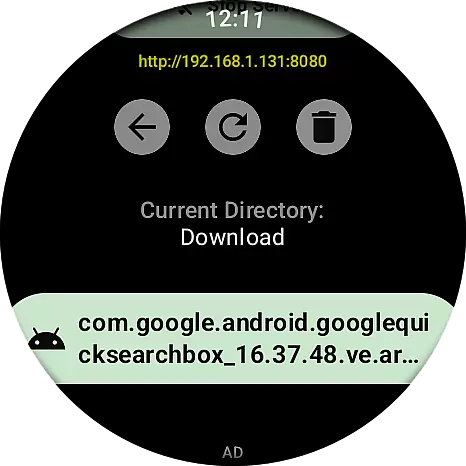
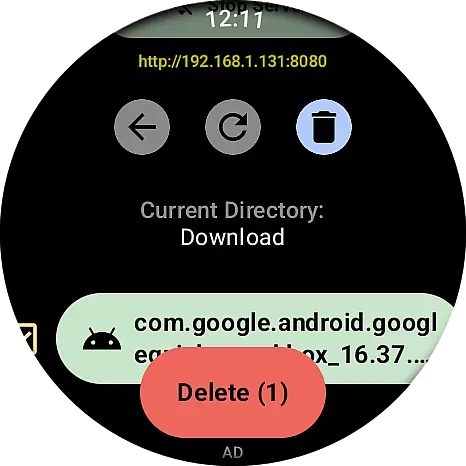
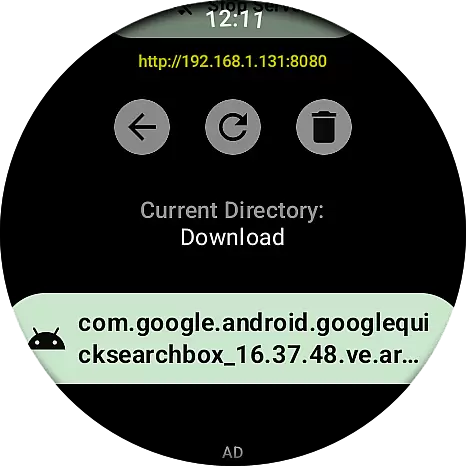
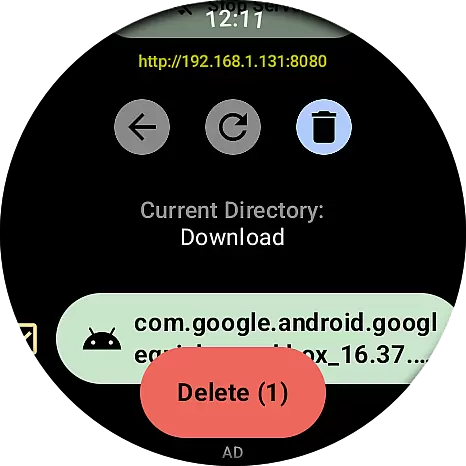
The integrated file manager provides a clean and efficient way to navigate transferred files directly on the watch interface. Users can easily locate and manage their APK files through this intuitive system. Additionally, the app leverages the native Wear OS Package Manager for installation, ensuring compatibility and reliability during the setup process.
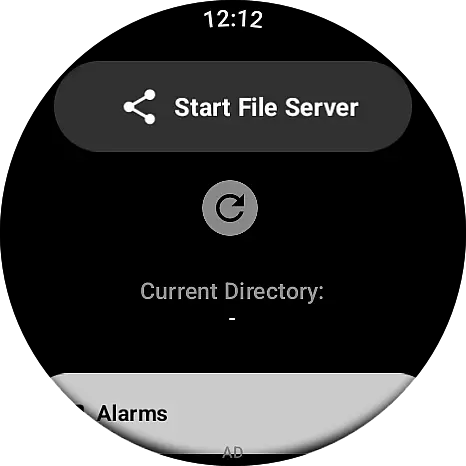
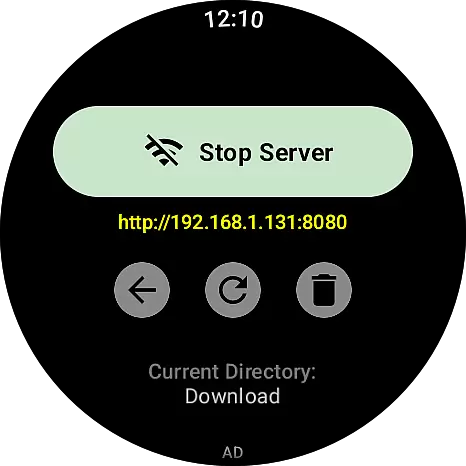
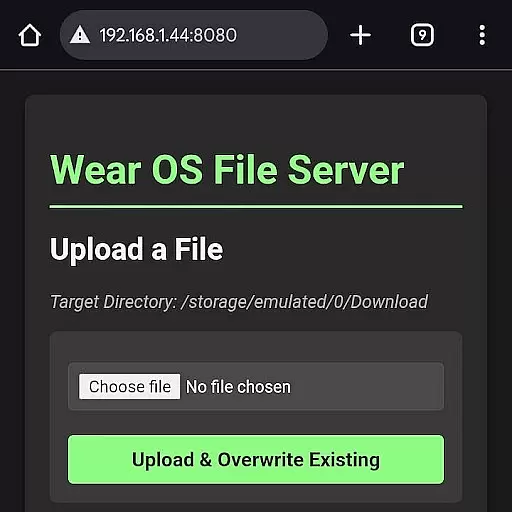
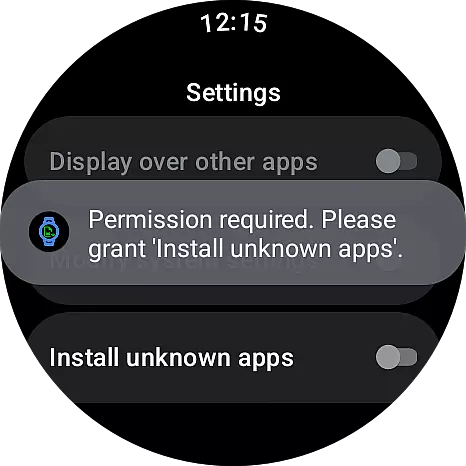
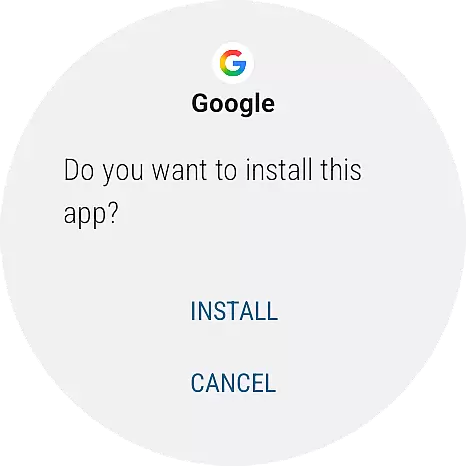
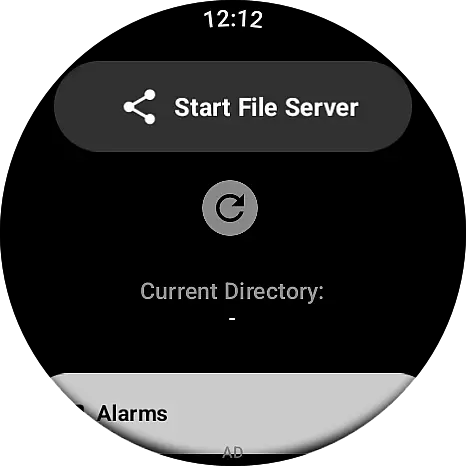
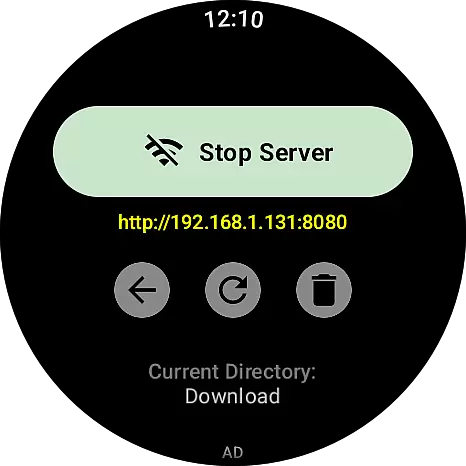
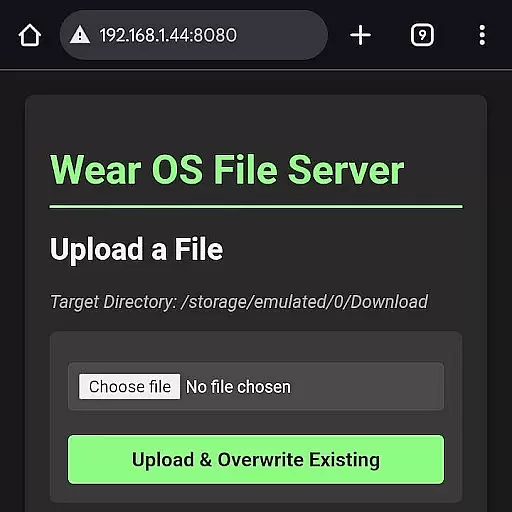
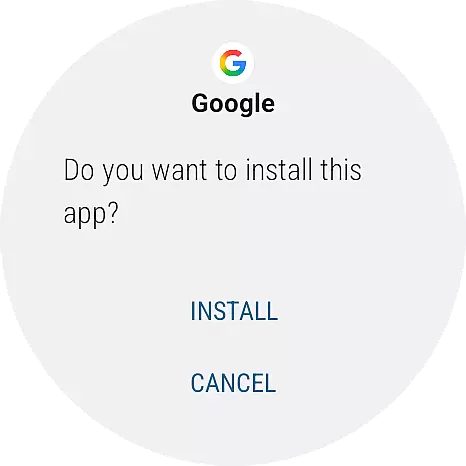
Designed with user experience in mind, Wear APK Install features a three-step workflow that simplifies the entire transfer and installation process. From launching the server on the watch to transferring files via the phone's browser, and finally installing with a single tap, each step is carefully crafted to minimize complexity while maximizing efficiency and control for the user.
Wear APK Install excels in providing a seamless and accurate method for transferring and installing APK files directly onto Wear OS smartwatches. The app leverages a secure Wi-Fi server connection, ensuring that the file transfer process is not only fast but also reliable. This eliminates the need for cumbersome cables or complex ADB commands, making it an effective solution for both power users and developers.
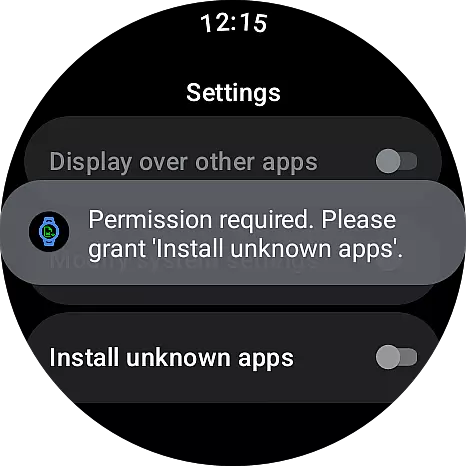
The integrated file manager allows users to easily navigate and manage transferred files on their smartwatch. With one-tap installation, users can install APK files instantly using the native Wear OS Package Manager. This intuitive functionality ensures that even those new to sideloading can efficiently manage their apps with minimal effort.
By simplifying the entire process, Wear APK Install empowers users to take full control of their smartwatch applications. Whether you're looking to install custom apps or test new developments, this tool provides the precision and reliability needed to enhance your smartwatch experience.
Designed specifically for the small screen, Wear APK Install offers an intuitive user experience that is both clean and fast. The interface is optimized for ease of use, ensuring that even those unfamiliar with sideloading can navigate the app effortlessly. Its straightforward design removes any unnecessary complexity, focusing solely on delivering a smooth user journey.
Setting up the Wi-Fi server is a breeze, thanks to the simple instructions provided within the app. Once the server is live, users can connect their phone's browser to the unique IP address displayed on the watch. This streamlined approach ensures that file transfers are initiated quickly and without hassle.
With clear visual cues and easy-to-follow steps, Wear APK Install reduces the learning curve typically associated with sideloading apps. Users can enjoy a hassle-free experience, allowing them to unlock the full potential of their Wear OS device with confidence and ease.
Seamless Wi-Fi transfer
User-friendly interface
One-tap installation
Secure connection
Integrated file manager
Limited to Wear OS
Requires Wi-Fi
No iOS support
Basic file management
Installation confirmation needed

 4.50
4.50
A powerful, easy-to-use flight computer on your phone or tablet!
3.80
Save any video in HD - paste the link, download fast and watch offline.
4.5
card-reader app
2.20
ADB support Android 4.X-Android 13(Support wireless pair mode).No root required!
4.70
An easy-to-use calculator designed to save time calculating and bending conduit
4.30
Connect wirelessly to your computer to watch movies, browse the web, play games
5.00
Game Booster, GFX Tool is now compatible with newer game update
4.50
Introducing Smart Printer, your ultimate destination for printing solutions!
4.00
Bedrock Together: Join any bedrock server on Xbox/PS
4.80
App to pay for FUTO Keyboard
4.60
Planner and Tracker for Stardew Valley
4.60
Screen Mirroring for Roku Sticks, Roku TCL TV and Roku Hisense TV
4.50
Just swipe the edge to do something!
4.40
Just one-tap to easy translate in any language after calls within seconds.
4.20
Quickly & easily calculate the spacing of handrail balusters
4.20
A simple app to back up and restore SMS & MMS messages and call logs.
4.10
1-Click close all background apps on Android TV
3.90
Safely recover deleted photos, videos, and files with a single easy tap.
3.70


User Reviews