
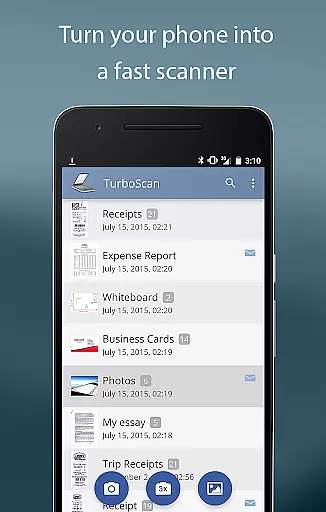
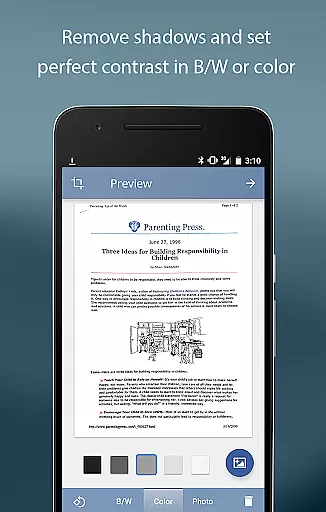
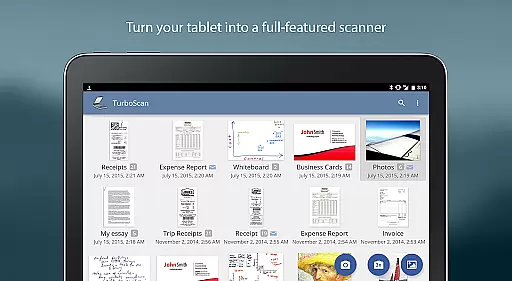
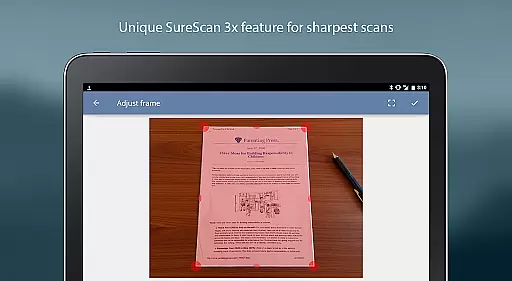
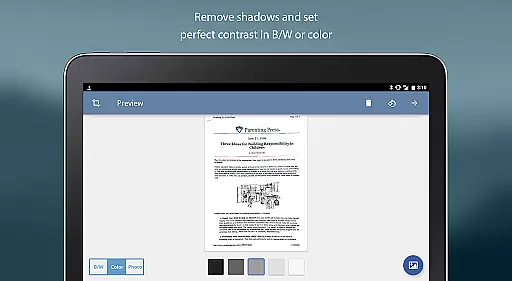
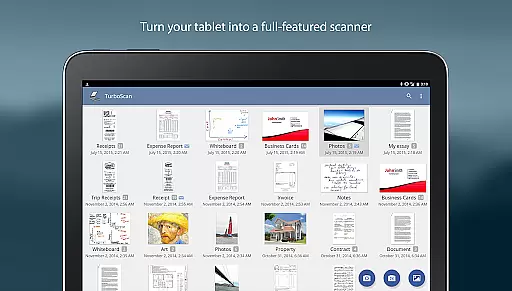
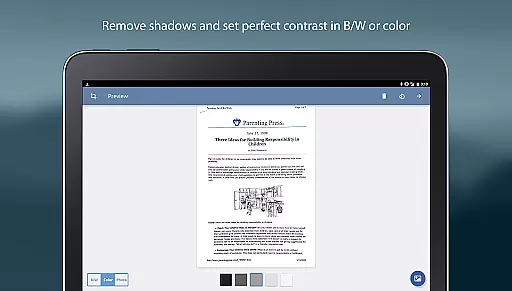
TurboScan Pro is a premier mobile scanning solution that transforms your smartphone into a versatile document scanner. Designed for business professionals and individuals alike, this app allows you to digitize documents, receipts, notes, whiteboards, and photos with remarkable clarity. Utilizing advanced algorithms, TurboScan Pro ensures high-quality scans by detecting document edges, correcting perspective, eliminating shadows, and optimizing contrast.
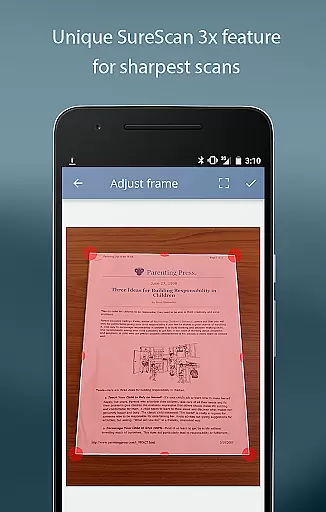
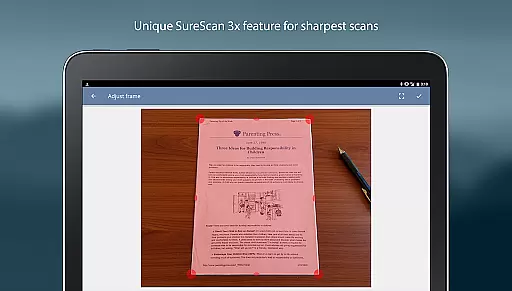
What sets TurboScan Pro apart is its SureScan mode, which captures sharper images even in low-light conditions by taking three consecutive shots of the same document. The app also offers ultra-fast processing, multipage editing capabilities, and seamless integration with cloud storage services like Evernote, Dropbox, and Google Drive. With all processing done locally on your device, TurboScan Pro guarantees complete data confidentiality without requiring an internet connection.
TurboScan Pro boasts an array of powerful features tailored for efficiency and ease of use. The app provides automatic edge detection and perspective correction, ensuring every scanned document looks professional. Its proprietary SureScan technology enhances image sharpness, making it ideal for capturing text-heavy documents or detailed images under challenging lighting conditions.
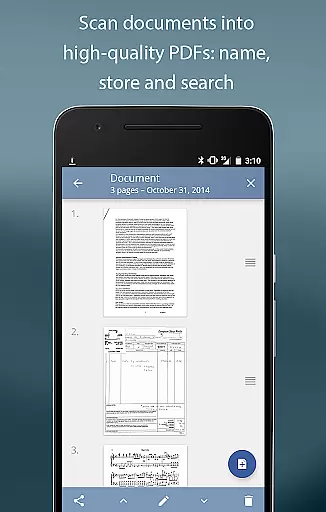
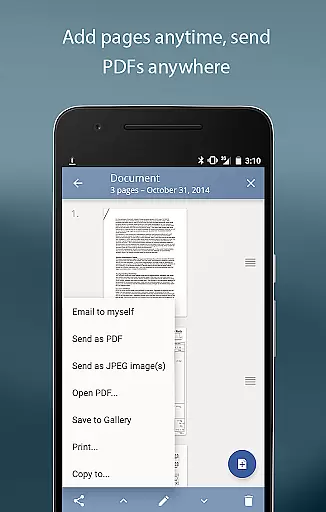
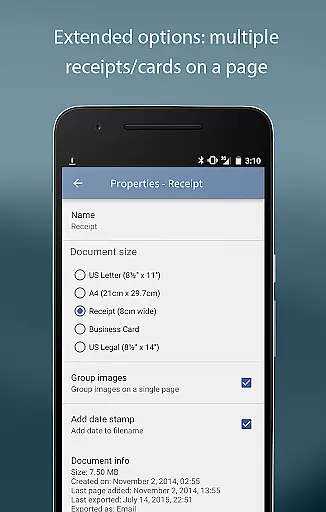
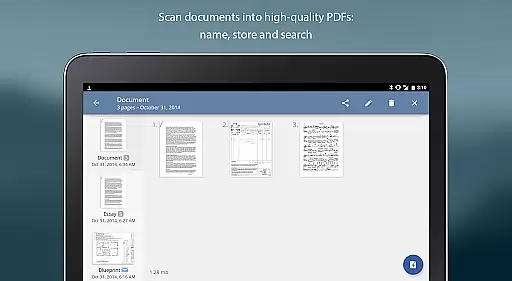
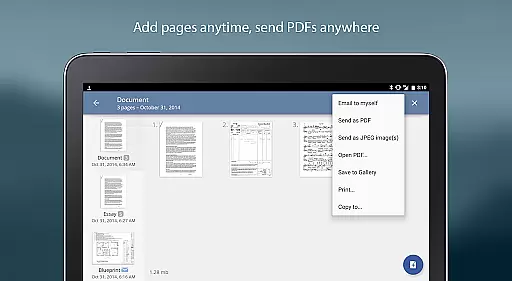
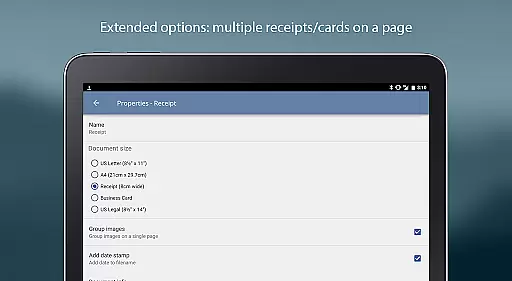
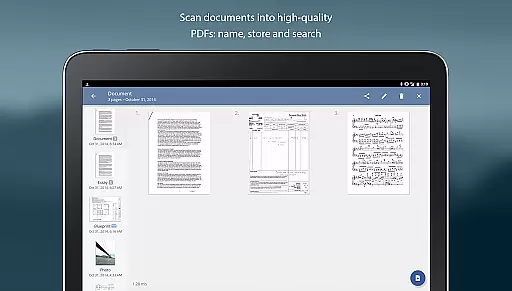
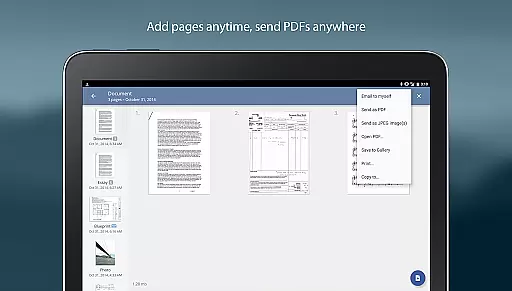
In addition to its core scanning capabilities, TurboScan Pro supports multipage PDF creation, document naming, and internal storage with search functionality. Users can easily reorder, delete, or copy pages between scans. The intuitive interface consolidates essential tools such as brightness, rotation, and color controls onto a single screen, allowing users to make instant adjustments. Furthermore, the app enables direct sharing via email or saving files to the camera roll in various formats including PDF, JPEG, and PNG.
High-quality scans
Fast processing speed
Excellent edge detection
Data confidentiality ensured
Versatile file export options
Premium price point
Requires careful lighting
Limited free features
Occasional glitches reported
Not ideal for bulk scanning

Zoom built for Chrome OS
 3.90
3.90
AI-powered document scanner with auto enhance for perfect PDFs.
4.60
Find flexible, hourly jobs hiring near you in restaurant, retail & hospitality!
4.00
Create curriculum vitae, a professional cover letter creator and resume designer
4.80
Earn free swag, G-Cards & food • Enter sweepstakes • Find stores • So much more.
4.70
Your employer must have UKG Ready software configured for Mobile.
4.60
Find work, shifts and gigs near you. Jobs lasting a few hours to a few months.
4.30
Say hello to the mobile work experience built to help you thrive at work.
4.30
Work happy with AI Companion
4.10
Permission Guard is a security app that helps you manage app permissions.
4.80
Use Generative Summary to understand your rental or insurance docs in seconds.
4.70
All your team communication in one place
4.70
We help people get jobs
4.70
No more passwords, easier sign-in, and greater protection for your accounts.
4.60
Master crypto trading with real-time simulations and exciting challenges!
4.50
Collaborate seamlessly with Google Chat, part of Google Workspace
4.50
Measure distances, surfaces and draw plans in seconds with CamToPlan!
4.40
All Your Gig Work. One App.
4.30
The All-in-One File Manager for Phone, TV, Watch, Cars, XR / VR, Chromebook
4.10


User Reviews