


In today's interconnected work environment, collaborative work features are essential for seamless teamwork. Adobe Scan AI PDF Scanner excels in this area by integrating with Adobe Document Cloud, allowing users to access and share their scans securely across multiple platforms.
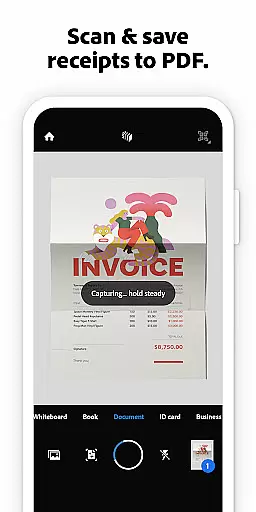
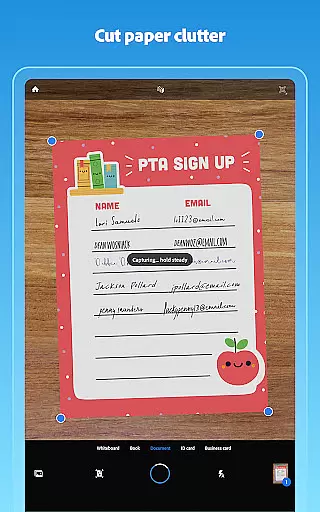
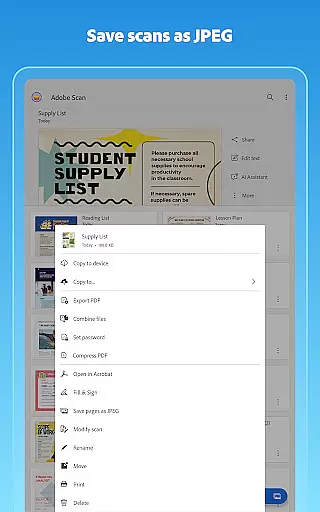
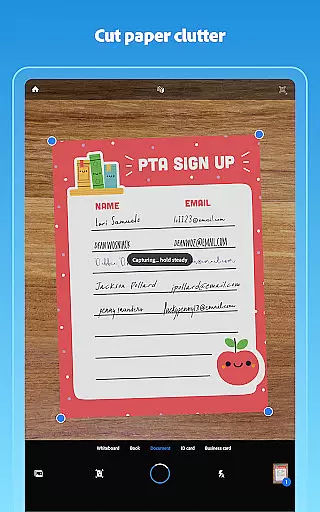
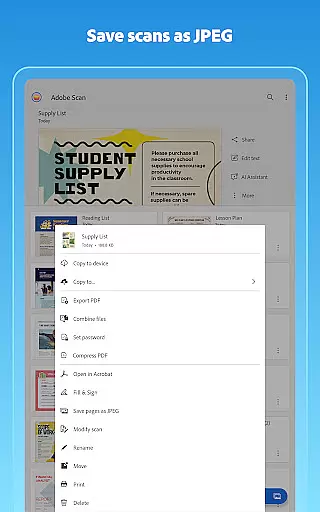
The app enables teams to create high-quality digital copies of physical documents, which can then be shared instantly with colleagues. This eliminates the need for traditional scanning and emailing, streamlining workflows significantly.
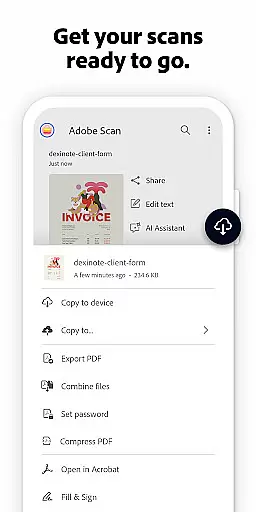
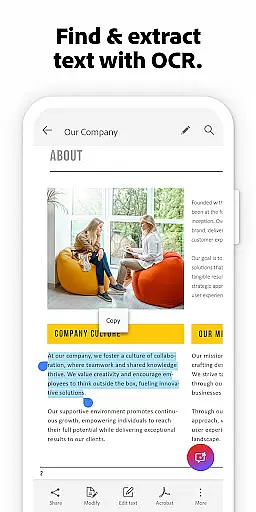
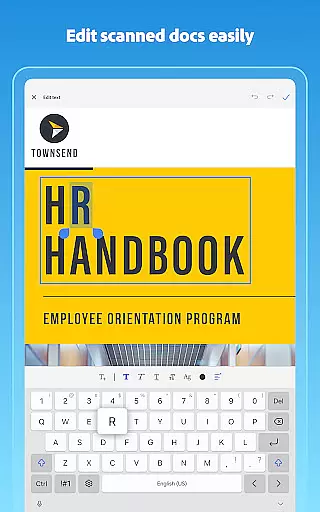
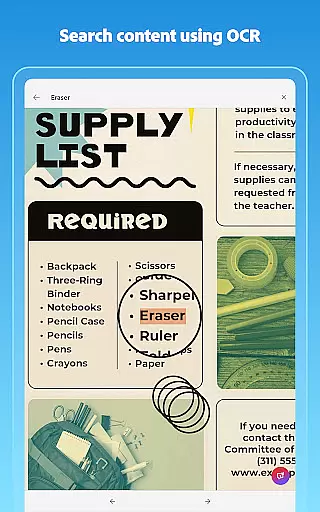
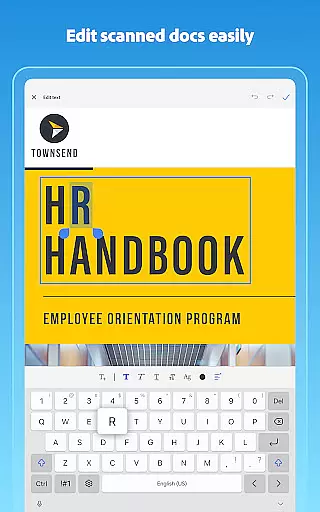
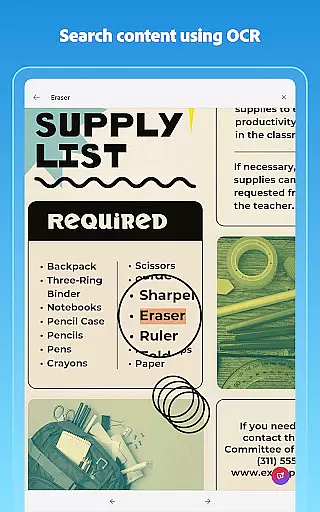
With its OCR capabilities, scanned documents become fully searchable and editable, making it easier for team members to find specific information quickly. The ability to export scans into various formats like Word, Excel, or PowerPoint further enhances collaboration by providing flexibility in how documents are reused and edited.
Moreover, the integration with Acrobat Reader allows users to comment, highlight, fill forms, and sign documents directly within the app. These features ensure that all team members can contribute effectively, regardless of their location, fostering a truly collaborative work environment.
Effective task management is crucial for maintaining productivity, and Adobe Scan AI PDF Scanner offers several features that support this aspect. By converting physical documents into organized digital files, the app helps users keep track of their tasks more efficiently.
One standout feature is the ability to create custom folders for different types of documents such as work files, personal records, or school forms. This organizational structure ensures that users can easily locate and manage their documents, reducing time spent searching for specific items.
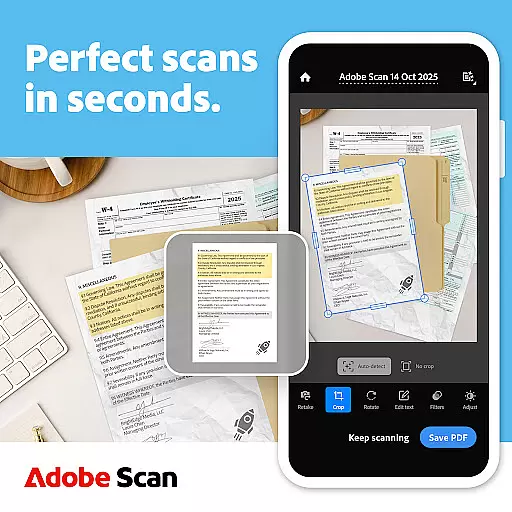
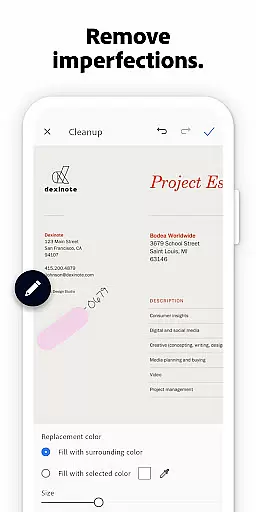
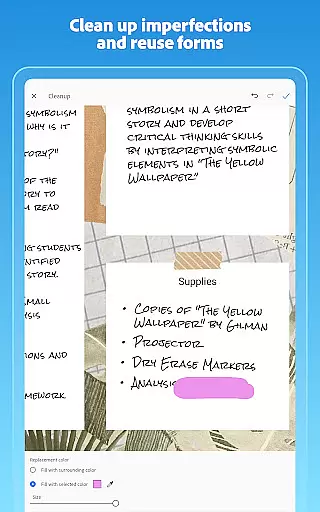
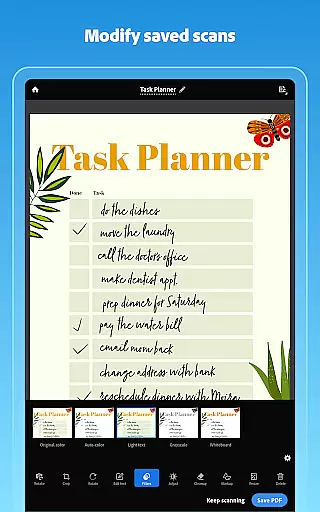
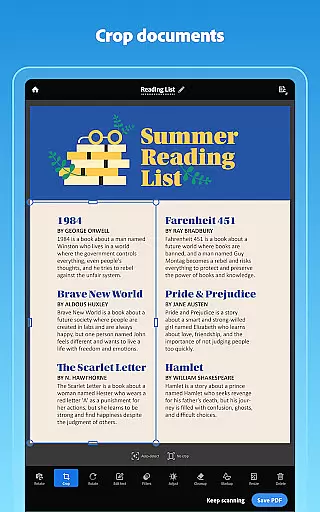
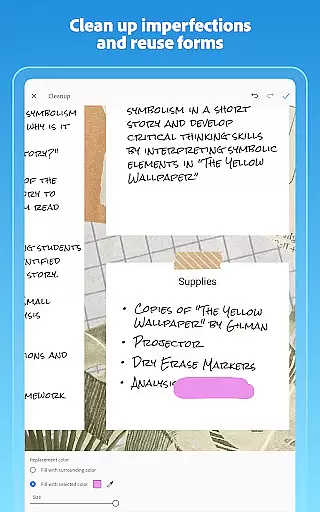
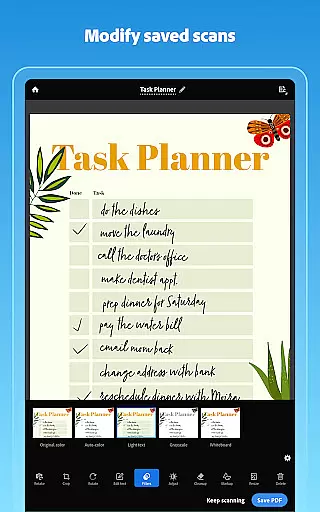
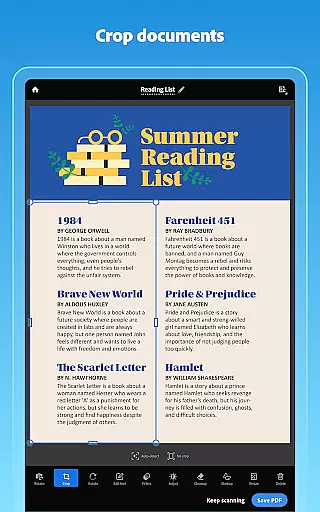
The app also includes tools like Modify and Cleanup, which allow users to crop, rotate, adjust colors, and remove imperfections from their scans. These editing capabilities ensure that each document is clear and professional, enhancing overall task management efficiency.
Additionally, the automatic saving of scans to Adobe Document Cloud provides instant access and backup, ensuring that important documents are never lost. With these robust task management features, Adobe Scan empowers users to stay organized and focused on their priorities.

All Your Gig Work. One App.
 4.30
4.30
Your employer must have UKG Ready software configured for Mobile.
4.60
Employee Management Made Easy
4.80
One marketplace. Hundreds of services. Unlimited possibilities. All on Fiverr.
4.40
enjoy effortless PDF reading anytime, anywhere
3.90
We are a dynamic team of creatives people of design, marketing, web & apps
3.00
Start earning fast. Apply Today.
4.80
view, manage, and share every PDF file you have
3.60
All-in-one Mobile solutions for employees & managers to succeed at work
4.30
Find the right fit, faster.
4.70
Manage Your Shop
4.70
Get instant construction estimates: accurate home repair & material calculator.
4.70
All your team communication in one place
4.70
We help people get jobs
4.70
Amazon A to Z is the place to manage your work-life at Amazon.
4.50
Drive and earn extra money
4.50
From Gone to Back Again — In Just a Few Taps
4.50
Windows App allows you to connect to remote PCs and virtual apps.
3.70
Access All PDF Files
3.40


User Reviews