
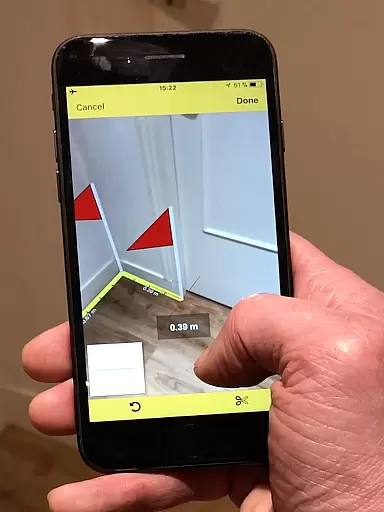
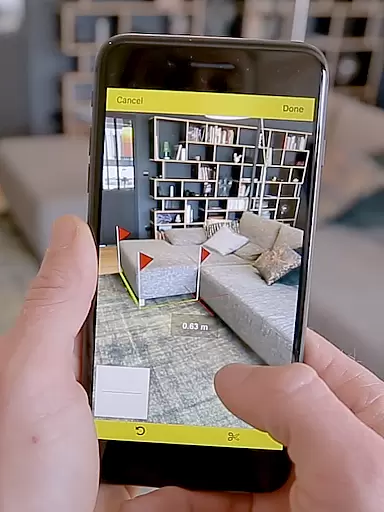
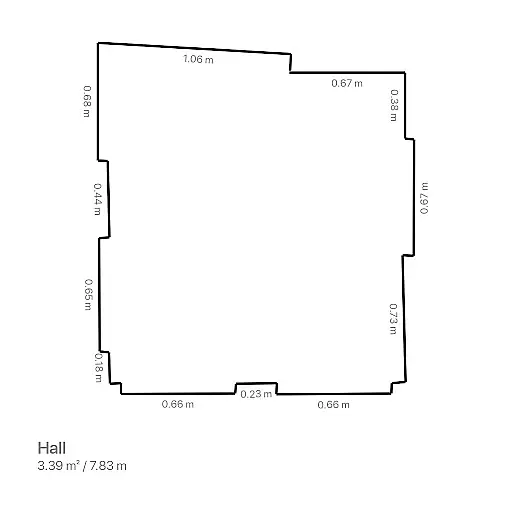
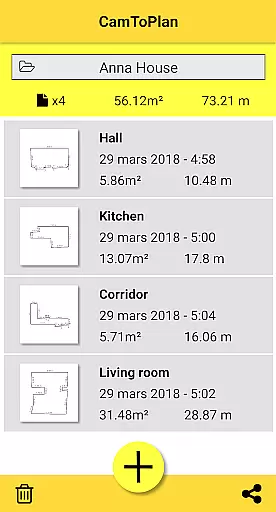
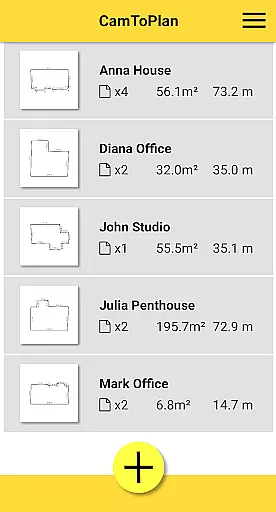
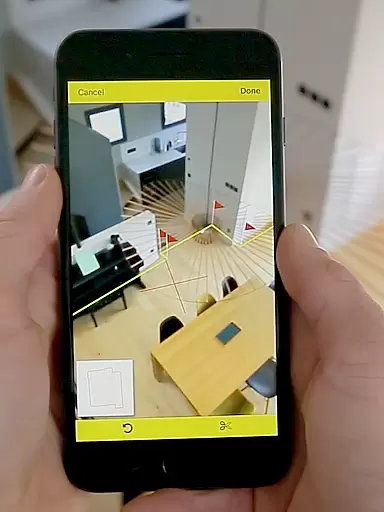
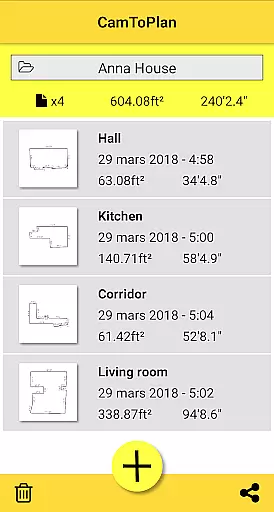
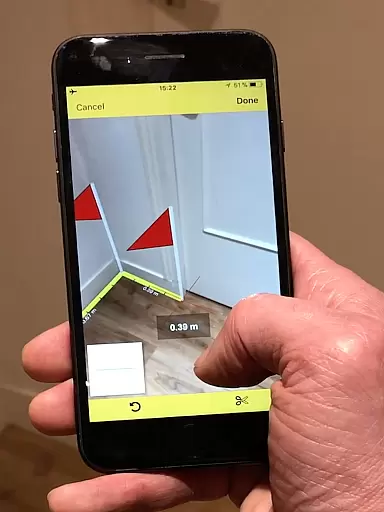
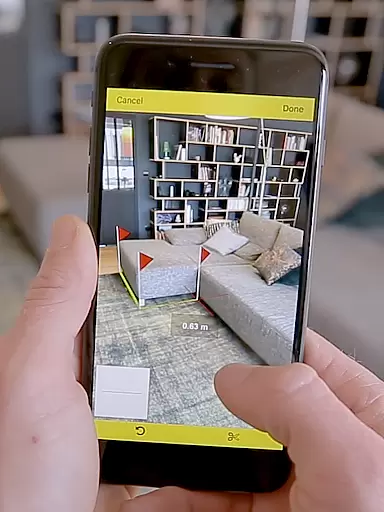
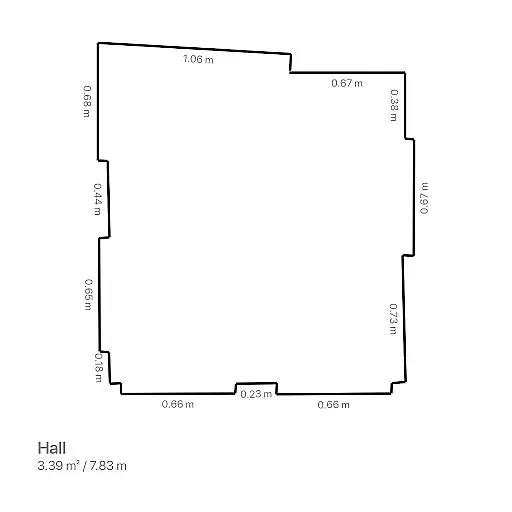
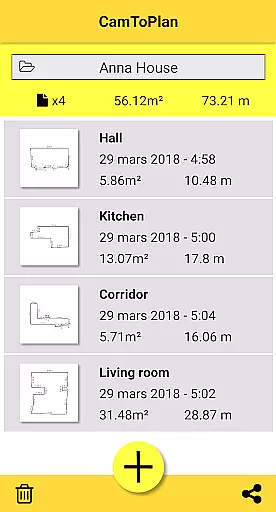
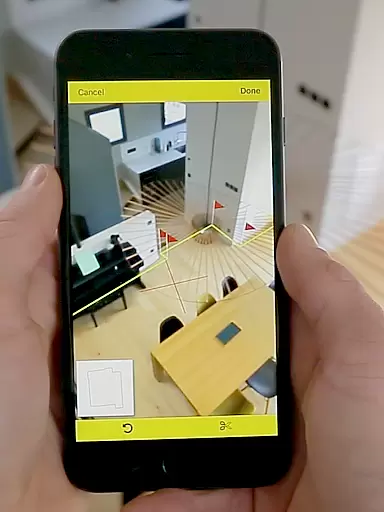
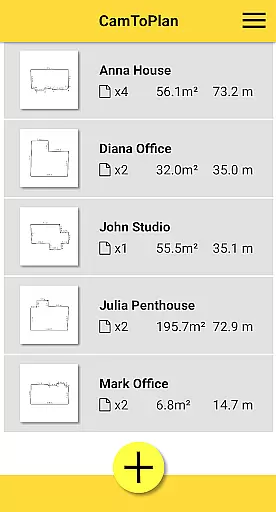
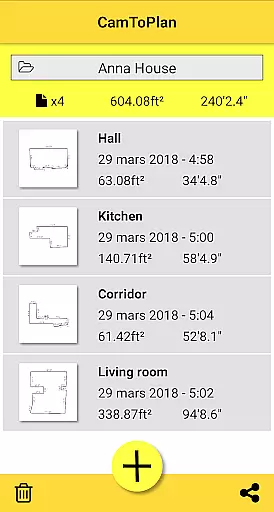
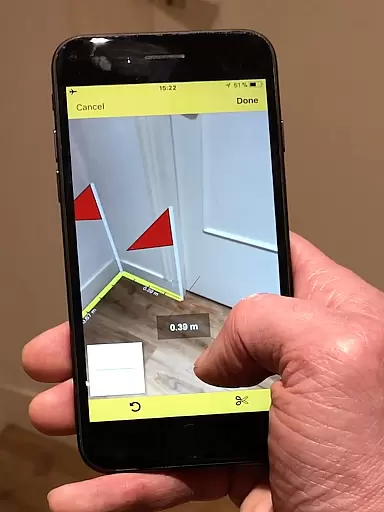
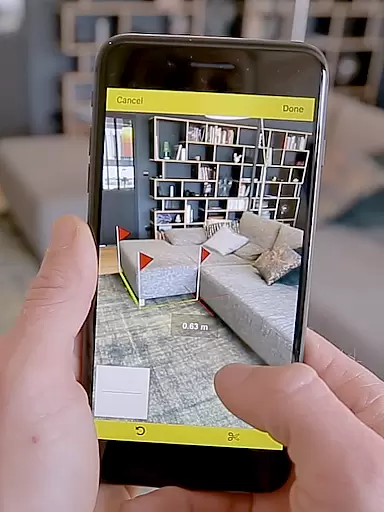
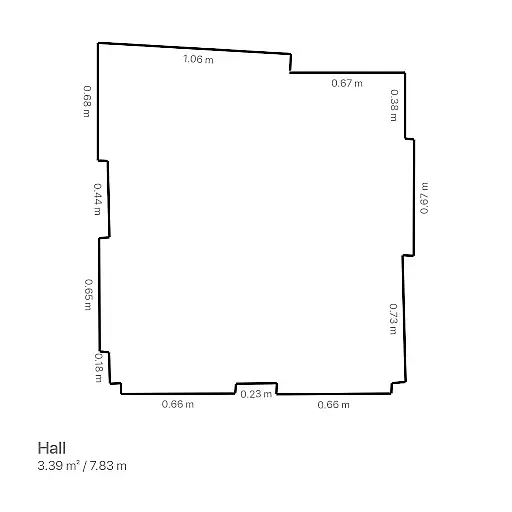
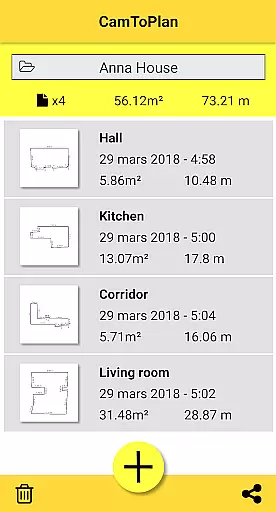
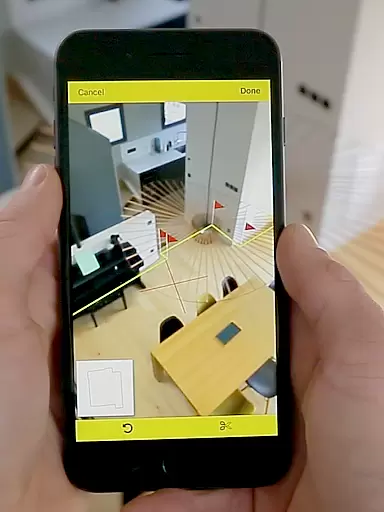
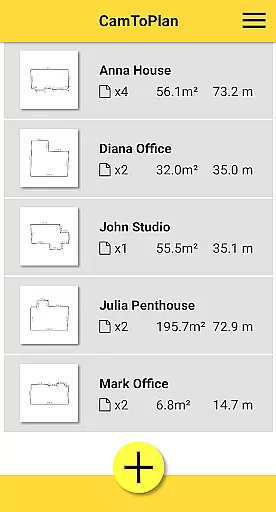
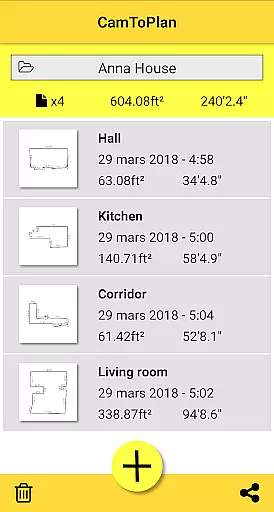
CamToPlan is a revolutionary business application that utilizes augmented reality to measure distances and surfaces, as well as draw plans with just your device's camera. Whether you need horizontal or vertical measurements, this app provides an effortless way to capture dimensions for baseboards, walls, furniture, and more without the need to kneel or manually measure spaces. The app instantly calculates areas in square meters or feet and generates room plans complete with all measured dimensions.
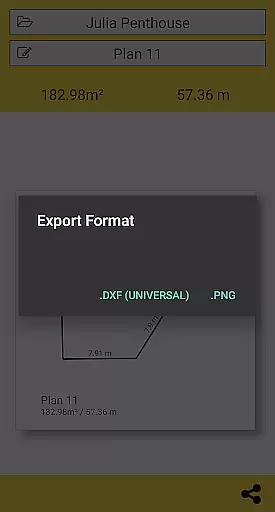
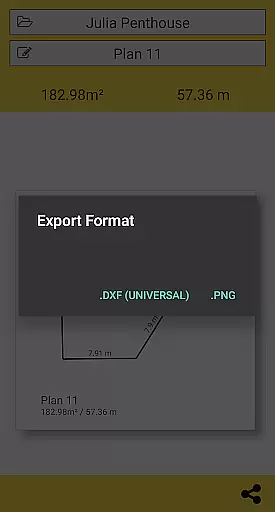
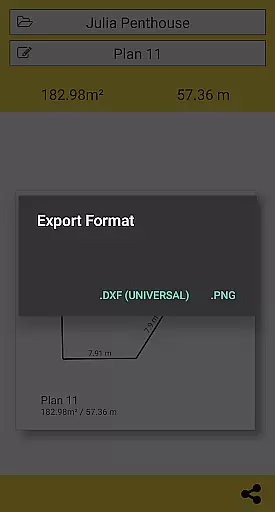
Designed for professionals such as architects and decorators, as well as DIY enthusiasts, CamToPlan offers innovative features like exporting data in PNG or DXF formats and managing folders for project organization. With its ability to automatically determine intersection points between the floor and target measurements, even behind furniture, it simplifies complex tasks. While accuracy depends on conditions like lighting and floor texture, users can move closer to targets for improved precision.
CamToPlan stands out with its advanced augmented reality technology that overlays a virtual tape measure onto your screen in 3D, making measurements feel tangible and real-time. This feature eliminates the need for traditional tools like rulers or laser rangefinders by allowing users to take precise measurements using their device’s video capabilities. The app supports both Metric and Imperial units, catering to a global audience, and works seamlessly for both horizontal and vertical measurements.
Another key feature is the automatic calculation of surface areas and generation of room plans, which can be shared via email, messages, or social media with a single click. Users also benefit from the ability to export plans in professional formats like PNG or DXF, enhancing workflow efficiency. Additionally, CamToPlan includes smart detection algorithms that identify floor intersections even when obstructed by furniture, ensuring accurate results under optimal conditions.
CamToPlan revolutionizes collaborative work in the field of architecture and interior design through its innovative augmented reality technology. The app allows multiple users to contribute to a project by sharing precise measurements and plans effortlessly.
The application's ability to export data in PNG or DXF formats ensures that all team members can access and utilize the information across different platforms and tools. This seamless integration enhances team productivity and accuracy in project planning.
With just one click, users can share their created plans via email, messages, or social media. This feature facilitates real-time communication and feedback among team members, regardless of their physical location.
Moreover, CamToPlan's capability to measure distances both horizontally and vertically supports comprehensive project planning. This ensures that all dimensions are accounted for, providing a complete view of the workspace for effective collaboration.
Task management within CamToPlan is streamlined through its intuitive interface and advanced measurement capabilities. Users can efficiently track and manage tasks related to measuring spaces and drawing plans with precision.
The app's automatic calculation of areas and instant generation of room plans significantly reduces the time required for task completion. By eliminating manual calculations, users can focus on more critical aspects of their projects.
CamToPlan offers flexibility in unit selection, allowing users to choose between Metric or Imperial units based on their preference or project requirements. This adaptability enhances task management by catering to diverse user needs.
Additionally, the app's ability to determine intersection points accurately, even behind furniture, ensures that all necessary measurements are captured. This thoroughness contributes to more accurate task management and project outcomes.
User-friendly interface
Augmented reality precision
Supports Metric and Imperial
Exports in PNG and DXF
Ideal for professionals
Accuracy depends on lighting
May struggle with uniform floors
No offline support mentioned
Limited to optimal conditions
Premium version costs extra

All Your Gig Work. One App.
 4.30
4.30
Quickly open and manage PDF files on your device.
3.80
Scan Business Cards & Conference Badges - Capture Leads at Events & Tradeshows
4.20
VSD Viewer - Visio Drawings Viewer for Android Preview VSD, VDX, VSDX drawings
4.10
Convert Your Lovable.dev Website into a Mobile App Instantly!
4.4
Find part-time earning opportunities near you that pay within days.
3.20
Make invoices, bills, receipts & estimates on the go with Invoice Generator.
4.70
Chat, meet, and collaborate to achieve more together, all in one place on Teams
4.60
We help people get jobs
4.70
Start earning fast. Apply Today.
4.80
BuildCalc - the easiest AND the most advanced construction calculator app.
4.80
Manage Your Shop
4.70
All your team communication in one place
4.70
AI-powered document scanner with auto enhance for perfect PDFs.
4.60
Find jobs and make money fast with JobStack.
4.60
Grow your business and connect with more people with Meta Business Suite.
4.60
Earn money with the driver & delivery partner app for Uber, UberEats & Postmates
4.60
Collaborate seamlessly with Google Chat, part of Google Workspace
4.50
Make money as a delivery driver with DoorDash and work when you want as a Dasher
4.30


User Reviews