
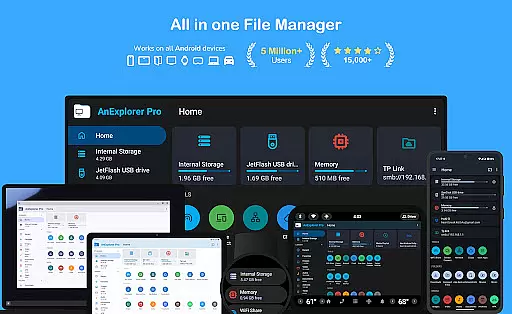
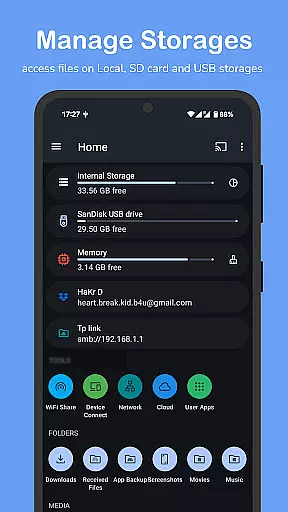

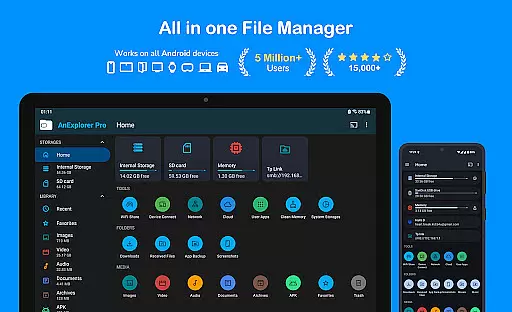
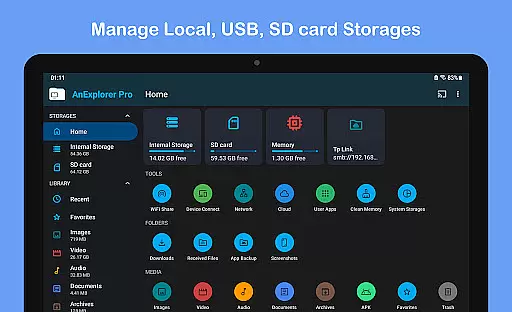

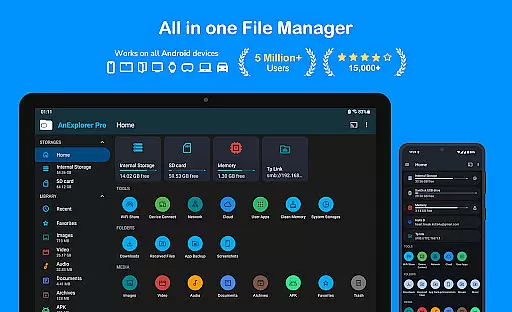
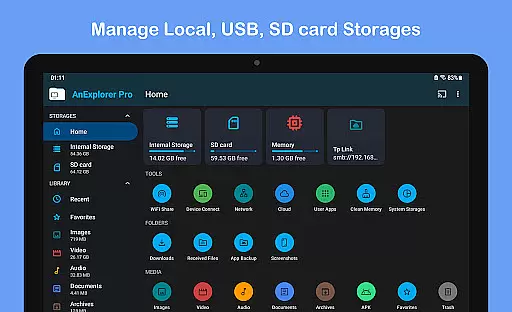

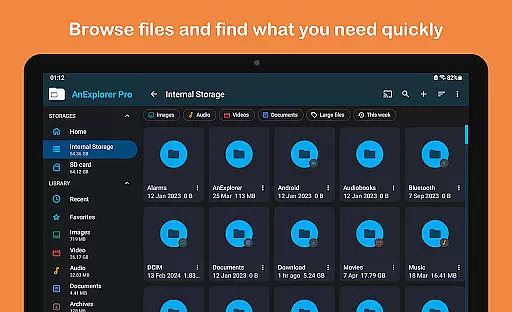
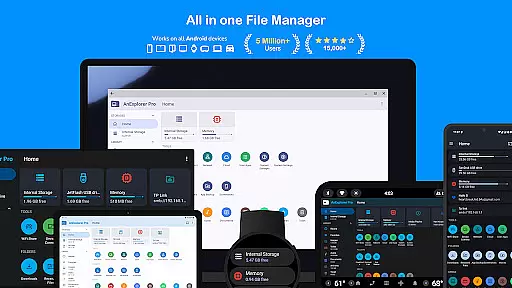
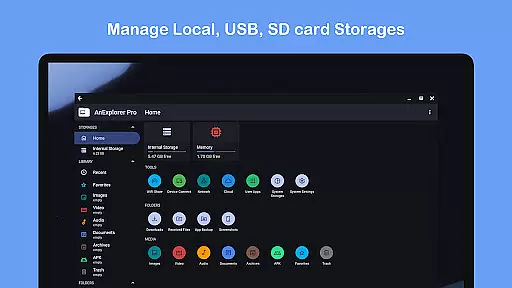
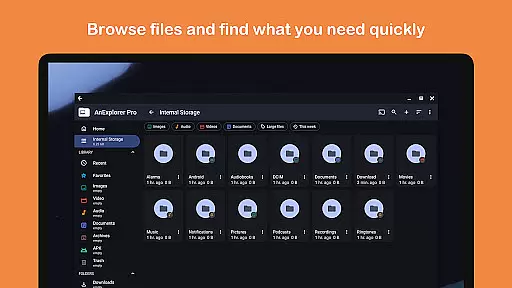
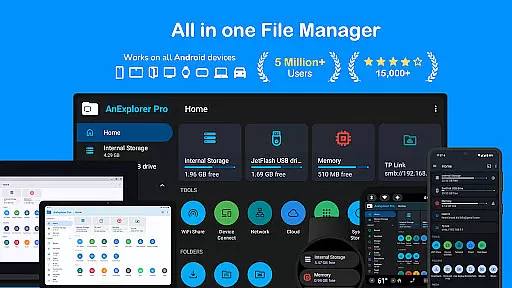
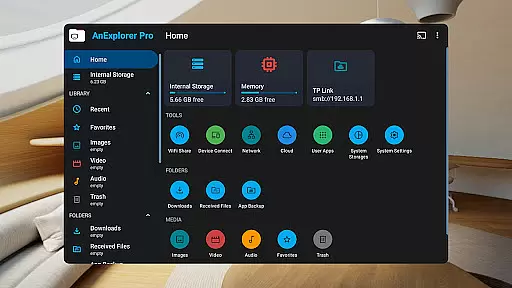
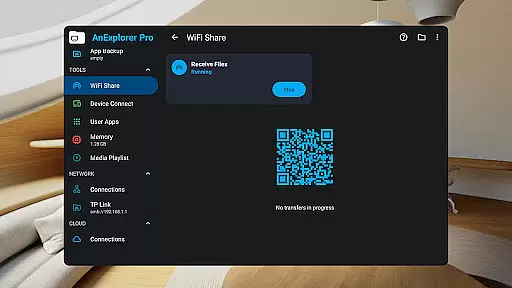
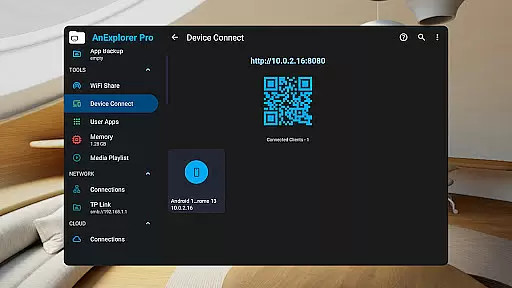
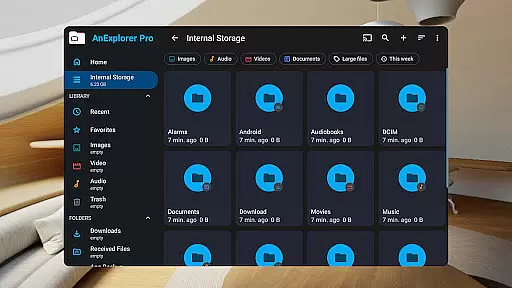
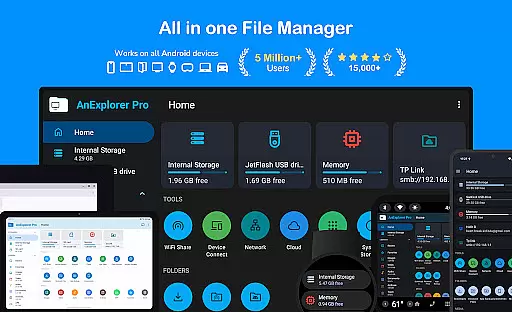
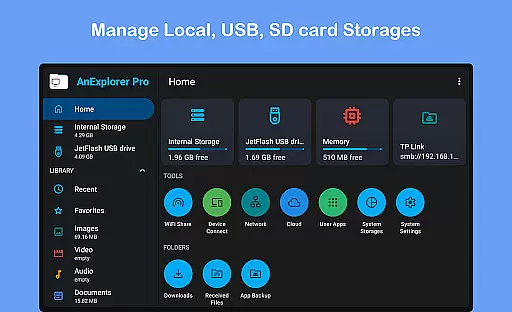
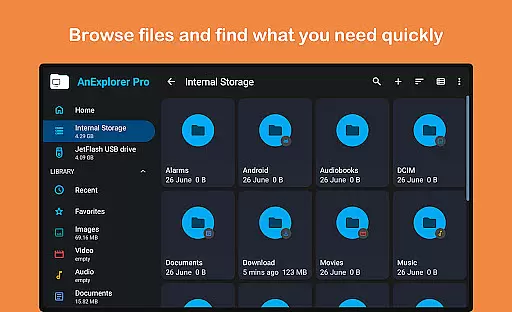
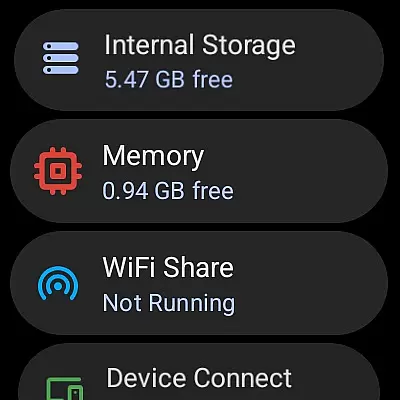
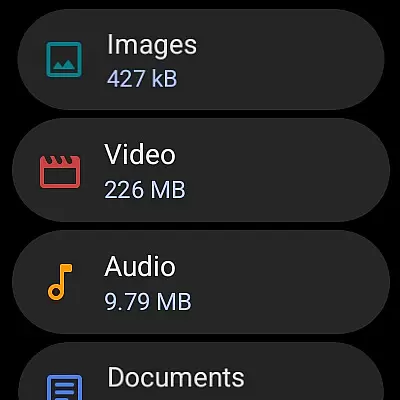



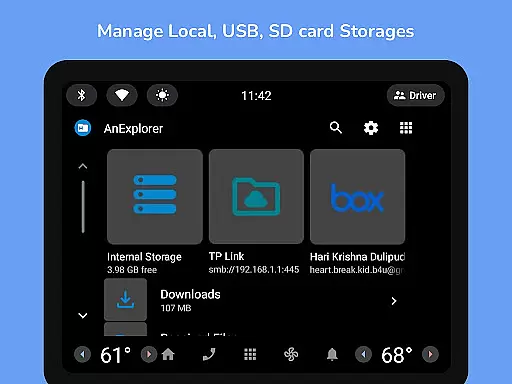
AnExplorer Pro File Manager is a versatile business tool designed to efficiently manage files across various platforms and devices. This file manager app offers a clean, intuitive interface with support for multiple storage types including USB, SD cards, network storages, and cloud services. It stands out as the only file explorer supporting RTL languages while displaying folder sizes across all storages.
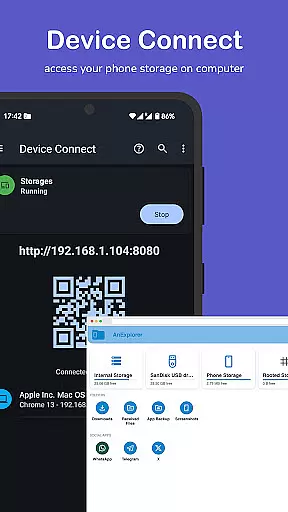
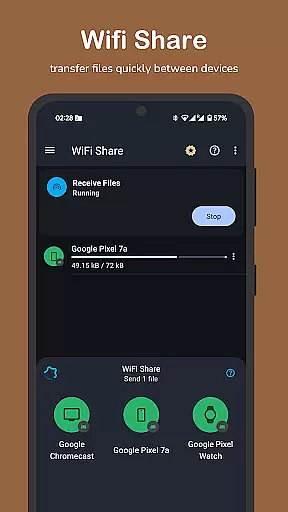
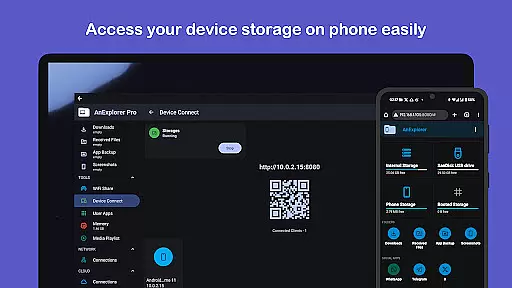
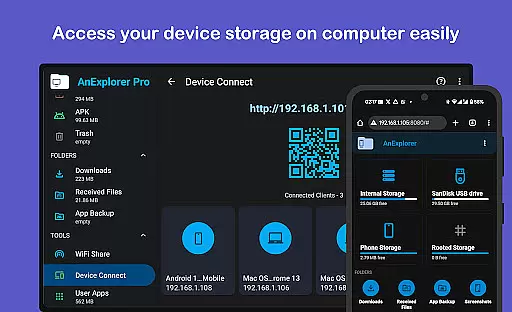
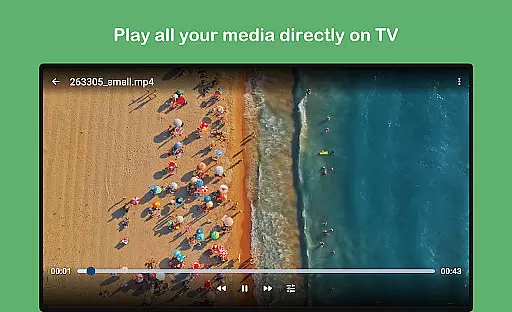
Key features include file organization capabilities such as browsing, copying, moving, renaming, deleting, compressing, and extracting files. The app also provides advanced functionalities like photo viewing with zoom and slideshow support, music and video playback with background support, and archive management for formats like ZIP and RAR. Additionally, it supports network and cloud file management, offline WiFi sharing, and device connectivity without cables.
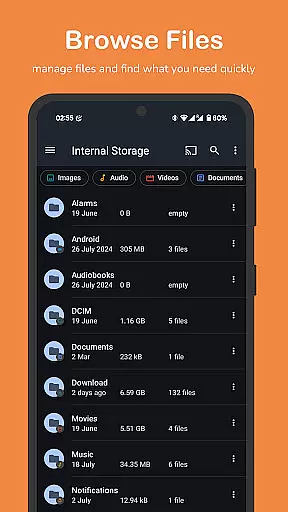
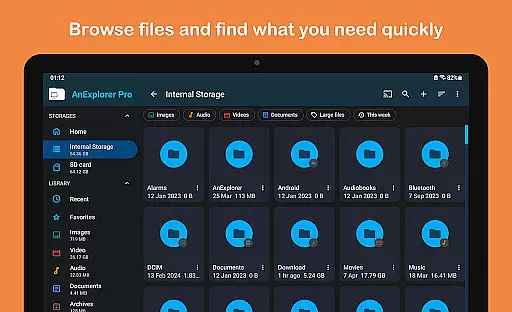
AnExplorer Pro File Manager distinguishes itself through its comprehensive feature set tailored for business use. The app's file organizer allows users to browse, copy, move, rename, delete, compress, and extract files and folders. It supports searching by file name, type, size, or date, and filtering by media types, showing hidden folders and thumbnails, and viewing folder sizes across all storage types.
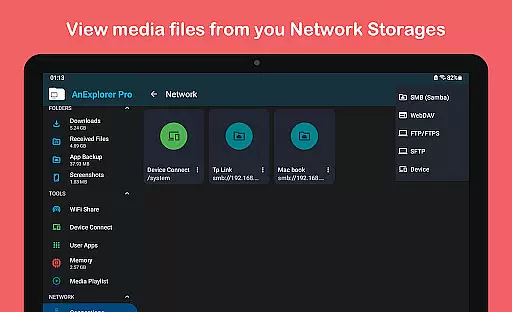
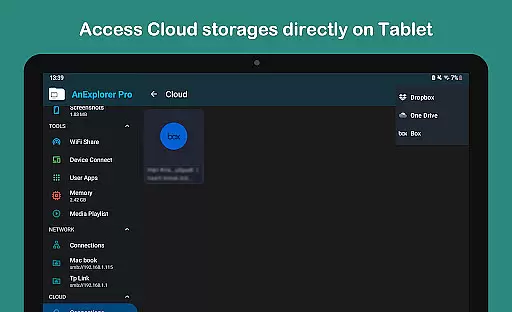
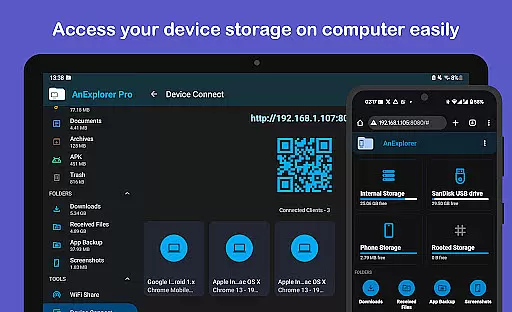
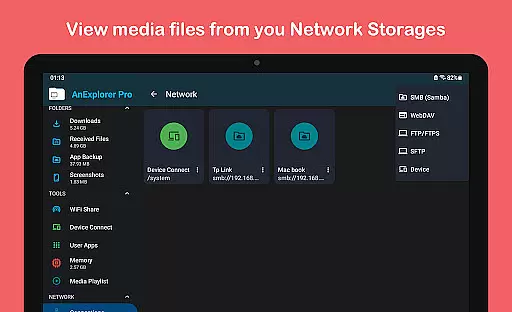
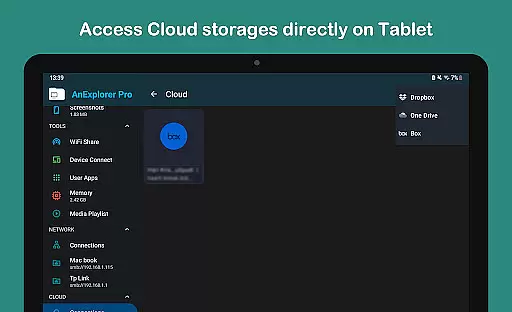
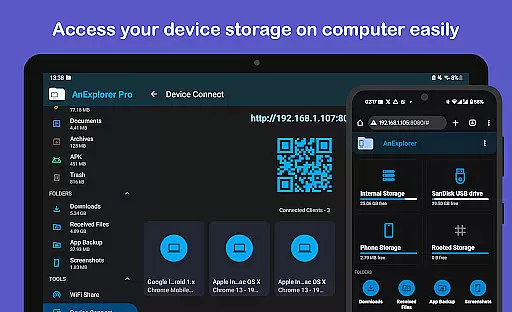
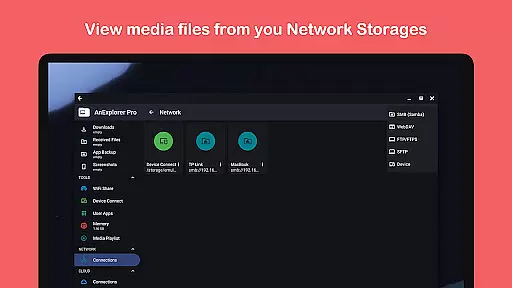
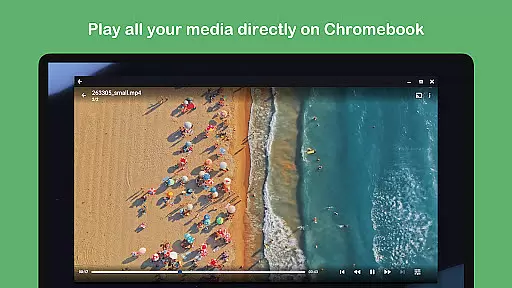
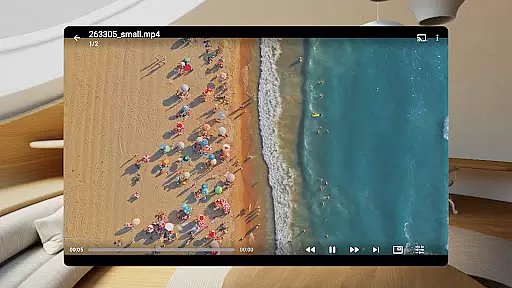
Moreover, the app includes a photo viewer, music and video player, archive zip viewer, text editor, PDF viewer, and app installer. It connects to FTP, FTPS, SMB, and WebDAV servers, manages cloud storages like Box, Dropbox, and OneDrive, and facilitates wireless file transfers between Android devices. AnExplorer Pro also turns your device into a server for browser-based file access, streams media to Chromecast devices, and cleans memory with a built-in storage analyzer.
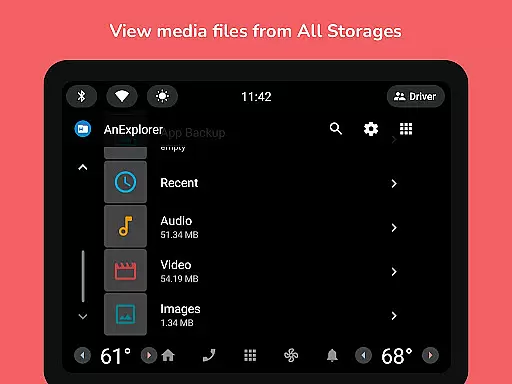
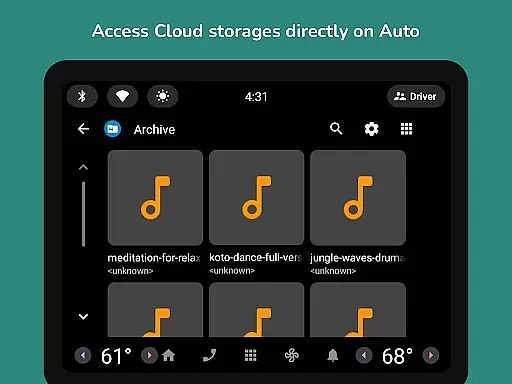
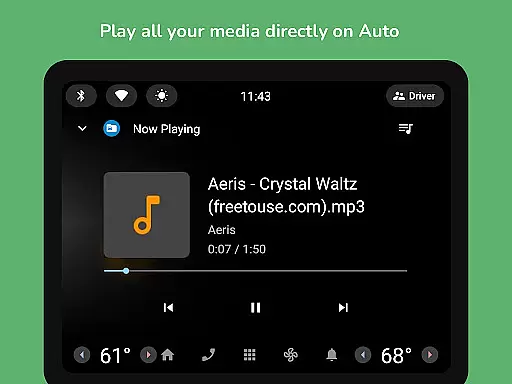
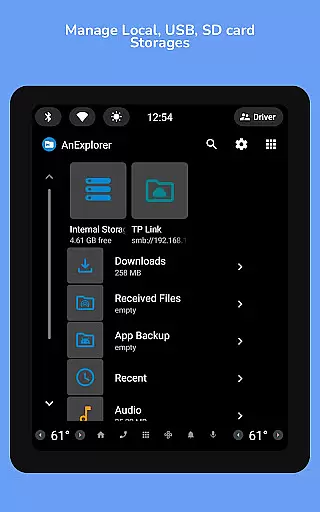
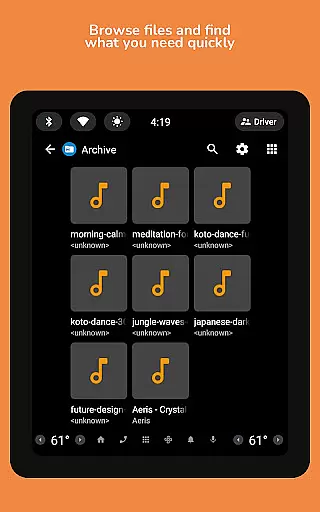
Additional features encompass managing files on Android TVs, Wear OS, VR/XR headsets, and Android Auto, along with root file management for advanced users. These capabilities ensure that businesses can organize and manage their digital assets effectively, regardless of platform or device.
Collaborative work features are essential for modern business applications, enabling teams to work together efficiently regardless of location. AnExplorer Pro File Manager excels in this area by providing robust file sharing and management capabilities across multiple devices and platforms.
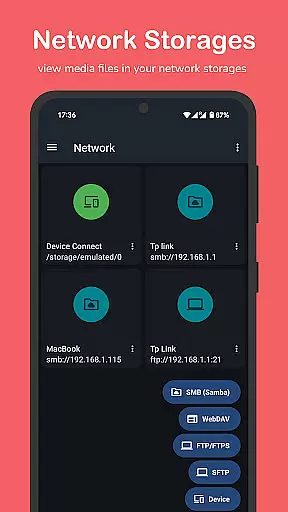
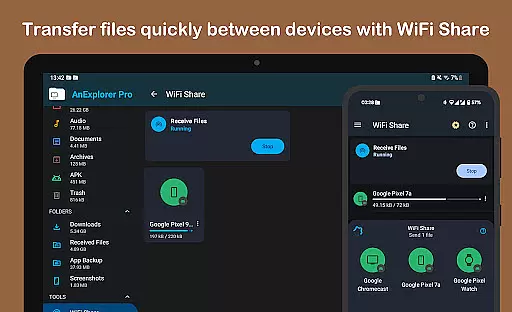
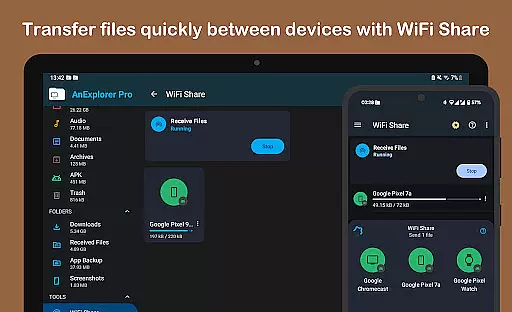
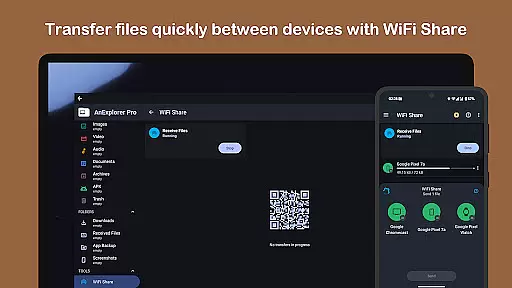
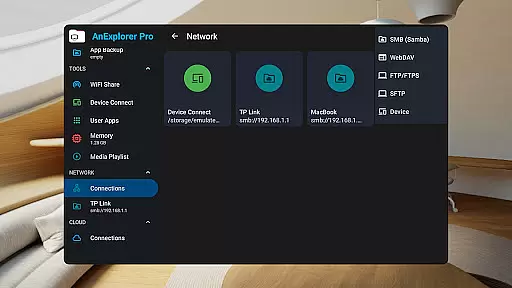
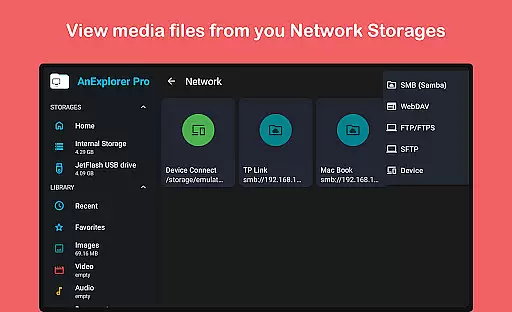
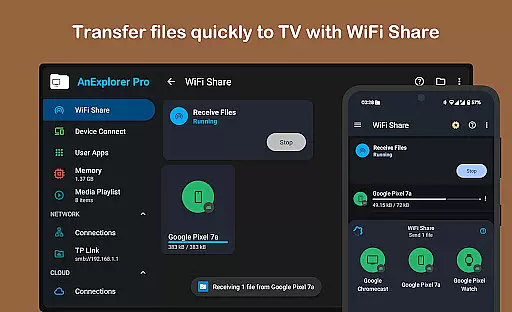
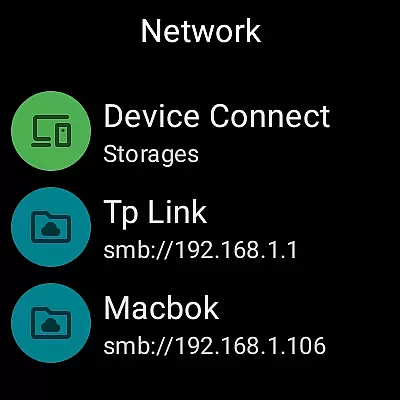
The app supports seamless file transfers via WiFi between Android devices without requiring a hotspot, making collaboration faster and more convenient. Its Network File Manager allows connection to various servers including FTP, FTPS, SMB, and WebDAV, ensuring that team members can access necessary files from NAS devices and shared folders effortlessly.
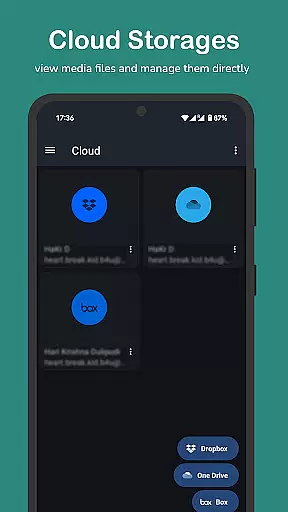
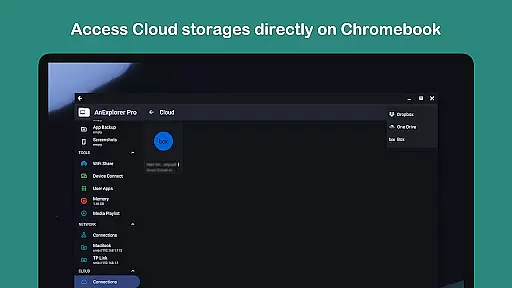
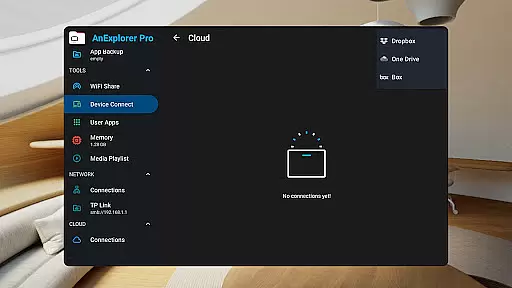
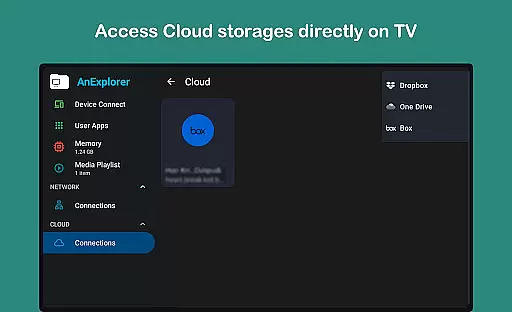
Additionally, the Cloud File Manager feature lets users manage popular cloud services like Box, Dropbox, and OneDrive directly within the app. This functionality enables real-time uploading, downloading, and previewing of media files stored in the cloud, thus enhancing collaborative efforts by keeping all team members synchronized with the latest data.
By integrating these comprehensive collaborative tools, AnExplorer Pro File Manager not only streamlines workflow but also boosts productivity, allowing businesses to operate more smoothly and effectively.
Effective task management is crucial for maintaining productivity and ensuring that projects progress smoothly. AnExplorer Pro File Manager offers an array of features designed to help users organize and manage their tasks efficiently, particularly when dealing with large volumes of files and data.
One standout feature is the File Organizer, which allows users to browse, copy, move, rename, delete, compress, and extract files and folders easily. The search functionality supports filtering by file name, type, size, or date, while also enabling media type filters, thus simplifying the process of locating specific files quickly.
Moreover, the app provides full support for various file systems such as FAT32 and NTFS, ensuring compatibility with different storage types including SD cards and USB OTG devices. This versatility helps users maintain an organized digital workspace, reducing clutter and improving overall efficiency.
With its intuitive interface and powerful organizational tools, AnExplorer Pro File Manager empowers users to take control of their tasks, leading to enhanced productivity and better project outcomes.
User-friendly interface
Comprehensive file management
Multi-platform support
Advanced search and filter options
Efficient memory cleaning tools
Paid version only
Complex for beginners
Limited customer support
No iOS compatibility
Occasional bugs reported

GoTo Mobile is a simple & secure calling, messaging & meetings solution
 4.80
4.80
Formerly Facebook Ads Manager. Manage and create ads on the go.
4.20
Quickly open and manage PDF files on your device.
3.80
FaxCover - Create fax cover pages. Works with any app or fax machine.
4.90
Earn free swag, G-Cards & food • Enter sweepstakes • Find stores • So much more.
4.70
Your employer must have UKG Ready software configured for Mobile.
4.60
Access All PDF Files
3.40
Ship, Track, Find a Location or Get a Quote with UPS. Anytime. Anywhere.
4.60
Chat, meet, and collaborate to achieve more together, all in one place on Teams
4.60
TurboScan turns your phone into a full-featured PDF document scanner.
4.80
Employee Management Made Easy
4.80
Start earning fast. Apply Today.
4.80
Finance, Investing, Stocks, Trading and Stock news
4.60
Earn money with the driver & delivery partner app for Uber, UberEats & Postmates
4.60
A secure, all-in-one team collaboration app
4.30
All-in-one Mobile solutions for employees & managers to succeed at work
4.30
On the go? Take FedEx with you.
4.00
Simple, Fast & Lightweight
3.90
Roadie connects people with stuff to send with drivers already going that way.
3.50


User Reviews