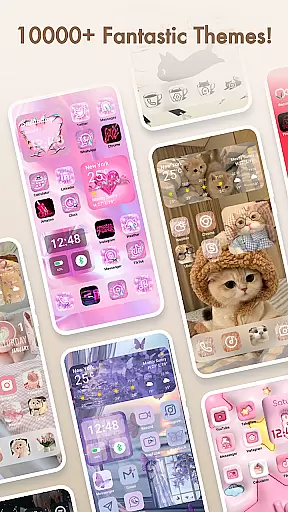
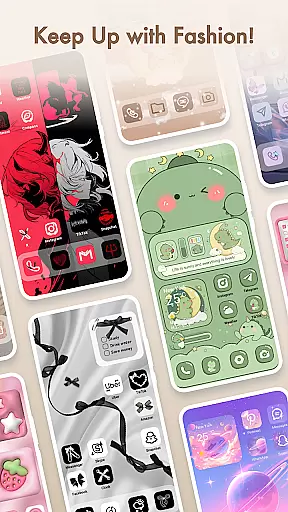
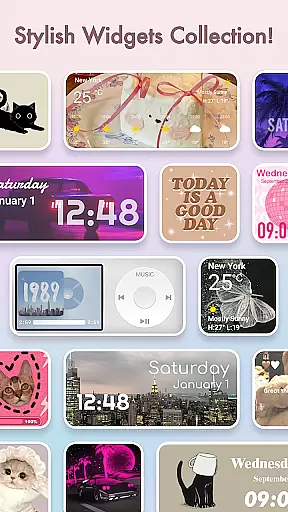
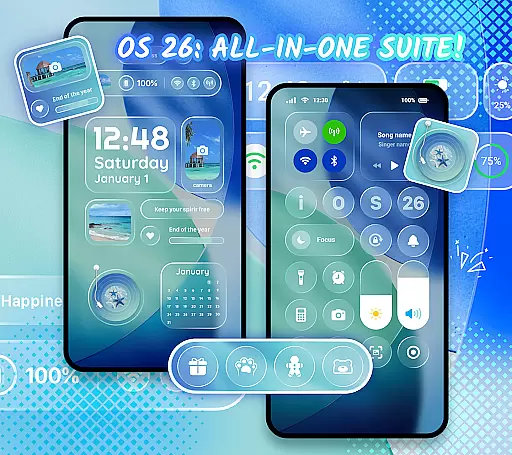
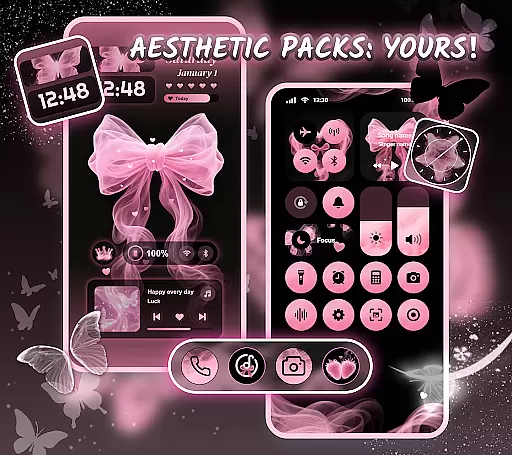
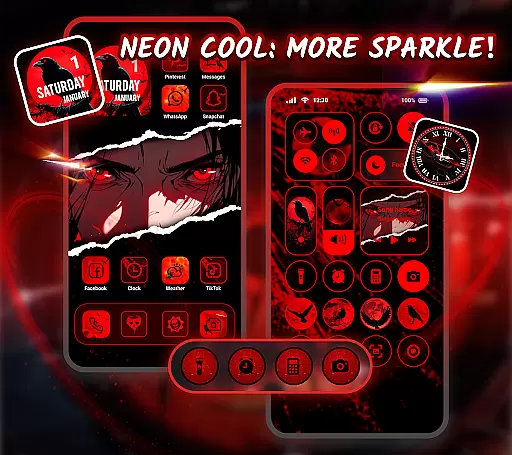
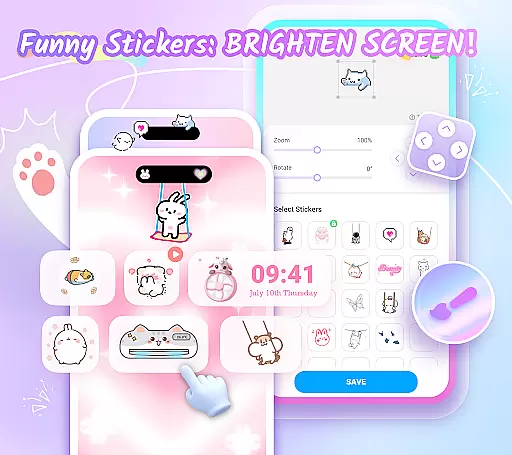
Themepack - App Icons, Widgets is a comprehensive personalization app for Android users who want to design their unique home screen. With over 10,000 functional widgets, icons, and wallpapers, the app allows users to customize their device's appearance with ease. The app offers stylish and custom widgets that include battery indicators, dynamic image effects, calendar, clock, weather, and control panel widgets. These widgets not only change the traditional look of the home screen but also provide interactive functionality.
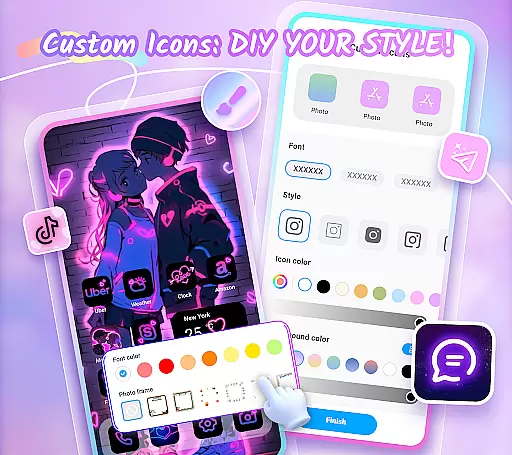
In addition to widgets, Themepack provides DIY icon customization options. Users can choose from various icon styles, fonts, colors, transparency levels, and background colors to create distinctive icons that match their desired applications. The app also features visually appealing backgrounds, K-pop wallpapers, anime themes, neon designs, sports themes, and festival themes, allowing users to personalize their home screens with one-click additions. This makes it an ideal choice for those looking to express their individuality through their device's appearance.
Themepack stands out with its extensive range of features designed to enhance the personalization of Android devices. One of the key features is the wide selection of customizable widgets. Users can pick from battery widgets that display power information, dynamic image effect widgets, as well as practical widgets like calendar, clock, weather, and control panel. These widgets are not just visually appealing but also serve a functional purpose, providing users with important information at a glance.
The app also excels in offering DIY icon packs. Users have the freedom to customize icons with different styles, fonts, colors, and transparency settings. This feature allows for complete creative control, enabling users to rename apps with cool fonts and match them with personalized icons. Furthermore, Themepack provides a vast library of aesthetic wallpapers and themes, including K-pop, anime, neon, sports, and festival themes. These visual elements help users create a cohesive and personalized look for their home screens, making each device a reflection of its owner's personality and style.
Themepack offers an extensive range of customization options that cater to personalizing your Android device's home screen. With over 10,000 functional widgets, icons, and wallpapers, it stands out by providing users the tools needed for a complete theme overhaul.
The app includes various widget categories such as battery indicators, dynamic image effects, calendars, clocks, weather updates, and control panels. This diversity not only changes the aesthetics of your device but also enhances its utility by offering quick access to essential features and information.
Users can further express their creativity through DIY icon customization. Themepack allows you to alter icon styles, fonts, colors, transparency levels, and background hues. Such granular control ensures that each user's home screen is truly one-of-a-kind, reflecting their unique style and preferences.
By enabling personal expression and utility enhancement, Themepack empowers users to become designers of their mobile environment. Whether you're looking for aesthetic backgrounds or specific theme packs like K-pop or anime, this app provides the resources necessary for crafting a personalized digital space.
Theme compatibility in Themepack ensures that all customizations work seamlessly across different devices and screen sizes. The app supports a wide array of themes including stylish & custom widgets, DIY icons, and visually appealing wallpapers, which are designed to be compatible with various Android systems.
Each element within Themepack from battery widgets to clock designs is crafted to maintain visual consistency and functional integrity. Users can select from pre-designed themes or mix and match individual components without worrying about mismatched aesthetics or functionality issues.
Moreover, the app's regular updates introduce new compatible themes and widgets, keeping the content fresh and engaging. This commitment to compatibility and variety guarantees that users will always have access to current design trends while enjoying a cohesive look on their devices.
With careful attention to detail, Themepack ensures that every customized aspect integrates smoothly into the overall user interface. By prioritizing theme compatibility, the app delivers a polished and professional appearance, enhancing both usability and personal expression on Android devices.
User-friendly interface
Extensive widget options
Versatile icon customization
Rich theme selection
Regular updates
Requires accessibility permissions
Premium content locked
Some features may be complex
Limited iOS compatibility
Occasional bugs

A light in the dark, a unique style and an andless cutomization!
 4.30
4.30
Ultra realistic gold analog watch face with lots of customization options.
4.50
Winter's Journey: digital watch face for Galaxy Watch & Wear OS
4.80
Prank your friends with realistic broken screen and cracked HD effects!
4.3
Adult video chat, dating, making friends, random matching
4.20
Ultimate Gallery Lock App - Hide Pictures, Videos and Lock Apps Instantly!
4.60
Aesthetic Widgets, HD Wallpapers, Themes in Mico Widget for Home and Lock Screen
4.50
Turn text & photos into stunning AI videos, art, and creative visual stories.
4.50
Unleash Your Creativity and Connect with Loved Ones with Lockscreen Drawing!
4.20
Dark icon pack based on One 8
4.80
Ultra realistic high quality analog watch face for Wear OS.
4.60
Make your phone look simple & luxury, like iDevice
4.60
Want to make your phone more special than ever?
4.60
Choose your keyboard with RGB colors effect, themes, fonts, emojis.
4.60
300+ Beautifully crafted widgets inspired by OneUI.
4.60 4.50
4.50
Themes - Widget & Wallpaper: Customize home screen, icon changer w unique themes
4.30
Organize and manage your photos and videos effortlessly with Photo Gallery
4.20
Crystal-clear, square icon provides a sleek and sophisticated visual upgrade
4.00


User Reviews