
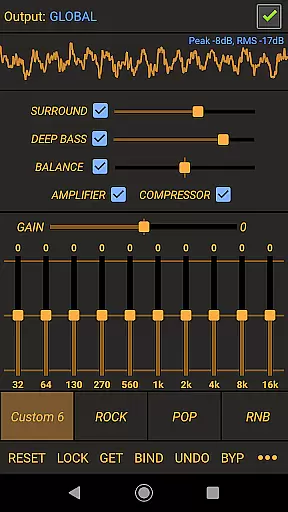
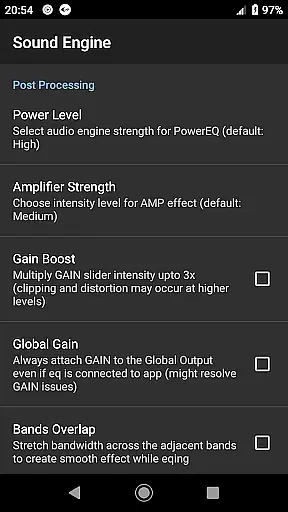
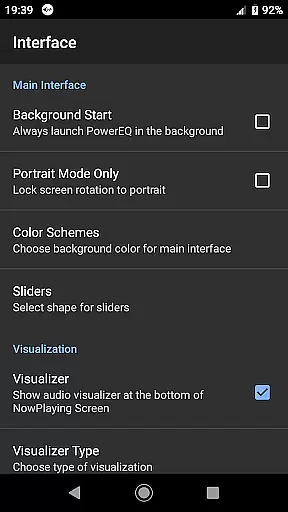
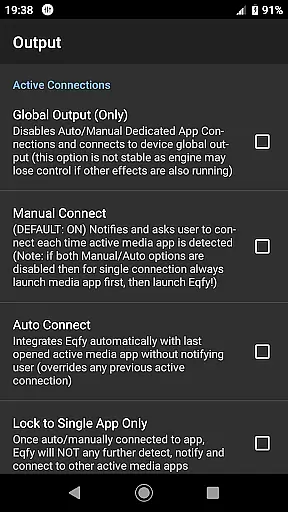
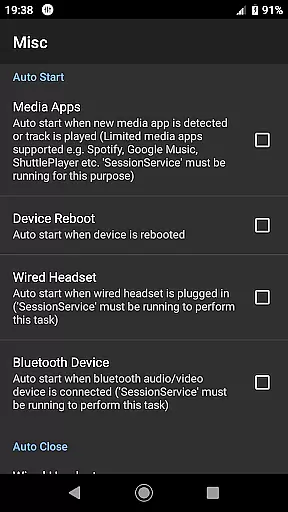
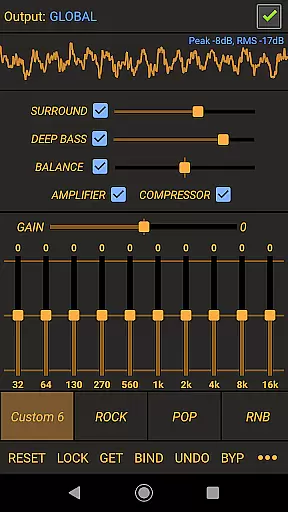
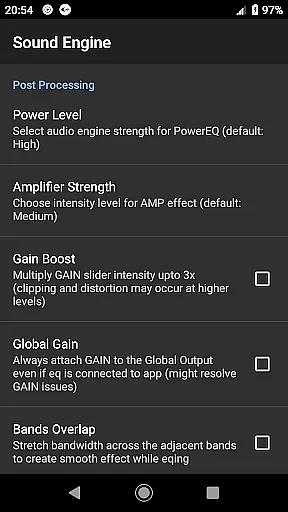
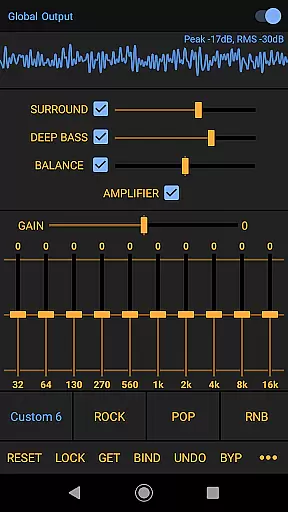
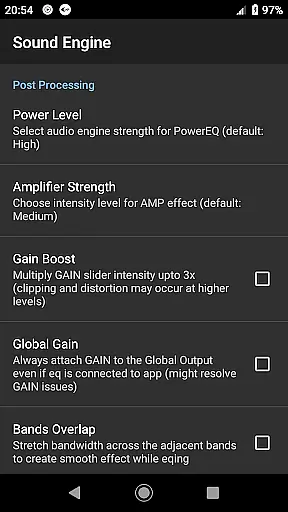
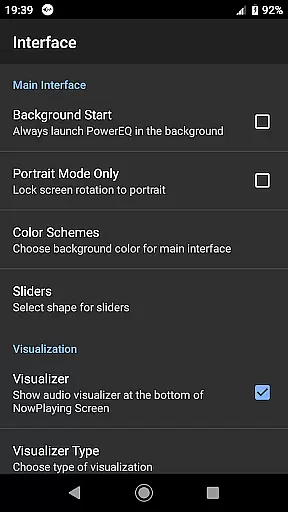
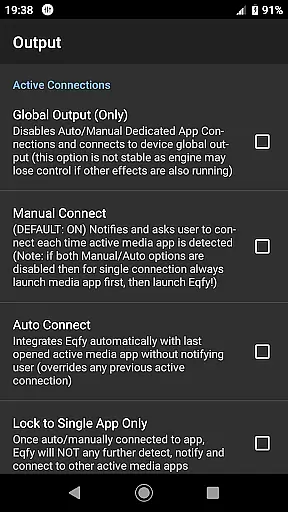
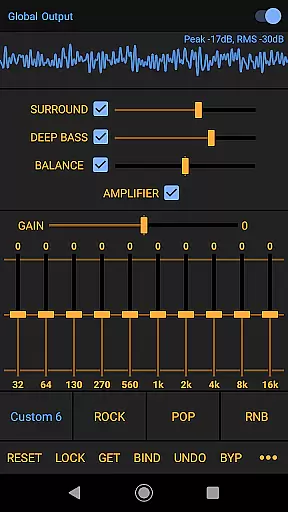
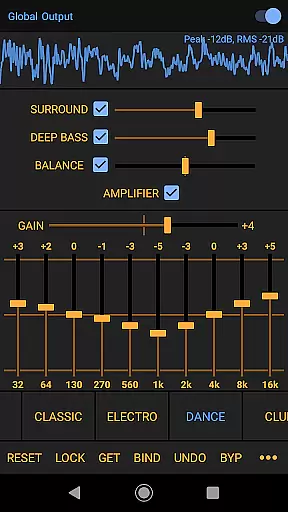
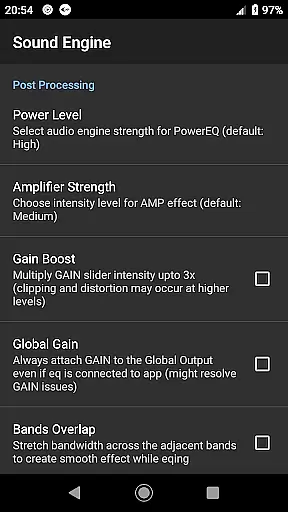
Power Audio Equalizer is a feature-rich audio enhancement application designed to optimize sound quality on Android devices. The app employs advanced equalization techniques and audio effects to deliver an enhanced listening experience across various music players and audio playback platforms.
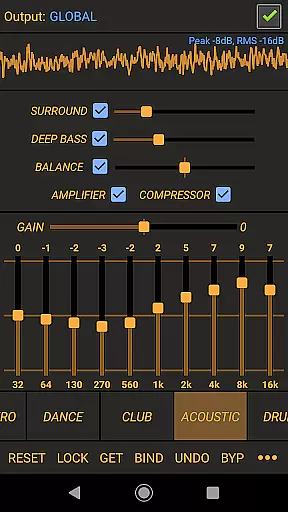
Key functionalities include a 10-band equalizer with bass booster, volume amplifier, and precise sound balance controls. These features allow users to fine-tune their audio output for optimal performance. Whether using headphones, speakers, or Bluetooth systems, the app ensures high-quality sound reproduction tailored to individual preferences.
The application's versatility makes it suitable for audiophiles and casual listeners alike. By supporting both system-wide audio output and specific music apps like Spotify and YouTube Music, Power Audio Equalizer provides comprehensive sound enhancement solutions that cater to diverse user needs.
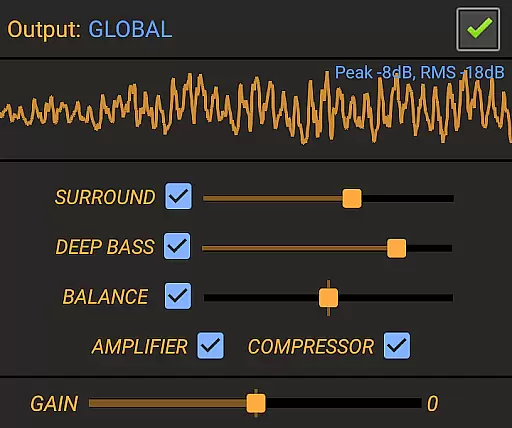
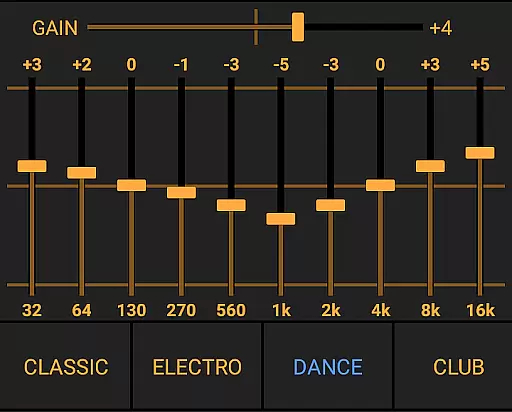
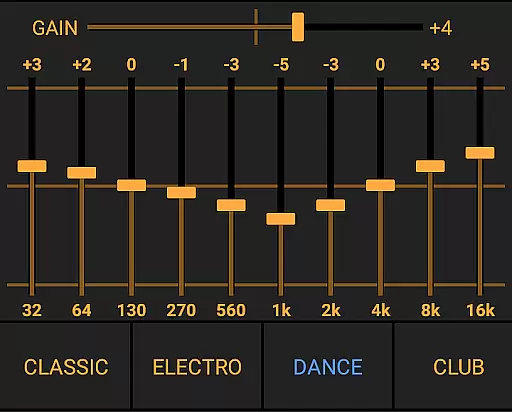
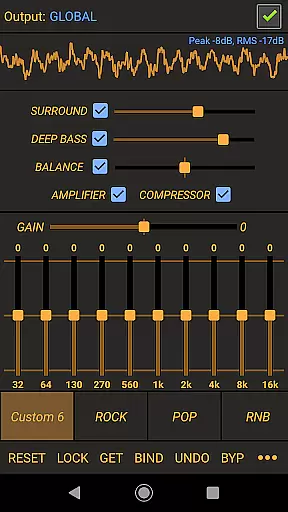
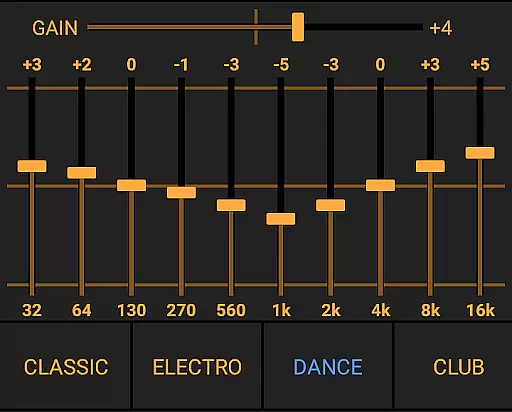
Power Audio Equalizer stands out through its comprehensive suite of professional-grade audio tools. The app's core feature is its powerful 10-band equalizer, offering +/- 15dB boost/cut range with adjustable power levels, complemented by a sophisticated pre-amplifier effect that can boost volume up to 45dB.
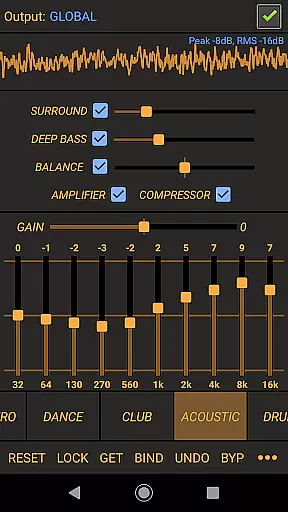
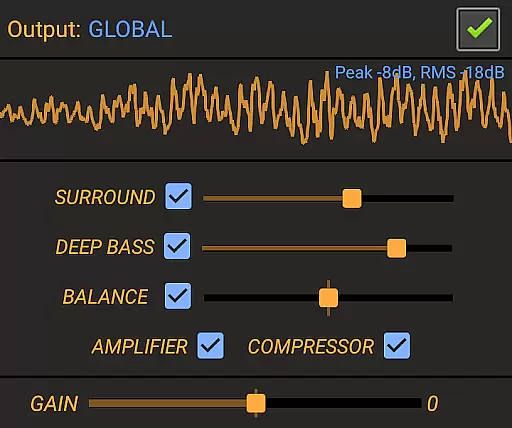
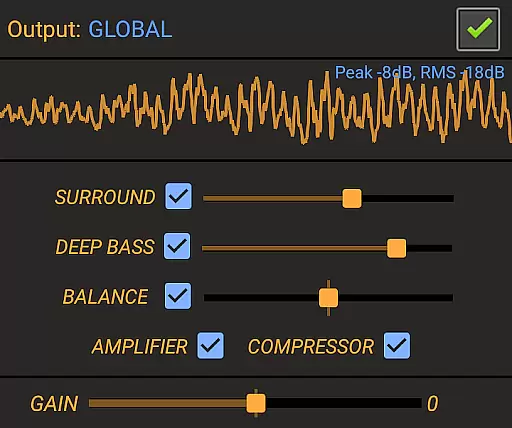
Additional notable features include dynamic compression for controlled audio levels, virtual surround sound with up to 10dB adjustment, and a loudness enhancer for improved clarity. The app also provides customizable equalizer presets (Flat, Rock, Pop, etc.) and real-time music visualization with accurate Peak and Rms value display.
What sets this application apart is its seamless integration with various audio sources and devices. Supporting both wired and wireless audio systems while maintaining compatibility with major music streaming services, Power Audio Equalizer delivers consistent performance across different platforms and devices.
Power Audio Equalizer offers an extensive range of audio effects that work seamlessly with a wide array of music players and audio playback apps, ensuring high-quality sound output on your Android device. This compatibility includes popular services like YouTube Music, Spotify, and Google Play Music, which collectively contribute to a vast library of accessible music tracks.
The app's commitment to copyright authenticity is evident in its regular updates and dedicated user support, ensuring that all features comply with legal standards while providing the best possible audio experience. Its library is not just about size but also about offering users access to a diverse selection of audio content legally and safely.
Users benefit from customizable equalizer presets such as Flat, Rock, Pop, and more, allowing personalized listening experiences across different genres without concerns over copyright infringement. These presets are designed to enhance the inherent qualities of each genre while respecting artist rights.
By supporting a wide range of audio devices including headphones, speakers, and Bluetooth systems, Power Audio Equalizer ensures that every piece of music is enjoyed as intended by its creator, maintaining both quality and authenticity throughout various listening environments.
Power Audio Equalizer stands out for its ability to significantly boost volume and restore sound quality through advanced audio processing technologies. At the heart of this capability lies a high-performance 10-Band equalizer equipped with bass booster, volume amplifier, and precise sound balance settings, enabling detailed audio adjustments tailored to individual preferences.
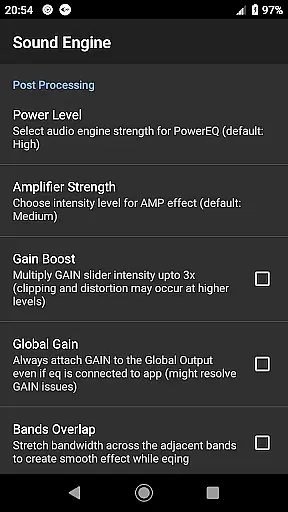
This app leverages the powerful sound engine of RE Equalizer to deliver exceptional audio results, enhancing the listening experience whether using headphones or external speakers. With options like +/- 15dB boost/cut range per band and up to 45dB pre-amp gain, it provides unparalleled control over audio dynamics, making every track sound richer and fuller.
Including features such as compressor for managing audio levels, virtual surround for immersive soundscapes, and loudness enhancer for clearer playback at lower volumes, Power Audio Equalizer caters to audiophiles seeking top-notch audio fidelity. The inclusion of real-time Peak and Rms values further aids in achieving optimal sound settings.
Ultimately, these comprehensive audio quality options empower users to fine-tune their auditory experience according to specific needs and environments, ensuring superior sound reproduction across all types of media played on Android devices.
Wide device compatibility
Advanced equalization options
Real-time audio processing
Customizable presets
Regular software updates
May drain battery faster
Interface could be complex
Some features need premium
Occasional audio glitches
System resource intensive

Simply convert wav to mp3. Clear. Reliable. Safe.
 4.1
4.1
Control your MIDI USB or Bluetooth devices in app and avoid some trampling
3.30
Remove ads permanently from Music Visualizer
4.3
Gorgeous UI, Powerful music Search and Equalizer, the great choice for you!
4.70
Bass Booster & Volume Equalizer Pro improves your music and video sound quality
4.60
Make songs with AI! Any genre, custom lyric, song generator for music creation!
4.80
Smart piano keyboard, Classical to Pop, Real-time multiplayer connection!
4.20
Manage your Sonos system directly from your home-screen!
4.40
Travel To The Music Universe
3.40
Voice recorder - Audio recorder. Best recorder for recording
4.90
More downloads than any other metronome. Includes drum machine & tempo trainer.
4.80
Over 100 million tracks available for high quality streaming and download
4.60
A synth that really lets you shape your sounds!
4.50
Enhance the sound quality of your devices, listen to what you want
4.50
Play KORG’s revolutionary touch-based instrument on a variety of devices.
4.40
Ringtone Maker is free app create ringtone from music files or your recording.
4.40
The only true audiophile music player with Hi-Fi audio rendering and DSP engine
3.90
The ultimate media player for Android devices
3.90
Slow music down without changing pitch.
3.70


User Reviews