
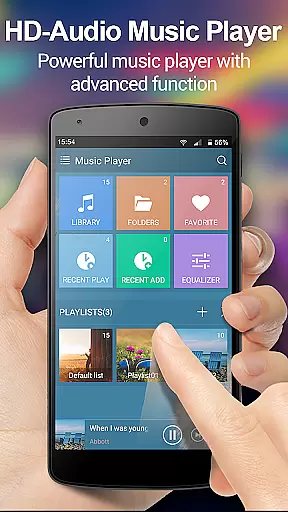
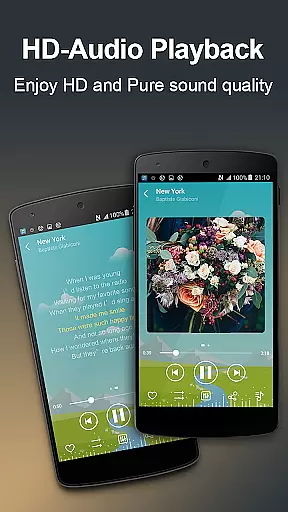
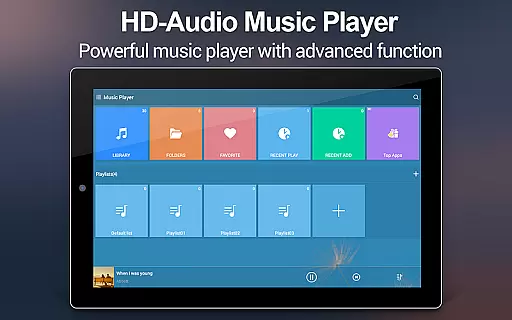
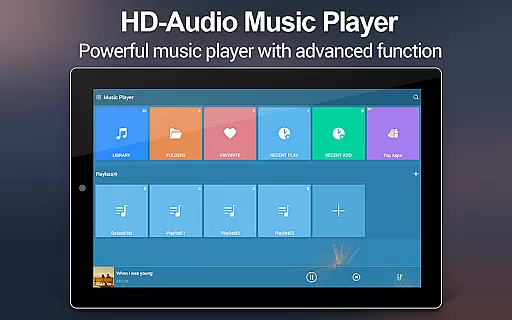
Music Player + is a feature-rich audio management app designed for Android users who demand both functionality and aesthetics. This app stands out with its powerful equalizer that enhances sound quality, offering users an unprecedented listening experience. The quick search functionality allows users to effortlessly locate all music and audio files on their device, while supporting a wide range of file formats.
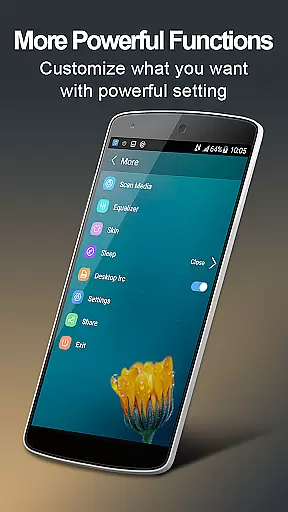
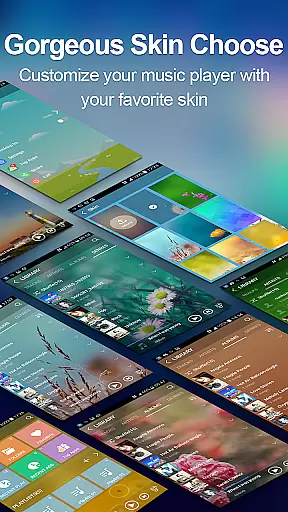
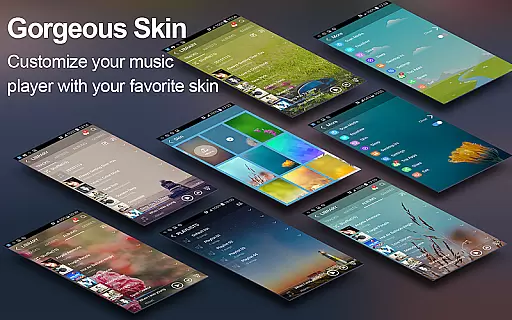
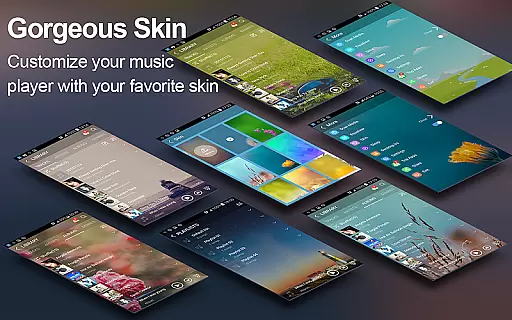
One of the key highlights is the customizable background skin, enabling personalization that matches individual styles. With over 20 stunning skins available, users can elevate their music player's visual appeal. The app also provides easy music management through folder structure navigation, making it simple to browse by albums, artists, genres, playlists, and more. Its user-friendly interface and desktop widgets ensure seamless music control.
This app is perfect for audiophiles who want a premium, ad-free music experience. Whether you're commuting or relaxing at home, Music Player + delivers a next-level audio experience with advanced features like lyric support, notification controls, and shake-to-skip functionality.
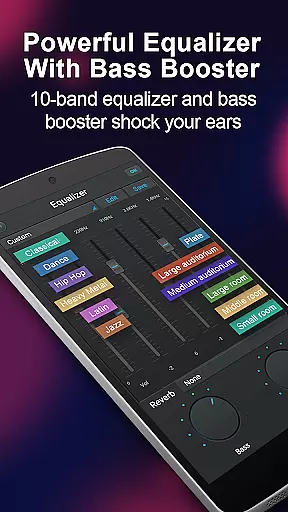
Music Player + boasts an array of sophisticated features that cater to diverse user needs. One standout aspect is its five-band equalizer, which comes with eight preset tones and manual adjustment options, allowing users to fine-tune audio output to their preference. The automatic lyric scanning and matching feature ensures synchronized lyrics display, enhancing the overall listening experience.
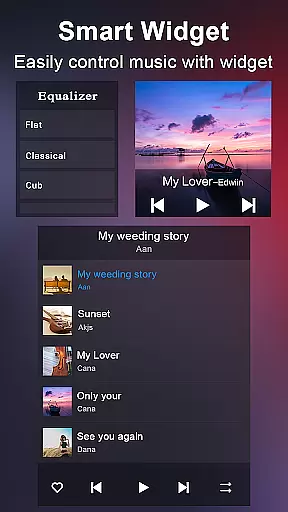
The app includes three home screen widgets in various sizes (4x1, 2x2, 4x1), providing quick access to playback controls. Users can enjoy album artwork, song titles, and artist information directly from the notification bar, complete with play/pause and skip functions. Additionally, the unique 'Shake It' feature enables track skipping with a simple phone shake.
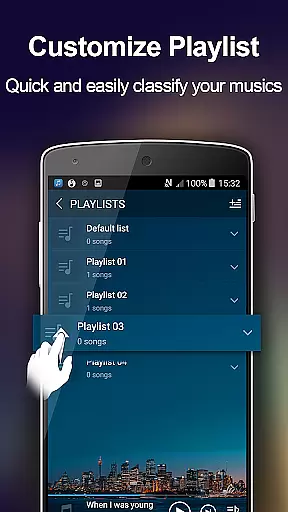
With support for headset and Bluetooth controls, users can manage their music hands-free. The app also offers a robust music library search function, customizable playlists, and the ability to edit song details. These features collectively create a versatile and intuitive music management solution that prioritizes user convenience and satisfaction.
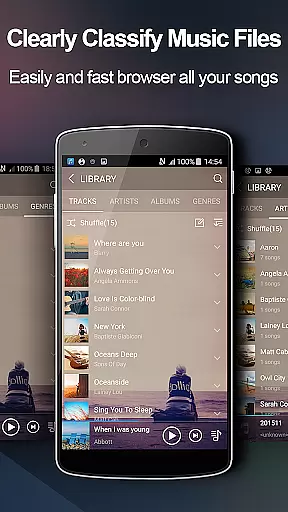
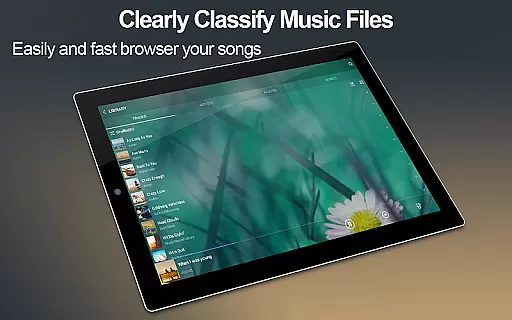
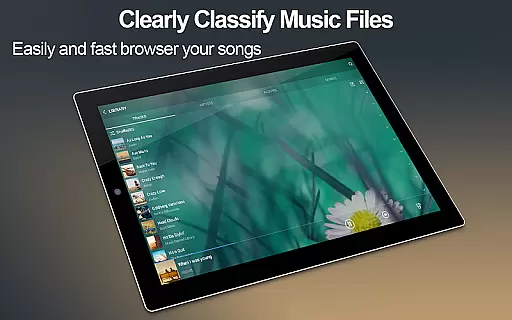
Music Player+ boasts an extensive music library that allows users to browse and play music by albums, artists, genres, songs, playlists, folders, and album artists. This comprehensive organization ensures that all your audio files are easily accessible.
The application supports all music and audio file formats, making it a versatile tool for managing your entire music collection. With the quick search feature, users can effortlessly find any music or audio file on their device, enhancing the overall user experience.
Regarding copyright authenticity, Music Player+ respects intellectual property rights and provides features like automatic lyric scanning and matching, ensuring that users have access to legitimate content. The app's dedication to copyright compliance guarantees a worry-free music experience.
One of the standout features of Music Player+ is its powerful equalizer, which includes a five-band equalizer and eight types of preset music tones. Users can choose from these presets or manually adjust the equalizer to tailor their listening experience.
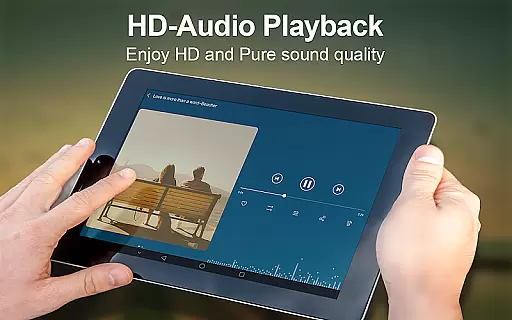
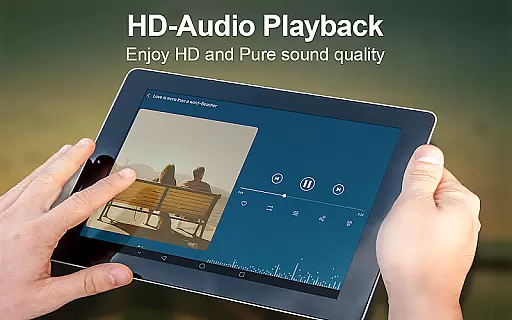
In addition to the equalizer, the app offers high-quality audio playback with support for various audio formats. This ensures that users can enjoy their music in the best possible quality, regardless of the source.
Furthermore, the unique equalizer settings allow users to experience sound like never before, providing a next-level audio experience. Whether you prefer bass-heavy tracks or crystal-clear highs, Music Player+ delivers exceptional audio quality tailored to your preferences.
Powerful equalizer
Customizable skins
Wide format support
Lyric synchronization
User-friendly widgets
No iOS version
Advanced settings complex
Occasional bugs
Heavy on storage
Learning curve

Simply convert wav to mp3. Clear. Reliable. Safe.
 4.1
4.1
Pay Once, no monthly payment
4.60
The Music Journey in Your Hands
4.30
10-Band Audio Equalizer, Sound / Bass Booster for Spotify Users & Music Players
4.40
24,000 free audio books and no ads!
4.90
Recording studio w/ 10k beats, pro vocal FX and a network of 20M rappers & fans!
4.60
Powerful 10-Band equalizer pro with sound booster improves Android audio quality
4.30
Play KORG’s revolutionary touch-based instrument on a variety of devices.
4.40
One-tap booster for max volume - enjoy powerful sound with this audio booster
4.50
Brian Eno and Peter Chilvers’ acclaimed music app Bloom, radically reinvented.
4.80 4.70
4.70
Simple & Intuitive Metronome
4.70
The best music and audio player, with beautiful UI, music search and equalizer.
4.60
Learn the notes on the guitar fretboard fast with this easy and fun app
4.60
Reverse your voice & songs instantly! Fun singing challenge with cool effects.
4.60
DJ Music Mixer Pro is a real DJ controllers and DJ Music Studio to remix DJ.
4.40
The only true audiophile music player with Hi-Fi audio rendering and DSP engine
3.90
Offline Tunes, Unlimited Vibes
3.90
MilkDrop for Android TV
3.00


User Reviews