
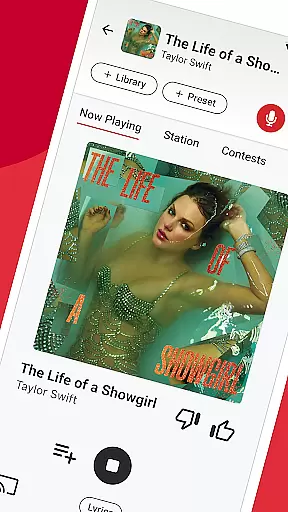

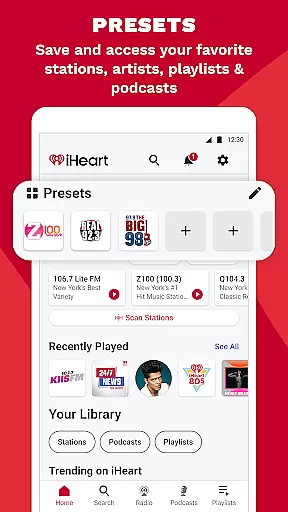
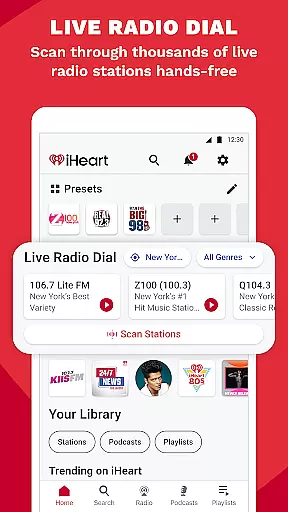
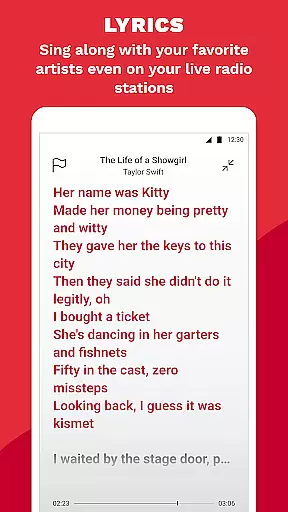
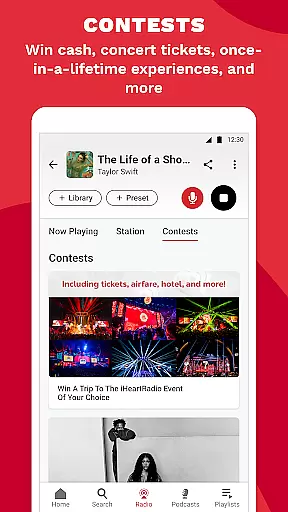

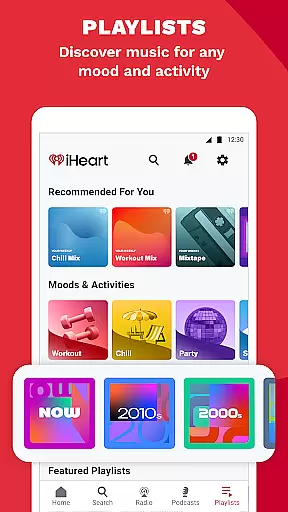
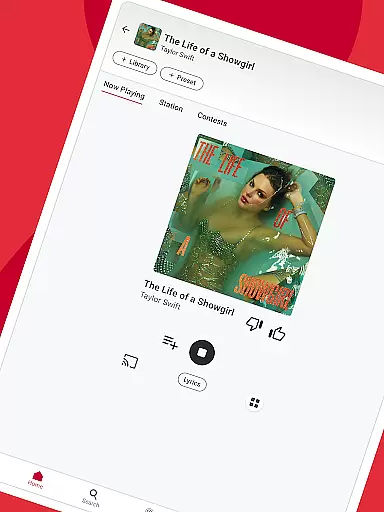

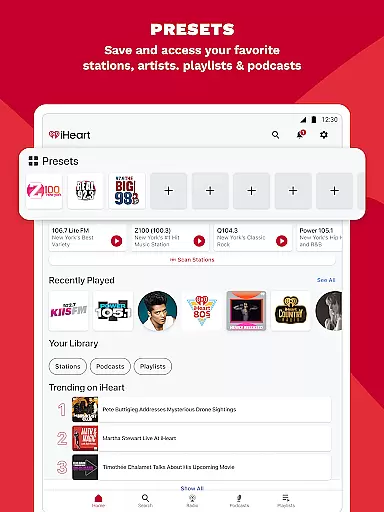
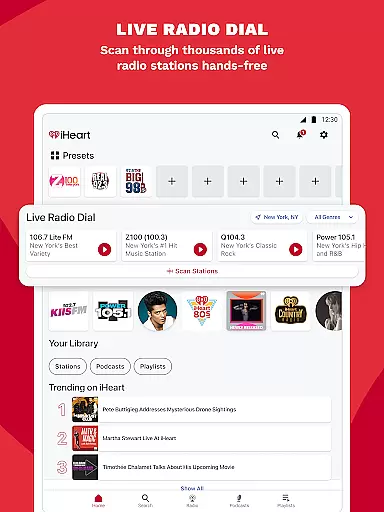
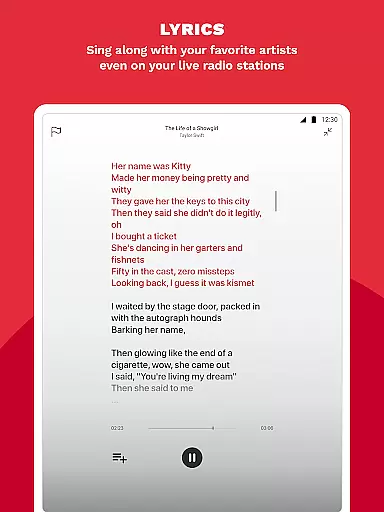
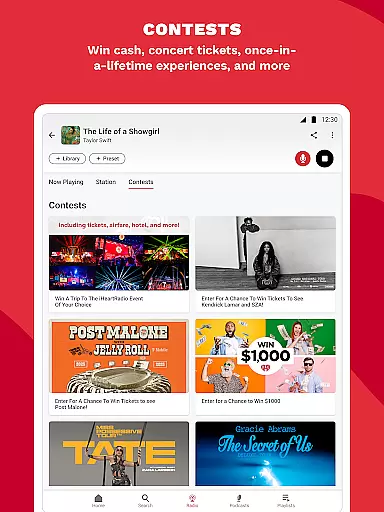
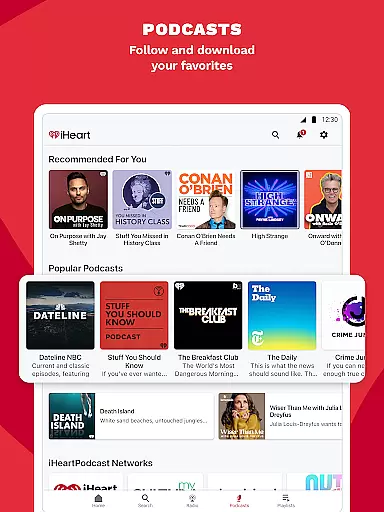
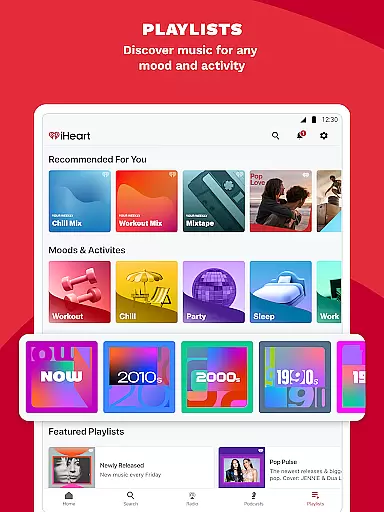
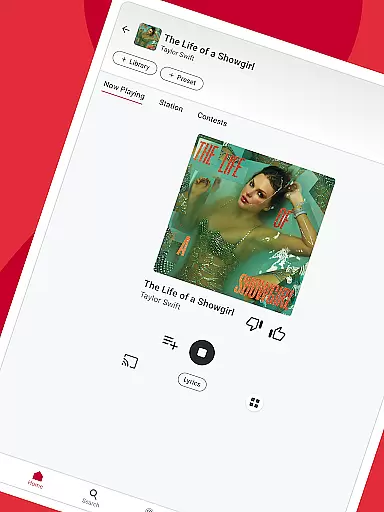

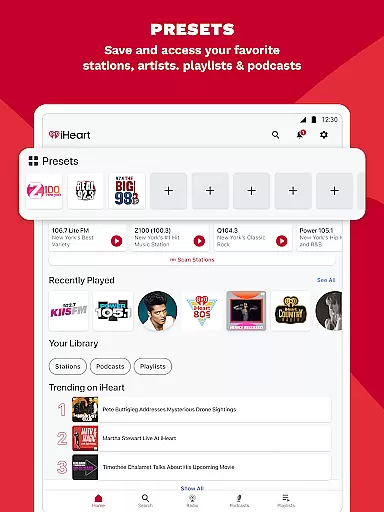
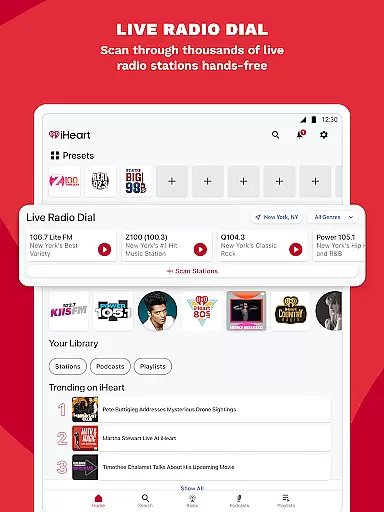
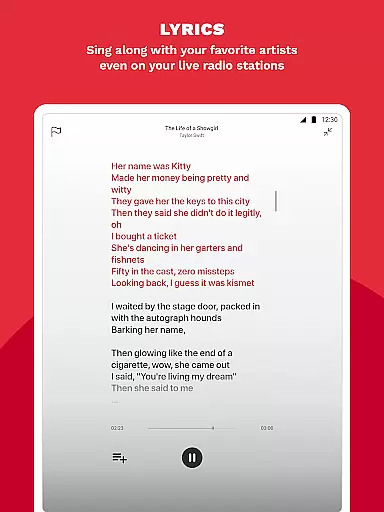
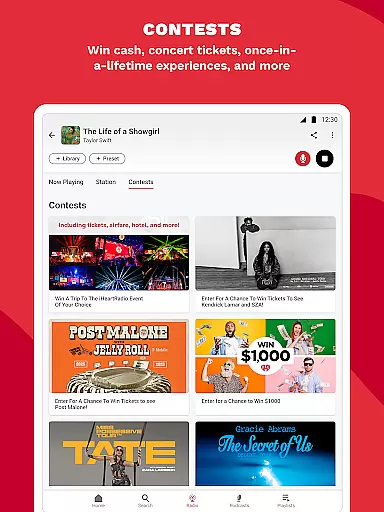
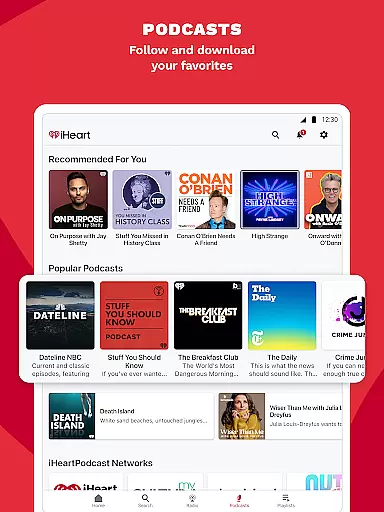
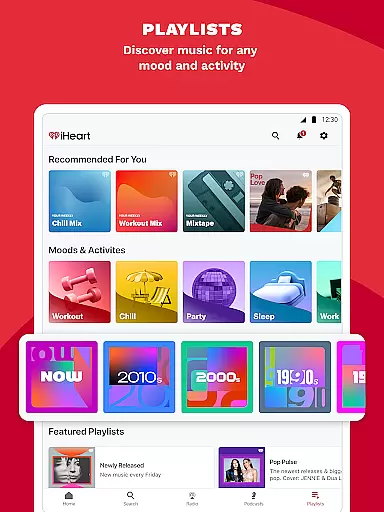
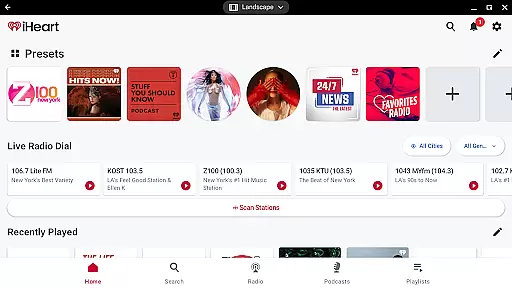
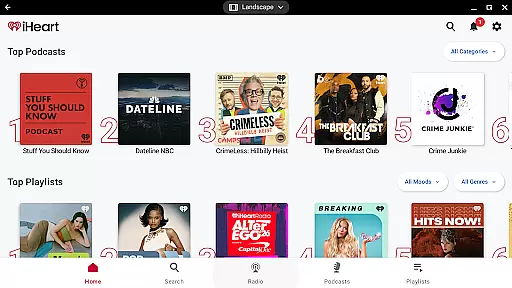
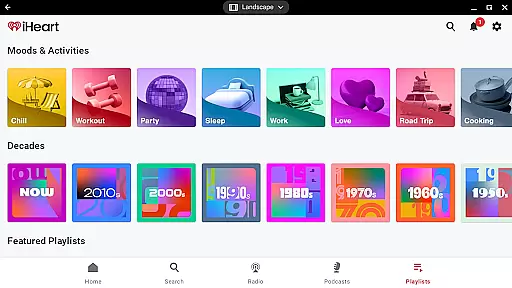
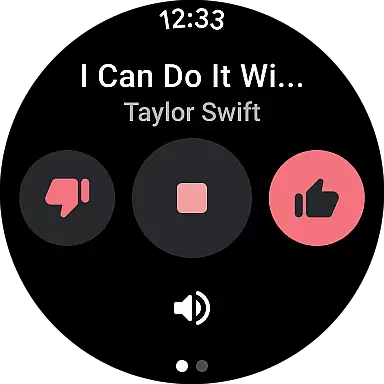
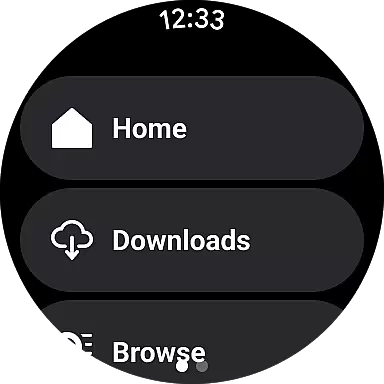
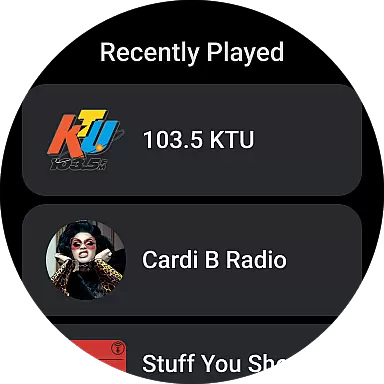
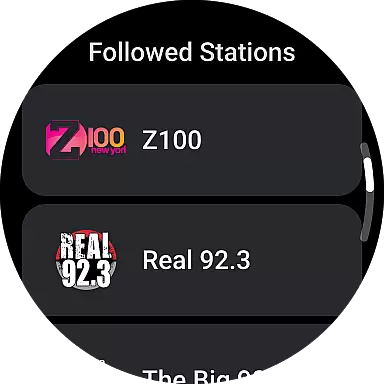

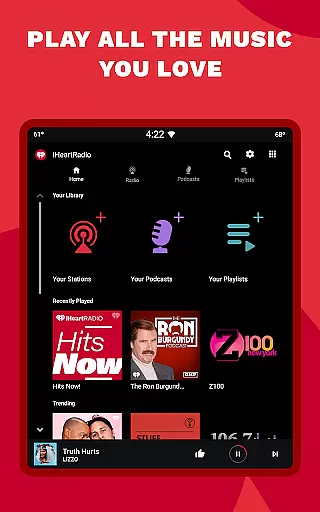
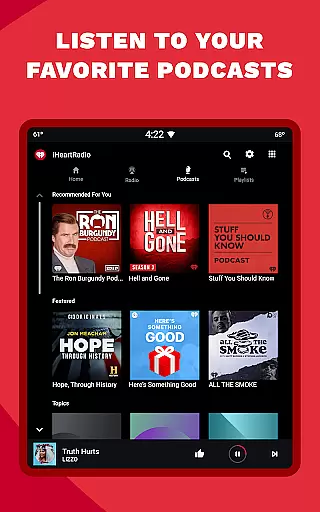
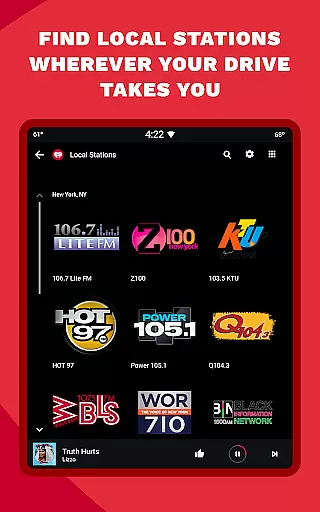
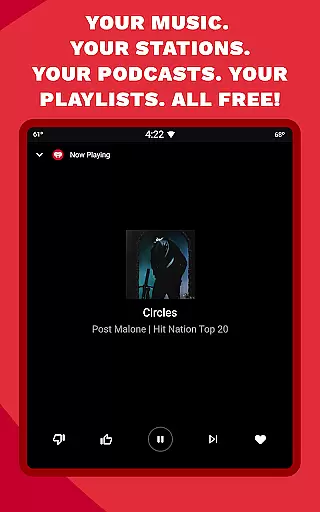
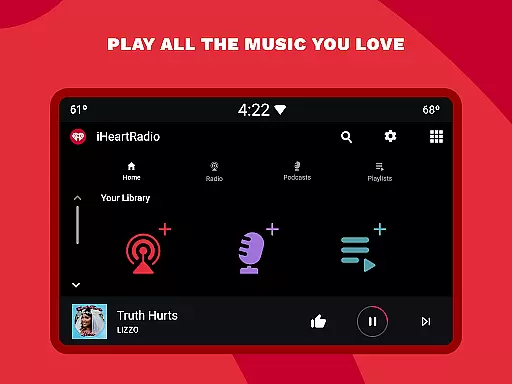

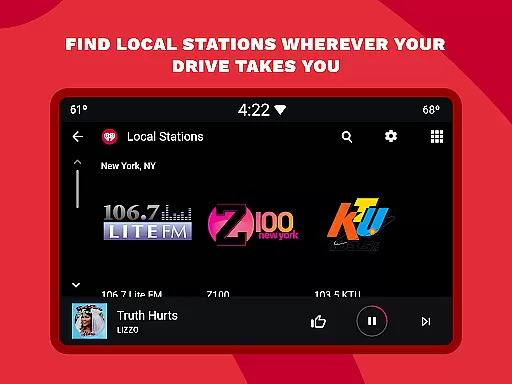
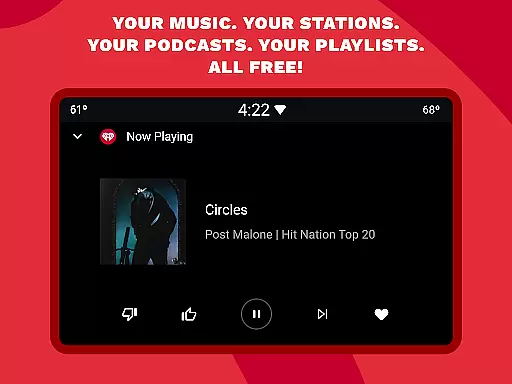
iHeart is a versatile streaming application designed specifically for Android Wear devices. It serves as an all-in-one platform for accessing live radio, on-demand music, and popular podcasts. The app's core functionality revolves around providing users with instant access to thousands of radio stations, personalized playlists, and trending podcasts, all available directly from their smartwatches.
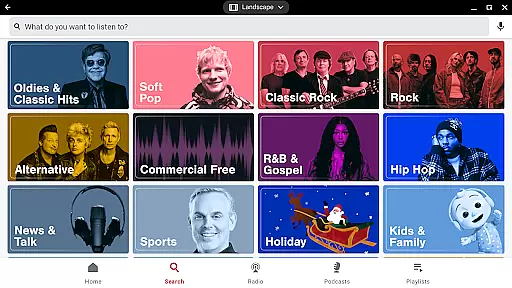
One of the standout features is its ability to deliver content across multiple formats - from traditional FM/AM radio stations to modern curated playlists and specialized podcast series. Users can explore various genres including pop, hip-hop, rock, and country music, while also staying updated with live sports coverage and local news broadcasts. The app's intuitive interface allows for easy navigation and quick access to favorite content categories.
The true value of iHeart lies in its adaptability to different listening scenarios. Whether you're commuting with Android Auto, working out with your smartwatch, or simply relaxing at home, the app provides continuous entertainment options. Its premium subscription model offers additional benefits such as ad-free listening and offline playback, making it an essential tool for those seeking flexible audio entertainment solutions on their wearable devices.
iHeart offers an extensive range of features tailored for Android Wear users. The app provides access to thousands of live radio stations, unlimited free music playlists, and popular podcasts, all optimized for wearable devices. Users can enjoy personalized music stations, curated playlists, and even live sports commentary while on the go.
A key highlight is its seamless integration with Android Auto, allowing drivers to safely access their favorite travel playlists. Additionally, the app supports offline listening through its premium subscription service, giving users the flexibility to enjoy content without an active internet connection. With adjustable podcast speeds and versatile playback options, iHeart ensures a customizable listening experience that caters to various preferences and activities.
The app also includes Talkback functionality, enabling interaction with radio hosts, and offers localized content such as breaking news and weather updates. Whether commuting, exercising, or relaxing, iHeart's diverse feature set makes it a comprehensive entertainment solution for Android Wear users.
Companion app integration is essential for wearable devices to function seamlessly with smartphones. iHeart ensures that its Android Wear application syncs effortlessly with the main mobile app, providing users with a unified experience across devices.
The synchronization process is automatic and real-time, allowing users to control music playback, access podcasts, and manage radio stations directly from their smartwatch. This feature eliminates the need to frequently check the phone, offering convenience and ease of use.
With companion app integration, users can enjoy personalized playlists, receive notifications about favorite shows, and even control playback without needing to take out their phone. This seamless connection enhances the overall user experience by making content more accessible on the go.
Furthermore, the integration supports offline listening, enabling users to download content via the mobile app and access it later on their wearable device without an internet connection. This functionality proves invaluable during workouts or when traveling in areas with limited connectivity.
Device compatibility is crucial for ensuring that applications run smoothly across various hardware configurations. iHeart's Android Wear app is optimized to work with a wide range of Wear OS devices, providing consistent performance regardless of the smartwatch model.
The app takes full advantage of Wear OS features, including voice commands, touch gestures, and notification management. These capabilities enhance user interaction, making it easier to navigate through music libraries, podcasts, and radio stations using intuitive controls.
By supporting multiple screen sizes and resolutions, iHeart guarantees that visual elements appear crisp and clear on all compatible devices. Users can expect a uniform interface that adapts to different display specifications, maintaining usability and aesthetic appeal.
In addition to basic compatibility, iHeart continuously updates its app to accommodate new Wear OS versions and device releases. This commitment ensures that users always have access to the latest features and security enhancements, reinforcing the reliability and longevity of the application.
Vast content
User-friendly
Offline mode
Live sports
Podcast variety
Limited offline
Ads frequent
Premium costly
Interface complex
Occasional bugs

Gym Log & Workout Tracker | Fitness Journal, Training & Weight Lifting Planner
 4.90
4.90
Calming & relaxing sounds for sleeping and stress relief. Stay focused all day!
4.20
Walking app for weight loss: walk & step tracker, pedometer, indoor treadmill
4.60
Rose gold watch face with festive lights & customizable features.
4.60
Stylish digital watch face for Wear OS devices with customizable features
4.1
Structured watch face with seven complications and modular UI elements
3.90
Stay in touch with your friends and family using LINE!
3.40
Bold weather Digital watchface with forecast & optional animated background
4.40
Retro digital watch face with customizable colors and a unique lighting effect
4.60
The Chevron App allows you to pay for fuel from the comfort of your car!
4.80
The most customizable minimal watch face. For Wear OS 5.0, API 34+ and later
4.70
MyNISSAN® lets you remotely control your car from your phone.*
4.50
Stylish, Energizing and Modern Watch Face crafted by Dominus Mathias.
4.50
A white realistic classic analog watch face with many customization options.
4.40
Bold, Modern Hybrid Watch Face for Wear OS. 10 Colors, Rich Info Display.
4.30
The ultimate destination for kids ages 3-8 to explore the Marvel Universe!
4.30
Daily Weather forecast with 15 weather images for Day & Night plus Big Bold time
4.10
Professional weather radar and more
3.90
Christmas and New Year - Themed Watchface
4.2


User Reviews