
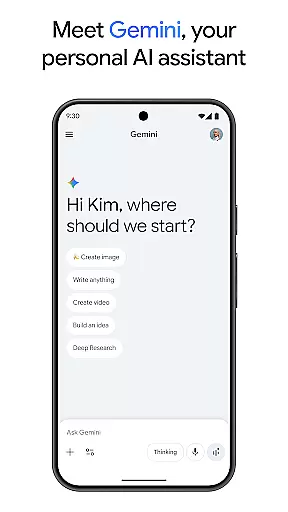
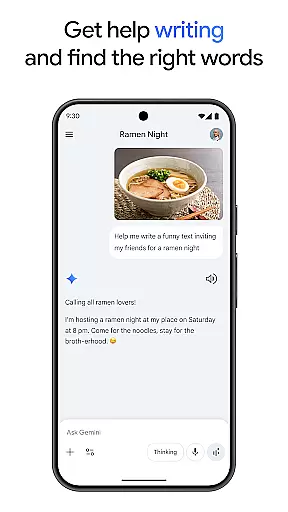
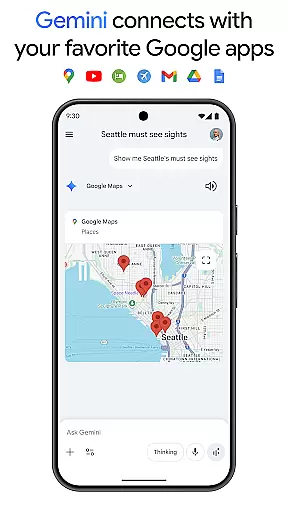
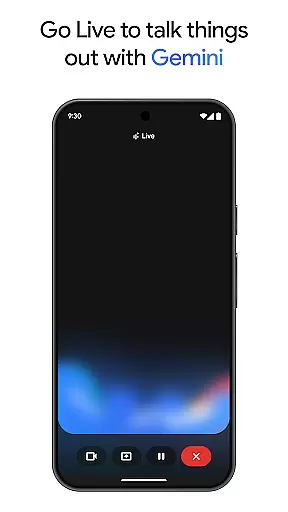
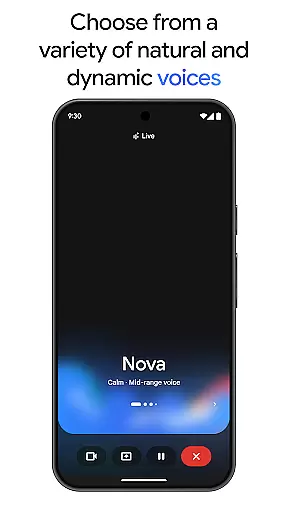
Gemini is a powerful AI assistant developed by Google, designed to enhance both creativity and productivity. This application provides direct access to Google's advanced family of AI models on mobile devices. Users can engage in live brainstorming sessions, simplify complex topics, and rehearse for important events using Gemini Live. Additionally, the app supports integration with popular Google services such as Search, YouTube, Maps, and Gmail.
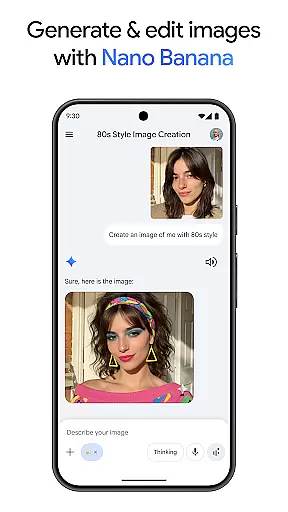
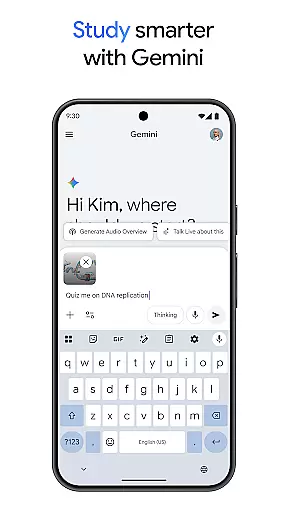
With features like Canvas, users can transform their ideas into prototypes for apps, games, web pages, and more. The app also aids in studying by generating quizzes and flashcards, creating interactive visuals, and offering real-world examples. Other notable capabilities include converting files into podcasts, editing images from simple text descriptions, and planning trips efficiently. For those seeking advanced functionalities, upgrading to the Pro or Ultra plans offers extended features like a 1M token context window, video generation, and early access to new AI innovations.
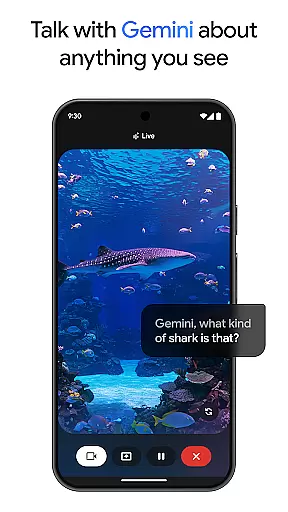
Gemini stands out with its robust feature set tailored to boost productivity and creativity. One of its key features is Gemini Live, which allows users to share their camera or screen during conversations, facilitating discussions about anything visible to the user. Another significant feature is Canvas, enabling users to create various digital content types ranging from infographics to audio overviews.
The app deeply integrates with essential Google services, enhancing workflow efficiency. It simplifies studying through automated quiz and flashcard creation, interactive visuals, and practical examples. Moreover, Gemini transforms any file into a podcast, generates and edits images based on textual input, and assists in comprehensive trip planning. Advanced users can benefit from industry-leading features by subscribing to Pro or Ultra plans, including a vast 1M token context window, superior model access, and cutting-edge tools like video generation and deep research capabilities.
Gemini, as a productivity-focused AI assistant, excels in core task management by offering users tools to brainstorm ideas, simplify complex topics, and rehearse for important moments. Through its Gemini Live feature, users can engage in dynamic conversations with the AI, making it easier to organize thoughts and manage tasks effectively.
The application provides an all-encompassing approach to task management by integrating with favorite Google apps like Search, YouTube, Gmail, and Google Maps. This interconnected ecosystem allows users to seamlessly transition between apps, ensuring that their workflow is uninterrupted and that task management is inherently tied to their daily digital activities.
Moreover, Gemini's ability to create quizzes, flashcards, and interactive visuals adds another layer to its task management capabilities. Users can employ these features to break down larger projects into manageable tasks or educational content, aiding in both personal and professional development.
Cross-device synchronization is a pivotal feature of Gemini, ensuring that users have reliable access to their data and AI-powered insights across multiple devices. Whether switching from a phone to a tablet or a computer, users can expect a consistent and seamless experience, with their information updated in real time.
This reliability is enhanced by Geminiu2019s industry-leading 1M token context window, which allows for extensive data processing capabilities. Such a feature ensures that even complex projects with large datasets or extensive codebases are synchronized accurately across devices, providing peace of mind and continuity in work processes.
Furthermore, the option to upgrade to the Pro or Ultra plan offers even greater synchronization benefits, including access to powerful models like 3 Pro and features such as Deep Research on 3 Pro and video generation with Veo 3.1 Fast. These advanced features ensure that no matter where a user is or what device they are using, they have the full power of Googleu2019s AI at their fingertips.
Advanced AI models
Live brainstorming
Google app integration
Canvas for prototyping
Podcast creation
Premium features locked
Complex for beginners
High resource usage
Limited free tier
Subscription costs

Planet Free VPN - The best Fast Unlimited and Secure VPN Without Logs
 4.50
4.50
Easily read and manage all your PDF files
4.10
8 custom complications. Custom Time Fonts. Beautiful color schemes. A++ Design.
5.00
Automates browsing any website and notifies you of important changes or events
4.30
The upgraded version of Name Wheel with AI and the power to add your own wheels.
4.5
Device's storage information in a simple and clear graphical form (infographics)
4.10
PDF scanner & converter for files, photos, lottery, QR codes. One swipe away!
4.50
Create and edit presentations with Google Slides, part of Google Workspace.
4.00
Browse and view your photos and videos from the phone with photo & video hide.
4.10
We're working to become the best machining app on the market! www.cncdirt.com
4.80
The long-awaited modern gallery app for your Nextcloud server
4.70
aCalendar+ makes your day, week and month
4.70
Share files & memories safely. Keep your photos and videos secure.
4.40
When you Focus, so will your Bean in this cozy focus timer
4.30
Enjoy classic gameplay with customizable features and retro-style graphics.
4.30
Font maker keyboard with your own handwriting
4.10
Code on-the-go with VScode for Android. Edit,debug and collaborate from mobile!!
3.10
Ads Free App! Editor, Hide File, Copy, Move, Delete and Rename.. all facility av
1.70
IP Camera Viewer - Android TV : RTSP Surveillance camera viewer for Android TV
4.3


User Reviews