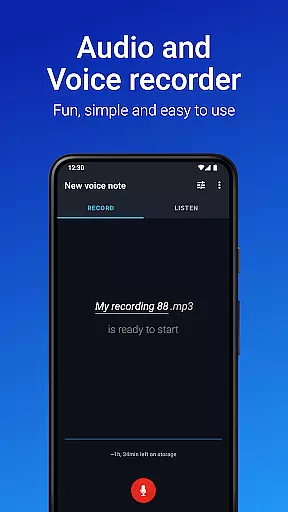
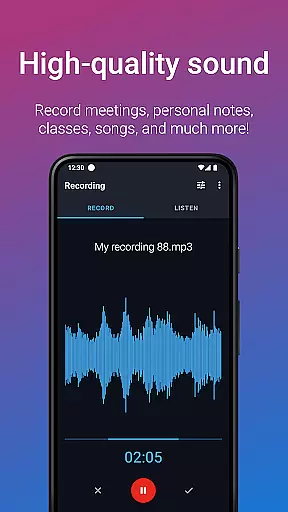
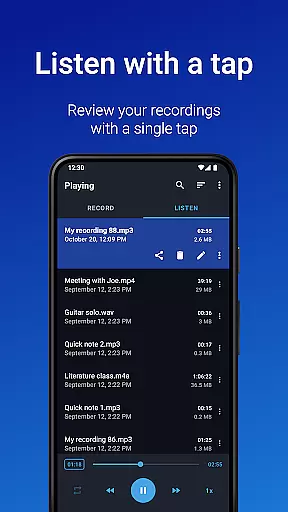
Easy Voice Recorder Pro is a versatile audio recording application designed for Android users. This app allows you to capture high-quality recordings of meetings, personal notes, classes, and even music without any time restrictions or advertisements. With its user-friendly interface, it caters to a wide range of users including students, business professionals, and musicians.
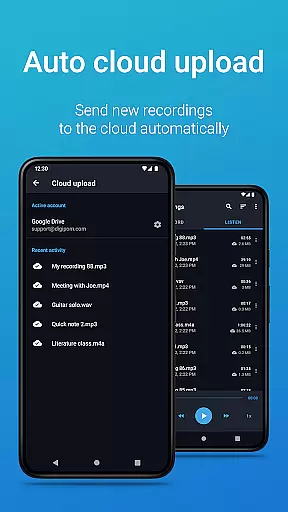
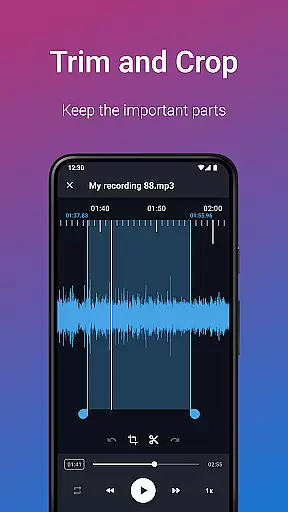
The app offers exclusive Pro features such as automatic cloud uploads to Google Drive or Dropbox, multiple recording formats like MP3, FLAC, and AAC, and the ability to use Bluetooth microphones. It also includes powerful editing tools that let you trim unwanted sections and organize recordings into folders. Whether you're commuting or in a lecture hall, Easy Voice Recorder Pro ensures your voice notes are clear and accessible.
Designed with flexibility in mind, this app adapts to various scenarios from recording lengthy lectures to capturing spontaneous musical ideas. Its intuitive settings and presets make it easy to switch between different recording types, ensuring optimal quality every time. The app's reliability and speed make it an essential tool for anyone who needs to document important moments on the go.
Easy Voice Recorder Pro stands out with its comprehensive feature set tailored for diverse recording needs. One of its key features is the ability to record in high-quality PCM and MP4 formats, alongside AMR for space-saving purposes. Additionally, the app supports advanced formats such as MP3, FLAC, and AAC, providing users with options to suit their specific requirements.
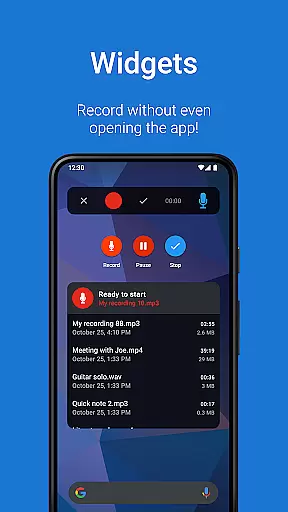
The app integrates seamlessly with external services, allowing automatic uploads to Google Drive or Dropbox. This feature ensures that your recordings are safely stored and easily accessible across devices. Moreover, the app supports Bluetooth microphones, enhancing mobility and convenience during recordings. Users can also take advantage of widgets and shortcuts to start new recordings directly from the home screen.
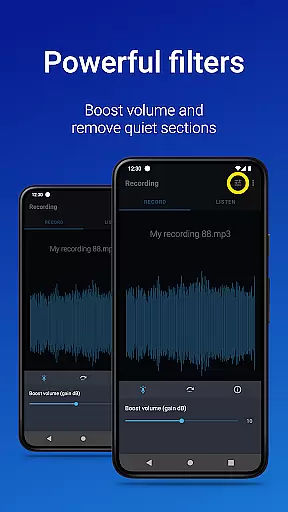
For those who require precise control over their recordings, Easy Voice Recorder Pro offers an Edit mode where you can trim unwanted sections and manage files using folders. Additional functionalities include stereo recording, importing files, skipping silence, volume boosting, and custom bitrates. These features collectively provide a robust solution for both casual and professional recording needs.
Easy Voice Recorder Pro offers seamless companion app integration, ensuring that your recordings are effortlessly synchronized across all your devices. This means you can start a recording on your smartwatch and continue it on your phone or tablet without any interruptions.
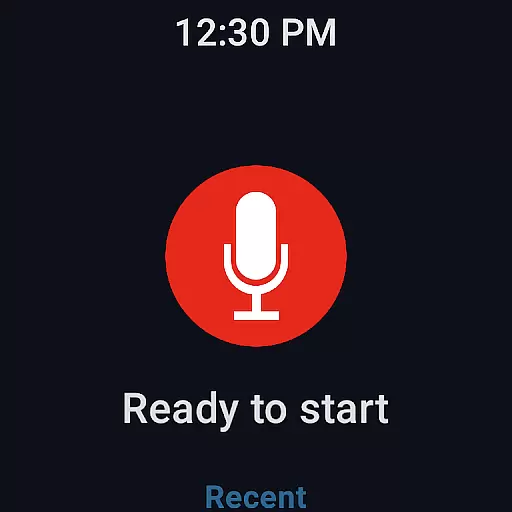
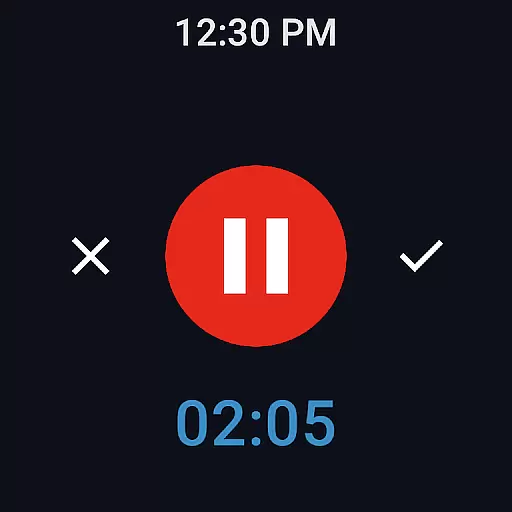
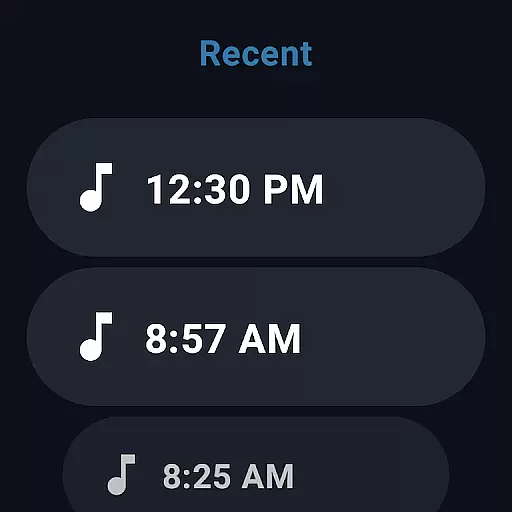
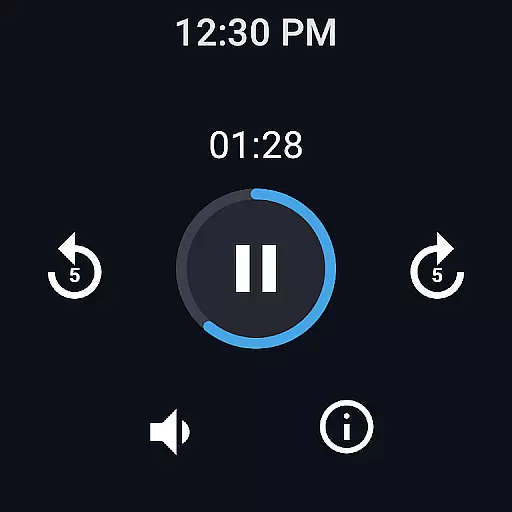
The app supports Wear OS, allowing users to control recordings directly from their smartwatch. This feature is particularly useful for capturing voice notes on the go or in situations where handling your phone might not be convenient.
With powerful widgets and shortcuts available on both mobile and wearable devices, users can initiate new recordings with a single tap. This cross-device functionality enhances productivity and ensures you never miss an important moment.
Additionally, the automatic cloud upload feature enables recordings made during commutes to be instantly accessible on your laptop, creating a truly integrated ecosystem for managing audio content across multiple platforms.
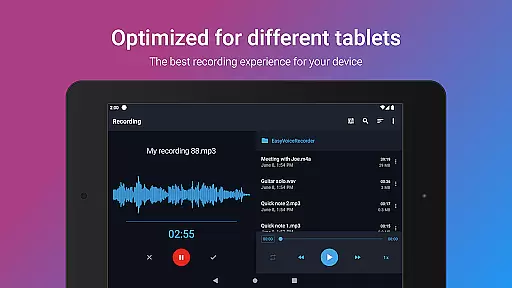
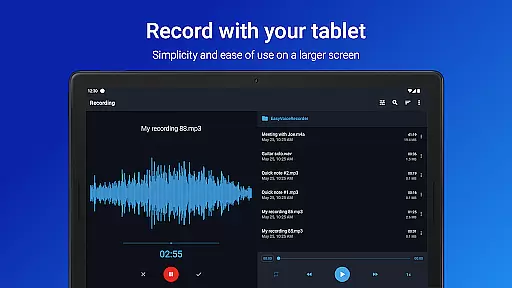
Designed with broad device compatibility in mind, Easy Voice Recorder Pro excels in its support for Wear OS and various Android devices. Whether you're using a smartphone, tablet, or smartwatch, this application provides consistent performance and user experience across different form factors.
The inclusion of Bluetooth microphone support allows for greater flexibility in recording setups. Users can leverage wireless microphones to capture clearer audio in diverse environments, from conference rooms to outdoor settings.
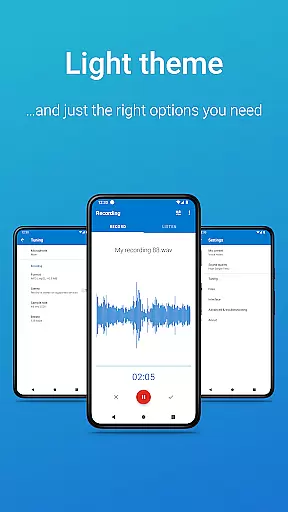
Furthermore, the app's adaptive interface ensures optimal display on both small watch screens and larger tablet displays. The availability of light and dark themes caters to user preferences while maintaining readability across different devices.
This comprehensive compatibility approach guarantees that regardless of which Android device you're using, Easy Voice Recorder Pro will deliver reliable and high-quality recording capabilities tailored to each platform's unique characteristics.
User-friendly interface
High-quality recording options
Automatic cloud upload
Bluetooth microphone support
Comprehensive editing tools
No call recording capability
Premium version required for advanced features
Limited free storage options
Occasional bugs reported
Requires internet for cloud sync

Calming & relaxing sounds for sleeping and stress relief. Stay focused all day!
 4.20
4.20
Rose gold watch face with festive lights & customizable features.
4.60
Beautiful artistic animated digital watch face, with a customizable layout!
4.40
Be an elegant and classy secret agent, with this carefully detailed watch face
4.70
Digital, flexibly customizable watch face. For Wear OS 5.0, API 34+ and later.
5.00
The ultimate destination for kids ages 3-8 to explore the Marvel Universe!
4.30
Stylish, Energizing and Modern Watch Face crafted by Dominus Mathias.
4.50
Retro digital watch face with customizable colors and a unique lighting effect
4.60
Hybrid watch face for Wear OS with customizable complications by Matteo Dini MD
4.70
Hyperlocal rain alerts by MyRadar using patent-pending technology, radar & more
4.80
Walking app for weight loss: walk & step tracker, pedometer, indoor treadmill
4.60
To-Do List: daily schedule planner, task organizer, to do reminder app, calendar
4.60
Ideal for surviving in the wasteland left after nuclear fallout
4.50
Digital watch face. For Wear OS devices.
4.40
"PER27 Galaxy Digital" is a digital Wear OS watch face designed by PERSONA
4.10
Daily Weather forecast with 15 weather images for Day & Night plus Big Bold time
4.10
Stay in touch with your friends and family using LINE!
3.40
an Analog Watch Face for winter season with freeze winter background for Wear OS
4.4
Contemporary digital watch face with five complications
4.0


User Reviews