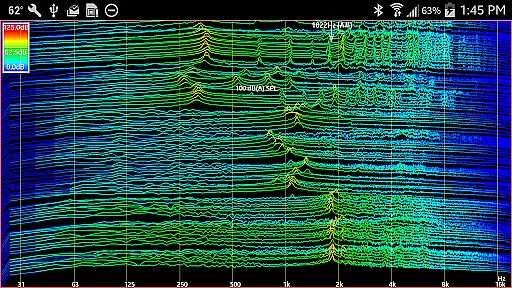
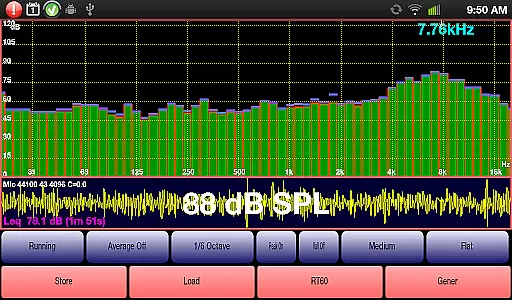
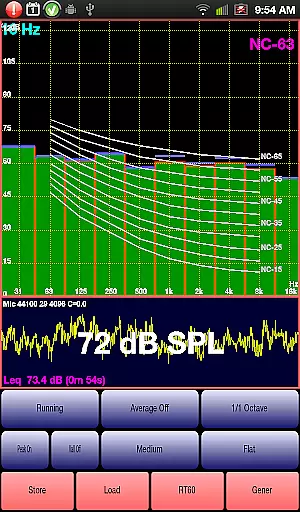
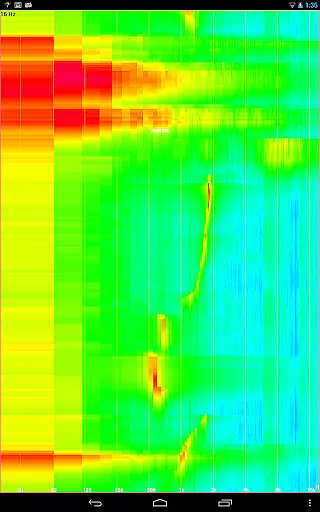
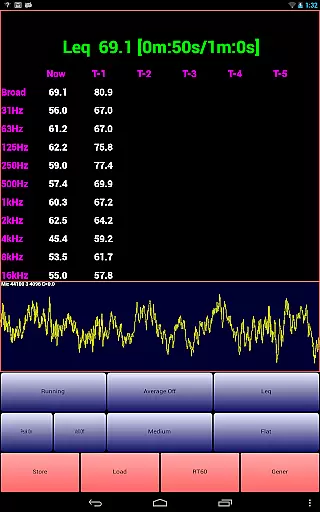
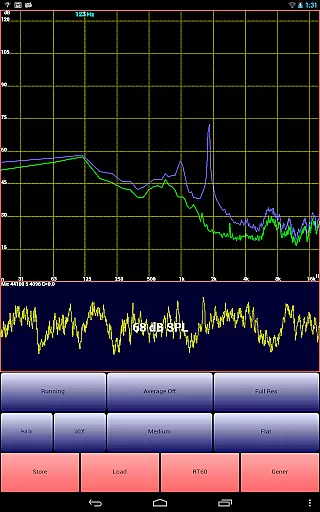
AudioTool is a comprehensive audio measurement and analysis application designed for audio engineers, acousticians, and enthusiasts. The app features an SPL (Sound Pressure Level) meter with RT60, Leq, Sone, Spectrum Analyzer, Spectrogram, Chart Recorder, Signal Generator, Polarity Checker, and Mic calibration functionalities.
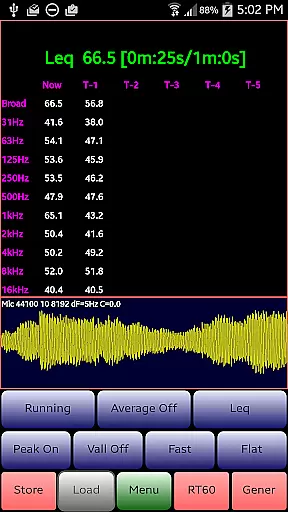
This professional-grade tool supports multiple octave RTA modes (1/1, 1/3, 1/6 & 1/12), various filters (Impulse, Fast, Medium & Slow), and different weighting options (Flat & A/C Weighting). It also includes advanced features like exclusive ISO 1/3 Octave Calibration to correct microphone response and Noise Criteria measurements. Whether you're conducting gig measurements, home theater setups, or acoustic analyses in cars, AudioTool provides the necessary tools to ensure accurate sound assessments.
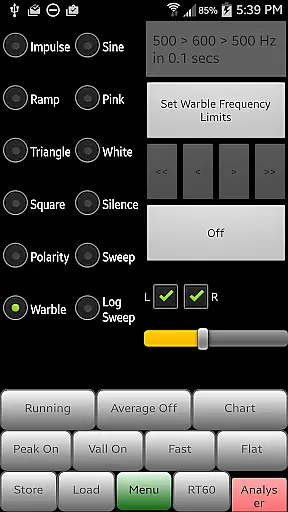
The app's versatility extends to its signal generation capabilities, offering White/Pink Noise, Sine, Square, Triangle, Sweep, Log Sweep, Warble, Ramp, and Impulse signals. With regular updates and a supportive user community, AudioTool remains a top choice for professionals in the audio industry.
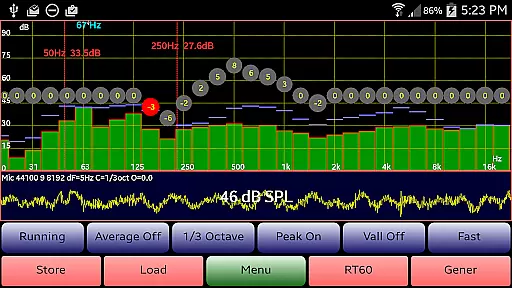
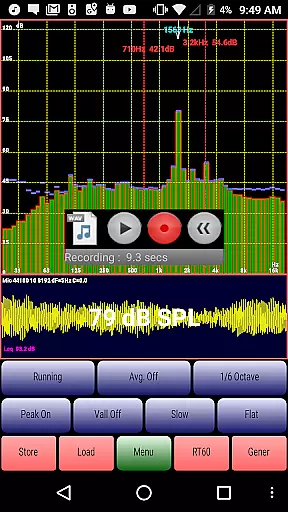
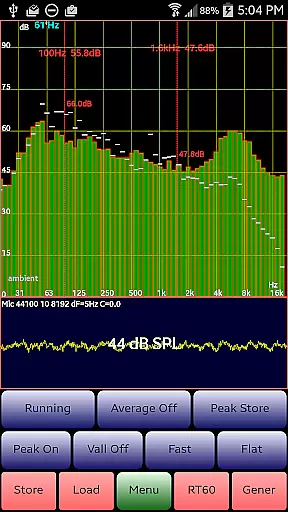
AudioTool stands out with its extensive range of features tailored for detailed audio analysis. One of its core functionalities is the real-time spectrum analyzer, which supports multiple octave RTA modes including 1/1, 1/3, 1/6, and 1/12 octaves. This allows users to perform precise frequency analysis, essential for tasks such as room acoustics and loudspeaker testing.
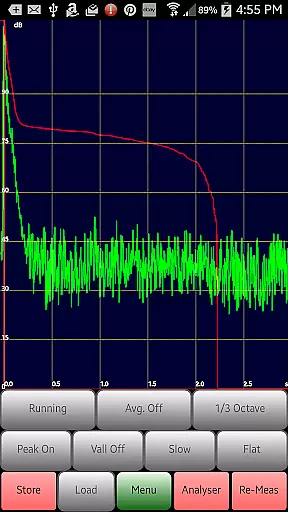
In addition to its RTA capabilities, AudioTool offers advanced signal generation options. Users can generate various types of audio signals like White/Pink Noise, Sine, Square, Triangle, Sweep, Log Sweep, Warble, Ramp, and Impulse signals. These are crucial for testing audio equipment and environments. The app also includes a polarity checker to verify loudspeaker wiring and an RT60 function to measure reverberation times using either a loud clap or Pink Noise from the generator.
Another notable feature is the exclusive ISO 1/3 Octave Calibration, allowing users to correct their phone's microphone response. This ensures that measurements are as accurate as possible, matching external meter readings. The app's ability to save and load calibration files adds to its flexibility, making it suitable for a wide range of professional applications.
AudioTool offers an extensive array of audio functionalities that can be considered as a rich music library. It includes features like Signal Generator, which produces White and Pink Noise, Sine, Square, Triangle, and Ramp waves, along with Sine Linear and Log Sweeps, Warbles, and Impulses. This diversity in sound generation provides users with a comprehensive suite to work with different audio signals.
The app ensures the fidelity of generated sine waves throughout most of the audio range, maintaining a frequency accuracy of around 1%. The inclusion of multiple cycled buffers for the generator, refreshed randomly, guarantees truly random White and Pink noise output. These capabilities contribute to the authenticity of the audio content produced by AudioTool.
Moreover, AudioTool's adherence to industry standards is evident through its support for ISO 1/3 Octave Calibration, allowing correction for microphone response. This feature not only enhances the accuracy of measurements but also aligns with professional requirements, ensuring that the sounds analyzed or generated are reliable and meet expected norms.
AudioTool stands out in its provision of various audio quality options, catering to both amateur enthusiasts and professional audio engineers. With tools such as the Spectrum Analyzer, Spectrogram, Chart Recorder, and Polarity Checker, users have access to precise audio analysis and measurement functions that ensure high-quality output.
The application supports advanced operations including RT60 measurements for assessing reverberation levels within spaces, accomplished either via a loud clap or using Pink Noise from the integrated generator. Such features enable detailed acoustic evaluations, contributing significantly to achieving desired audio environments.
Additionally, AudioTool facilitates customization of resolution settings up to 16384 sample lengths and provides 1/12 octave RTA modes alongside traditional octave variants. These options allow users to fine-tune their analyses according to specific needs, enhancing overall control over audio projects while maintaining exceptional clarity and precision.
Comprehensive audio tools
Regular feature updates
Professional calibration options
Active user community
Wide compatibility
Complex for beginners
Dependent on device hardware
No iOS version available
Occasional UI clutter
Advanced features need learning

Turn your phone into a musical instrument from the future!
 3.90
3.90
Formerly known as Spotistats! View your top tracks, artists, albums and more!
4.40
The Cubase remote control app
3.60
A synth that really lets you shape your sounds!
4.50
Remove ads permanently from Music Visualizer
4.2
Turn your Android phone into a professional audio analyser with up to 120 bands.
4.00
Turn Every Moment into Music
3.60
One-tap booster for max volume - enjoy powerful sound with this audio booster
4.50
Be a true music maker: create beats, mix and make music like a real DJ!
4.30
Your song collections with lyrics and chords on Android smartphones and tablets.
4.80
Unleash your creativity! Turn simple prompts into full fledged songs.
4.70
Guzheng Master supports many playing techniques as an acoustic Guzheng
4.50
10-Band Audio Equalizer, Sound / Bass Booster for Spotify Users & Music Players
4.40
Your HD audio recorder on the go for music, meetings, ambience, animal sounds…
4.30
Equalizer, Bass Booster and Volume Booster (Eq & Bass) improve sound quality
4.30
The original SP-1200 experience on your iPad
4.20
Permanently backup Now Playing. Maps, filters & listening stats.
4.00
USB audio recording and playback finally possible on Android 3.1 or higher!
3.90
Simply convert wav to mp3. Clear. Reliable. Safe.
4.0


User Reviews