
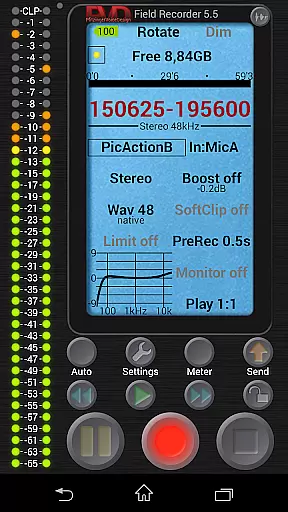
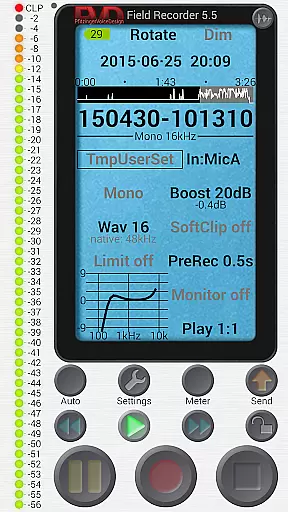
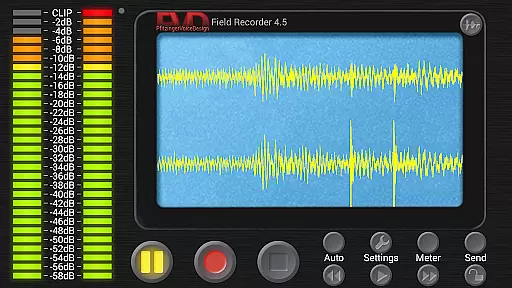
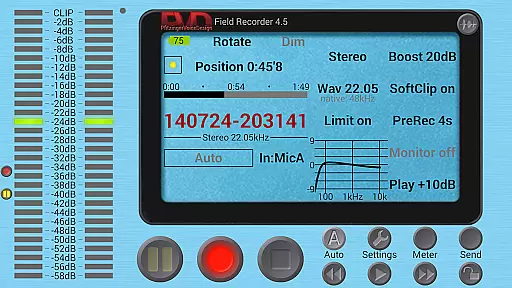
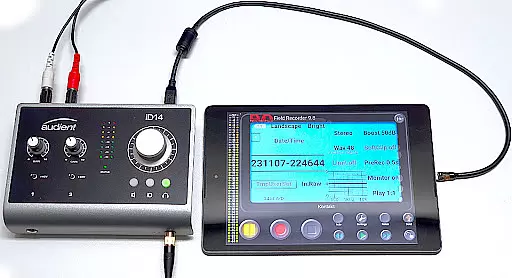
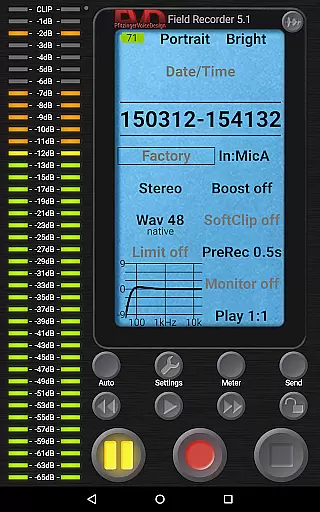
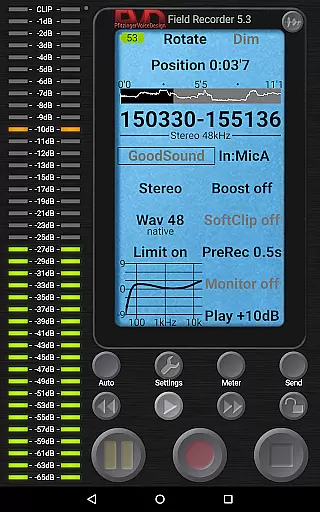
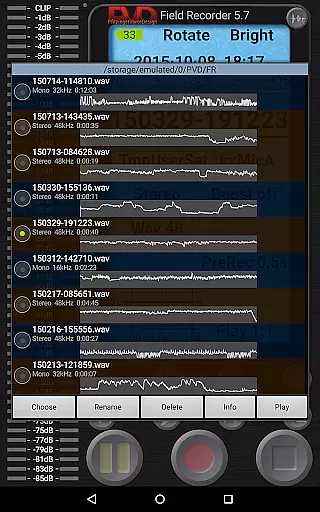
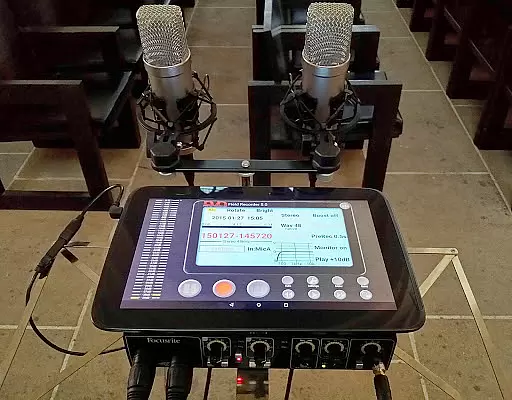
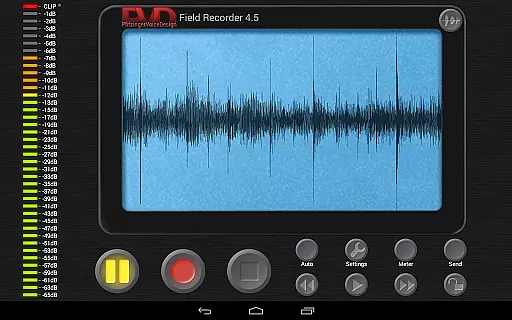
Field Recorder transforms your mobile device into a versatile audio recording tool, offering professional-grade features in a lightweight package. With support for internal and external microphones as well as USB sound cards, it provides exceptional flexibility for various recording needs.
The app excels in delivering high-quality audio through adjustable parameters, presets, and advanced equalization tools. Whether you're capturing live concerts, interviews, or ambient sounds, Field Recorder ensures optimal results with minimal setup time.
Ideal for musicians, journalists, and audio enthusiasts, this application enables instant sharing of recordings and seamless integration with helper apps for format conversion. Its comprehensive monitoring capabilities and customizable interface make it an indispensable tool for both casual and professional use.
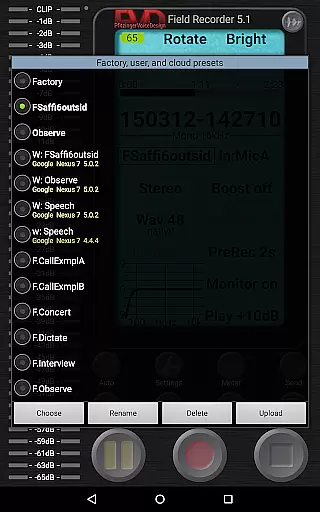
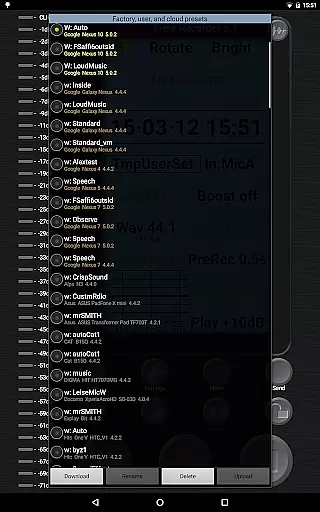
Field Recorder distinguishes itself through an impressive array of specialized features designed for audio professionals. The app's pre-defined presets for common recording scenarios can be easily customized and saved for future use.
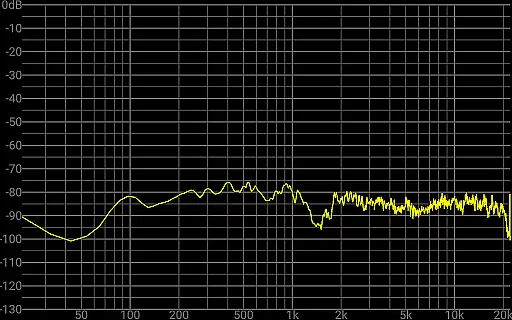
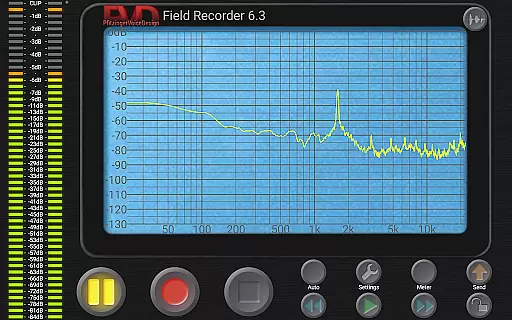
Advanced users will appreciate the sophisticated audio processing capabilities, including parametric equalizers, low-cut filters, and noise shaping. The built-in spectrum analyzer and sonogram display provide real-time visual feedback during recordings.
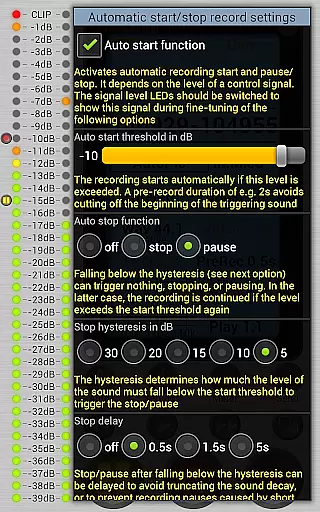
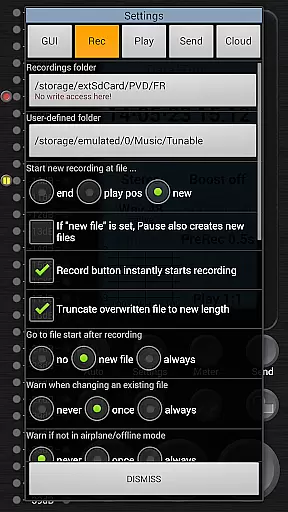
Unique functionalities like automatic file splitting at 4GB, email notifications based on noise levels, and gapless file creation set this application apart from standard recorders. These features, combined with its highly configurable GUI and monitoring options, make Field Recorder a top choice for demanding recording situations.
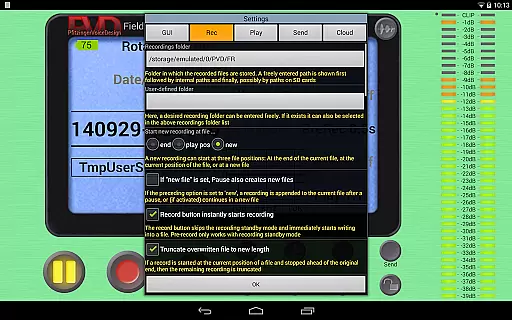
Field Recorder offers an extensive suite of features that make it a versatile tool for audio recording across various scenarios. With support for internal and external microphones, as well as USB sound cards, the app provides users with flexibility in capturing high-quality audio. The ability to save custom presets ensures that users can quickly switch between different recording settings tailored to specific tasks, such as concerts or interviews.
The app's dedication to detail is evident in its parametric and shelving equalizers, low-cut filters, and stereo balance correction capabilities. These tools help mitigate common recording issues, ensuring that each capture is as clear and professional as possible. Furthermore, advanced options like a configurable limiter, noise shaping, and dithering allow users to fine-tune their recordings to meet exacting standards.
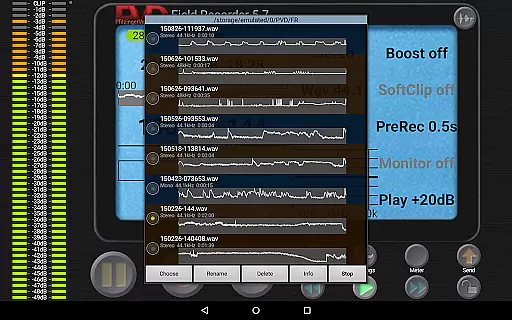
Field Recorder stands out by offering not just WAV but also MP3, AAC, and FLAC format conversions through helper apps, making it adaptable to various distribution platforms. Whether you're archiving meetings, sharing concert recordings, or uploading podcasts, this app provides the necessary tools to produce content that meets both personal and professional requirements.
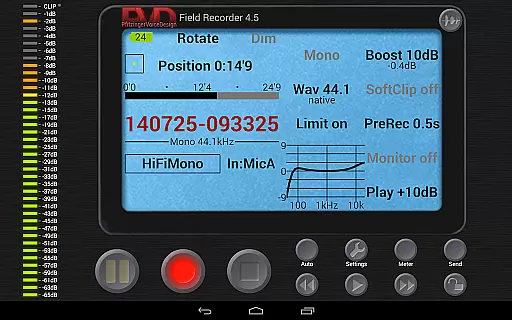
One of Field Recorder's most compelling features is its wide range of audio quality options, which cater to both amateur enthusiasts and professional audio engineers. Users can record in formats ranging from efficient mono/16kHz/16-bit to professional-grade stereo/192kHz/24-bit, providing unparalleled flexibility. This capability ensures that whether you're capturing casual voice notes or studio-quality music sessions, the app can accommodate your needs.
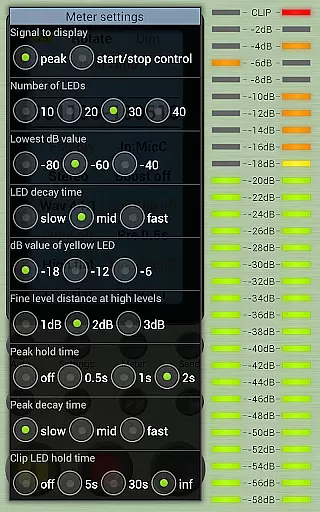
In addition to its impressive recording formats, Field Recorder includes real-time monitoring with latency as low as 20ms, allowing users to make immediate adjustments during recording sessions. The inclusion of a spectrum analyzer, signal display, and sonogram further enhances the precision with which users can monitor their audio captures. Such tools are indispensable for achieving optimal sound quality in any environment.
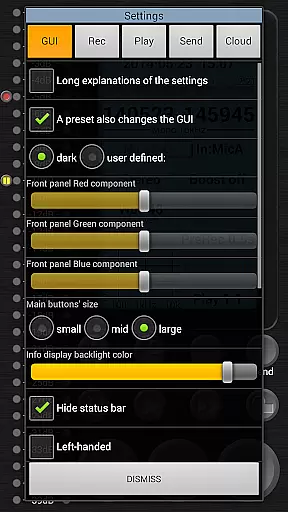
Field Recorder also excels in post-recording functionalities, including automatic file splitting at 4GB without gaps and seamless integration with email services for instant sharing. Its intuitive GUI customization optionsu2014such as color schemes, layout preferences, and button sizesu2014ensure that every user can tailor the interface to suit their workflow. Overall, these robust audio quality options make Field Recorder an indispensable tool for anyone serious about capturing pristine audio.
User-friendly interface
High-quality audio recording
Extensive customization options
Real-time audio monitoring
Versatile preset system
Complex for beginners
Requires additional apps for format conversion
Some features need testing
Advanced settings may overwhelm
Refund only within two hours

Fun & Easy Voice Changer – Record, Edit & Add Hilarious Effects!
 4.50
4.50
Offline and always ad-free - stream in the highest quality available.
4.10
Taal player that lets you sing any Indian & Western song with Tabla & Tanpura
4.60
Remove ads permanently from Music Visualizer
4.5
VB-AUDIO Software / VBAN-Receptor allows listening to any VBAN Streams
4.10
A High-Precision Audio Spectrum Analysis App
4.20
Permanently backup Now Playing. Maps, filters & listening stats.
4.00
Help you quickly get started with Shokz headphones
4.40
Let your Android device with the sound effects you want
4.50
JBL PartyBox APP works with 110/310/710/120/320/520/Encore/Encore 2/Encore Ess 2
4.80
Performance-Synthesizer & Multi-Track-Sequencer, polyphonic + multi timbral!
4.70
Listen radio AM / FM Stations. Live AM / FM Radio App Station. Radio Com.
4.70
The best music and audio player, with beautiful UI, music search and equalizer.
4.60
Learn the notes on the guitar fretboard fast with this easy and fun app
4.60
DJ Music Mixer - DJ Remix: remix songs, make beat music & record mix of DJ.
4.40
Equalizer, Bass Booster and Volume Booster (Eq & Bass) improve sound quality
4.30
Enjoy singing any song, no matter how high or low it is
4.30
The original SP-1200 experience on your iPad
4.20
Background pads for your band
3.80


User Reviews