
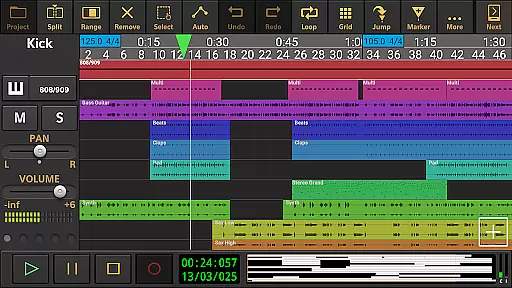
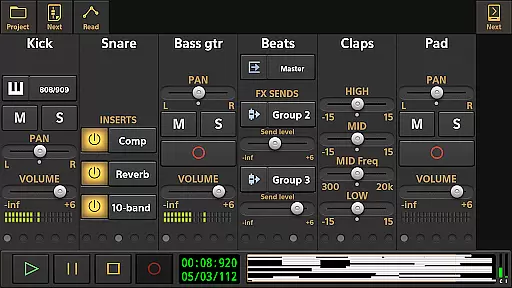
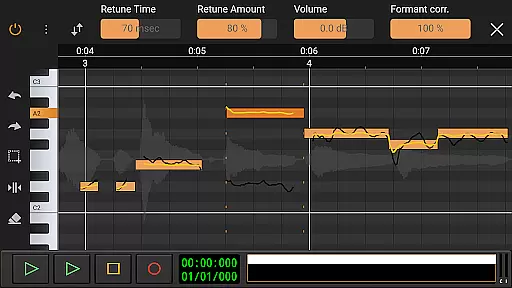
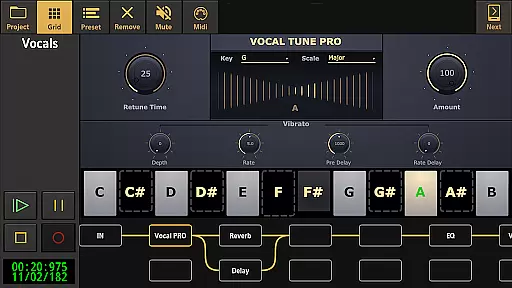
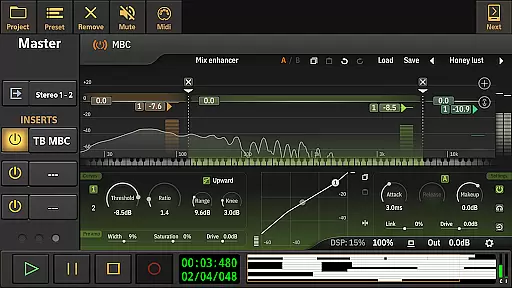
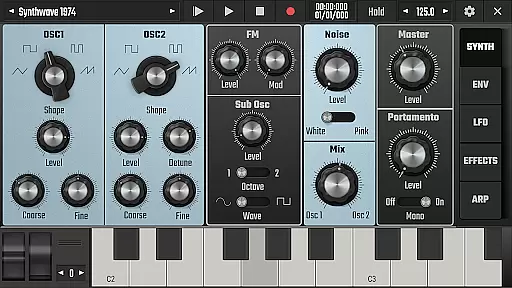
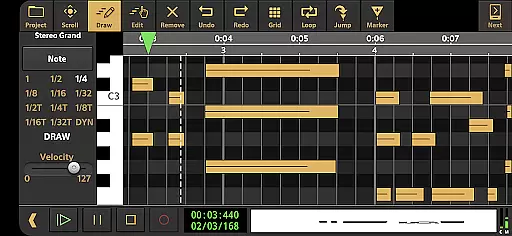
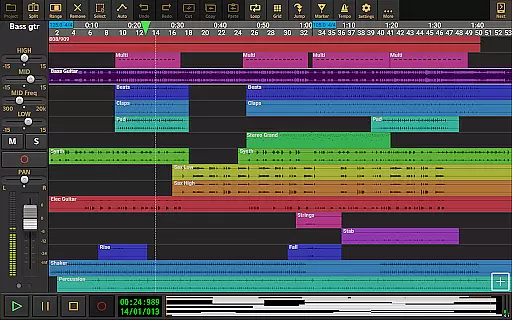
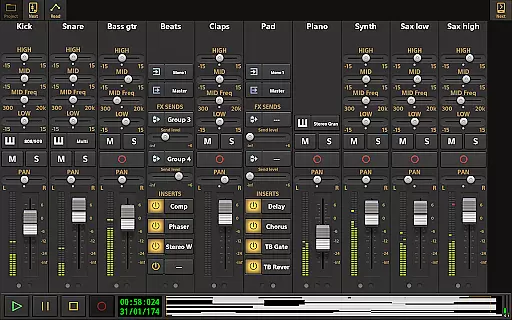
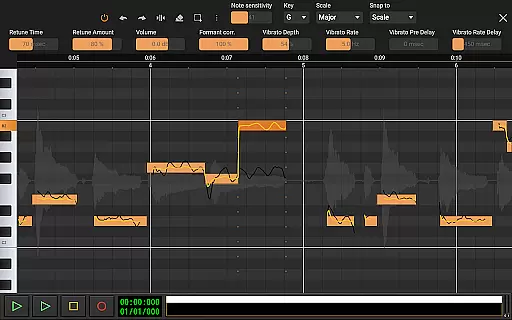
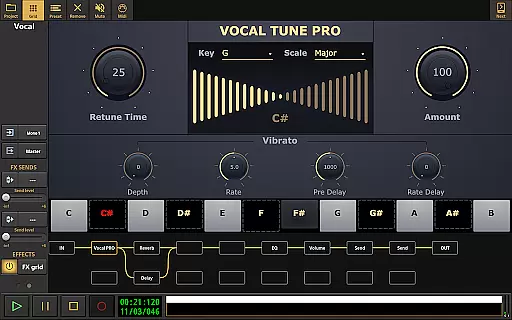
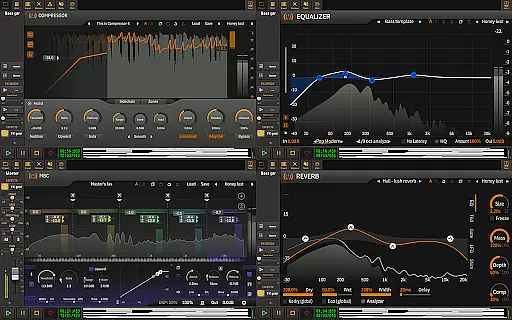
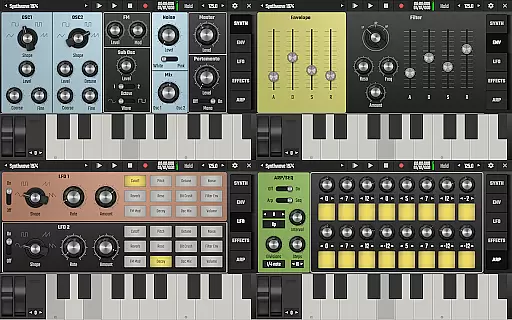
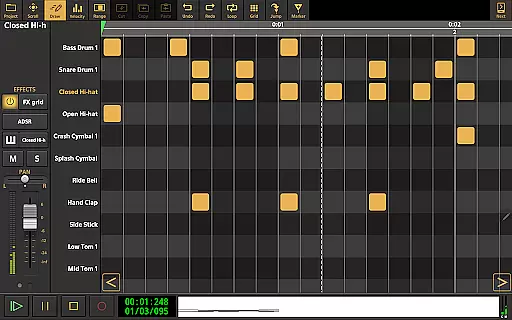
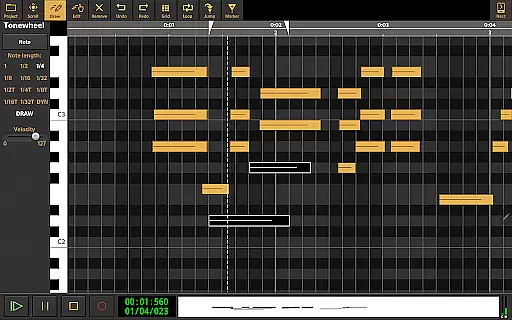
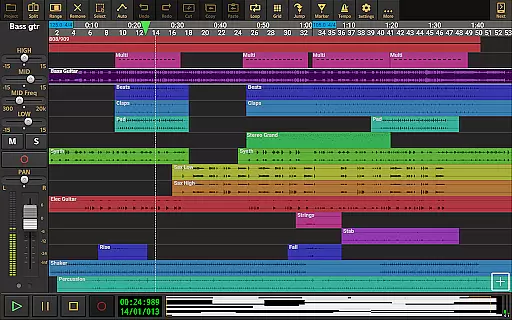
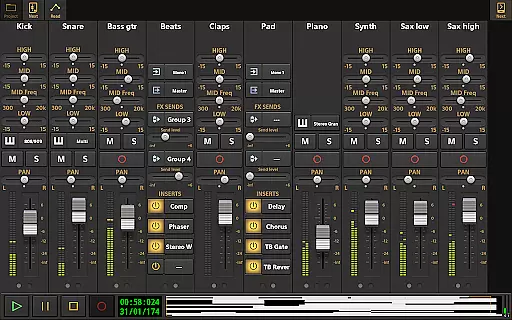
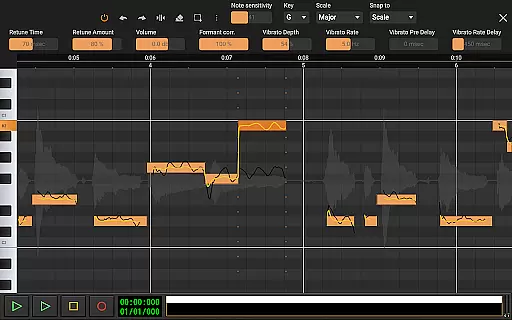
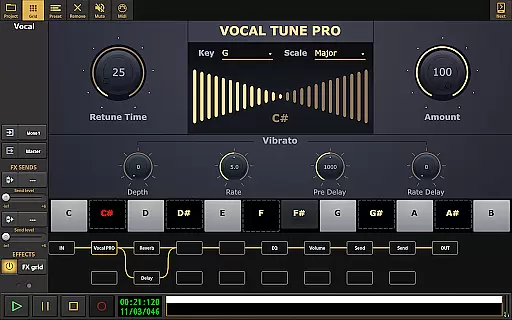
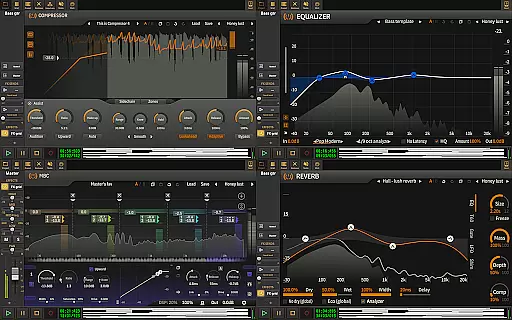
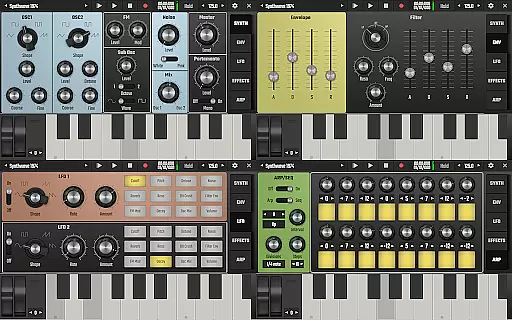
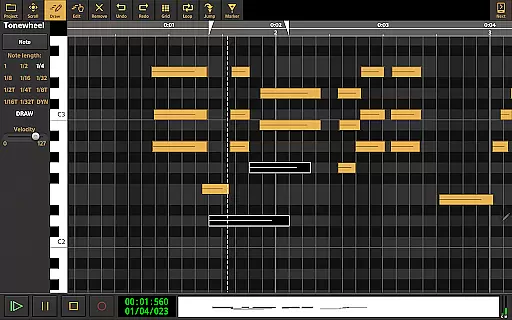
Audio Evolution Mobile Studio is a comprehensive digital audio workstation (DAW) designed for Android users. It offers professional-grade music creation, mixing, and editing tools that rival desktop DAWs. The app supports multitrack audio and MIDI recording, real-time effects, mixer automation, and features like Vocal Tune Studio and virtual instruments.
This versatile app caters to both beginners and advanced users, allowing recording through internal mic or multi-channel USB audio interfaces. With capabilities such as tempo changes, effect routing, and LFO assignments, it provides an extensive creative toolkit for mobile music production.
Ideal for musicians on the go, Audio Evolution Mobile Studio transforms your Android device into a powerful music production studio, enabling full-fledged productions anywhere you are.
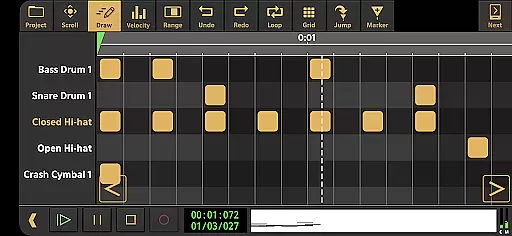
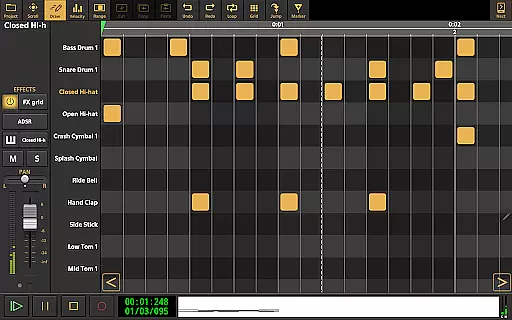
Audio Evolution Mobile Studio stands out with its extensive feature set tailored for serious music producers. The app includes Virtual Analog Synthesizer 'Evolution One', sample-based Soundfont instruments, and a sophisticated drum pattern editor supporting triplets and custom audio files.
Advanced audio manipulation tools include Vocal Tune Studio for pitch correction, unlimited undo/redo functionality, and flexible effect routing with parallel paths. Real-time effects processing encompasses chorus, compressor, delays, EQs, reverb, and more, while supporting sidechain compression and parameter automation.
The app's professional capabilities extend to project interchangeability with iOS version, cloud sync via Google Drive, and exporting options to other DAWs through stem rendering. These features make it a complete solution for mobile music production.
Audio Evolution Mobile Studio offers an extensive music library that caters to a wide array of musical genres and styles. This includes a vast selection of audio loops, drum patterns, and sample-based Soundfont instruments, ensuring that creators have access to high-quality resources for their projects.
The app guarantees copyright authenticity by providing users with legally licensed content. This means musicians can use the provided loops and samples without worrying about copyright infringement, allowing them to focus on their creative process.
Furthermore, Audio Evolution Mobile Studio allows for the import of additional formats such as WAV, MP3, AIFF, FLAC, OGG, and MIDI, expanding the music library even further. This flexibility ensures that artists are not limited in their sound choices and can incorporate personal or third-party audio files seamlessly.
With these features, users can trust that they are working with a rich, diverse, and legal music library, empowering them to produce professional-grade music directly from their mobile devices.
When it comes to audio quality options, Audio Evolution Mobile Studio stands out by offering pristine sound fidelity. The app supports high-resolution audio recording and playback at various sample rates and bit depths, which is crucial for capturing every nuance of a performance.
For those seeking the utmost audio quality, the optional in-app purchase of a custom USB audio driver enables low latency and multi-channel recording at up to 24-bit/96kHz. This feature bypasses the typical limitations of Android audio, delivering studio-grade recordings directly to your device.
Moreover, the mastering functionality allows users to mix down their projects into industry-standard formats like WAV, MP3, AIFF, FLAC, or OGG. These options ensure that final outputs retain the highest possible audio quality suitable for distribution or further processing.
By prioritizing superior audio quality options, Audio Evolution Mobile Studio empowers musicians and producers to achieve polished, professional results that meet the rigorous standards of today's music industry.
Professional-grade DAW features
Extensive real-time effects
Flexible routing options
Multichannel recording support
Cross-platform project compatibility
Steep learning curve
Additional in-app purchases
High device requirements
Complex interface
Limited free features

Make music anywhere. Turn your device into an instrument.
 4.5
4.5
Offline and always ad-free - stream in the highest quality available.
4.10
DJ Music Mixer - DJ Remix: remix songs, make beat music & record mix of DJ.
4.40
A High-Precision Audio Spectrum Analysis App
4.20
Permanently backup Now Playing. Maps, filters & listening stats.
4.00
Guzheng Master supports many playing techniques as an acoustic Guzheng
4.50
Offline Music Player & MP3 Player.Powerful equalizer, Lyrics, Themes, Tag Editor
4.80
PowerAudio is a powerful offline music player.
4.20
Ringtone Maker is free app create ringtone from music files or your recording.
4.40
Full-featured, High-Quality Groovebox Workstation, perfect for Live Performance!
4.80
Unleash your creativity! Turn simple prompts into full fledged songs.
4.70
SqueezePlayer turns your Android phone or tablet into a SqueezeBox on its own!
4.60
Over 100 million tracks available for high quality streaming and download
4.60
Taal player that lets you sing any Indian & Western song with Tabla & Tanpura
4.60
A synth that really lets you shape your sounds!
4.50
Enhance the sound quality of your devices, listen to what you want
4.50
DJ Music Mixer Pro is a real DJ controllers and DJ Music Studio to remix DJ.
4.40
Powerful 10-Band equalizer pro with sound booster improves Android audio quality
4.30
Background pads for your band
3.80


User Reviews