
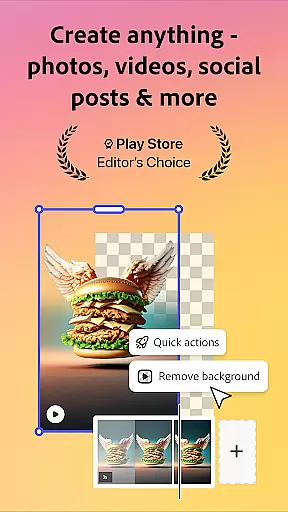
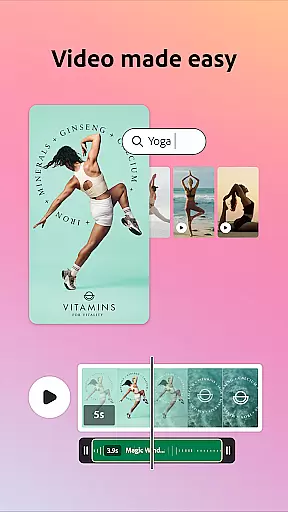

Adobe Express is a versatile design application that enables users to create professional-quality marketing materials while maintaining brand consistency. The app offers an intuitive interface for both beginners and experienced designers, featuring customizable templates, photo editing tools powered by Photoshop, and AI-driven features like object removal and background noise reduction.
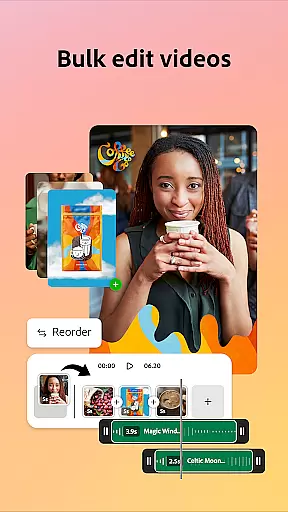
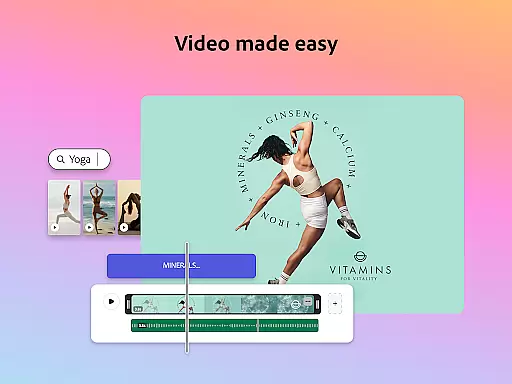
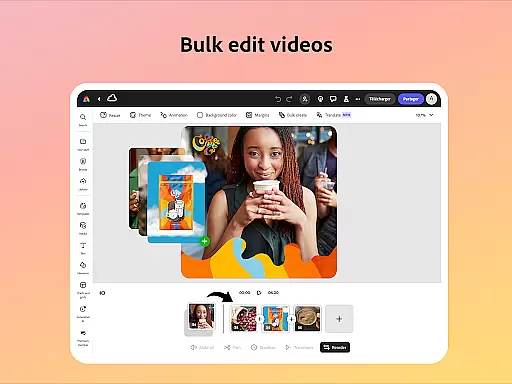
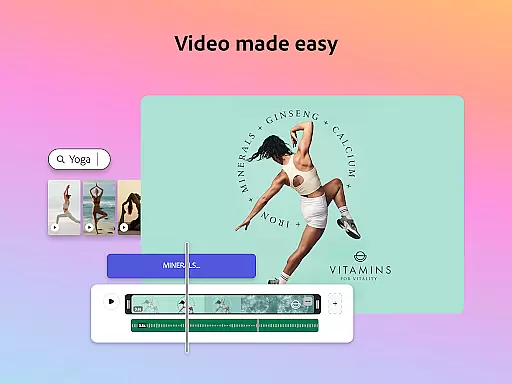
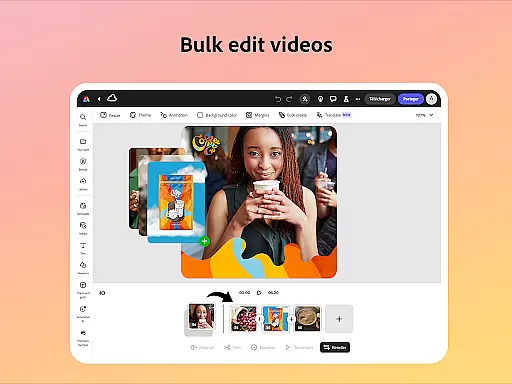
The application excels in video editing, providing users with capabilities to trim footage, add captions, and apply transitions. Its Quick Action tools allow efficient content resizing and format conversion, while the QR code generator helps create branded codes. With brand kits functionality, businesses can ensure consistent visual identity across all materials.
This app is particularly valuable for small business owners and marketing professionals who need to produce high-quality digital content quickly. Users can edit PDFs, generate social media assets, and access premium features including Adobe Stock resources and advanced generative credits through subscription.
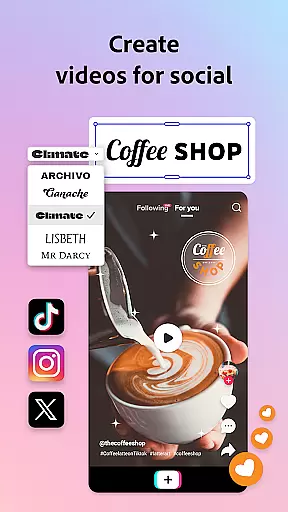
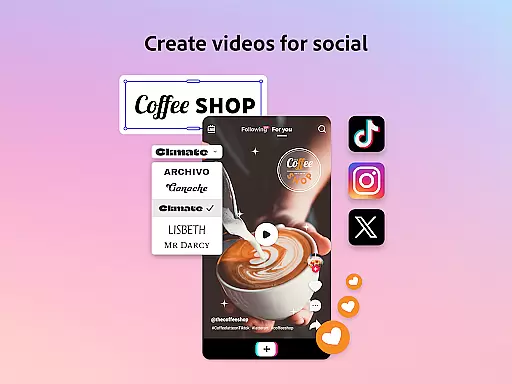
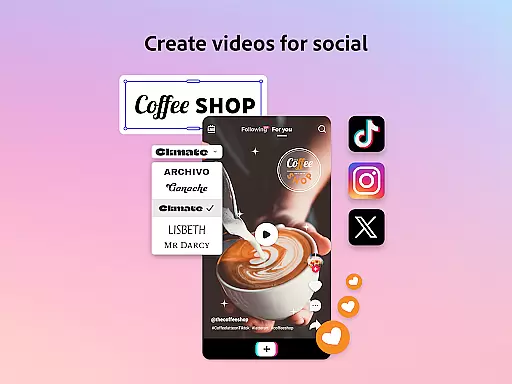
Adobe Express distinguishes itself through its comprehensive set of creative tools. The video editing suite includes automatic captioning, background noise removal, and social media optimization features. These capabilities are enhanced by AI-powered tools that enable users to add or remove objects from images and generate unique photo art.
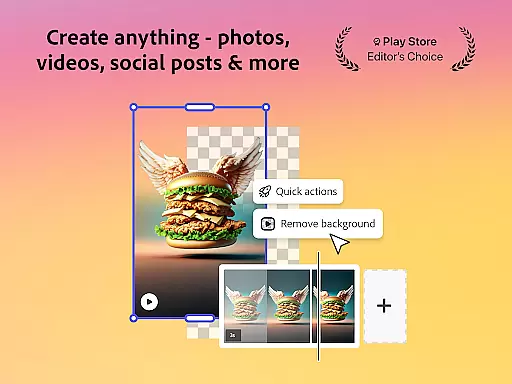
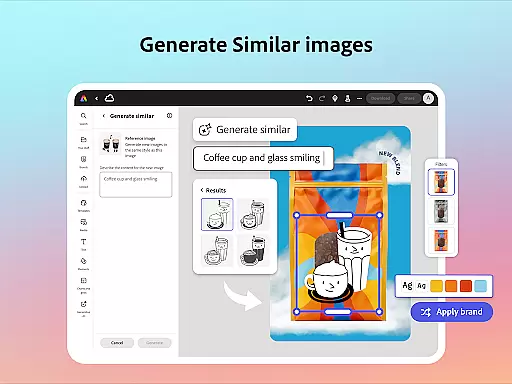
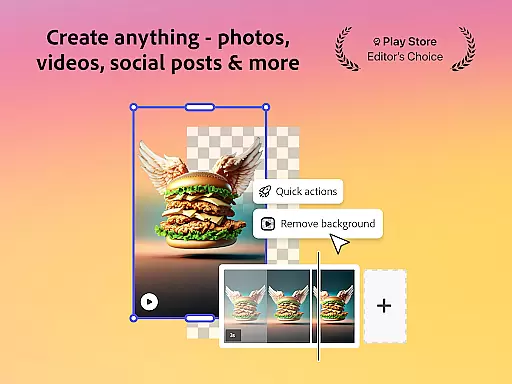
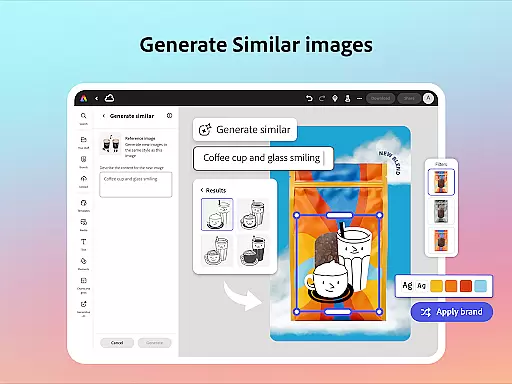
The application's Quick Actions provide essential utilities such as background removal, file format conversion, and image cropping. Its brand management system allows teams to maintain consistent fonts, colors, and logos across projects. The integration with Adobe Stock gives premium users access to millions of royalty-free assets, while the Generate Similar feature helps refine designs efficiently.
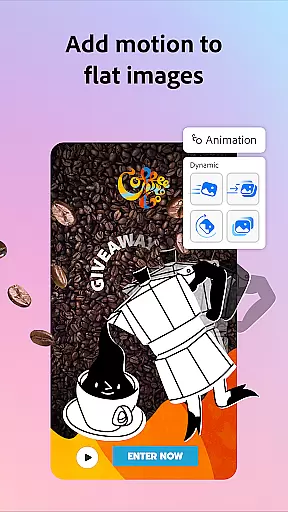
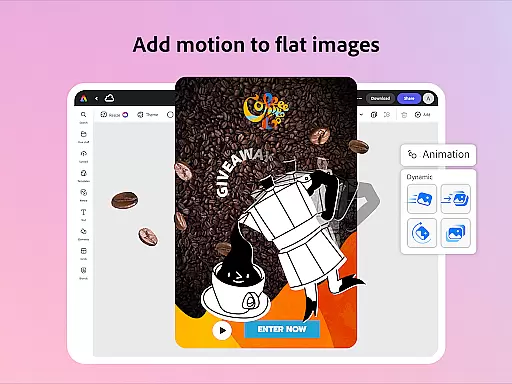
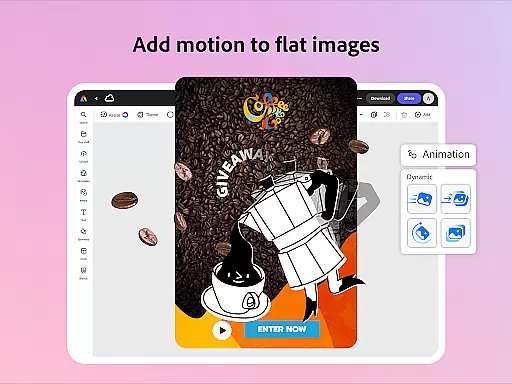
Advanced features include voice-driven character animation, one-click resizing for multiple channels, and PDF editing capabilities. The app's cross-platform functionality ensures seamless workflow between desktop and mobile devices, with additional support for Photoshop Express on mobile platforms.
Adobe Express offers a comprehensive suite of creative tools that cater to both beginners and seasoned creators. The app provides customizable templates for video editing, intuitive photo editing features powered by Photoshop, and Quick Actions for effortless background removal and image resizing.
The inclusion of AI-powered functionalities, such as object addition or removal and the AI photo generator, enhances the creative process. Users can also generate stylish, branded QR codes and edit PDFs with ease, ensuring that all types of content are covered within the app.
For those looking to maintain brand consistency, Adobe Express includes brand kits that store fonts, colors, and logos, ready to be applied across any design with a simple tap. This ensures a cohesive look and feel in all marketing and business materials created through the platform.
Premium membership unlocks access to over 200 million royalty-free Adobe Stock assets, including photos, videos, music tracks, and fonts, further expanding the creative possibilities. With these complete and varied tools, Adobe Express empowers users to produce high-quality content while staying on-brand.
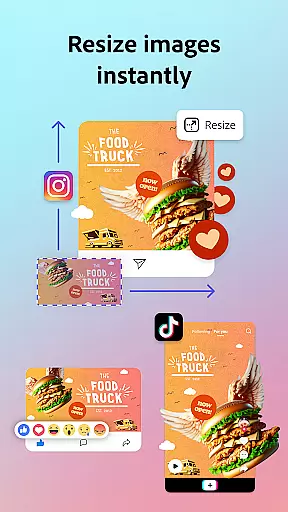
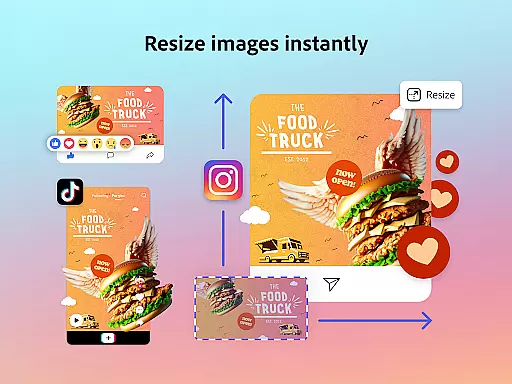
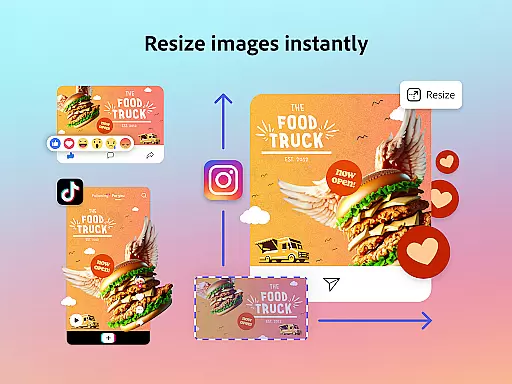
Flexibility in canvas and format options is a standout feature of Adobe Express, allowing users to tailor their creations to various platforms and uses. Whether you need to resize designs for different social media channels or crop photos to fit specific dimensions, the app provides the necessary tools to adapt your content effortlessly.
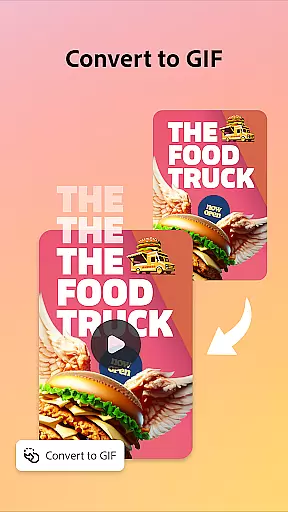
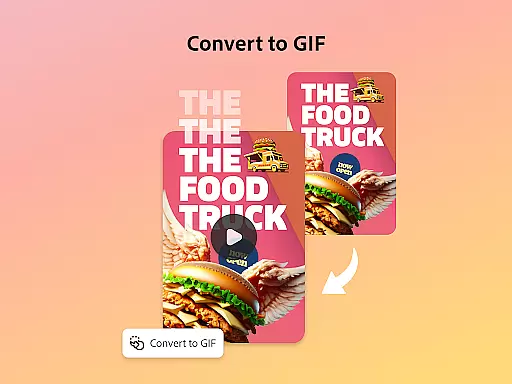
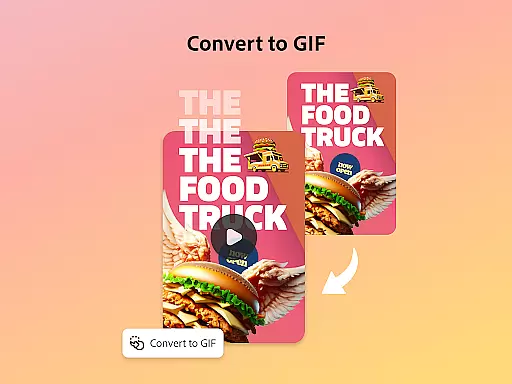
With Quick Actions, users can convert images to GIFs, animate characters using voice commands, and import PDFs for quick updates. These capabilities ensure that no matter the input format, Adobe Express can handle it and transform it into the desired output.
The app supports a wide range of file conversions, from image files to PDFs, making it versatile for any project requirement. This flexibility extends to video editing as well, where users can reframe videos for optimal display on multiple social channels.
Although some advanced features may not be available on all devices initially, Adobe is committed to rolling out support over time. This ongoing development promises even greater flexibility and functionality, cementing Adobe Express's position as a leader in adaptable creative tools.
User-friendly interface
Powerful AI tools
Comprehensive brand management
Versatile editing options
Integrated stock library
Premium features locked
Device support limited
Steep learning curve
Occasional bugs
Internet connection required

Premium version of Shimeji-ee app with no ads & no limit active shimeji
 4.1
4.1
Image/ Text to Video Generator
4.40
Convert image to JPG PNG HEIC PDF, support almost all kinds of image formats
4.70
Create stunning video, photo & magic from text with FlixAI GPT video generator.
3.10
800+ Drawing, Painting Lessons App to Practice, Sketch & Paint Art.
4.30
Novices can also easily complete diamond painting masters
4.70
Image resizer to resize, crop, rotate, flip, change dpi photo or picture in bulk
4.60
Get creative and make art with your Sesame Friends!
4.00
A luxurious gold watch face for an elegant and refined look.
4.0
Mobile pixel art editor. Simple. Fast. Portable.
4.80
Draw on screen: FP sDraw is a simple and lightweight drawing app
4.70
Photo editor for art, avatars, filters & fun transformations.
4.60
Digital illustration drawing & painting pad app to paint Anime and Manga art
4.50
Nano Banana AI Image Generator, Anime Filter, AI Portrait, AI Photo Generator
4.30
Sketch, plan, take notes and illustrate on an infinite canvas.
4.20
Easy 3D drawing design maker & creator. Model designing, Sculpting. Create&paint
4.00
Art of Combination Wear OS Watch faces (for Wear OS 5+ devices)
3.90
AI Face Swap, Video Effects Editor, Realtime Morph, Funny Video FX,AI Filters
3.70
Transform photos into amazing monochrome dither art with professional algorithms
4.5


User Reviews