
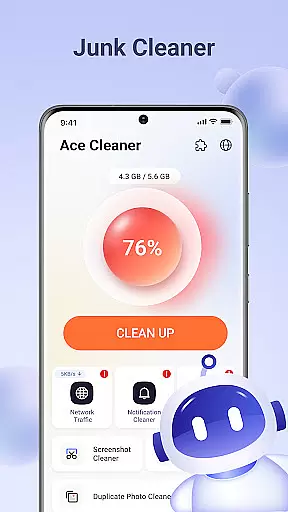

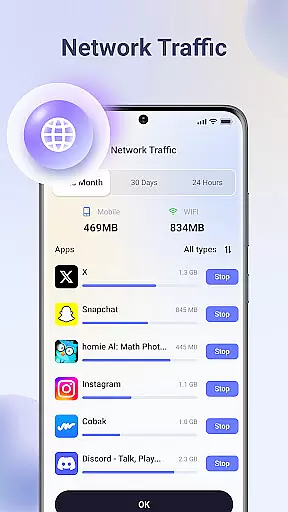
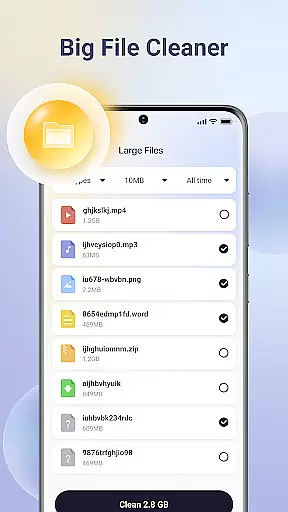
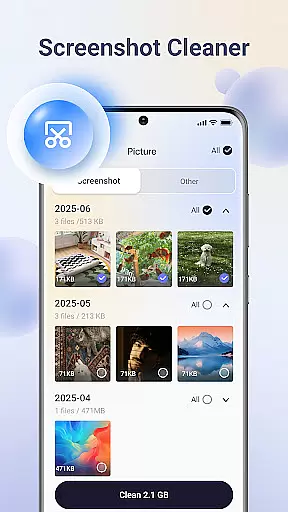
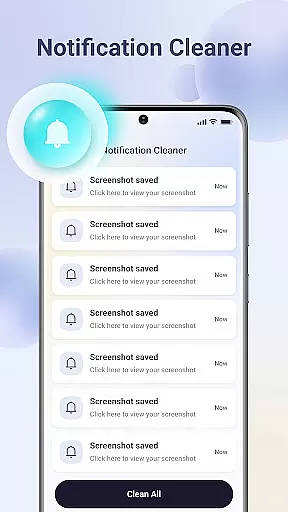

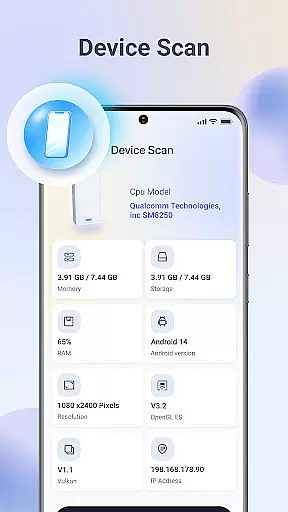
Ace Cleaner is a comprehensive file management and device optimization tool designed to help users efficiently manage their storage space. The app specializes in junk file cleaning, app organization, photo and video tidying, and large file identification. With its on-device privacy protection feature, all scanning and cleaning operations are performed locally, ensuring complete user privacy.
The app's standout capability lies in its ability to scan for unnecessary files and cached data that accumulate over time, allowing users to safely review and remove them. It also provides detailed insights into app storage usage, making it easier to uninstall unwanted applications. Additionally, the Photo & Video Tidy-Up feature helps users declutter their gallery by identifying duplicate or obsolete media files.
Whether you're looking to free up space for new apps, photos, or videos, or simply want to maintain an organized device, Ace Cleaner offers the tools you need. Its intuitive interface combines multiple functionalities into one easy-to-use platform, giving users full control over their device's storage while maintaining strict privacy standards.
Ace Cleaner stands out with its diverse range of features tailored for efficient device management. One of its key functionalities is the Junk File & Cache Cleaner, which systematically scans your device for temporary files and cached data that consume valuable storage space. Users can review these files before deletion, ensuring no important data is removed accidentally.
The App Organizer is another highlight, offering detailed insights into individual app storage and data usage. This feature allows users to view all installed apps, assess their impact on device storage, and easily uninstall those that are no longer needed. The Large File Finder is equally impressive, helping users identify and manage bulky files that often go unnoticed but occupy significant space.
For multimedia management, the Photo & Video Tidy-Up tool simplifies the process of organizing visual content. It flags duplicate images, old screenshots, and obsolete videos, enabling users to maintain a streamlined gallery without losing precious memories. All these features operate locally on the device, reinforcing Ace Cleaner's commitment to user privacy and data security.
Ace Cleaner excels in delivering precise and effective core functions that streamline device storage management. The app's junk file cleaning feature thoroughly scans for temporary files, cached data, and other unnecessary items, ensuring your device remains clutter-free.
With the App Organizer, users gain transparency into app storage usage. Ace Cleaner provides clear insights on each installed app's footprint, empowering users to make informed decisions about uninstalling apps they no longer need.
The Photo & Video Tidy-Up tool simplifies gallery organization by identifying duplicates, screenshots, and old media. This allows users to maintain an organized gallery while preserving important memories.
Additionally, the Large File Finder helps users pinpoint space-consuming files, facilitating efficient storage management. All these features operate locally, safeguarding user privacy while delivering a seamless experience.
Ace Cleaner boasts an intuitive interface designed for effortless navigation and ease of use. Its streamlined design ensures that even those unfamiliar with file management can efficiently clean junk files and organize their apps without hassle.
The app's layout is thoughtfully crafted to provide quick access to essential tools like the junk cleaner, app organizer, and photo tidy-up features. Each section is clearly labeled, making it simple for users to locate and utilize the functions they need.
Moreover, Ace Cleaner combines multiple functionalitiesu2014junk cleaning, app management, and file organizationu2014into one cohesive platform. This consolidation reduces complexity and enhances user experience by minimizing the steps required to manage device storage effectively.
By focusing on clarity and straightforward actions, Ace Cleaner ensures that users feel in control of their device's storage, all while maintaining privacy and security.
User-friendly interface
Comprehensive cleaning tools
On-device data processing
Efficient storage management
Transparent actions
Limited advanced options
No cloud backup
Basic design
Few customization settings
Occasional slow scans

Connect instantly to a fast, encrypted VPN with one tap
 4.60
4.60
Extremely fast, secure, and protects your privacy
4.80
Head tracking for PC sim games such as MSFS 2024 or Elite:Dangerous. No headset!
4.50
Use your phone as a webcam on your computer over WiFi or USB.
4.40
VESC Tool can monitor and configure VESC-compatible devices over BLE and Wifi
4.20
Effortlessly run ADB commands directly on your device without a PC.
4.20
Excellent scientific calculator with symbolic algebra, integrals, derivatives
4.80
Support Fossify apps with a warm thank you!
5.00
Screen recorder with audio to record high-quality videos and take screenshots.
4.40
Small and simple app to Verify Root Access and BusyBox Install!
4.70
Mirror your screen to Chromecast and Android TV - Super fast and simple
4.60 4.50
4.50
Game Booster, GFX Tool is now compatible with newer game update
4.50
Just swipe the edge to do something!
4.40
Fluid navigation gestures for all of us!
4.30
An easy-to-use calculator designed to save time calculating and bending conduit
4.30
Quickly & easily calculate the spacing of handrail balusters
4.20
Automate everything from settings to photos, SMS to speech. ADC2 prize winner.
4.10
1-Click close all background apps on Android TV
3.90


User Reviews