
Screen Recorder Video Recorder is a comprehensive screen recording and video editing tool designed for effortless content creation. This app allows users to capture high-quality videos, create engaging tutorials, record gameplay sessions, and preserve important video calls with ease.
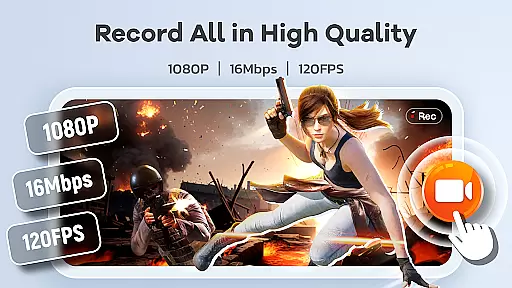
The application supports HD recording at up to 1080P resolution, 16Mbps bitrate, and 120FPS frame rate, ensuring crystal-clear visuals. It also features built-in editing tools, live drawing capabilities, and facecam functionality, making it an all-in-one solution for mobile video production. Whether you're creating tutorials, capturing gaming highlights, or sharing memorable moments, this app provides the tools needed to produce professional-looking content directly from your device.
One of the standout features of Screen Recorder Video Recorder is its robust set of functionalities that cater to various content creation needs. The app offers HD recording with customizable settings, allowing users to adjust parameters such as resolution, bitrate, and frame rate to suit their preferences.
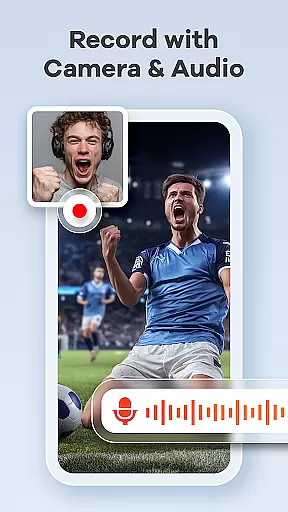
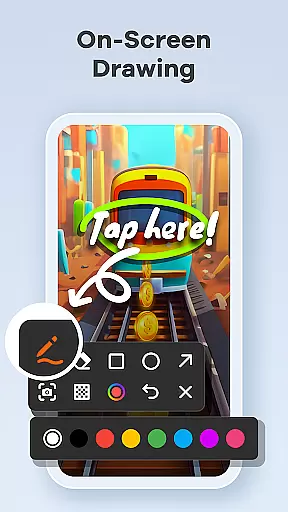
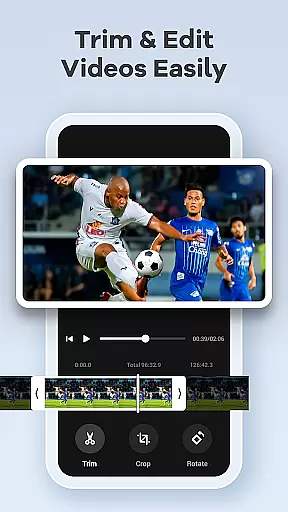
In addition to high-quality recording, the app includes a built-in video editor for trimming, cropping, and rotating videos. Users can also convert videos into GIFs, add facecam reactions, and utilize live drawing tools to annotate their recordings in real-time. These features ensure that users can create polished and engaging content without needing multiple apps.
Furthermore, the app provides intuitive controls like a one-tap floating ball and gesture customization, enabling seamless operation during recordings. With no time limits or watermarks on recordings, Screen Recorder Video Recorder empowers users to unleash their creativity and share their stories effortlessly.
Screen Recorder Video Recorder excels in delivering precise and effective core functionalities that cater to a wide range of video recording needs. The app supports HD recording at 1080P, with bitrates up to 16Mbps and frame rates as high as 120FPS, ensuring every detail is captured in stunning clarity.
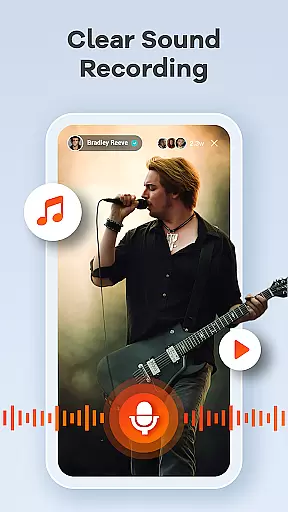
In addition to video quality, the app offers comprehensive audio recording options. Users can record crisp, clear audio from both internal system sounds and external microphones, making it ideal for creating tutorials, gameplay videos, and video calls. This dual-audio capability enhances the overall recording experience by providing flexibility and superior sound quality.
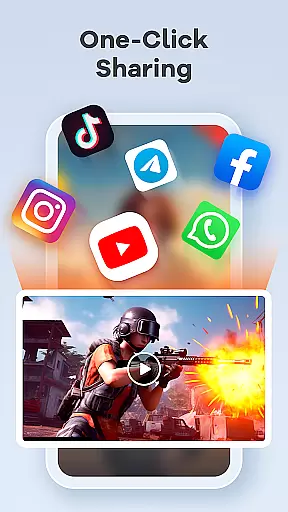
The built-in video editor further amplifies the app's effectiveness by allowing users to trim, crop, and rotate their recordings effortlessly. With features like video-to-GIF conversion and live drawing tools, creators can produce polished, engaging content ready for sharing across various platforms. These editing capabilities ensure that users can refine their recordings to meet professional standards without needing additional software.
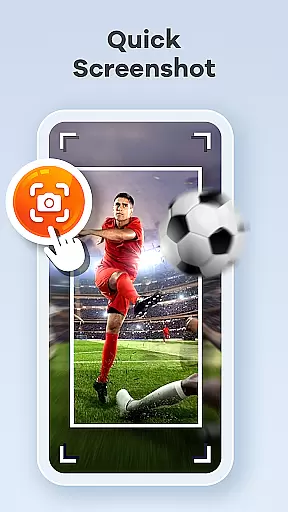
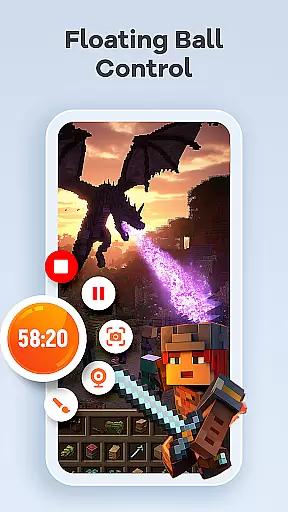
Screen Recorder Video Recorder boasts an intuitive interface designed to streamline the video creation process. Central to this is the one-tap floating ball feature, which empowers users to start, pause, resume recordings, and capture screenshots seamlessly without interrupting their workflow.
Gestures play a crucial role in enhancing user interaction within the app. Customizable gesture controls allow quick actions, significantly reducing the time and effort required to manage recordings. This level of personalization ensures that users can tailor the appu2019s functionality to match their unique preferences and improve overall efficiency.
Moreover, Screen Recorder Video Recorder eliminates common pain points such as time limits and watermarks, offering an uninterrupted recording experience. By providing customizable settings, the app adapts to individual needs, making it versatile for both novice users and seasoned content creators. This blend of simplicity and powerful features creates an environment where creativity thrives without unnecessary complexity.
User-friendly interface
High-quality recording
Built-in editing tools
Facecam functionality
Live drawing feature
Limited in certain apps
Requires permissions
No advanced editing
Privacy concerns
Basic GIF conversion

Extremely fast, secure, and protects your privacy
 4.80
4.80
Learn the vast amount of system information about device and monitor it's state
4.70
Unit and currency converter with easy and simple UI.
4.80
Family Locator, Share location, StayConnect with your family in real time
3.90
card-reader app
2.20
App to pay for FUTO Keyboard
4.60
With videos, electrical calculators, and built-in ebook, Ugly’s has your answer.
4.50
Game Booster, GFX Tool is now compatible with newer game update
4.50
Creation, Learning, Entertainment & More — The All-in-One AI Search Engine
4.70
Support Fossify apps with a warm thank you!
5.00
Connect wirelessly to your computer to watch movies, browse the web, play games
5.00
Bedrock Together: Join any bedrock server on Xbox/PS
4.80
The one-and-only remote control for PC, Mac, and Linux
4.70
Just swipe the edge to do something!
4.40
Universal TV remote control all TVs, Roku, LG, Samsung, Fire, Vizio, Sony, TCL.
4.40
Forza Tuning Calculator App for Forza Horizon 5, Motorsport and Earlier Titles
4.40
Carry a FTP server in your pocket and avoid USB cables for file transfer
4.20
Amateur Radio app for APRS: Track friends, exchange messages, get tactical info.
3.90
A non-root local ADB shell client. READ BELOW!
3.40


User Reviews