
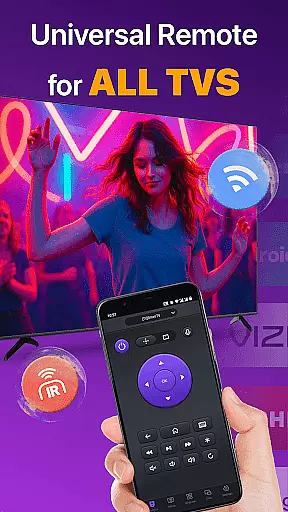
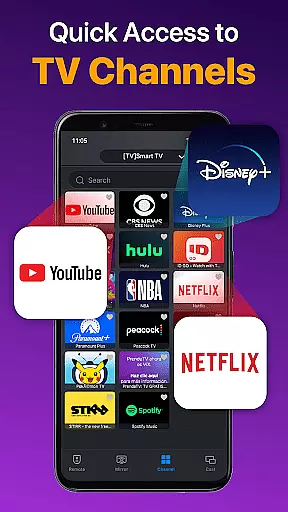
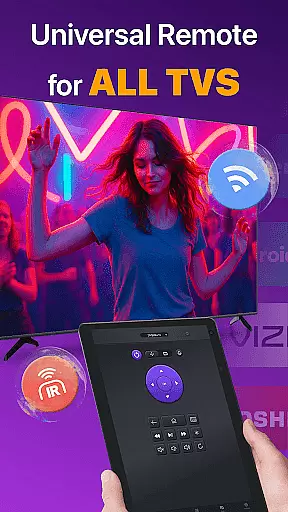
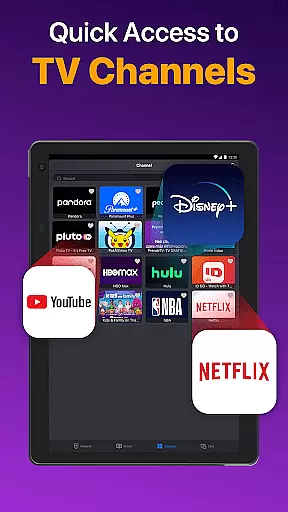
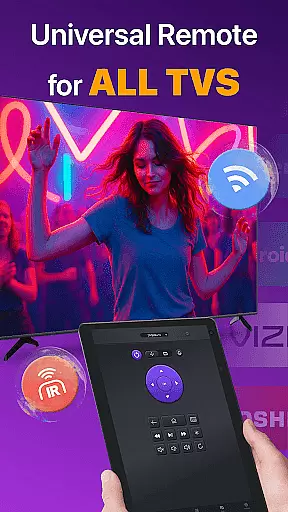
Universal TV Remote for All TV is a versatile remote control application designed to simplify the management of multiple smart TVs. This app supports major brands like Roku, LG, Samsung, and TCL, allowing users to seamlessly switch between devices without needing separate physical remotes. The app operates efficiently under the same WiFi network as your smart TV, providing essential functions such as power on/off, channel management, volume adjustment, and playback control.
In addition to WiFi connectivity, the app also supports IR modes, ensuring functionality even when WiFi is unavailable. With features like auto-detection of Smart TVs on the same network, responsive touchpad controls, and quick text input for searching content, this app enhances user convenience. It also allows screen mirroring and casting from mobile devices to TVs, making it an all-in-one solution for modern home entertainment systems.
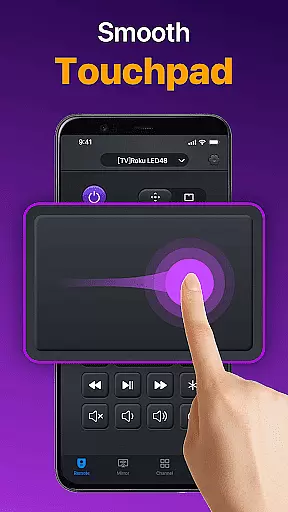
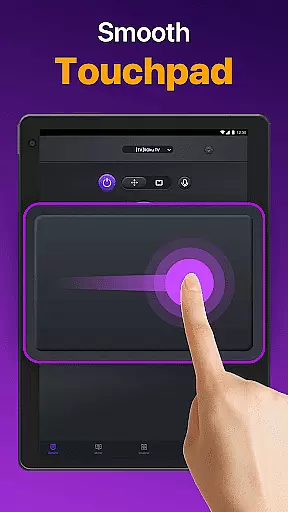
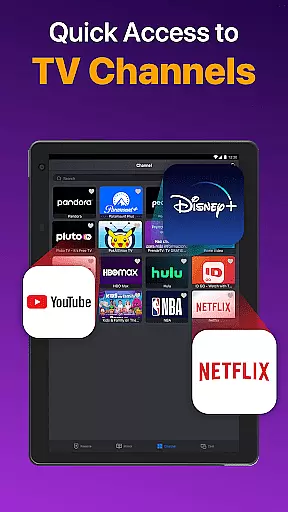
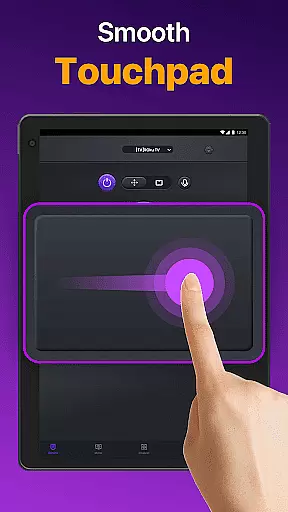
The Universal TV Remote app boasts a range of advanced features that cater to diverse user needs. One standout feature is its ability to auto-detect all Smart TVs within the same WiFi network, streamlining the connection process. Users can enjoy quick remote control functionalities, including volume adjustments, reverse, fast forward, and efficient touchpad controls that mimic the experience of using a physical remote.
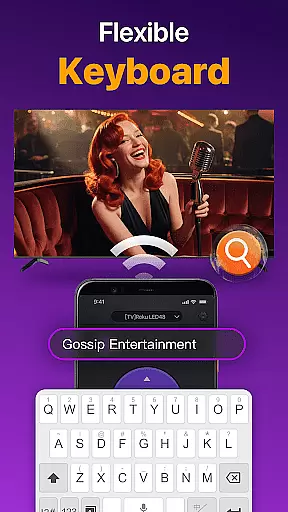
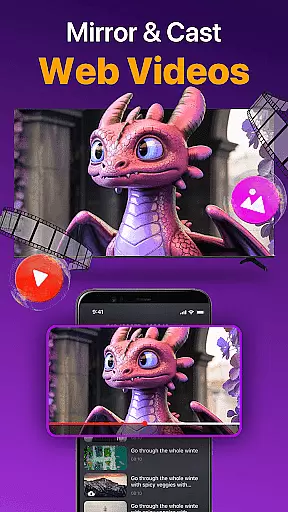
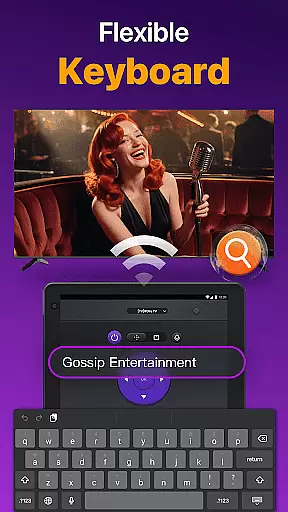
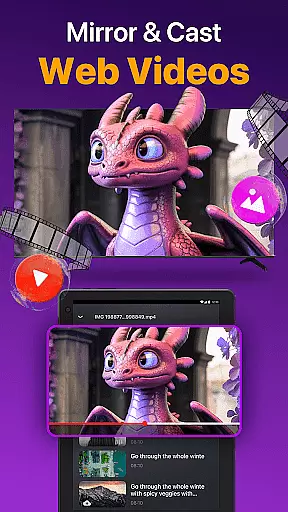
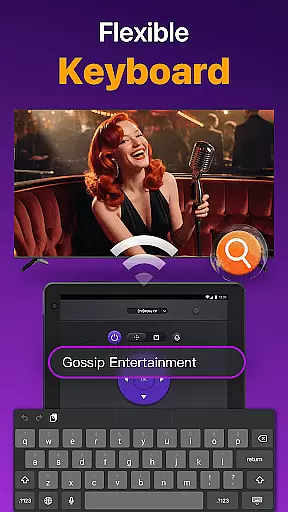
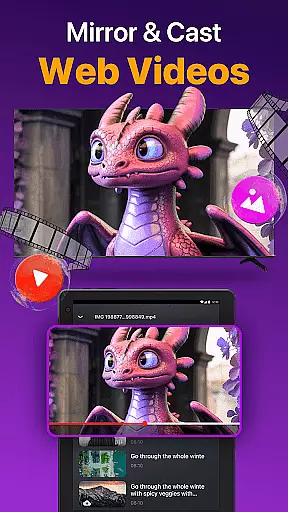
Another significant advantage is the app's capacity for quick text input, enabling users to search for their favorite shows or movies effortlessly. Additionally, the app facilitates casting photos and videos from a local album directly to the TV and supports low-latency screen mirroring. These features collectively ensure a smooth and responsive user experience, whether controlling a Roku TV, Samsung, or Vizio device.
Universal TV Remote for All TV delivers exceptional core functionality by providing accurate and effective control over a wide range of smart TVs. The app auto-detects all Smart TVs on the same WiFi network, ensuring seamless connectivity without manual configurations.
The remote app enables users to perform essential TV operations with precision, such as turning the TV on/off, managing channels, adjusting volume, and controlling content playback. Its responsive touchpad further enhances the efficiency of these controls, making navigation smooth and intuitive.
In addition to WiFi-based control, the app supports IR modes, allowing users to operate their TVs even when WiFi is unavailable. This dual-mode functionality ensures reliability in various scenarios, offering an uninterrupted user experience.
By casting photos and videos from local albums and enabling low-latency screen mirroring, the app extends its utility beyond traditional remote functions. These features provide added convenience and enhance multimedia sharing, making it a versatile tool for modern smart TV users.
The Universal TV Remote for All TV boasts an interface designed for simplicity and intuitiveness, ensuring users can easily navigate its features without a steep learning curve. Upon launching the app, users are greeted with a clean layout that highlights key functionalities such as volume control, channel management, and playback options.
Quick text input and search capabilities allow users to efficiently find their favorite shows or movies. This feature eliminates the cumbersome process of entering text via a traditional TV remote, streamlining the search process significantly.
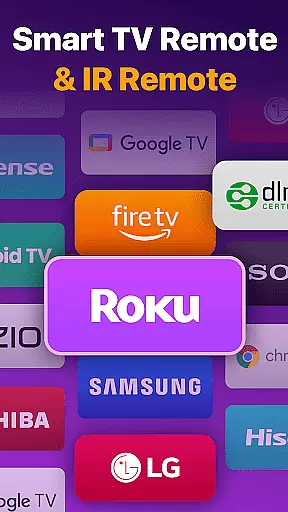
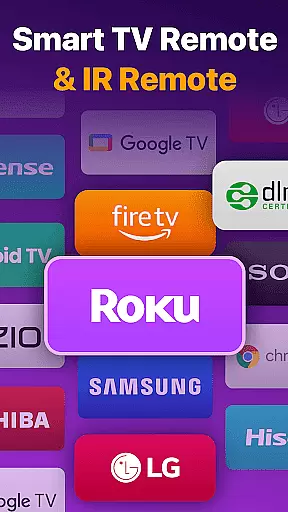
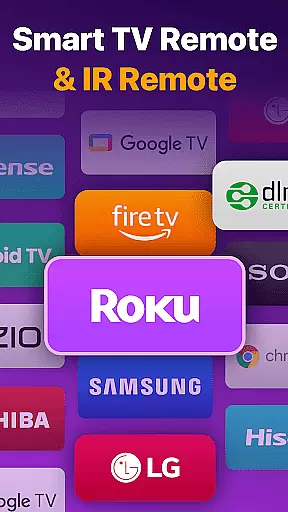
Compatibility selection is straightforward, requiring just a few taps to choose a TV brand or stick like Fire TV, Samsung, Roku, TCL, LG, Vizio, Hisense, Toshiba, or Chromecast. Once selected, the connection process is simplified with clear instructions, ensuring users can start controlling their TVs within minutes.
Troubleshooting tips are integrated into the app's design, guiding users through common connectivity issues with simple solutions such as rebooting devices or reinstalling the app. This thoughtful approach to problem-solving enhances overall usability, making the app accessible even to non-technical users.
User-friendly interface
Wide compatibility with TV brands
Efficient WiFi and IR connectivity
Quick text input for easy search
Screen mirroring and casting support
Requires same network for optimal use
Not officially affiliated with TV brands
May not support all TV models
Occasional connectivity issues
Dependent on device compatibility

Easily install aab(Android App Bundle) files on your Android device with our app
 4.80
4.80
Fluid navigation gestures for all of us!
4.30
Clean the junk files on your device
3.40
ADB support Android 4.X-Android 13(Support wireless pair mode).No root required!
4.70
WiFi Signal Strength Meter help you detect WiFi Signal Strength in real time.
4.80
Planner and Tracker for Stardew Valley
4.60
Fast Video Downloader, Movie Downloader, Torrent Downloader & Adblock Browser
4.70
A simple app to back up and restore SMS & MMS messages and call logs.
4.10
A clean app.
4.50
Connect wirelessly to your computer to watch movies, browse the web, play games
5.00
Extremely fast, secure, and protects your privacy
4.80
Unit and currency converter with easy and simple UI.
4.80
Connect instantly to a fast, encrypted VPN with one tap
4.60
App to pay for FUTO Keyboard
4.60
Mirror your screen to Chromecast and Android TV - Super fast and simple
4.60
The Ultimate Bluetooth Keyboard & Mouse. Securely control your PC, Mac, and more
4.50
Carry a FTP server in your pocket and avoid USB cables for file transfer
4.20
Family Locator, Share location, StayConnect with your family in real time
3.90
Transfer Files, APK from Phone to Watch & Install.
4.0


User Reviews