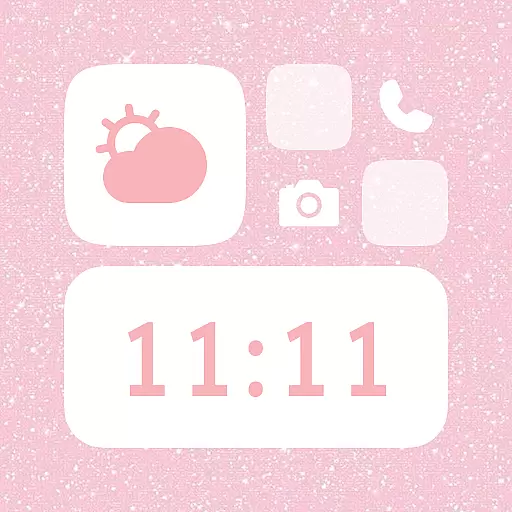
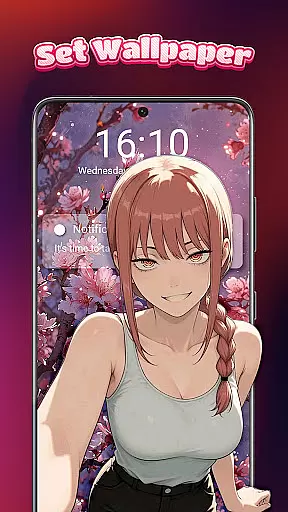
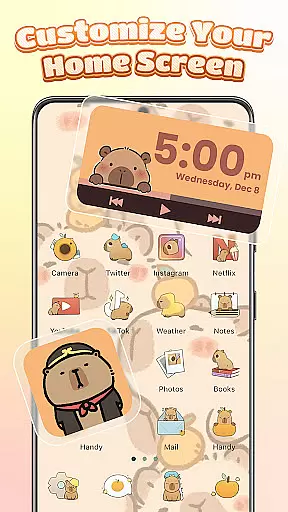
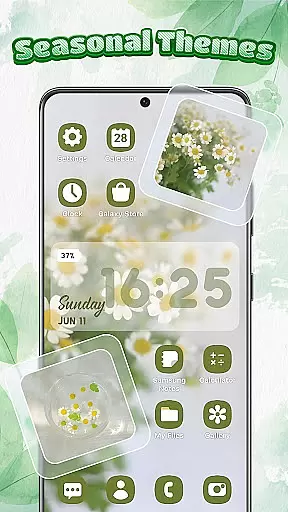
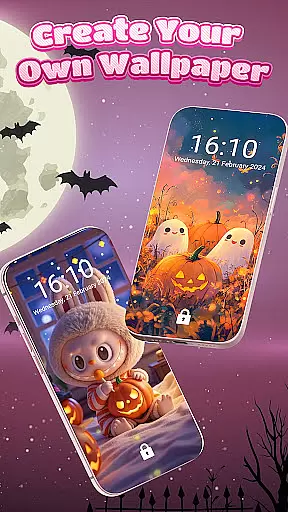
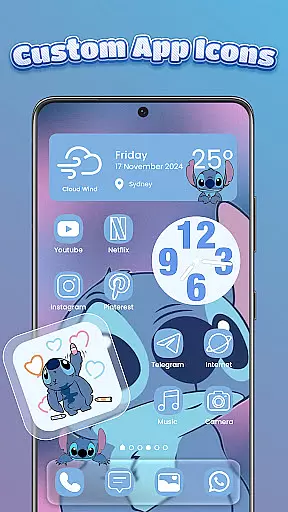
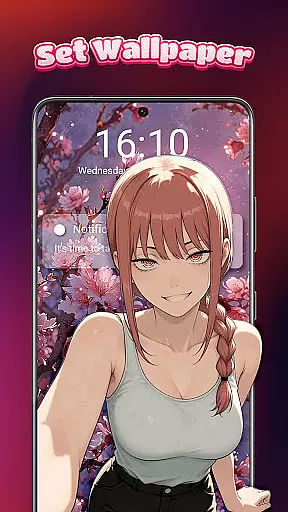
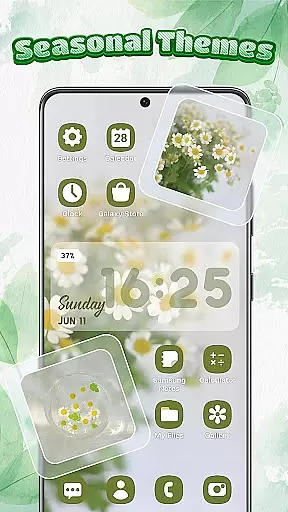
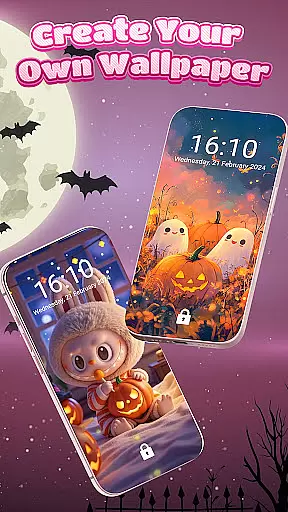
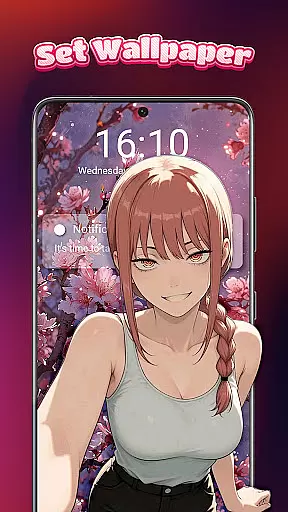
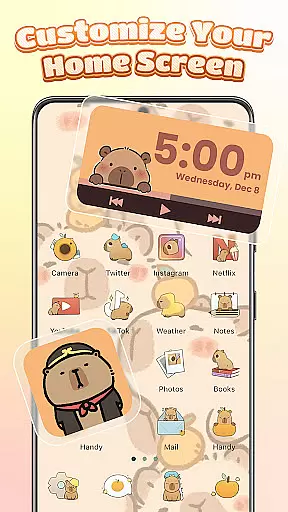
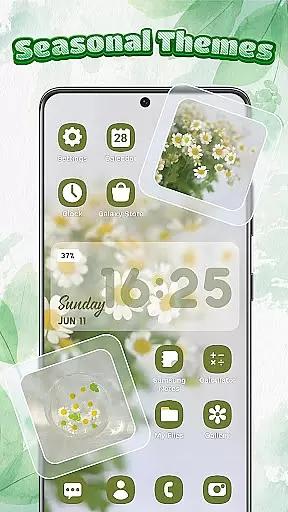
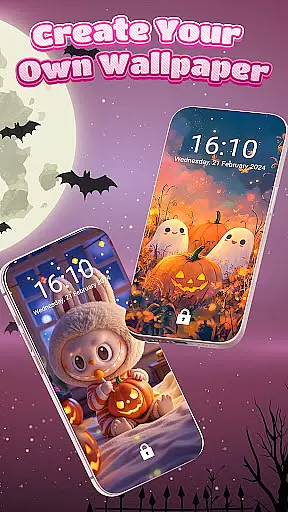
Themebox is a comprehensive personalization app that allows users to fully customize their smartphone's appearance. With over 1000 beautifully designed themes, the app offers an extensive range of aesthetic options including wallpapers, color widgets, and custom icons. Whether you prefer pastel tones, dark mode elegance, or anime-inspired minimalism, Themebox caters to diverse style preferences.
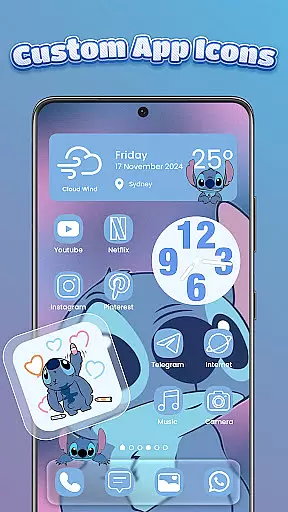
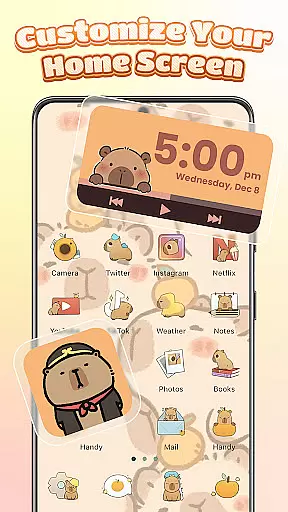
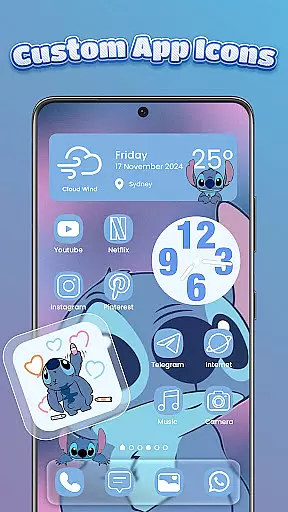
The app's standout feature is its powerful icon changer, which lets users modify app icons with unprecedented flexibility. You can adjust fonts, colors, transparency levels, and backgrounds to create unique combinations that perfectly match your personal style. Additionally, the smart control center provides quick access to essential system settings through an intuitive floating panel interface.
Themebox is particularly useful for creative individuals who enjoy DIY projects and want their devices to reflect their personality. The app's regular theme updates and exclusive releases ensure that your home screen remains fresh and personalized year-round.
Themebox stands out in the personalization category with its comprehensive suite of customization tools. The app's icon changer is especially robust, offering one-tap modifications along with advanced DIY options for power users. You can manipulate various elements including font styles, color schemes, and transparency levels, giving you complete control over your app icons' appearance.
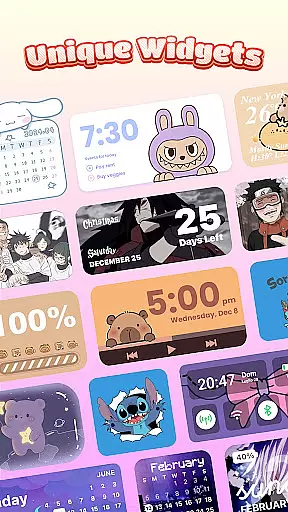
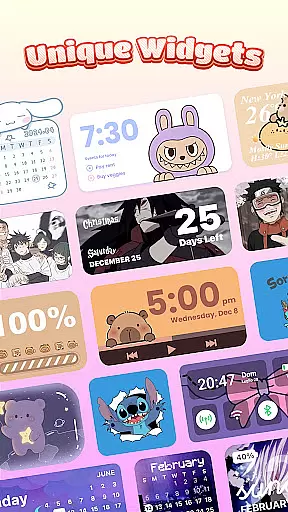
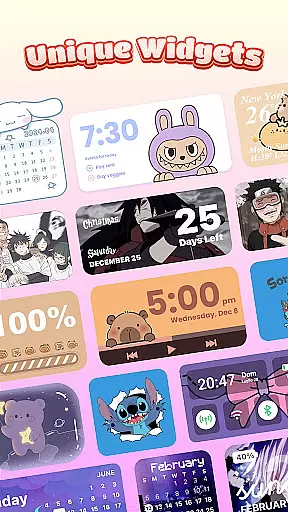
The collection of interactive color widgets adds both functionality and visual appeal to your home screen. These include practical battery status indicators, calendar and weather displays, and even customizable image widgets that can showcase your personal photos. Each widget can be fine-tuned to harmonize with your chosen theme, creating a cohesive and professional-looking interface.
One of Themebox's most innovative features is its smart control center - a floating panel that streamlines access to system settings. This feature, enabled through the AccessibilityService API, demonstrates the app's commitment to both aesthetics and practicality. The combination of these elements - extensive theme library, powerful customization tools, and user-friendly interface - makes Themebox a standout choice in mobile personalization.
Themebox stands out in the personalization category by offering an extensive range of customization options that cater to every user's unique style. With over 1000 beautifully designed themes, the app allows users to transform their home screens into personalized works of art.
The app icon changer feature provides a diverse selection of icon packs, enabling users to give their apps a fresh new look. Whether you prefer cute and colorful designs or sleek and modern aesthetics, Themebox lets you mix and match styles, fonts, transparency, and backgrounds effortlessly.
In addition to icon customization, Themebox offers color widgets that add both functionality and flair to your home screen. These include battery status, calendar, weather, and smart control panel widgets, all of which can be tailored to match your chosen theme.
By providing such a wide array of customization choices, Themebox empowers users to create a home screen that not only looks good but also enhances their daily mobile experience through practical and visually appealing elements.
Themebox excels in theme compatibility, ensuring that each design element integrates seamlessly with Android devices. The app supports a variety of themes ranging from anime and vintage to minimalist and neon styles, guaranteeing that there is something for everyone.
Users can enjoy daily theme updates and exclusive releases, keeping their home screens fresh and up-to-date. This constant influx of new content ensures that your device never feels stale or outdated.
Beyond just visual appeal, Themebox themes are crafted to maintain optimal performance and usability. Each theme undergoes rigorous testing to ensure it functions smoothly without compromising the deviceu2019s speed or efficiency.
This dedication to theme compatibility means users can switch between different looks knowing that each one will work harmoniously with their device, offering both beauty and functionality in equal measure.
Extensive theme library
Powerful icon customization
User-friendly interface
Regular content updates
Lightweight performance
Limited iOS compatibility
Some features require permissions
Premium themes available
Occasional bugs reported
Learning curve for beginners

Only for Wear OS devices!
 4.90
4.90
Themes - Widget & Wallpaper: Customize home screen, icon changer w unique themes
4.30
Sparkle your screen with Glitter Wallpapers For Girls and Cute Backgrounds!
4.80
Adult video chat, dating, making friends, random matching
4.20
Want to make your phone more special than ever?
4.60
Customize your home screen with stunning themes, blur, widgets & icons.
4.60
Vibrant Adaptive Icons with Material You and Enhanced Monet Colors.
4.50
Icons made of colorful linear lines
4.60
Transform your phone with stylish zipper lock themes and 4D live wallpaper
4.10
100+ Stylish Fonts, Emojis, Symbols keyboard for Instagram & TikTok!
4.80
One 8 icons glass color version
4.80
Make your phone look simple & luxury, like iDevice
4.60
Handcrafted pixel art icons, widgets & wallpapers
4.60
300+ widgets inspired by Material You and Material 3 expressive design.
4.60
3D, live, and moving wallpapers & themes in 4K and HD for your device.
4.50 4.50
4.50 4.50
4.50
Romantic Kiss Stickers App. Start romantic messaging now!
4.30
Adorable pets roam and play right on your phone screen!
3.30


User Reviews