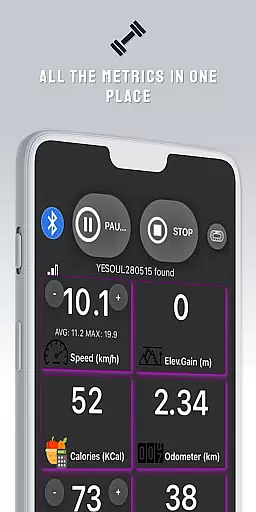
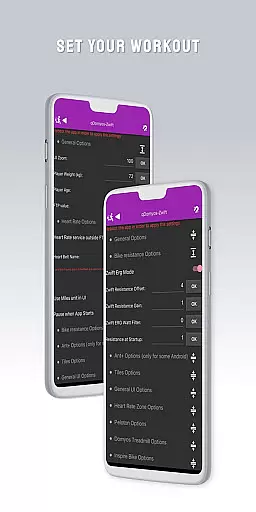
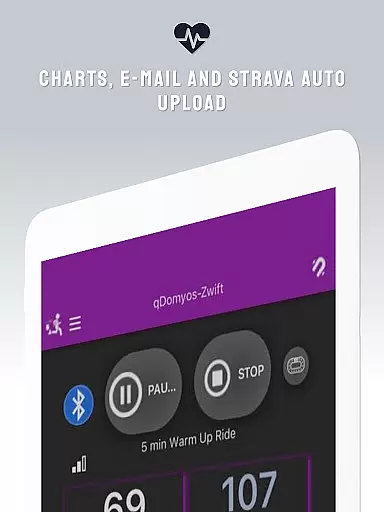
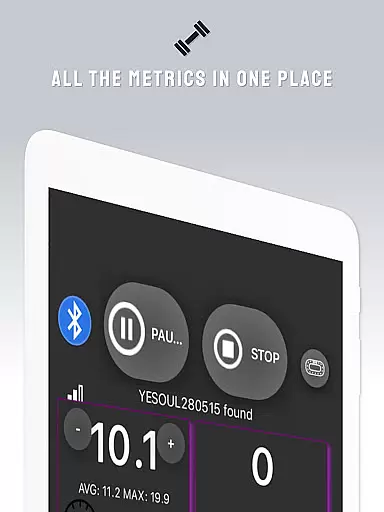
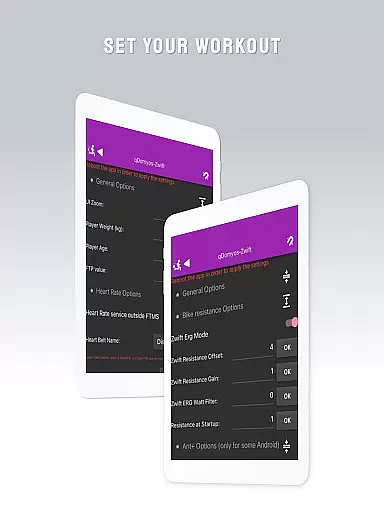
QZ is a versatile application designed to enhance your fitness equipment by enabling connectivity with Zwift and other platforms. This app breathes new life into machines from brands like Domyos, Echelon, Proform, Flywheel, Yesoul, and Toorx, allowing them to integrate seamlessly with virtual training environments. With QZ, users can enjoy automated resistance adjustments during workouts and benefit from features such as Strava Autopload.
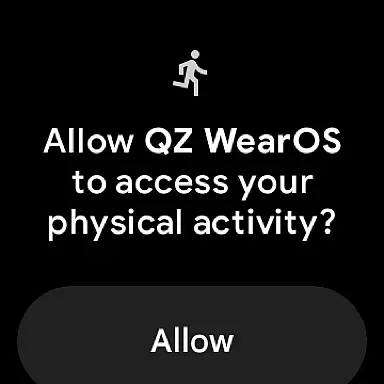
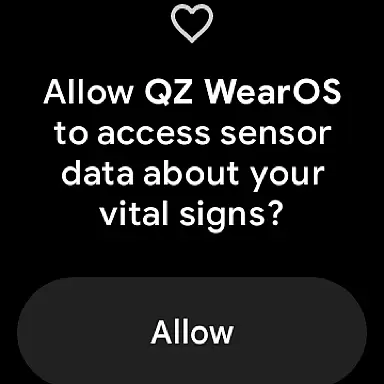
In addition to supporting a wide range of exercise devices, QZ also extends its compatibility to Wear OS. By downloading the companion app on a smartwatch, users can transmit heart rate data directly to the main QZ app, creating a comprehensive and interconnected fitness experience that enhances both convenience and performance tracking.
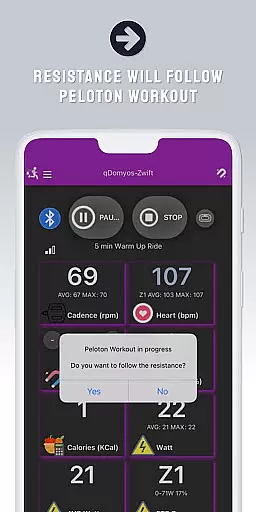
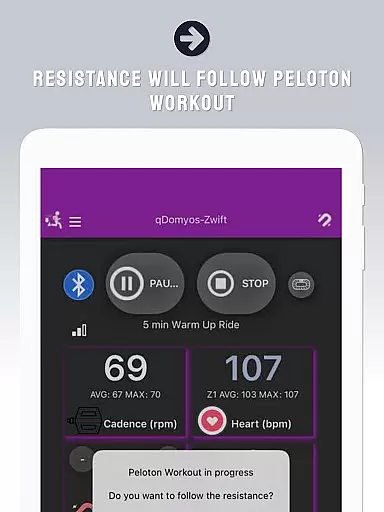
QZ stands out for its extensive compatibility with various fitness machines, including bikes, treadmills, and ellipticals from popular brands like Echelon, Domyos, and Proform. The app facilitates direct connection between these devices and platforms like Zwift, providing users with an uninterrupted workout experience. Notably, it supports auto-following workouts for Peloton users, automatically adjusting resistance levels based on the workout's demands.
Beyond equipment connectivity, QZ incorporates advanced features such as Wear OS support, enabling heart rate monitoring through a paired smartwatch. This functionality ensures accurate health tracking and enhances user engagement by offering real-time feedback during exercise sessions. Additionally, the inclusion of Strava Autopload allows athletes to effortlessly share their achievements online, promoting a connected and motivated fitness community.
Companion app integration is essential for users who want a seamless experience between their wearable devices and main applications. QZ (qdomyos-zwift) excels in this area by offering robust connectivity options.
The app allows you to connect your smartphone to treadmills or bikes, making them recognizable by zwift. This means that whether you're using a Domyos treadmill or an Echelon bike, QZ bridges the gap, ensuring all your workout data is synchronized and accessible.
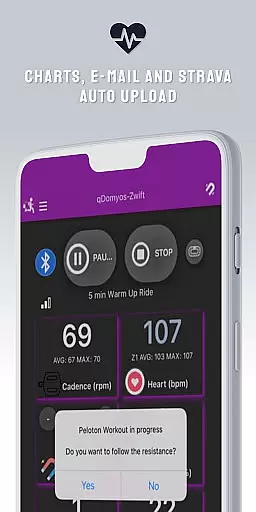
Additionally, QZ supports Strava Autopload, enhancing its compatibility with other fitness platforms. Users can enjoy automatic uploads of their workout data, streamlining their fitness tracking process.
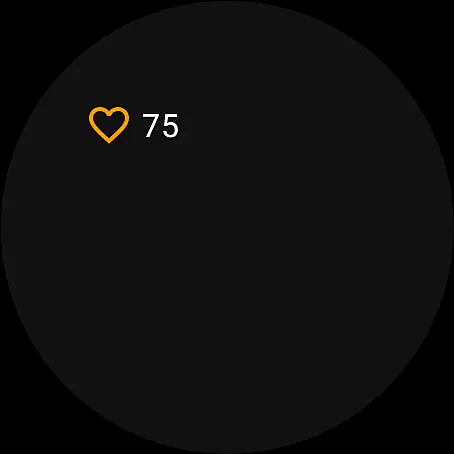
By integrating with Wear OS, QZ extends its functionality to smartwatches. Downloading the app on your watch not only reads your heart rate but also sends it to the main QZ app, providing a comprehensive view of your health metrics.
Device compatibility is crucial for ensuring that an application functions optimally across various devices. QZ (qdomyos-zwift) boasts extensive compatibility with numerous exercise machines and Wear OS devices.
QZ supports a wide range of equipment including all Echelon and Domyos bikes, treadmills, and elliptical machines. It also works seamlessly with Keiser M3i bikes without needing a converter and integrates effortlessly with Yesoul S1 and S3 models.
In addition to supporting major brands like Sportstech, Inspire, Schwinn, and Bowflex, QZ is compatible with Proform and Toorx equipment. The app even caters to Flywheel bikes through a calibration tool, ensuring precise performance metrics.
With its recent support for Wear OS, QZ now offers users the convenience of monitoring their heart rate directly from their smartwatches. This feature enhances user experience by providing real-time health data, making workouts more efficient and personalized.
User-friendly interface
Wide device compatibility
Auto resistance adjustment
Wear OS integration
Strava Autopload feature
Limited official endorsements
No iOS version available
Some features need confirmation
Additional sensor may be required
Dependent on third-party services

WTW M17 is a premium and luxurious hybrid watch face
 4.70
4.70
Watch the sharpness of the sky on your wrist..
3.70
Deck out your Wear OS Watch face with a beautifully decorated pine wreath!
4.50
Elegant animated Christmas tree with multiple customization options
4.20
Monitor health with the stress test and pulse checker in the heart rate app.
4.60
Retro digital watch face with customizable colors and a unique lighting effect
4.60
Daily Weather forecast with 15 weather images for Day & Night plus Big Bold time
4.10
Fast and smart typing with Emojis, GIFs, and more
4.50
Toyota app currently supports 2010 or newer vehicles (2018 or newer for Hawaii).
4.50
Period, ovulation & pregnancy tracker. Fertility insights & menstrual calendar.
4.90
Hyperlocal rain alerts by MyRadar using patent-pending technology, radar & more
4.80
Your second brain for organizing your life: to-do, calendar, reminder.
4.70
The most customizable hybrid watch face. For Wear OS 5.0, API 34+ and later
4.70
Gym & home workout plans with strength training, exercise tracking, HIIT & more.
4.60
Current temperature, weather hourly, weather radar by the weather forecast app
4.40
an Analog Watch Face for winter season with freeze winter background for Wear OS
4.1
3 Complications. All shadow on/off. 30 Themes color palette...
4.3
Fitness interactive virtual pet super fighter boy watch face
4.3
Minimalistic design modern digital watch face.
4.3


User Reviews