
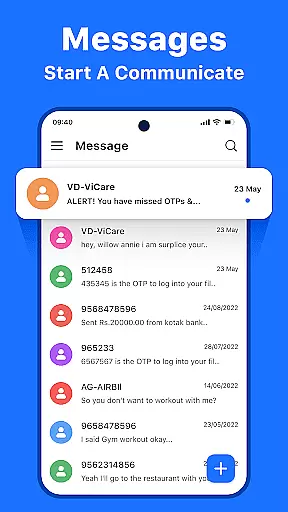



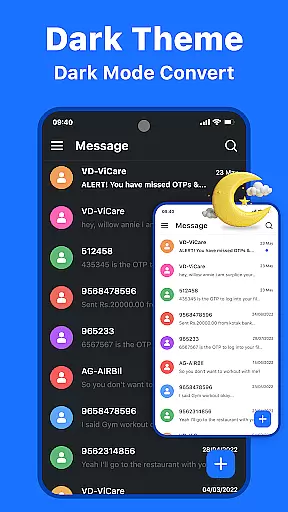
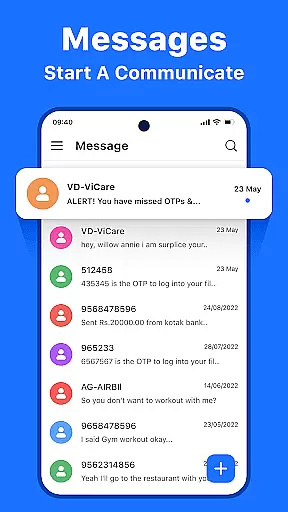



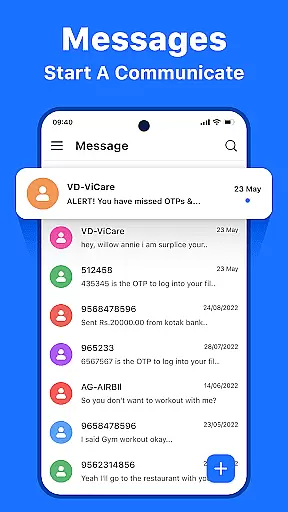



Messenger: Text Messages is a streamlined SMS communication app designed to simplify texting while maintaining reliability. The app offers a clutter-free experience with a modern interface, making it easy to manage daily conversations and important texts alike.
With features like offline access, customizable themes, and smart message management tools, the app ensures users can stay connected anytime, anywhere. Whether you're coordinating with colleagues or chatting with friends, Messenger: Text Messages delivers a seamless experience that prioritizes both functionality and user comfort.
This app stands out with its fast and reliable messaging capabilities, ensuring real-time notifications so you never miss an important text. The intuitive inbox view organizes all your messages in one accessible place, while advanced search functionality helps you quickly find specific contacts or conversations.
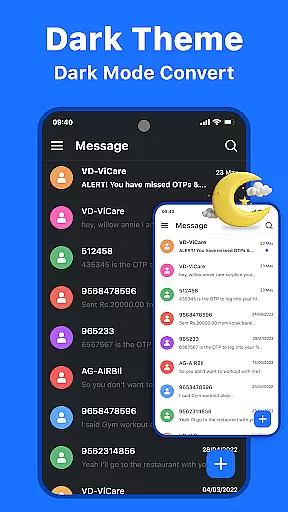
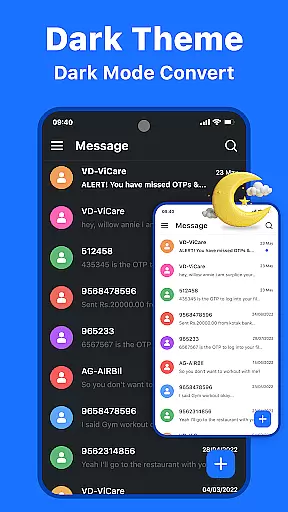
Users can personalize their experience through customizable themes, including dark and light modes, and take advantage of smart management tools to block spam, archive old conversations, and keep their inbox tidy. Enhanced privacy measures ensure your data remains secure, providing peace of mind while you communicate.
Real-time messaging speed and reliability are crucial for maintaining seamless communication in today's fast-paced world. Messenger: Text Messages excels in this area by ensuring that every text you send is delivered instantly, regardless of your location or network conditions.
The app employs advanced delivery protocols and optimized data transmission methods to guarantee that messages reach their destination without delay. This technical foundation ensures users can rely on the app for time-sensitive communications, such as urgent work updates or coordinating meetups with friends.
For users, this means never missing an important moment or conversation. Whether it's a critical business message or a casual chat with loved ones, the assurance of delivery speed provides peace of mind and enables more dynamic interactions.
This commitment to reliable, high-speed messaging sets Messenger: Text Messages apart from other communication apps, making it an essential tool for anyone who values prompt and dependable text communication.
Media sharing has become an integral part of modern communication, allowing users to express themselves beyond plain text. Messenger: Text Messages recognizes this need and offers robust support for various media formats, enhancing the overall messaging experience.
The app supports a wide range of file types, including images, videos, audio recordings, and documents. This versatility enables users to share precious moments through photos, convey complex ideas via video presentations, or collaborate on projects by exchanging important files.
What sets this app apart is its intelligent media compression technology, which maintains good quality while reducing file sizes for faster transmission. Additionally, the built-in media viewer allows recipients to preview shared content directly within the chat interface.
By combining comprehensive format compatibility with smart optimization features, Messenger: Text Messages creates a seamless environment for rich media communication, catering to both personal and professional sharing needs.
User-friendly interface
Offline access
Customizable themes
Smart message management
Reliable customer support
Limited advanced features
No end-to-end encryption
Occasional bugs
Ads in free version
Few language options

Enjoy secure messaging & calling. Safe Messenger: group chats, calls, messages.
 4.20
4.20
Manage BoostMobile Account
4.60
Block spam calls & scam - no more annoying calls with the call blocker function
4.30
Call Blocker app: Identify unknown callers, block spam calls, fraud & robocalls
4.30
Fun, free app that lets kids video call and message family and close friends.
3.80
Watchgram for Telegram: Experience seamless Telegram messaging on your watch
1.80
RemoteHams.com Android RCForb Client Pre-Release
4.30
Enhance browsing with AI-powered features and Copilot.
4.70
Telegram is a messaging app with a focus on speed and security.
4.00
A browser that does more than load page, like keeping your privacy safe.
4.70
Build your web browser around you with private search, and more.
4.60
Caller ID App! Add names & photos to unknown calls & Call Recording
4.40
HD Video Meeting app is a fast & unlimited video conferencing app across world.
4.30
Messages: Fast, simple SMS app with scheduling and smart features.
4.00
Message and video call your family and friends in HD!
3.80
Pure modern IRC experience for Android
3.70
Weargram is an unofficial Telegram Client for Wear OS.
3.50
Fast, Simple And Secure Application That Provides SMBv3 Server On Your Device
3.30
Chat on the Jabber network (XMPP protocol); support for SMS and other gateways
2.10


User Reviews