

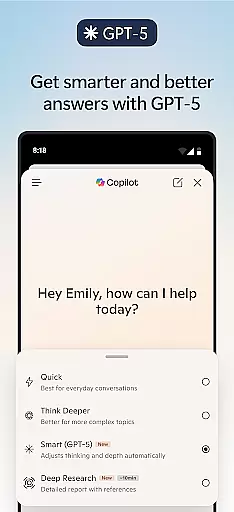
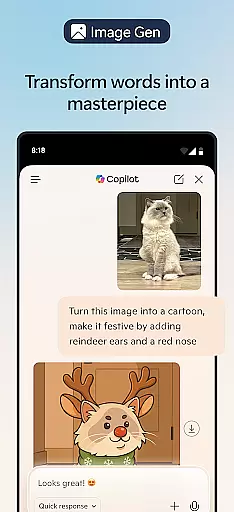
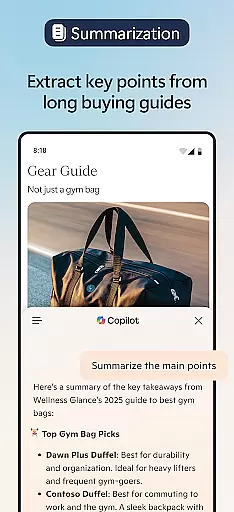


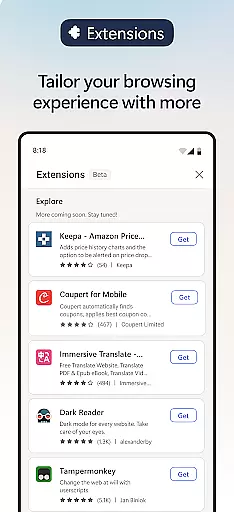
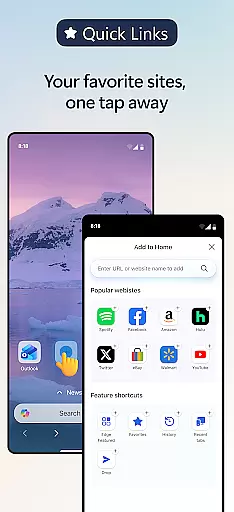
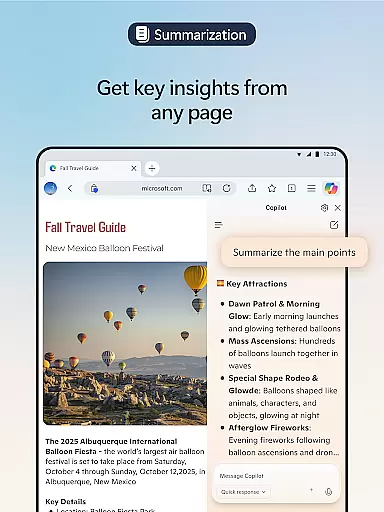
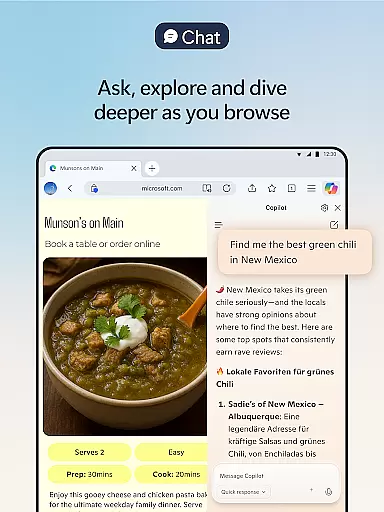
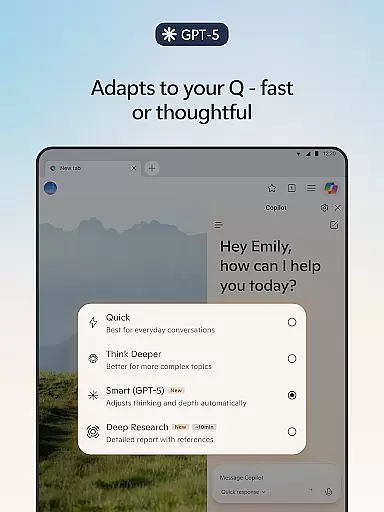
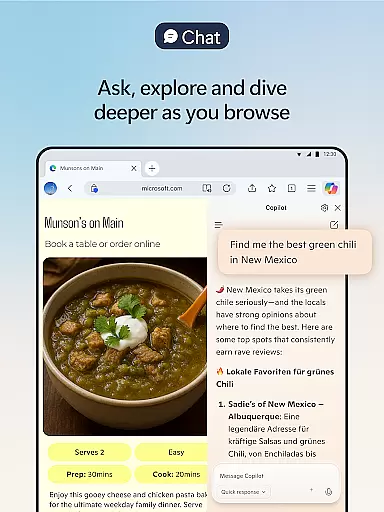

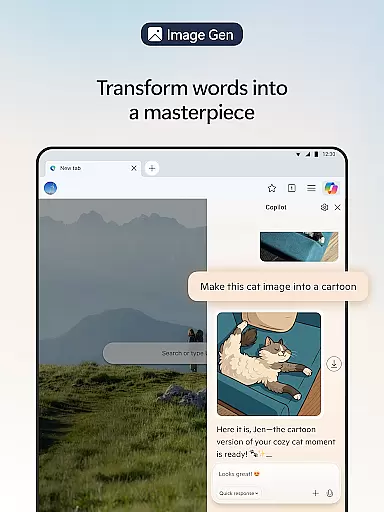
Microsoft Edge is a cutting-edge AI-powered web browser that integrates Copilot, your personal AI assistant, to revolutionize the browsing experience. With advanced capabilities powered by GPT-5, Copilot helps users summarize content, answer queries, and even generate images, making browsing smarter and more efficient.
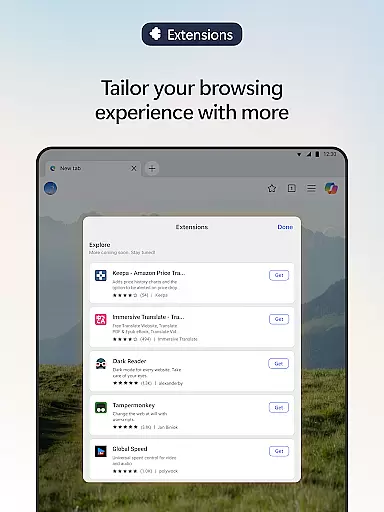
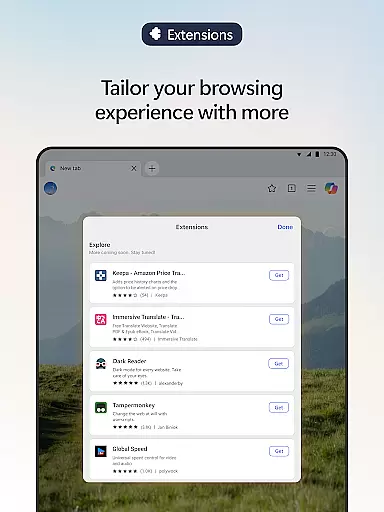
This browser is designed for productivity and creativity, offering features like AI-driven content summarization, multi-language translation, and voice interaction. Users can personalize their experience with extensions such as cookie management, speed controls, and theme customization. Whether you're working on research or managing daily tasks, Microsoft Edge provides an all-in-one solution.
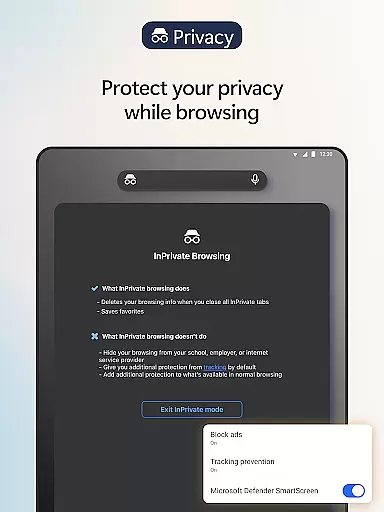
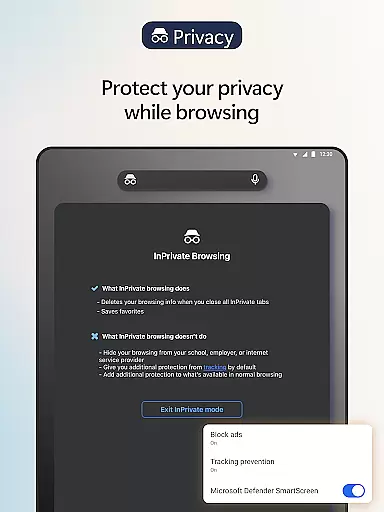
Security and privacy are at the core of Microsoft Edge. Features like tracking prevention, InPrivate browsing, and Microsoft Defender SmartScreen ensure a safer online experience. Suitable for both casual users and professionals, this browser combines speed, security, and AI innovation into one powerful tool.
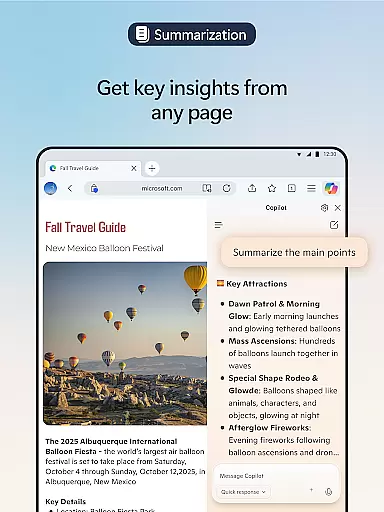
Microsoft Edge stands out with its robust integration of AI technologies. Copilot, the built-in AI assistant, transforms how users interact with content by providing summarized insights from articles, PDFs, and videos in seconds. The visual search feature allows users to upload images and receive contextual information or creative inspiration.
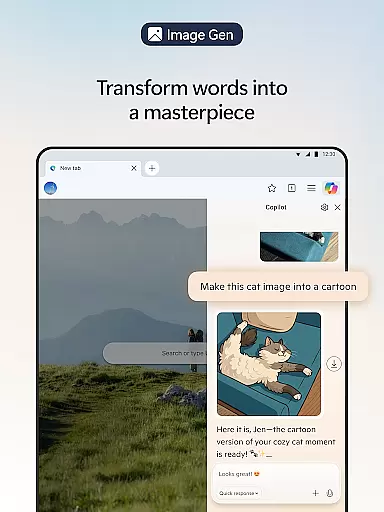
The browser also supports hands-free operation through voice commands, enabling users to brainstorm ideas, write stories, or create scripts effortlessly. Its AI-powered writing assistant, Copilot, refines drafts and translates content across multiple languages, ensuring global accessibility. Additionally, the image generation feature lets users describe concepts that the AI brings to life visually.
Enhancements extend to usability with tools like Read Aloud, which improves comprehension by reading content aloud in natural voices. Extensions further customize the browsing experience while safety features such as Tracking Prevention, AdBlock Plus, and password monitoring protect user data. These innovations make Microsoft Edge a versatile and secure choice for modern web browsing.
Real-time messaging speed and reliability are crucial for a seamless communication experience. Microsoft Edge, with its built-in Copilot AI assistant, ensures that your interactions are both swift and dependable.
The integration of advanced AI models from OpenAI and Microsoft allows Copilot to deliver rapid responses while maintaining the depth of thought required for complex tasks. This means you can expect quick answers to queries about content you're browsing, as well as efficient summarization of lengthy articles and videos.
With GPT-5, the latest in AI technology, Microsoft Edge is equipped to handle tasks with unprecedented speed and intelligence. Whether you're looking to get instant insights or engage in hands-free brainstorming sessions using voice commands, the response time is optimized to enhance productivity without compromising on quality.
Moreover, by personalizing your browsing experience with extensions such as cookie management and ad-blocking features, Edge ensures that nothing slows down your real-time messaging capabilities. This combination of cutting-edge AI assistance and customizable security tools makes Microsoft Edge a reliable choice for fast, secure, and uninterrupted communication.
Media sharing support is an essential feature for users who need to exchange files quickly and efficiently. Microsoft Edge enhances this capability by integrating powerful AI-driven functionalities that streamline media sharing across different platforms.
Copilot, the AI assistant within Microsoft Edge, facilitates not only text-based interactions but also supports rich media exchanges. Users can upload images to search for similar visuals or gain insights, effectively turning visual content into a dynamic tool for inspiration and research.
In addition to traditional file types, Microsoft Edge's Read Aloud function allows users to listen to web content in various natural-sounding voices and accents. This feature transforms how we interact with online material, making it accessible even when multitasking or improving reading comprehension in another language.
Furthermore, with tracking prevention, private browsing modes, and protection against phishing attacks through Microsoft Defender SmartScreen, users can share media confidently knowing their privacy is safeguarded. These comprehensive security measures ensure that while you enjoy enhanced media sharing capabilities, your personal data remains protected from unwanted intrusions.
AI-powered browsing
Advanced security tools
Voice command support
Customizable extensions
Multi-language support
Resource-intensive
Limited offline use
Requires learning curve
Occasional bugs
Premium feel but free

Pure modern IRC experience for Android
 3.70
3.70
Use this Dialer app alone or as a TREK: Total Interface companion.
4.70
WazzapMigrator: transfer your WhatsApp history from iPhone to Android
4.00
Quickly and easily identify and block unknown callers
3.70
Chat on the Jabber network (XMPP protocol); support for SMS and other gateways
2.10
Caller ID App! Add names & photos to unknown calls & Call Recording
4.40
Watchgram for Telegram: Experience seamless Telegram messaging on your watch
1.80
Bringing the functionality of Winlink to your Android device
4.2
Manage your mobile phone plan, check unlimited 5g data usage and track rewards
4.50
A browser that does more than load page, like keeping your privacy safe.
4.70
Manage your data, talk & text - affordable phone plans & data usage made simple
4.30
HD Video Meeting app is a fast & unlimited video conferencing app across world.
4.30
RemoteHams.com Android RCForb Client Pre-Release
4.30
Use this SMS app standalone or as a TREK: Total Interface companion.
4.30
Chill zone on your phone: relax with fun reels & hype shorts!
4.20
SMS Messenger is a lightning-fast messaging app.
4.20
Messages: Fast, simple SMS app with scheduling and smart features.
4.00
Fast Dialer & Contact Manager with Caller ID and Spam Protection
4.00
Official NDI app: turn your phone into a professional live-streaming IP camera.
3.20


User Reviews