
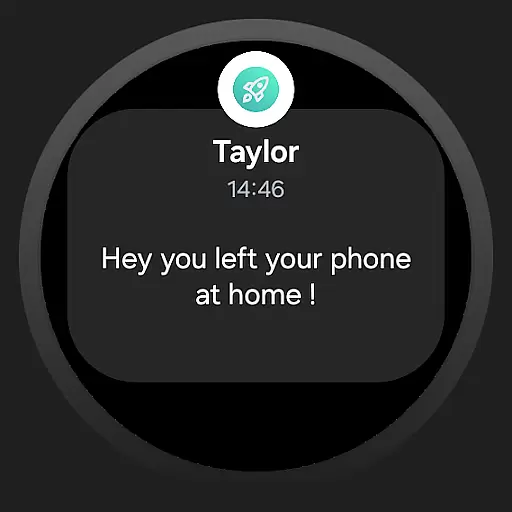
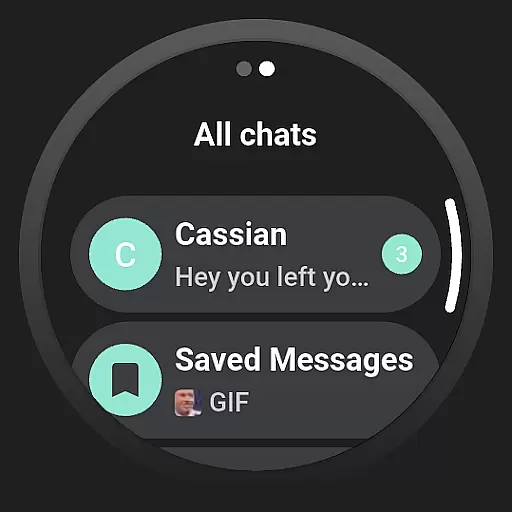
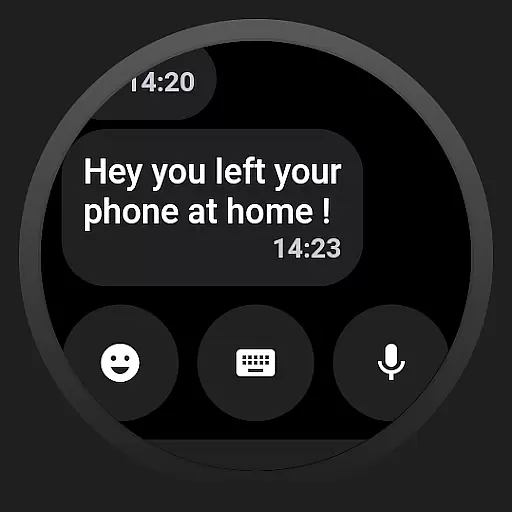
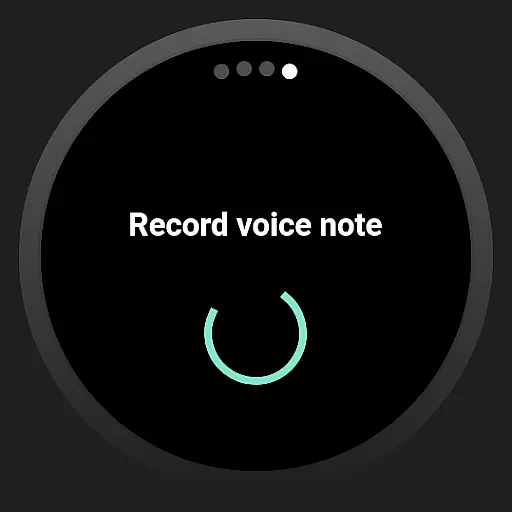
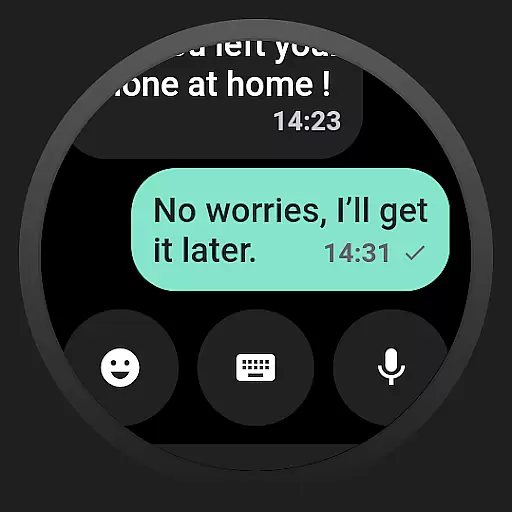
Watchgram for Telegram is a powerful communication app that brings the complete Telegram messaging experience to your smartwatch. Designed for seamless interaction, it allows users to receive real-time notifications, read messages, and respond directly from their wrist. This eliminates the need to carry a phone constantly, making communication more convenient than ever. Whether you're working out, commuting, or simply away from your device, Watchgram ensures you stay connected.
The app features an intuitive interface optimized for smartwatch screens, ensuring smooth navigation through chats and easy message composition. With support for both voice and text input, replying to messages is quick and effortless. Additionally, Watchgram leverages Telegram's robust end-to-end encryption protocols, guaranteeing the privacy and security of your conversations. Its lightweight design ensures optimal performance without draining your smartwatch's battery.
Watchgram is particularly useful for individuals seeking enhanced productivity and connectivity. By allowing users to manage their communications efficiently without interrupting daily activities, it transforms how people interact with their digital environment. The app is ideal for busy professionals, fitness enthusiasts, and anyone who values staying in touch while on the move.
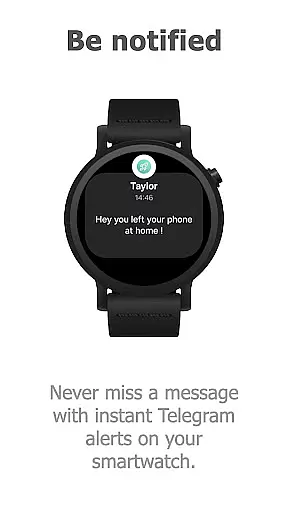
Watchgram for Telegram stands out with its comprehensive feature set tailored specifically for smartwatch users. One of its core strengths is the ability to deliver real-time notifications, ensuring users never miss an important message. These alerts are instantaneous and synced directly with the Telegram platform, providing a reliable communication channel right on your wrist.
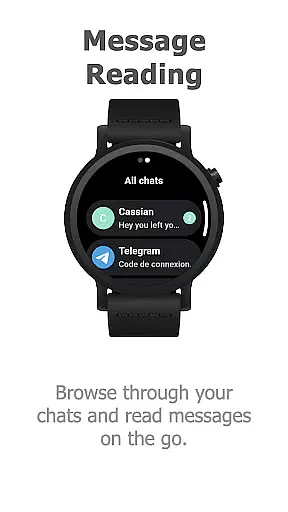
In addition to notifications, Watchgram enables users to read full chat histories directly from their smartwatch. This functionality is complemented by quick reply options, which include both voice and text input methods. Such versatility ensures that users can respond to messages in the most convenient way possible, whether they're in a meeting or jogging outdoors. Furthermore, the app's secure messaging system utilizes Telegram’s end-to-end encryption, safeguarding private conversations against unauthorized access.
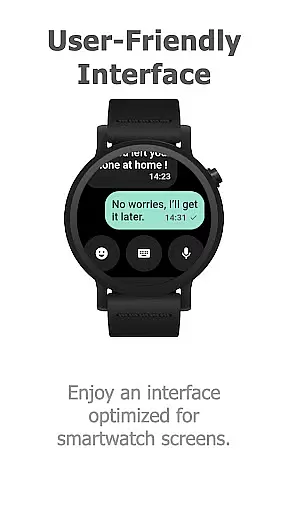
Another notable feature is the app's user-friendly interface, meticulously designed for small screens. Navigation is smooth, and interactions feel natural, even on devices with limited display space. The setup process is equally straightforward, requiring minimal steps to synchronize with your Telegram account. As an open-source project under the GNU General Public License v3.0, Watchgram also offers transparency and flexibility, allowing developers to contribute to its ongoing improvement.
Real-time messaging speed and reliability are crucial for maintaining seamless communication in any messaging app. Watchgram for Telegram ensures that you receive instant notifications on your smartwatch, allowing you to stay connected without delay.
The app is optimized for performance, ensuring smooth operation even on smaller Wear OS devices. This optimization guarantees that messages are delivered promptly, making it ideal for situations when your phone is not within reach.
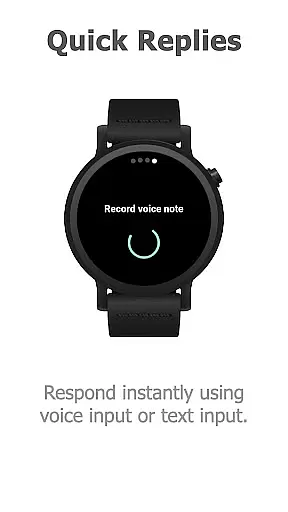
With its quick reply feature, users can respond instantly using either voice or text input directly from their wrist. This functionality enhances productivity by enabling efficient management of communications without interrupting daily activities.
By leveraging Telegram's robust infrastructure, Watchgram ensures secure and reliable message delivery. Users benefit from end-to-end encryption for private conversations, maintaining privacy while enjoying the convenience of smartwatch-based messaging.
Media sharing support is an essential feature for modern communication apps, allowing users to share various types of content effortlessly. Watchgram for Telegram enables media sharing directly from your smartwatch, enhancing connectivity with friends, family, and colleagues.
While primarily designed for text-based communication, Watchgram does not compromise on multimedia capabilities. It supports sending photos and other media formats, ensuring comprehensive interaction options remain available at your fingertipsu2014or rather, your wrist.
The user-friendly interface of Watchgram is tailored for optimal navigation on smartwatch screens. Despite the limited display size, browsing through chats and accessing media-sharing features remains intuitive and straightforward.
As an independent application built upon Telegramu2019s platform, Watchgram adheres to high standards of security protocols. This ensures that all shared media content remains confidential and protected during transmission across devices.
Real-time alerts
Lightweight design
Secure messaging
Quick replies
Open-source code
Limited to Wear OS
No phone-free mode
Requires Telegram
Battery intensive
Small screen UI

Secure Messaging App to Enhance Messenger Texting Experience and Organize SMS.
 3.50
3.50
Connect and browse the internet with a fast VPN proxy server and IP blocker.
4.50
This app enables the phone to receive and send FT8 traffic!
3.80
Messages is Private SMS Messenger 2023 with text message, instant messaging.
4.00
Caller ID App! Add names & photos to unknown calls & Call Recording
4.40
HD Video Meeting app is a fast & unlimited video conferencing app across world.
4.30
An app dedicated solely to marriage, not dating, and supported by a rigorous verification mechanism to ensure seriousness.
4.5
A softphone app with seamless SIP calling and an intuitive VoIP dialer
3.50
Simple tool for businesses to talk to their customers.
4.40
Messenger for SMS - texting message app, faster, simpler & safer, for you.
4.70
Say “hello” to privacy.
4.60
An agentic AI browser for Android, built by Perplexity
4.50
Fast and mini browser with Ad Blocker,Video Downloader and Video Player
4.40
Manage your data, talk & text - affordable phone plans & data usage made simple
4.30
Call Blocker app: Identify unknown callers, block spam calls, fraud & robocalls
4.30
Enjoy secure messaging & calling. Safe Messenger: group chats, calls, messages.
4.20
BE PRIVATE
Anonymous. No Trace. Fast.
4.20
Share the moment!
4.10
Radio communication simulator for gaming communities
4.3


User Reviews