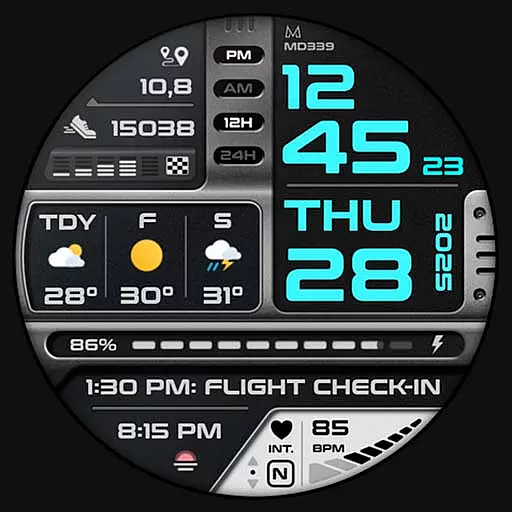
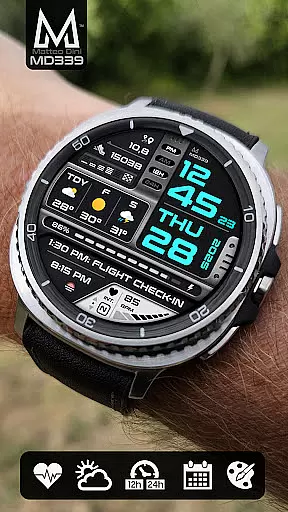
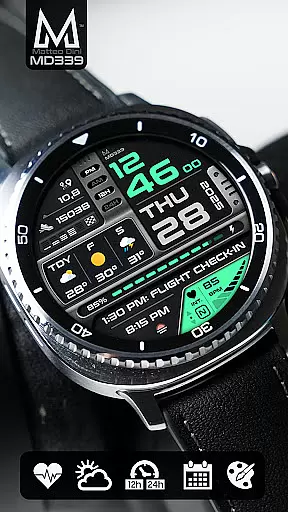
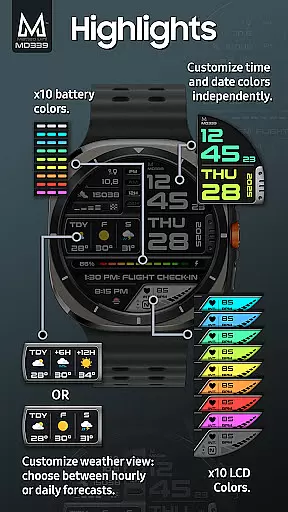
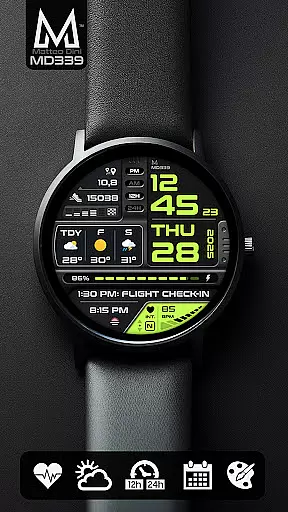
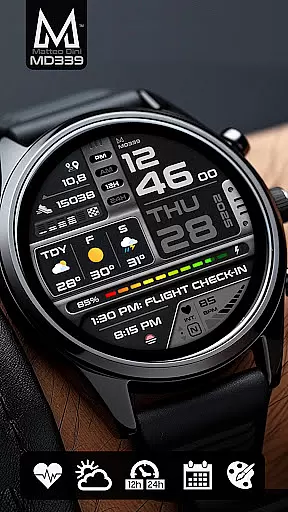
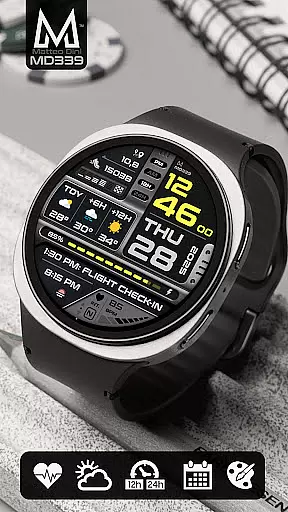
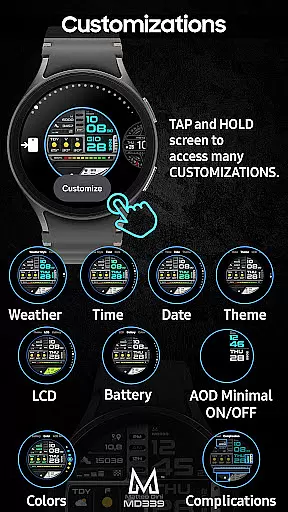
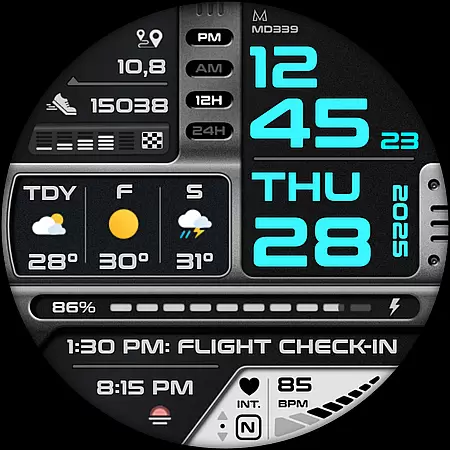
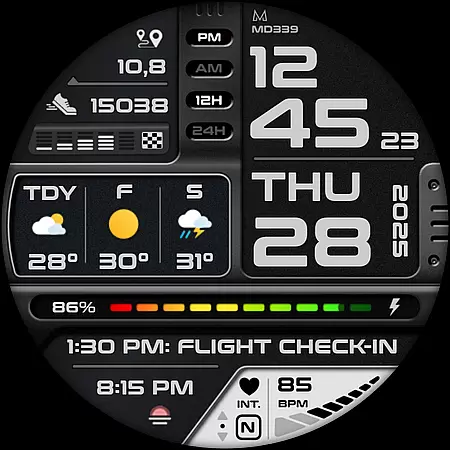
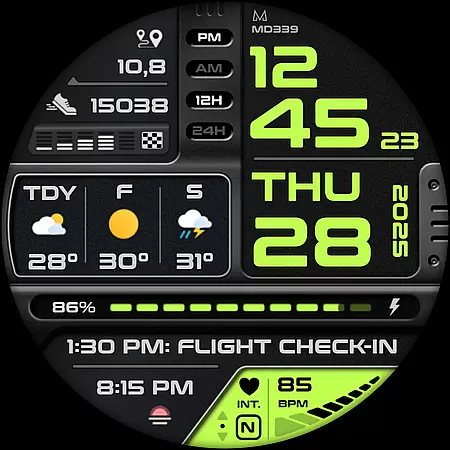
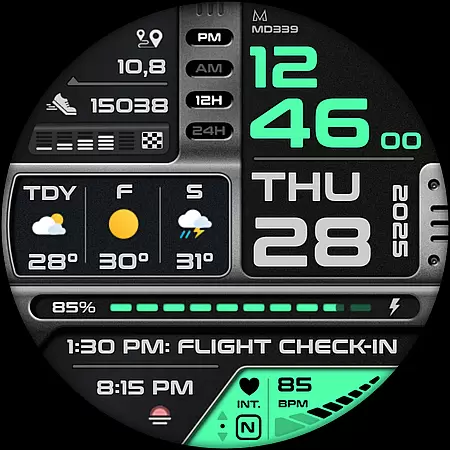
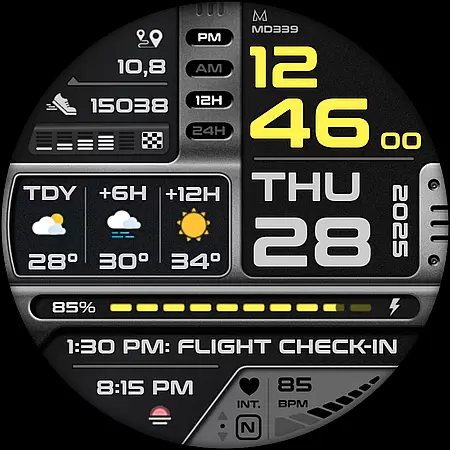
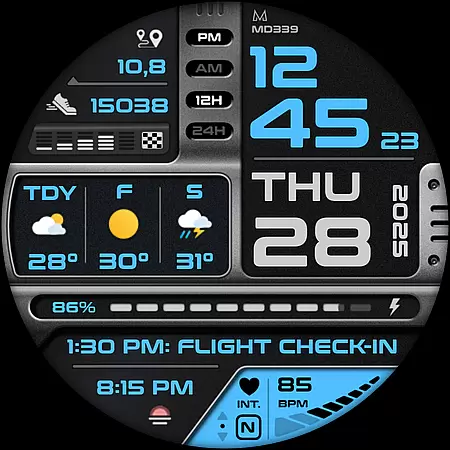
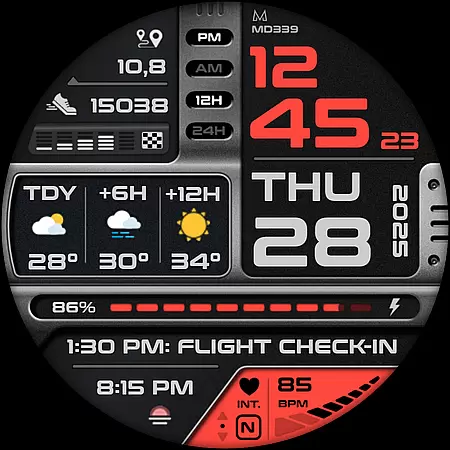
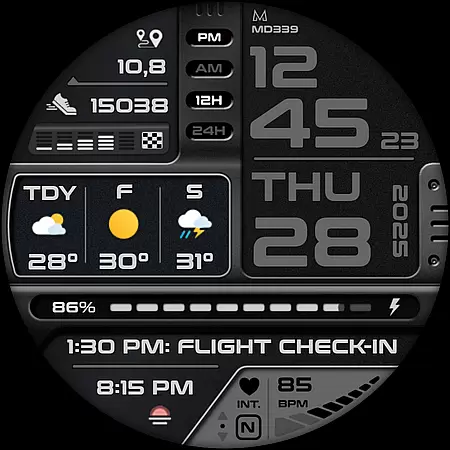
Companion app integration is essential for a seamless wearable experience. The MD339 Digital watch face ensures that your smartwatch and smartphone work in harmony, providing users with an interconnected system that maximizes both devices' capabilities.
This advanced watch face adheres to the latest format required by Google Play, ensuring compatibility and synchronization with your phone settings such as time format, weather data, and more. By syncing these preferences, it delivers a consistent user experience across devices.
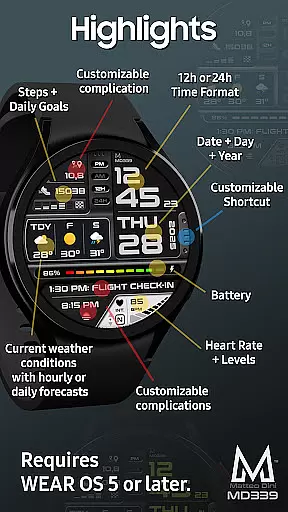
Users benefit from features like heart rate monitoring, step tracking, and customizable complications that display preferred data on both their Wear OS device and paired smartphone. This integration allows for real-time updates and effortless management of personal metrics.
The ability to customize shortcuts and complications through the companion app adds another layer of personalization. Whether you want quick access to calendar events or need weather forecasts at a glance, this integration empowers users to tailor their digital experience according to their lifestyle needs.
Ensuring broad device compatibility is crucial for any Wear OS application. The MD339 Digital watch face supports all Wear OS devices with API Level 34+ (Wear OS 5 and later versions), including popular models like Samsung Galaxy Watch 4-8, Ultra, and Pixel Watch.
This wide-ranging support means that whether you own a Samsung or another brand's smartwatch, you can enjoy the advanced features of this digital watch face without worrying about hardware limitations. It leverages the latest advancements in Wear OS technology to deliver a smooth user experience.
However, it's important to note that older models such as Galaxy Watch 4 or 5 may encounter customization issues due to less recent hardware. For optimal performance, newer devices are recommended where full functionalityu2014including customizable complications and always-on display modesu2014can be experienced without hindrance.
By focusing on compatibility with current standards while acknowledging potential constraints on legacy devices, MD339 offers an inclusive yet forward-thinking solution for tech-savvy individuals seeking cutting-edge wearable technology.

Christmas - Festive - Christmas Village - Winter - Christmas lights
 5.00
5.00
Rose gold watch face with festive lights & customizable features.
4.60
Bold, Modern Hybrid Watch Face for Wear OS. 10 Colors, Rich Info Display.
4.30
Locate your family members by GPS phone location tracker everywhere and anytime
4.30
Funny animated watch face for Thanksgiving
4.2
Minimalistic design modern digital watch face.
4.3
Stylish, Energizing and Modern Watch Face crafted by Dominus Mathias.
4.50
Fitbit is dedicated to helping people lead healthier, more active lives.
4.10
Start and succeed with PAP
4.10
Digital, flexibly customizable watch face. For Wear OS 5.0, API 34+ and later.
5.00
A modern premium sporty hybrid watch face for Wear OS by Ballozi
4.70
Elegant animated Christmas tree with multiple customization options
4.20
Animated video-game inspired “secret agent” simulation, right on your wrist!
4.20
Watch face designed for Thanksgiving Day. 7 Background Styles included.
3.20
an Analog Watch Face for winter season with freeze winter background for Wear OS
4.0
Wear Os Watch Face - Animated Snow - Sesonal for Christmas & Winter
4.5
Stunning modern digital watch face with 7 complications and strong contrast
4.1
Sleek, highly customizable watch face inspired by Galaxy Watch Circle Dashboard.
4.3
Fitness interactive virtual pet super fighter boy watch face
4.1


User Reviews